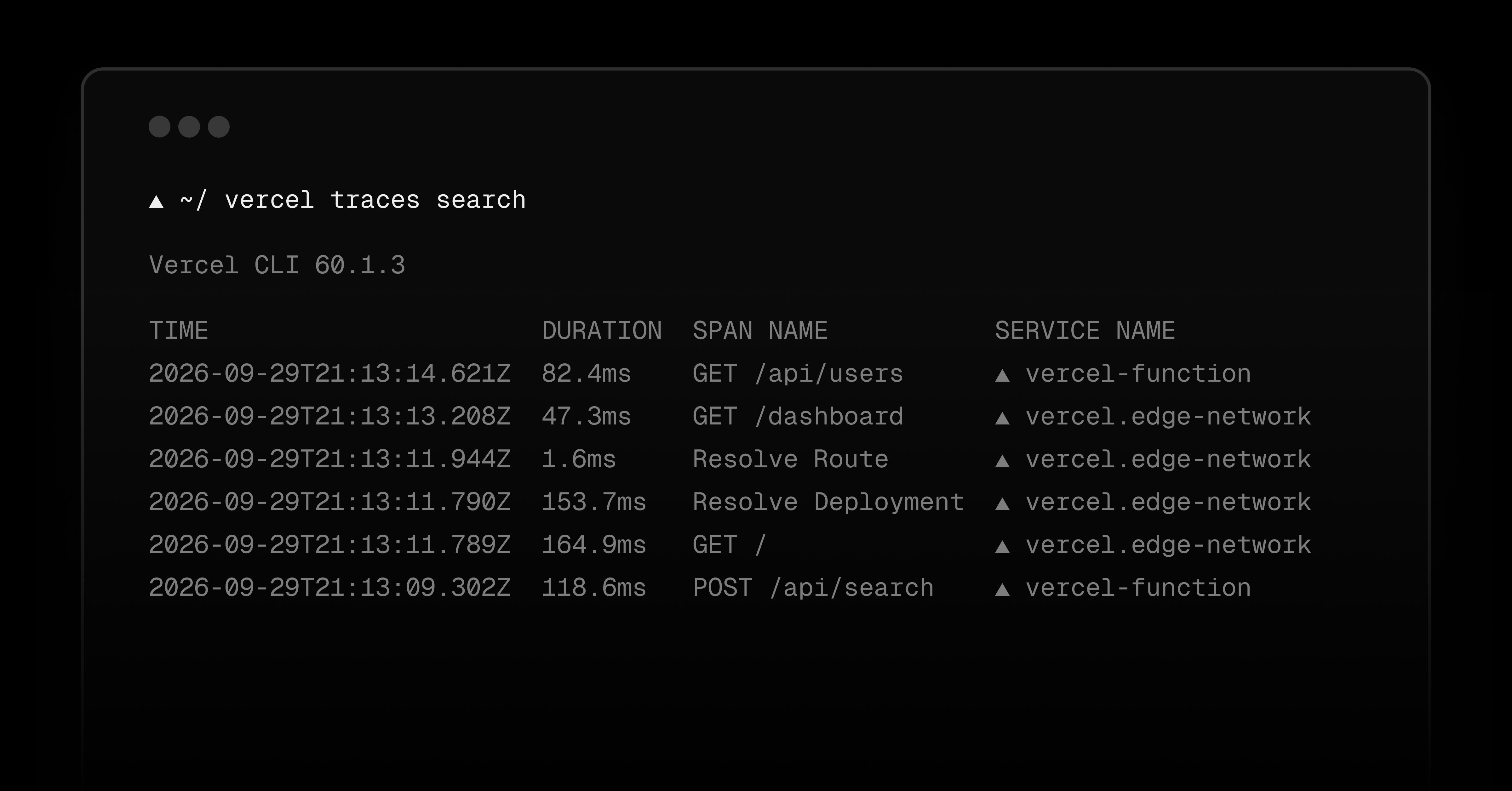
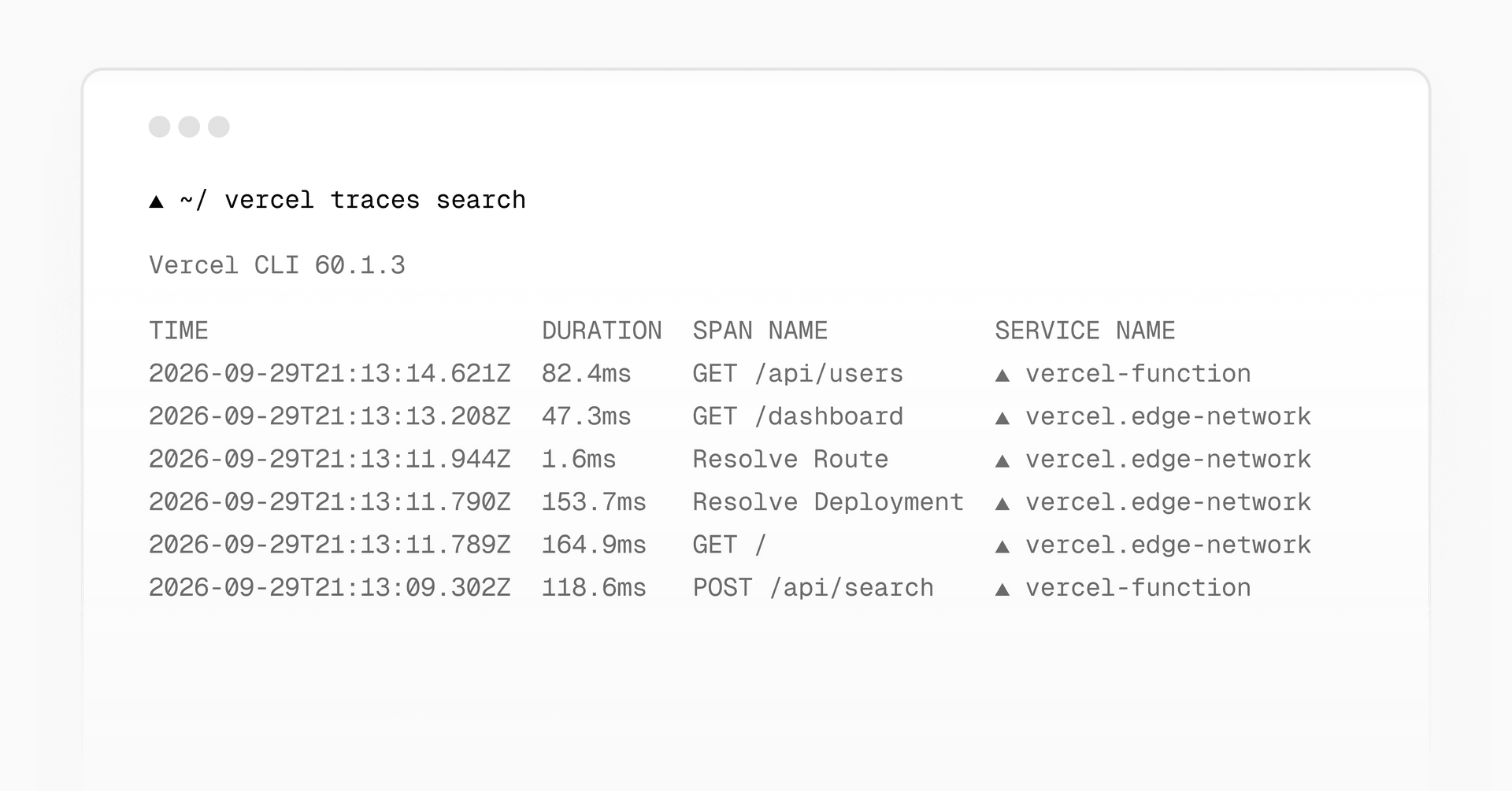
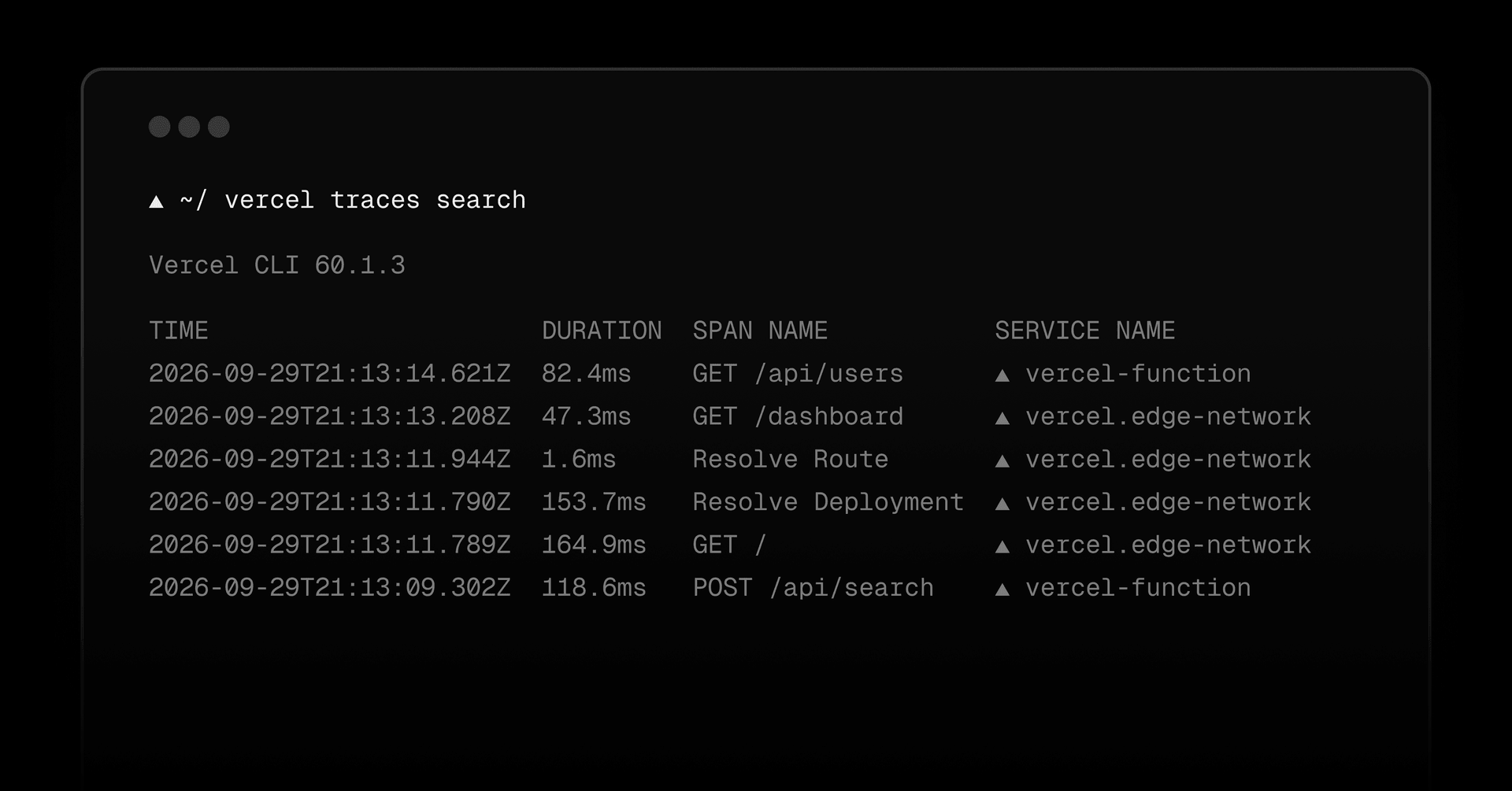
You and your coding agents can now search a project’s trace spans from the terminal with vercel traces search .
Each span represents one step in a request, helping you investigate errors, latency, and security-related behavior without opening the dashboard.
By default, vercel traces search returns up to 100 spans from the last hour, newest first, so you can search without first finding a request or trace ID. Filter results by environment, service, span name, status, deployment ID, request ID, trace ID, or span ID, or narrow the time range with --since and --until :
# error spans from the last hour
vercel traces search --status error --since 1h
# every span in one trace
vercel traces search --trace-id 4bf92f3577b34da6a3ce929d0e0e4736
Find recent errors or inspect every span in a trace.
For filters without a dedicated option, use --query with Vercel's supported subset of Kibana Query Langugage (KQL) .…