The AI briefing for Developers
Stay up to date with AI tools, model releases, and developer workflows that matter.
Weekly. Free. One click to leave.
How to Fix a CORS Error
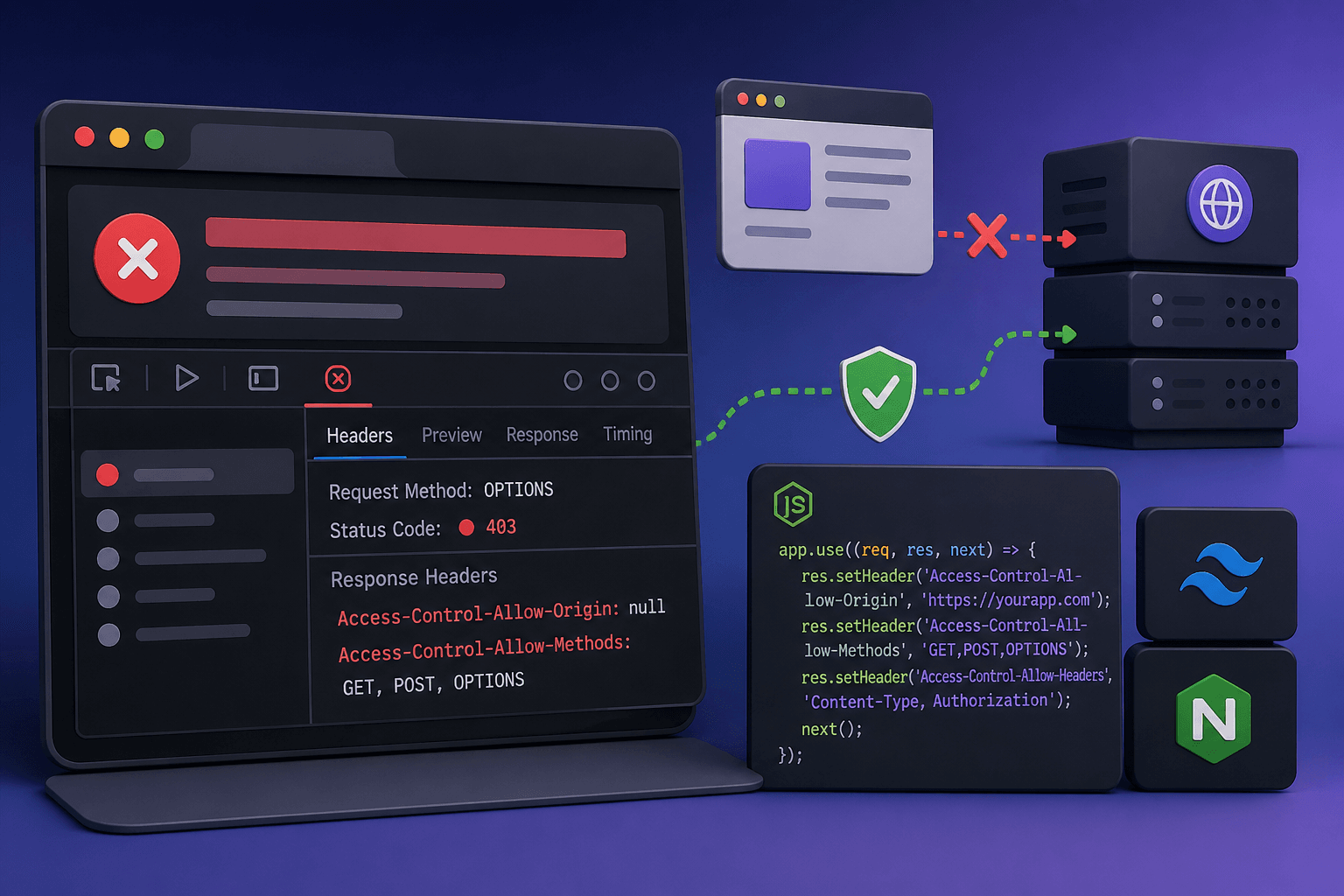
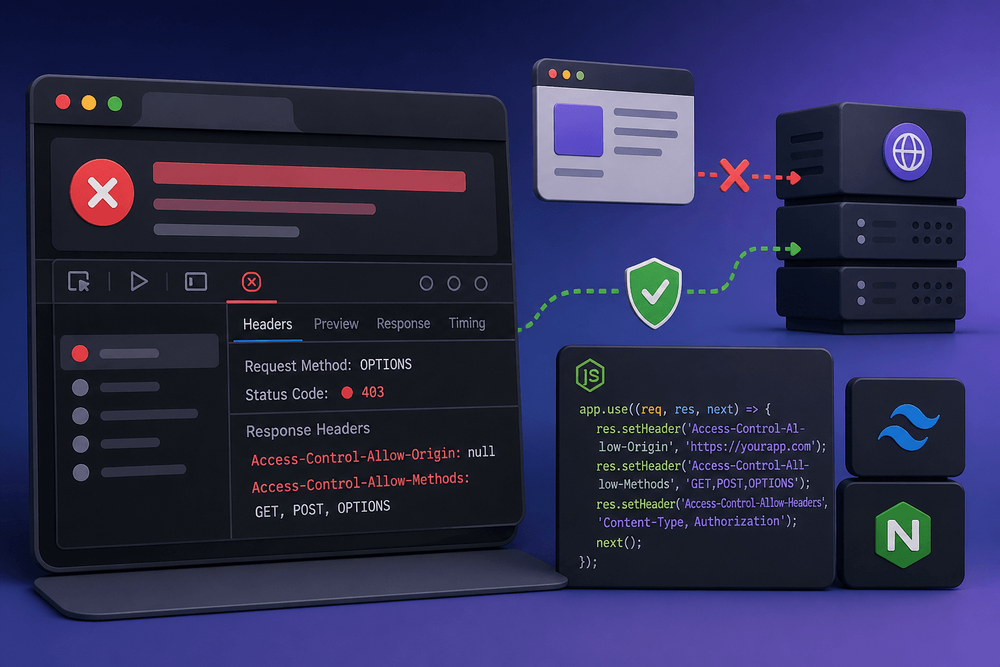
Read the full error message in the browser console to identify the specific CORS variant (missing header, preflight failure, redirect, or credential conflict).
Simulate the preflight request using curl -i -X OPTIONS with the appropriate Origin and Access-Control-Request-* headers to confirm what the server returns.
Match the error to its root cause using the diagnostic decision tree: missing headers, unhandled OPTIONS, redirect interception, or wildcard-with-credentials.
Proxy API requests through your dev server (e.g., Vite proxy) during development to eliminate cross-origin issues locally.
Configure server-side CORS headers (Express cors middleware, Next.js route handler, or Nginx map directive) with an explicit origin allowlist.
Set Vary: Origin , Access-Control-Allow-Credentials , and Access-Control-Max-Age to ensure correct…