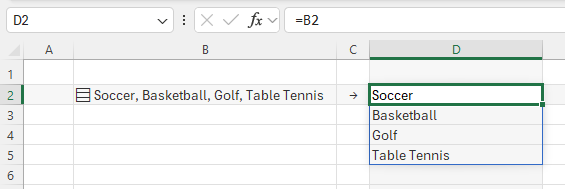
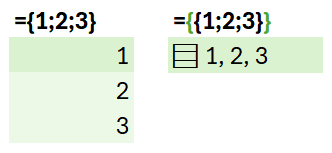
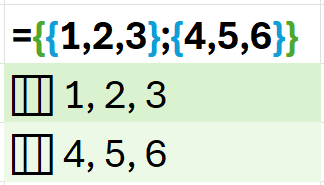
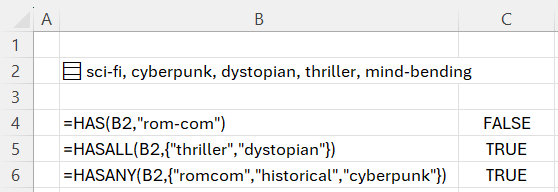
Throughout Excel's 40-year history, you've only been able to put one value per cell. In this announcement, we're excited to share how that's changing with the release of lists, arrays in cells, and nested arrays, initially to Microsoft Excel for Windows and Mac Beta Channels.
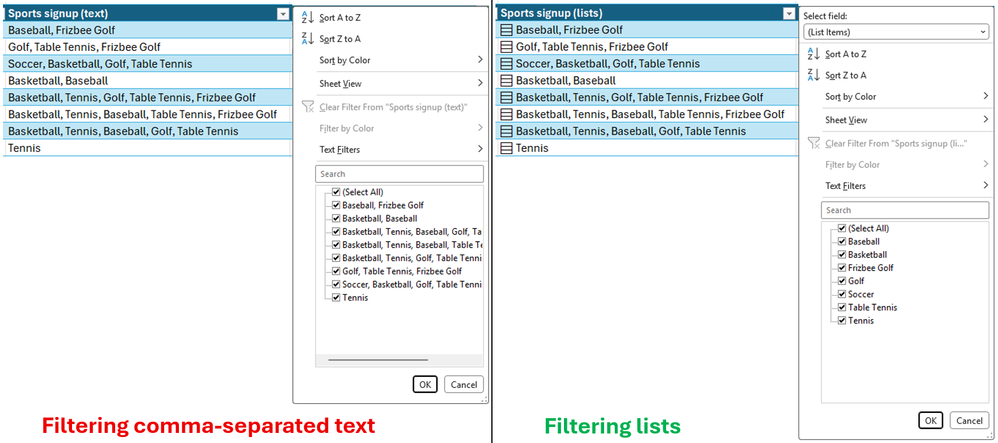
Many workbooks already try to pack multiple values into one cell. A project might list "Carlos, Henrietta, Jacob" as three owners, or a Forms survey might return "2:00 PM; 2:30 PM; 3:00 PM" as one response. With lists, you can keep those values in one cell, while also keeping them separate for filtering, calculation and more.
Later in this post, we'll explore arrays in cells and nested arrays in more depth.
NOTE: These are preview features. Their behavior may change before general release based on your feedback. We don't recommend using them in important workbooks until they're generally available.
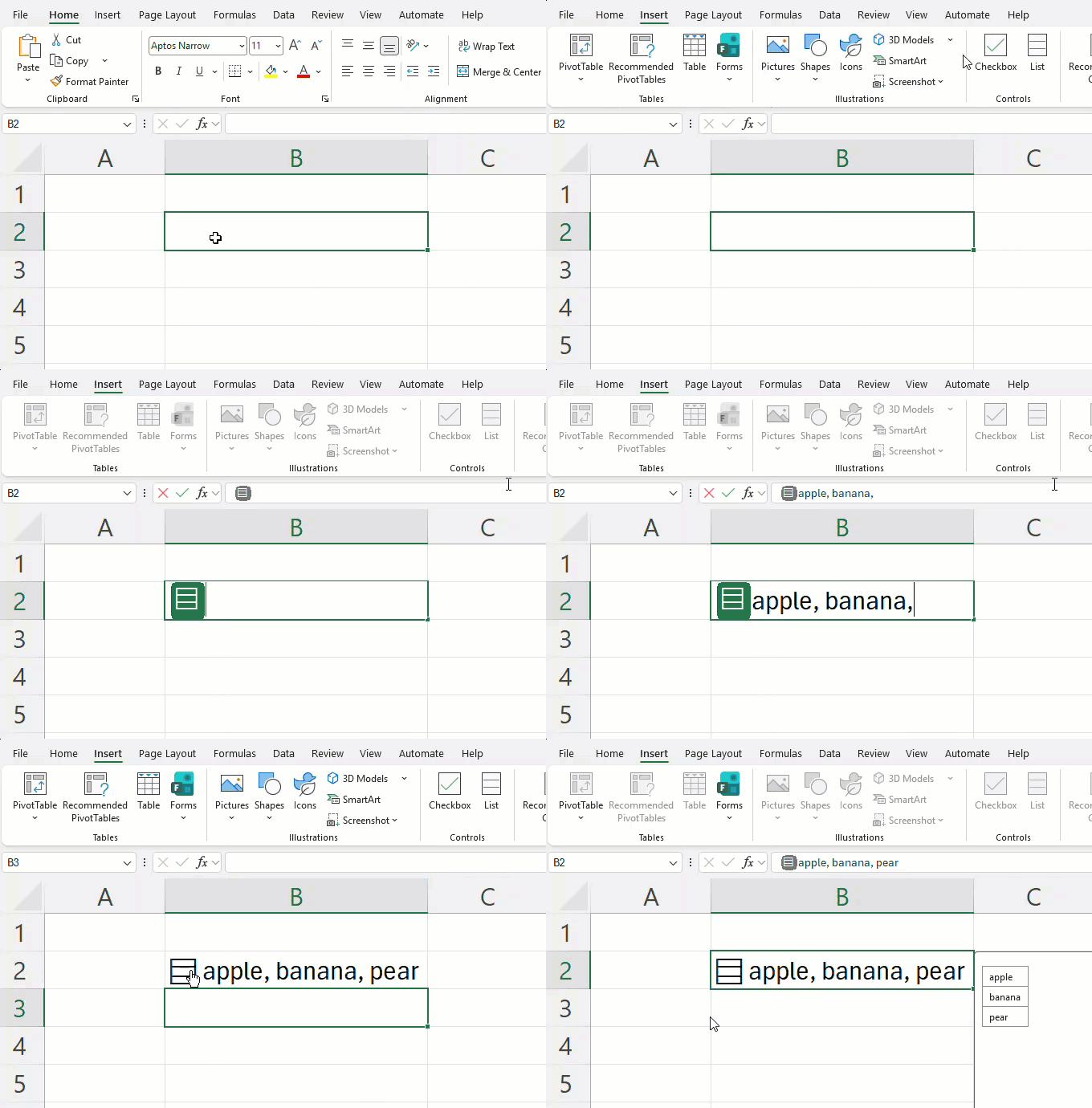
Lists let you put multiple values into one cell.…