(Image credit: Tom's Hardware)
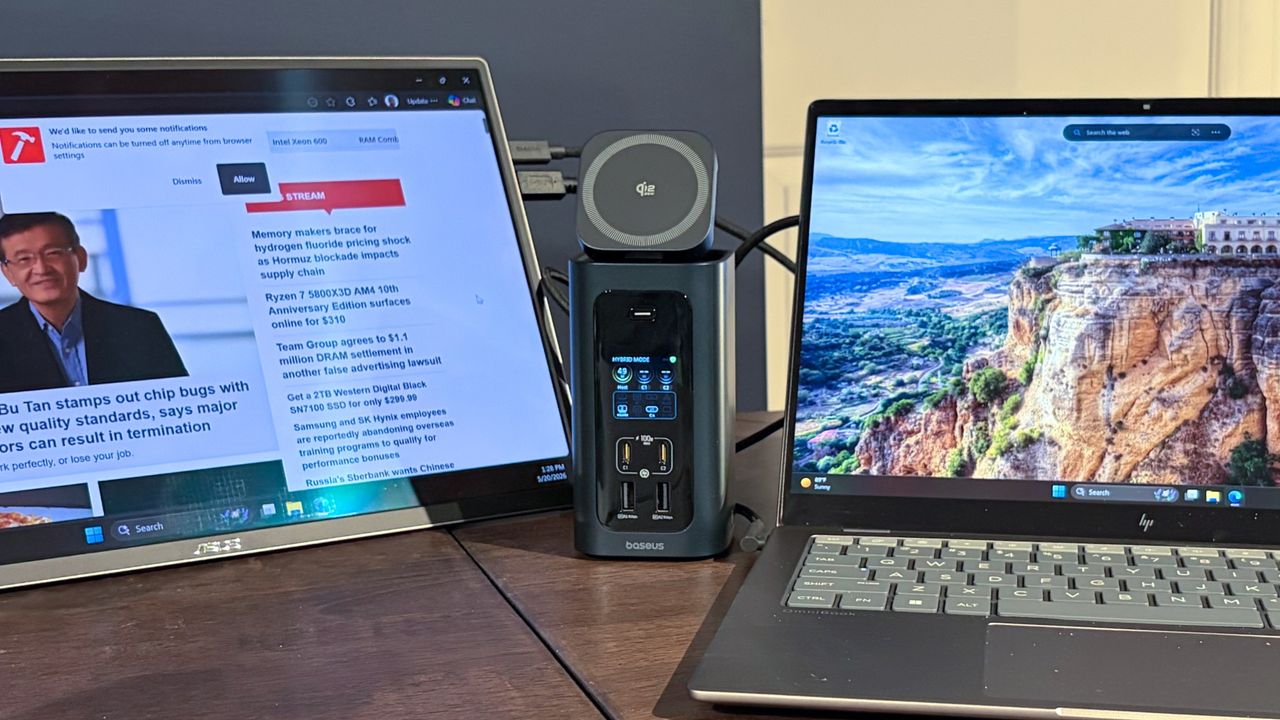
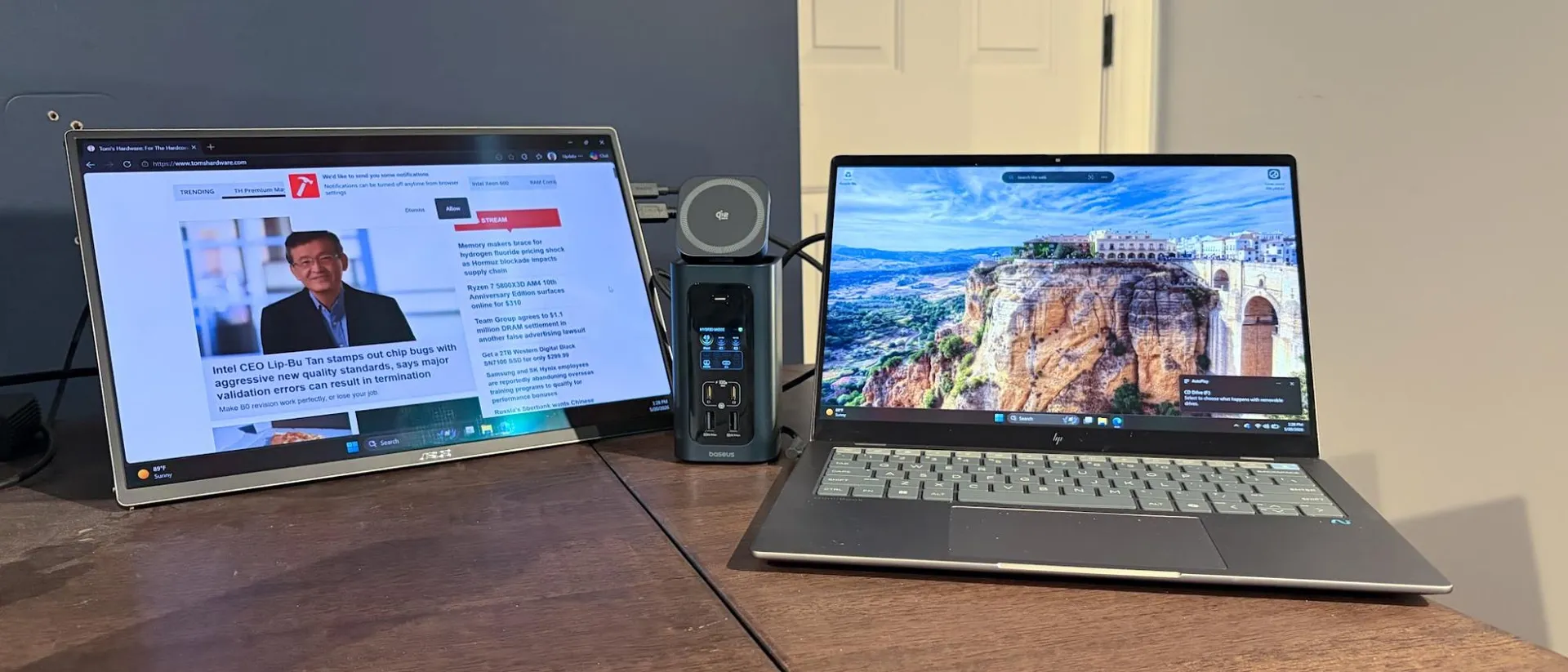
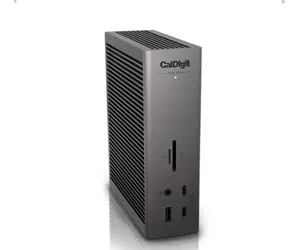
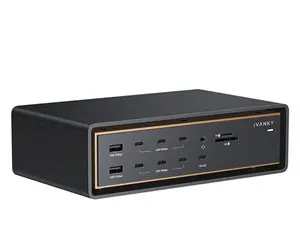
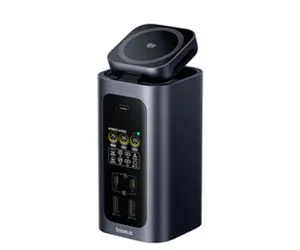
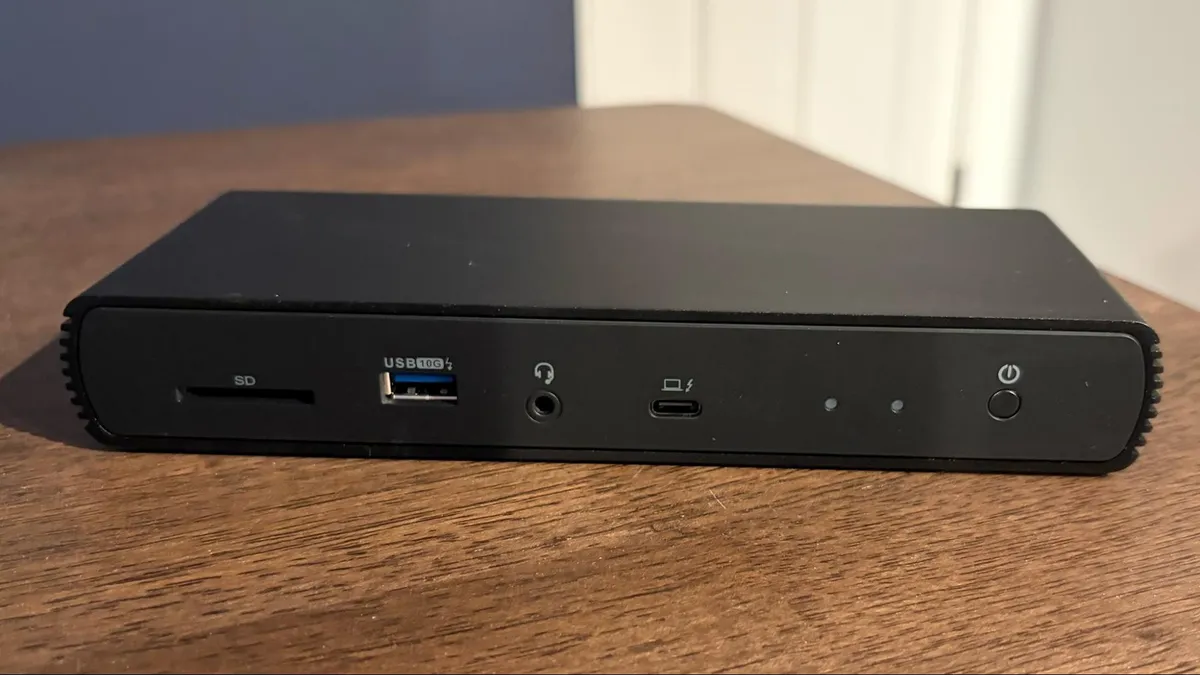
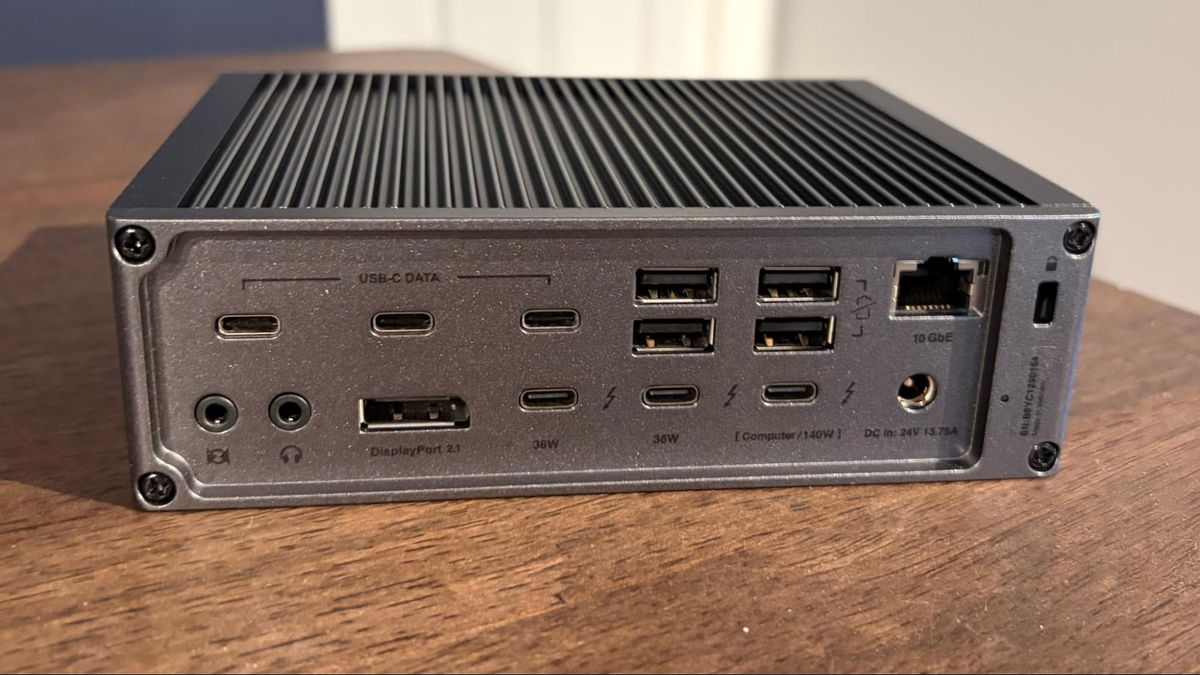
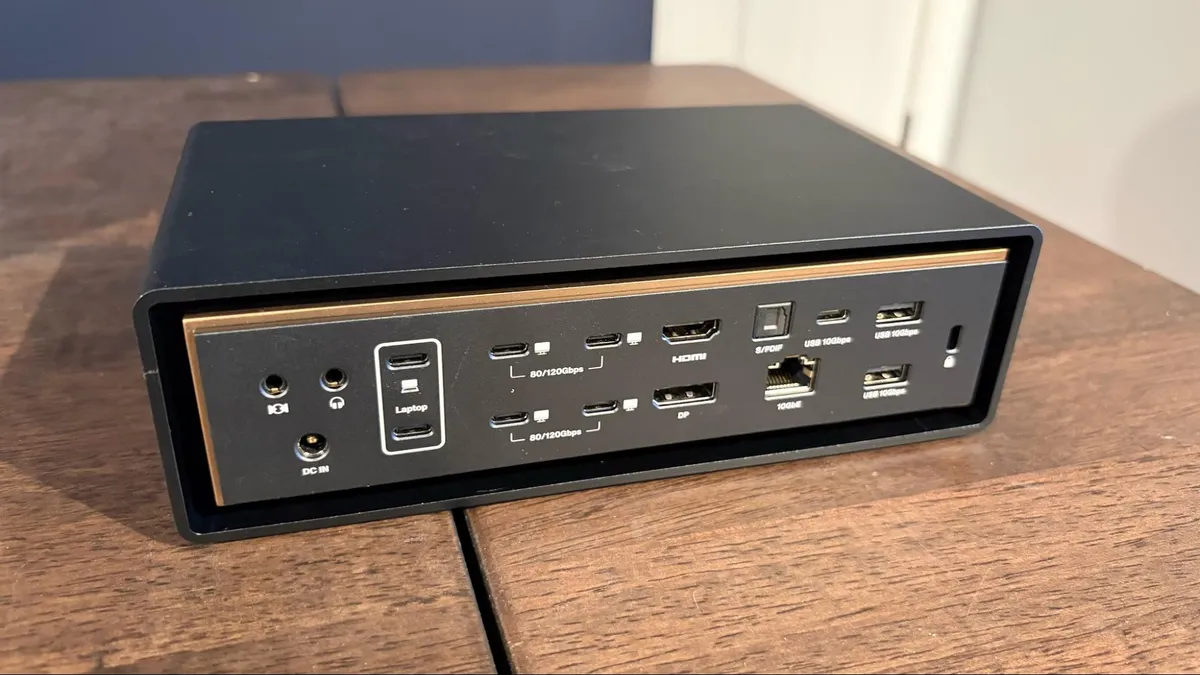
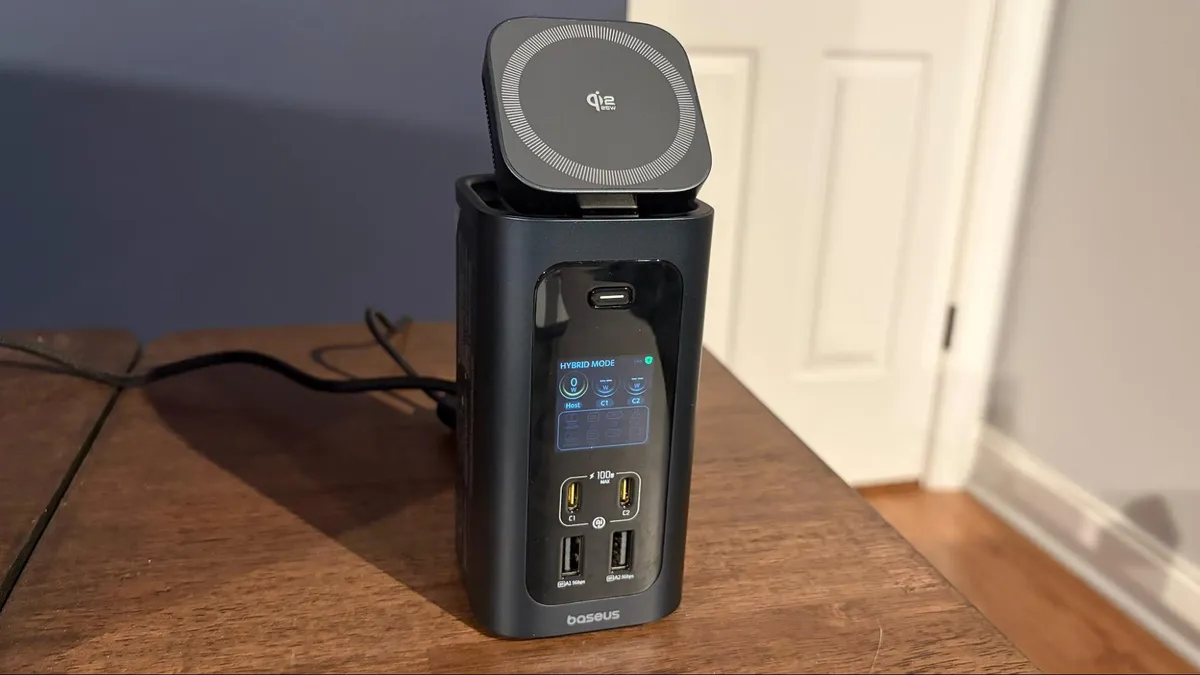
We've extensively benchmarked the best Thunderbolt and USB-C docks in 2026 and have compiled a list of the best models on the market here. There used to be a time when laptops would come with a bevy of ports to satisfy most of your connectivity needs. While some larger, desktop-replacement laptops still have a relatively large number of ports, ultrabooks have mostly reduced the number of ports to the bare minimum to save space and reduce weight.
While these efforts result in laptops that are thin and light, if you want to connect a wide variety of devices, including external monitors, you’ll need a dongle or a dock. While dongles are fine for connecting a single peripheral, docks are handy for connecting a variety of devices while simultaneously charging your laptop.
The two most common connectivity options for modern docks are USB-C and Thunderbolt .…