(Image credit: Mike Griggs)
This is a part of our series of features on the basics of 3D art and animation . You might want to see the previous pieces on 3D art workflows , what a 3D object is made of , how to smooth or harden 3D models and the importance of pivots and centre points.
how to make things move in a 3D scene .
If you need the tools to get started, see our guides to the best 3D modelling software .
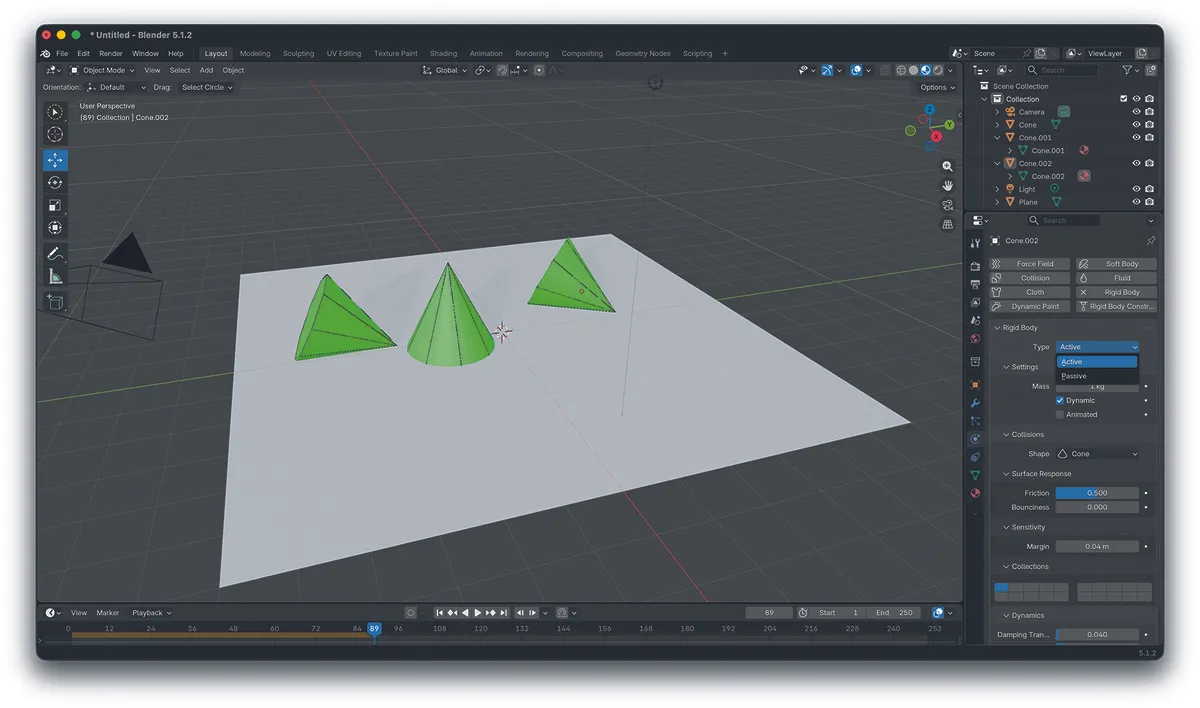
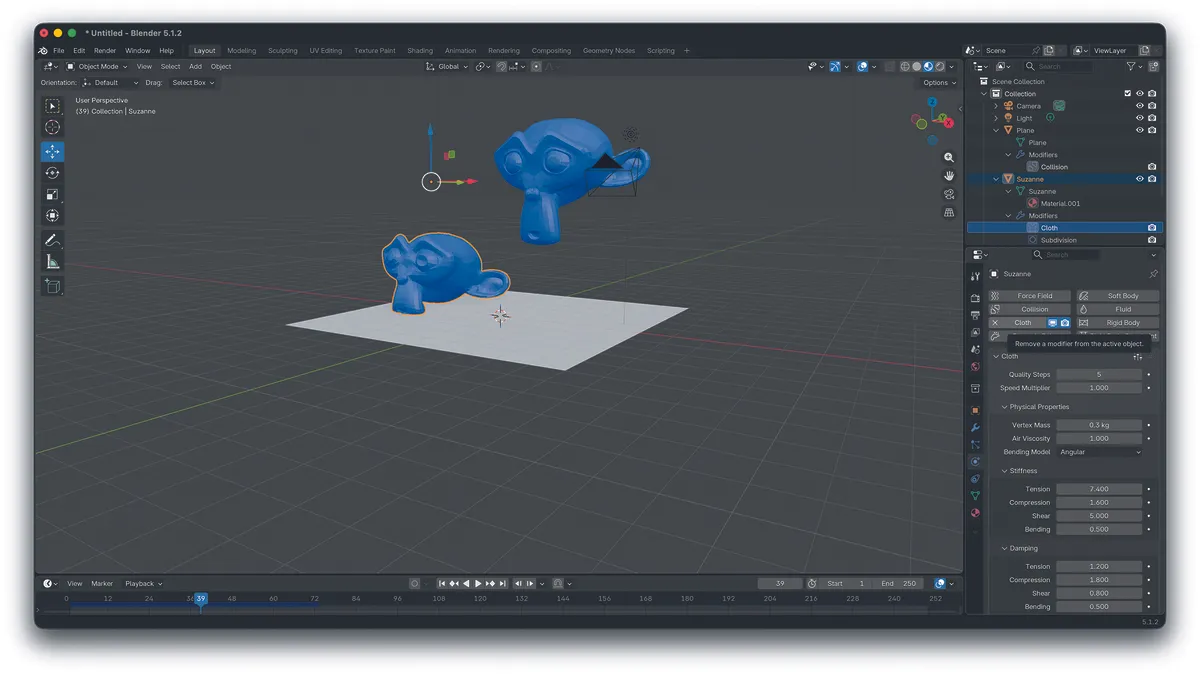
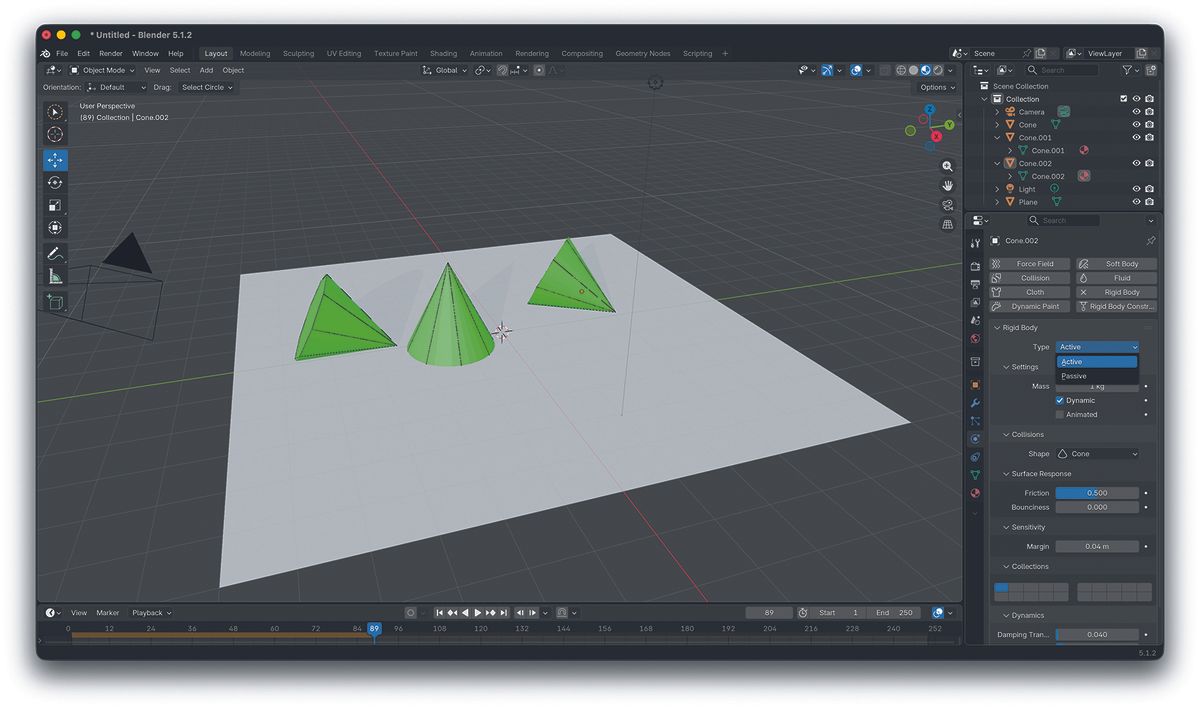
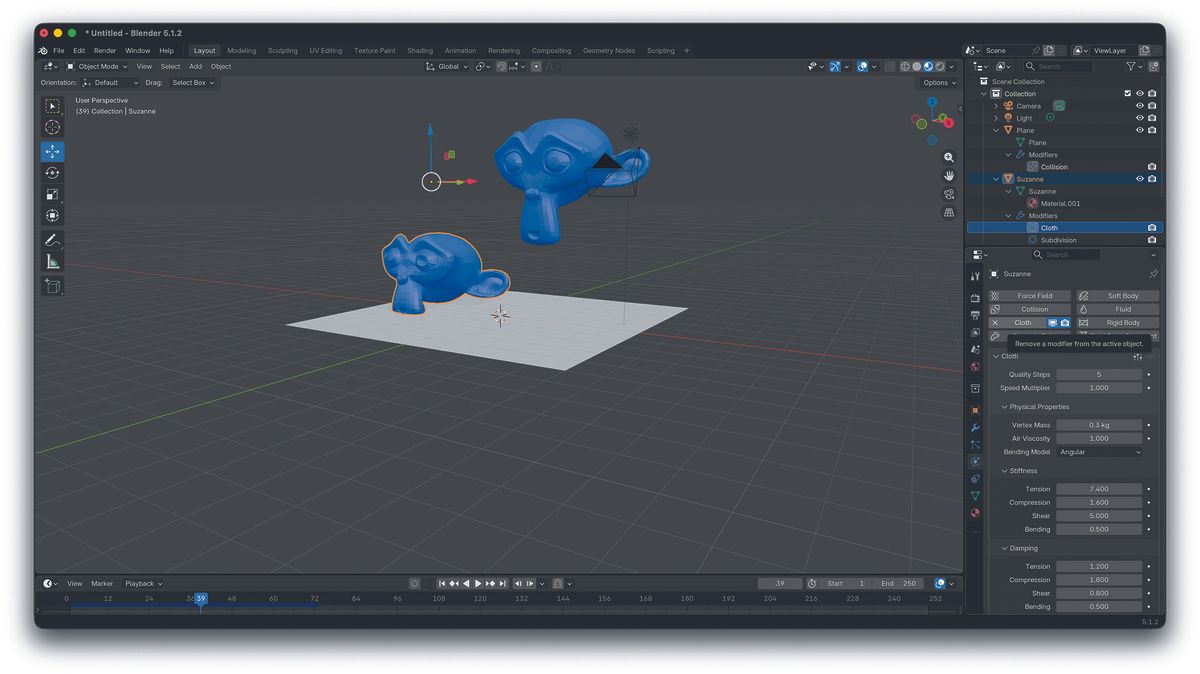
Animating a single metal ball bouncing down a staircase is a relatively simple animation which can be done by keyframing. Animating 100 metal balls down a staircase is anything but relatively simple. Animating a window opening, again simple to keyframe; animating the curtains of the window blowing in the breeze, potentially complicated.
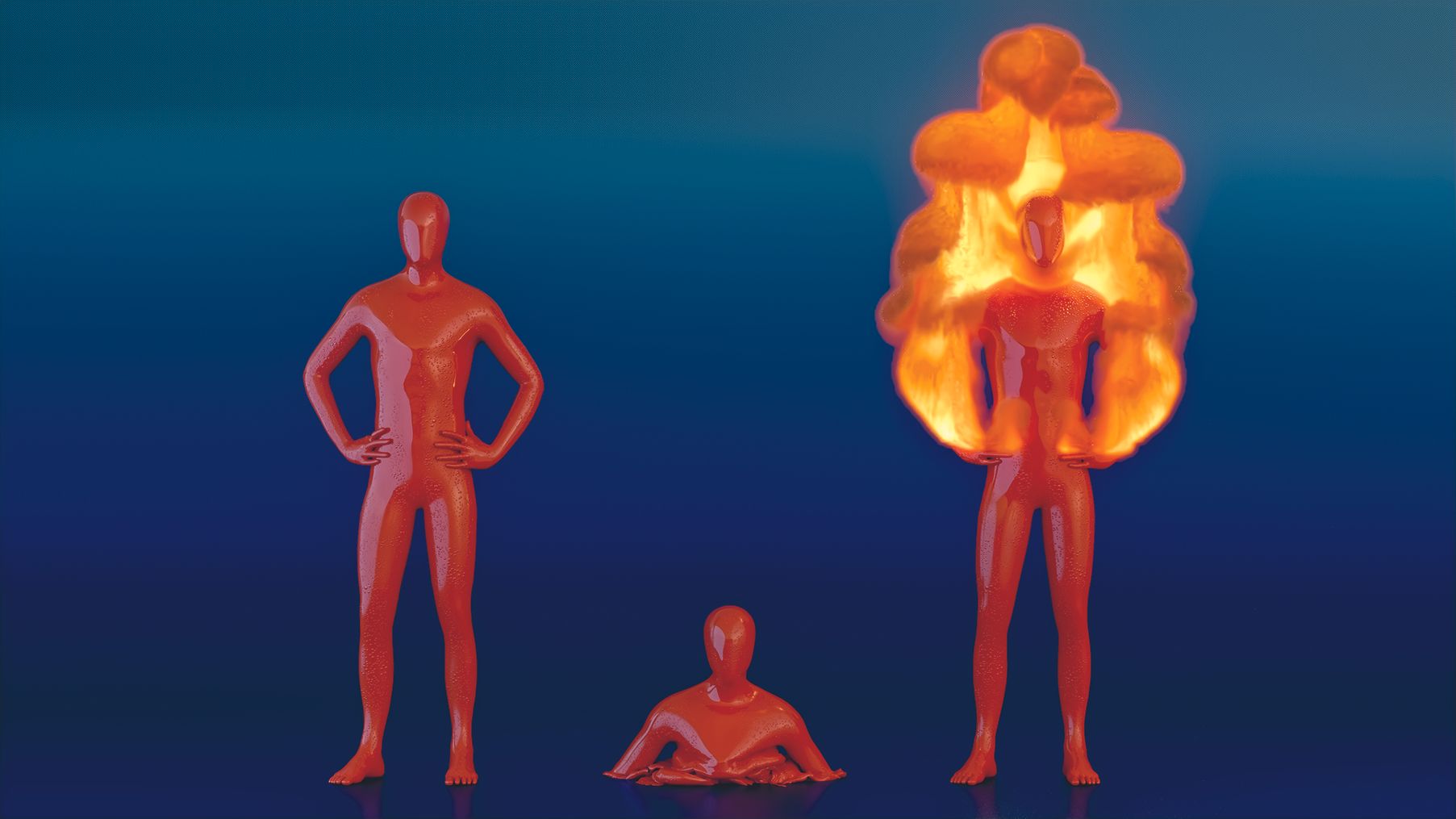
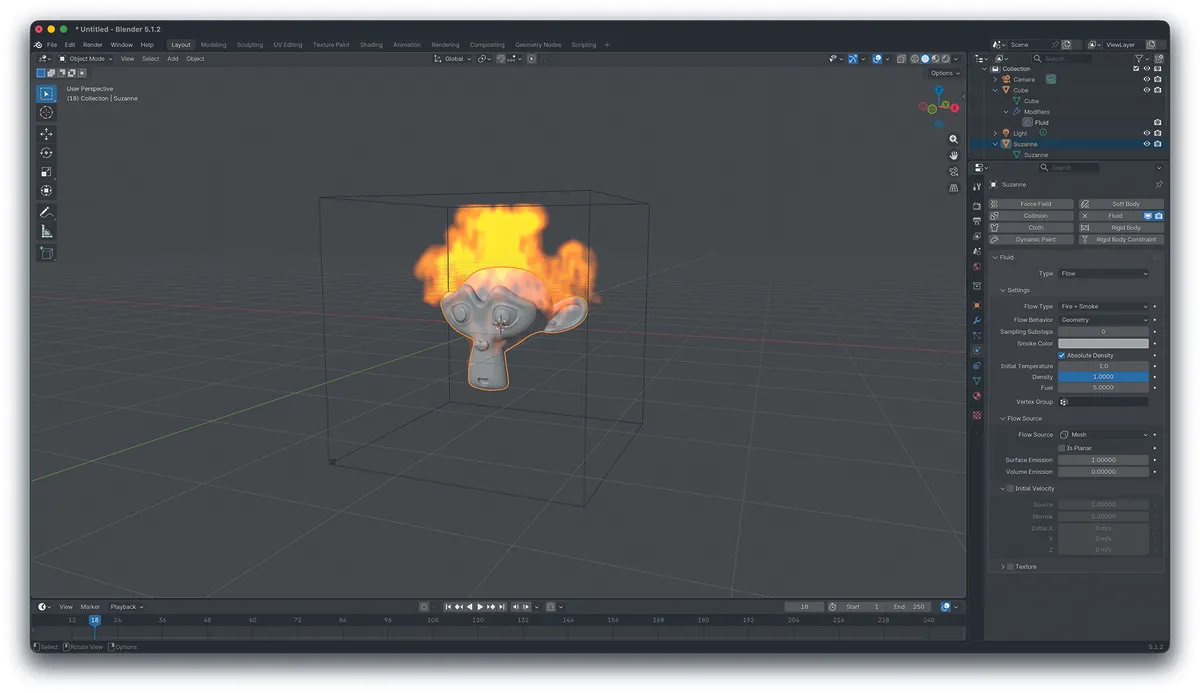
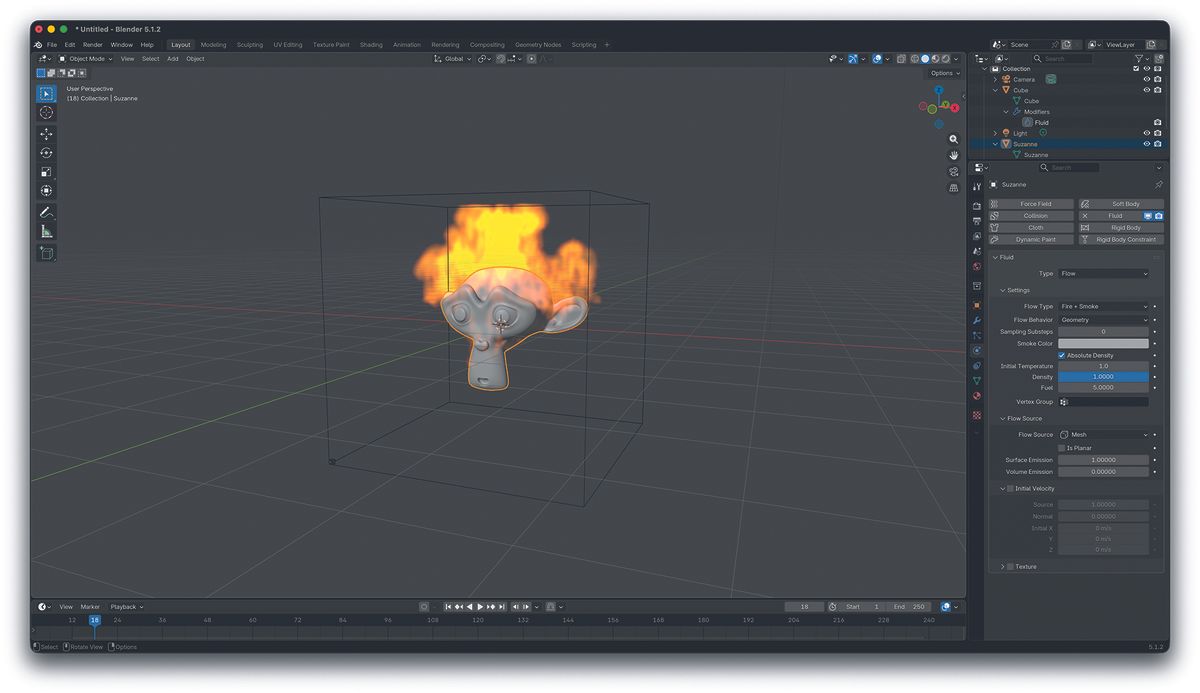
This is what simulations are for, and it’s the same when animating liquid, or fire and smoke.…