Hocus-focus/Getty Images
While there are loads of third-party messaging apps out there, iPhone Messages remains many users' go-to. In fact, you probably open Messages at least once a day — maybe to check on a client's reply, or perhaps to make plans with the group chat. Conveniently, the app makes it easy to communicate in multiple ways.
You can send a regular SMS text, a GIF, or a voice recording. There are also options to share documents and your current location. When it comes to replying, you don't even have to type a response — you can simply use tapbacks to like or laugh at a message.
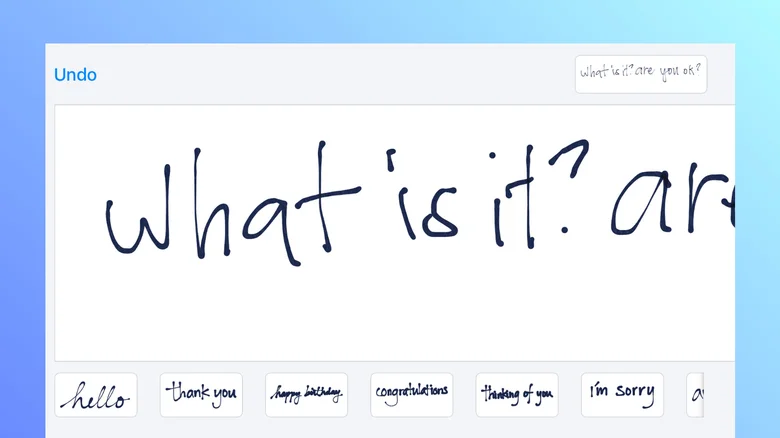
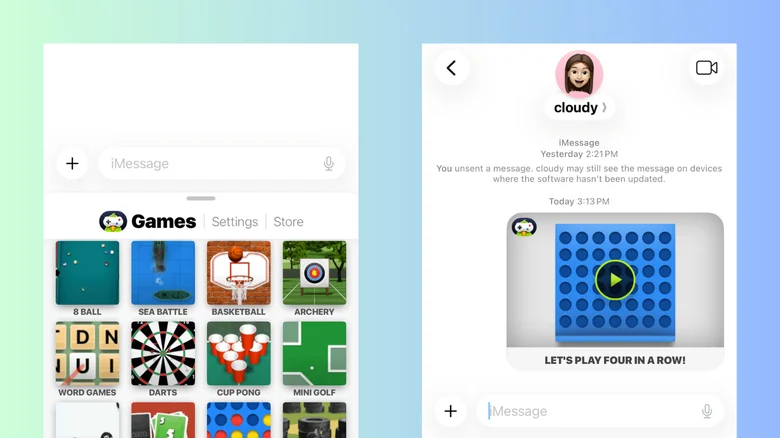
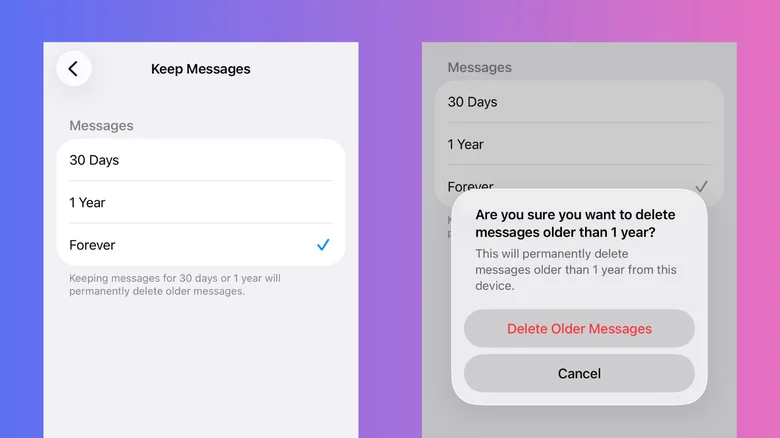
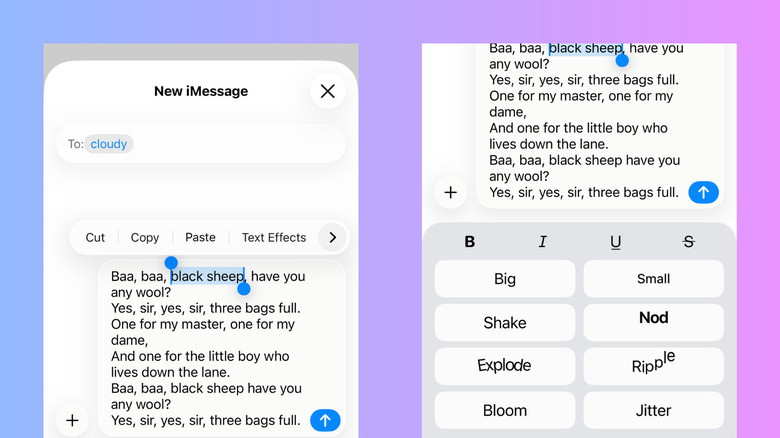
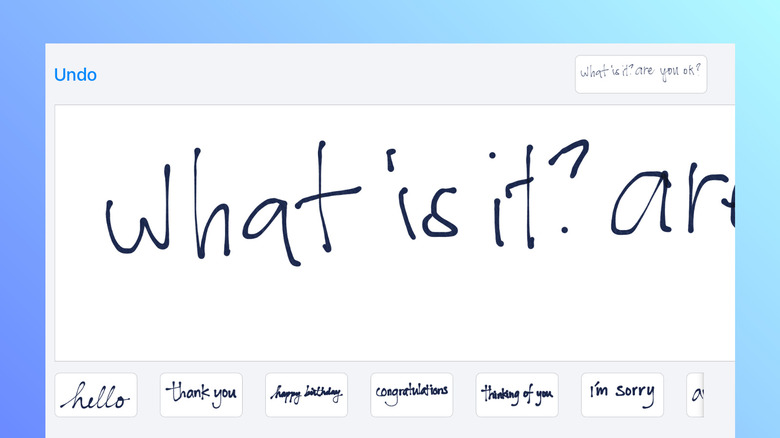
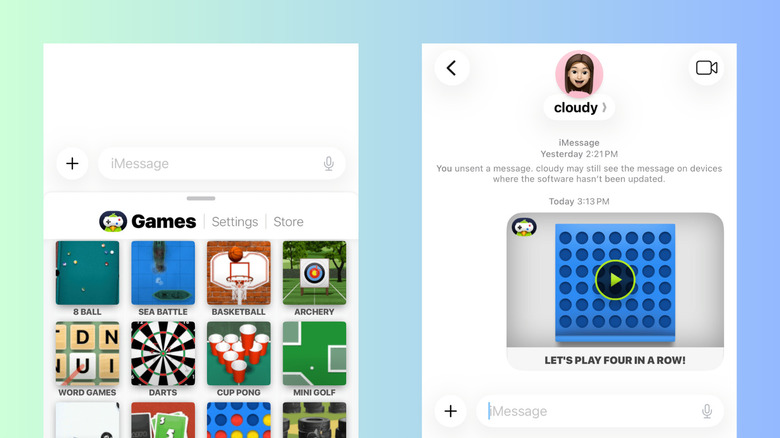
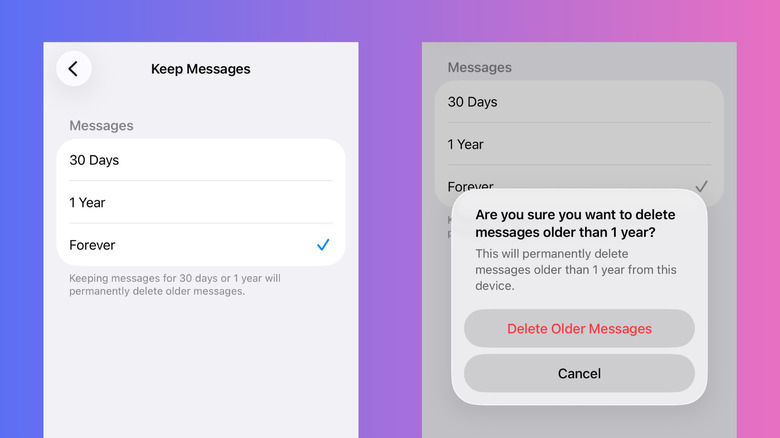
But these features are only scratching the surface of what you can do on iPhone Messages. It's actually integrated with more tools and settings hidden in plain sight.…