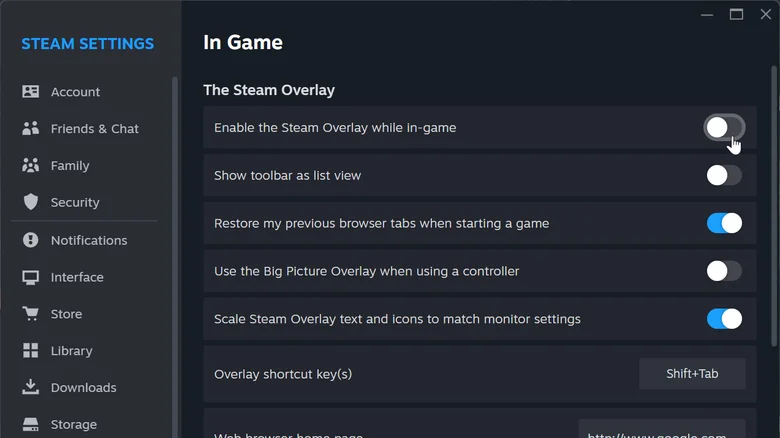
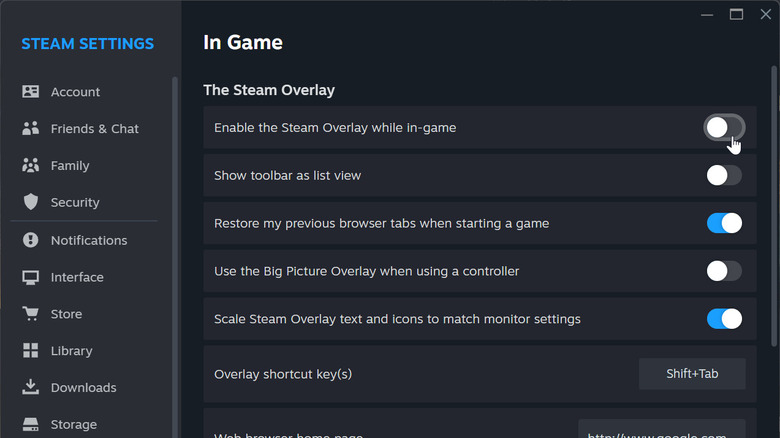
When in doubt, disable the overlay.
Julia Perova/Shutterstock
Improving your system's gaming performance involves more than swapping components. Software can affect your frame rate as much as the system's hardware. Multiple overlays and background apps can quickly ruin your frame rate in any game. Even if you're selective about what you install, tried-and-true apps can slow your device down if you leave them on their default settings. A great example of this is Steam.
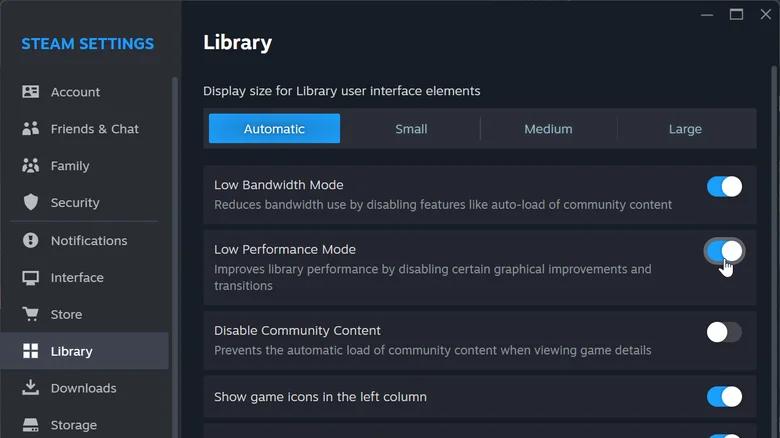
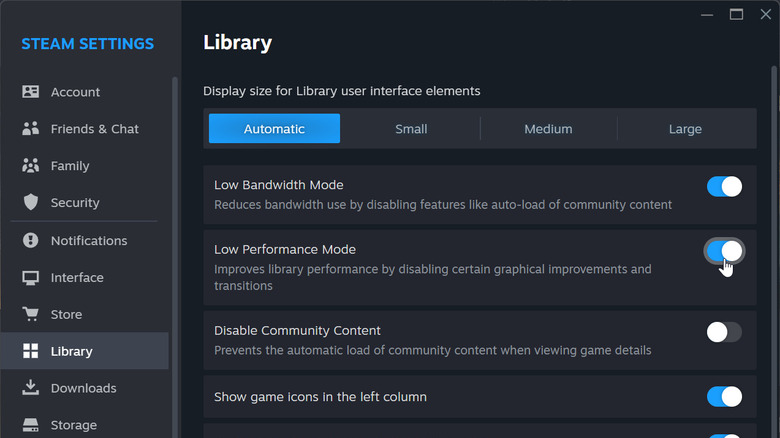
While it's a reliable gaming storefront with plenty of community tools, those tools can affect weaker machines or users on slow internet. By default, Steam starts when your system boots, loads community assets in the background and uses resources to power its in-game overlay. These small features can eat into your FPS and bandwidth, but the good news is you can turn almost all of them off to improve your gaming performance and system stability.…