Published Nov 17, 2026, 4:30 PM EST
A Computer Engineer turned tech-savvy. Sanya is part of the How to Geek team, and she covers Android, Samsung, Google, apps, and everyday technology, combining hands-on experience with thorough research. She helps readers understand technology without getting lost in technical jargon.
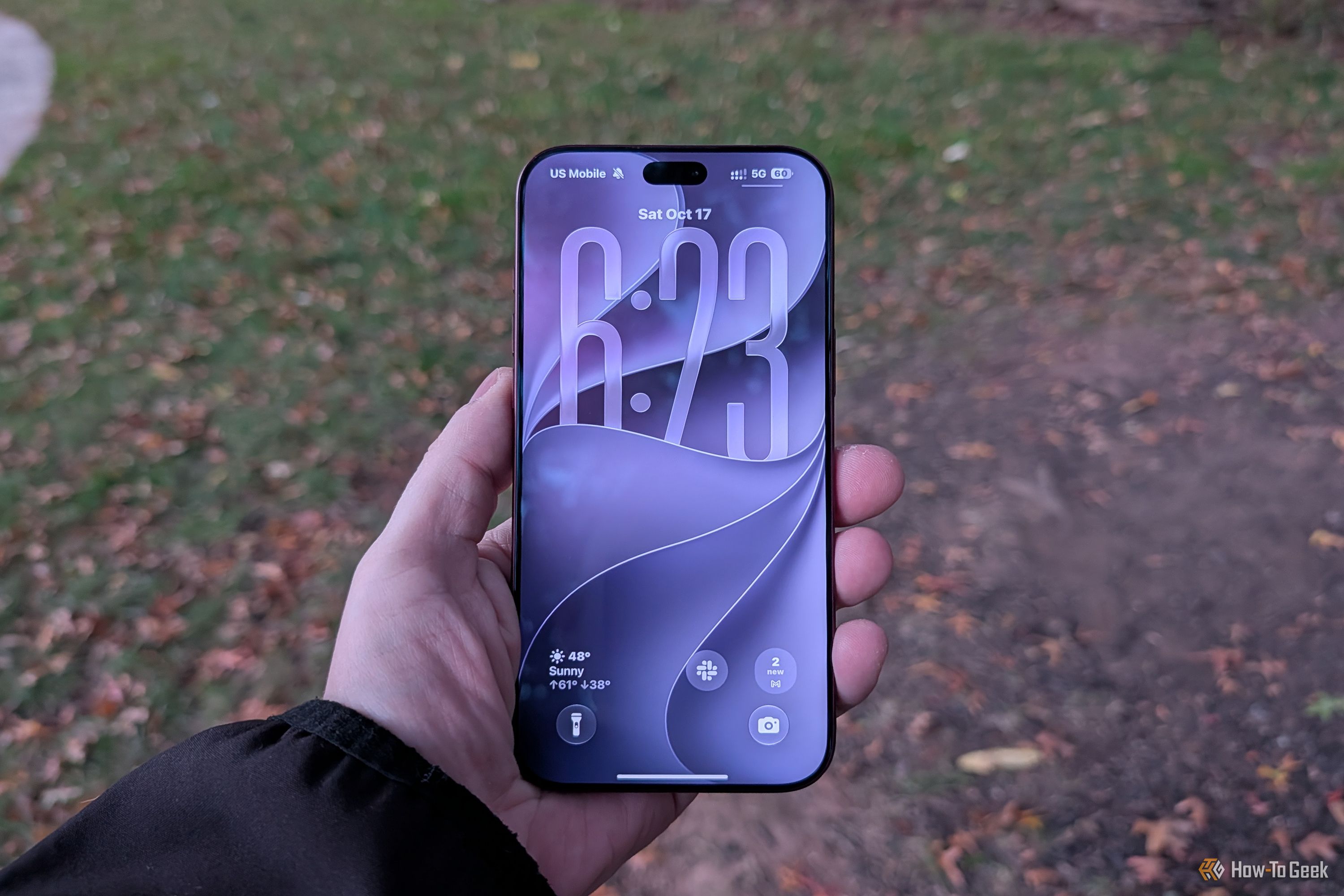
I was genuinely excited when Apple released its new iPhones with iOS 27 . I love trying new iPhone features, so I installed the update as soon as I could. But that excitement didn’t last long. Within days, I was already getting annoyed with my iPhone. The animations felt sluggish. Liquid Glass wasn’t growing on me, and a few everyday things just didn’t feel right anymore. I actually regretted updating. Before giving up on iOS 27, I decided to dig into settings and change a few things.…