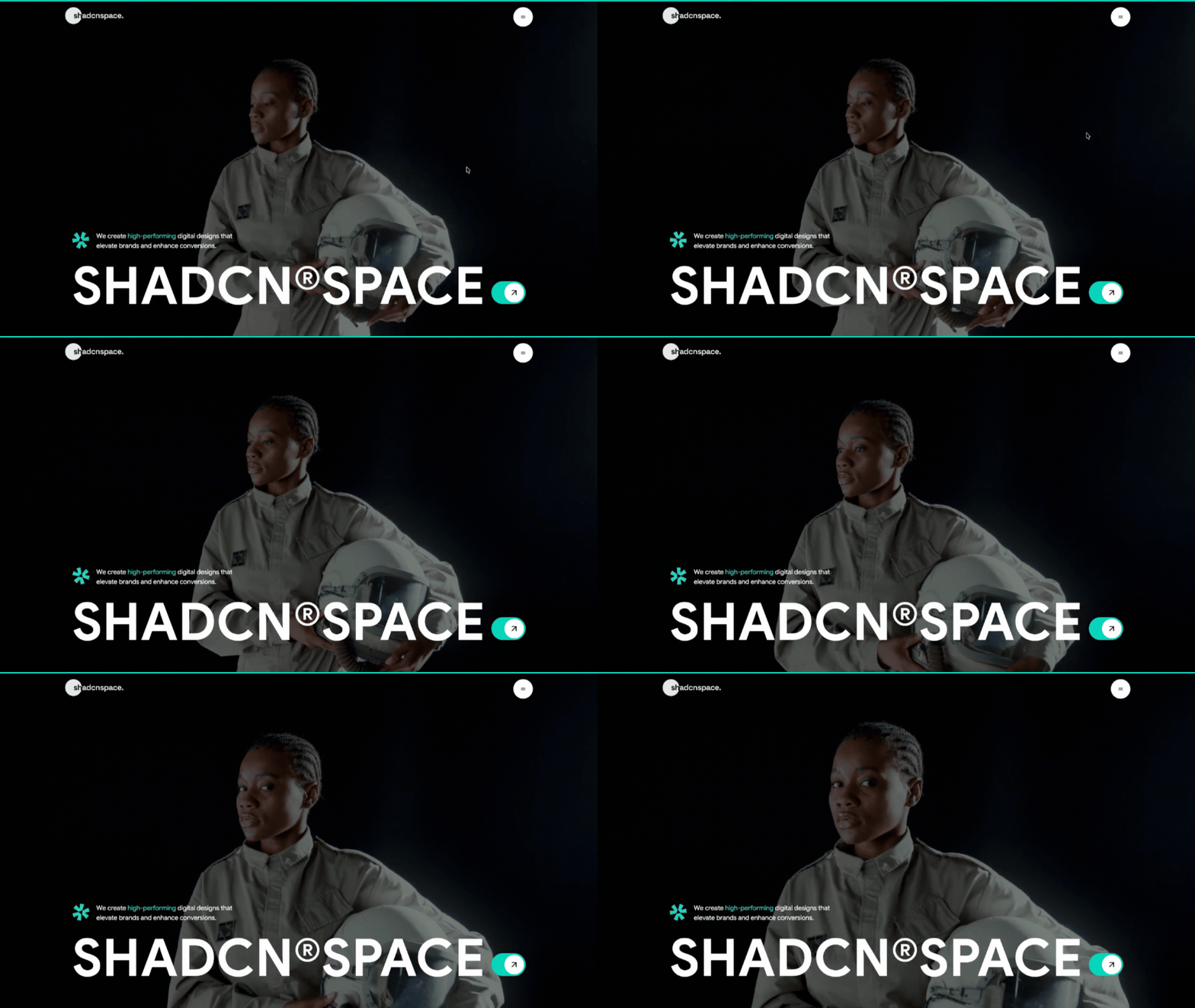
A website user interface (UI) used to take hours of writing HTML, CSS, and component code by hand. Now you can describe a page in plain words and let an AI coding tool write the first version.
But the result depends on your prompt. A short, vague prompt gives you a generic page with random colors and repeated code. A clear prompt with your stack, your files, and your rules gives you code you can use.
In this tutorial, you'll learn how to write that kind of prompt. You'll use it to build a full-screen hero section with a sticky, animated navbar, using Next.js, Tailwind CSS, and shadcn/ui components.
By the end, you'll know how to:
Write a UI prompt that covers layout, components, colors, spacing, and responsive behavior.
Generate a UI from a prompt and inspect the code the tool creates.
Use reusable shadcn/ui components and ready-made blocks instead of repeated AI-written code.
Improve the result with small follow-up prompts.
Run, test, and customize the final page.
Table of…