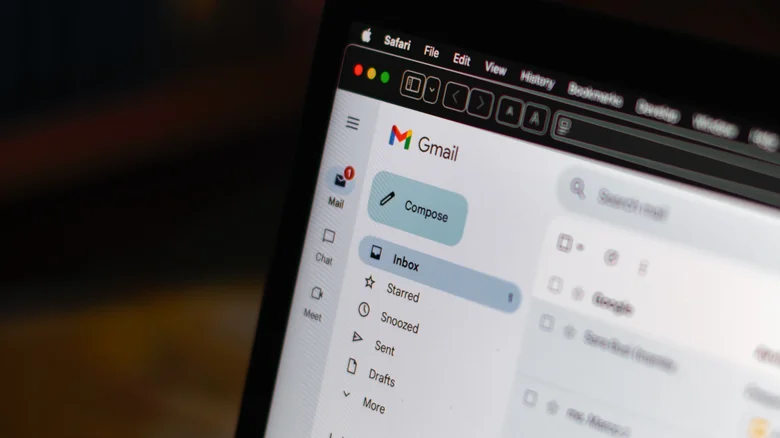
If you have thousands of emails piling up in Gmail, this is for you.
Mamun_Sheikh/Shutterstock
You're more than welcome to delete your emails individually if you want to be there for a very long time. At two seconds per email, it would take a little over 11 hours of constant clicking to get through 20,000 emails — and honestly, 20,000 emails isn't much for a business Gmail account . Most people are familiar with methodically deleting 50 or even 100 emails at a time by checking the box in the top left and hitting the trash icon. But if you just want to wipe clean your entire inbox and start from scratch, you can do so on a browser.
In your computer browser (mobile browsers didn't make the cut), click on the Gear icon in the upper right corner to open Settings > See All Settings > Conversation View. Scroll down and tap Conversation View On . Now, go to your inbox. Check the box at the top of the message list to select all the current emails on the page.…