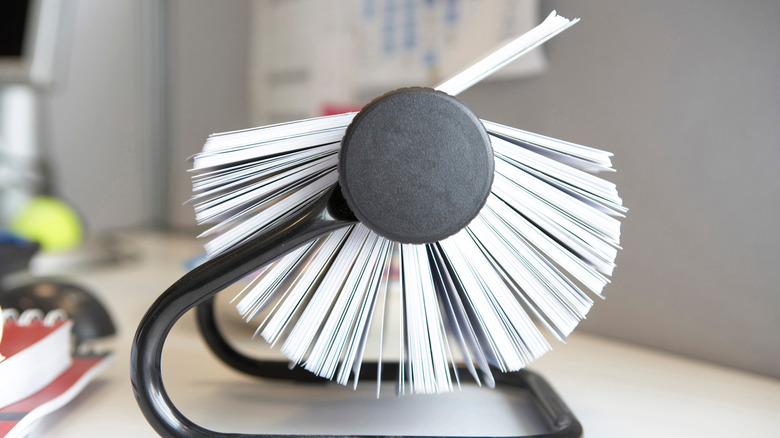
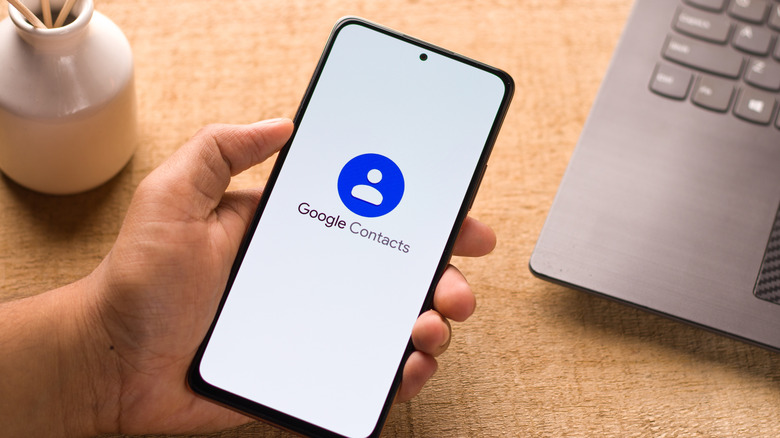
Clean up your contacts list to prioritize the people you actually want to talk to.
thanmano/Shutterstock
It's easy for your phone's contact list to get out of control, especially if you've carried the same (growing) list over to every new phone for a decade or more. If you haven't cleaned these up in a while, or ever, a decluttering is in order.
Getting rid of old contacts you never speak to and and improving the entries for the ones you do makes your contact list an asset instead of a big, messy pile of unhelpful info. Plus, it improves other apps and features your contacts interact with, like maps and voice assistants. Following a few steps makes it a manageable process.
Before you begin, you should understand how contact saving works on Android and iPhone. Unlike the "dumbphone" days, where contacts were stored on the SIM card or your phone's internal storage, iOS and most Android phones keep your contacts synced to your email account by default.…