miss.cabul/Shutterstock
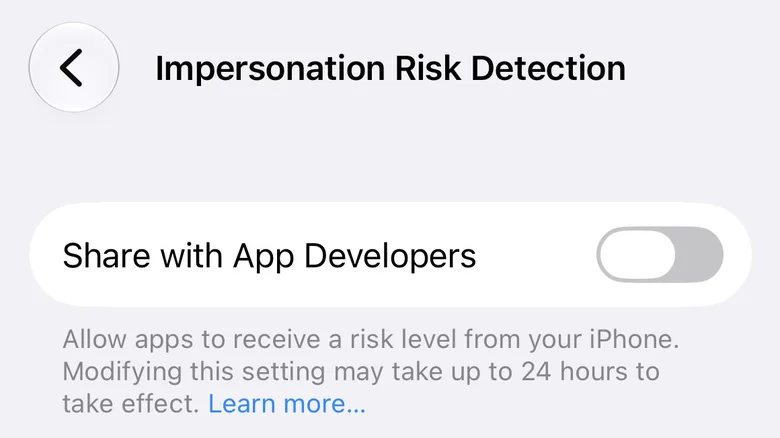
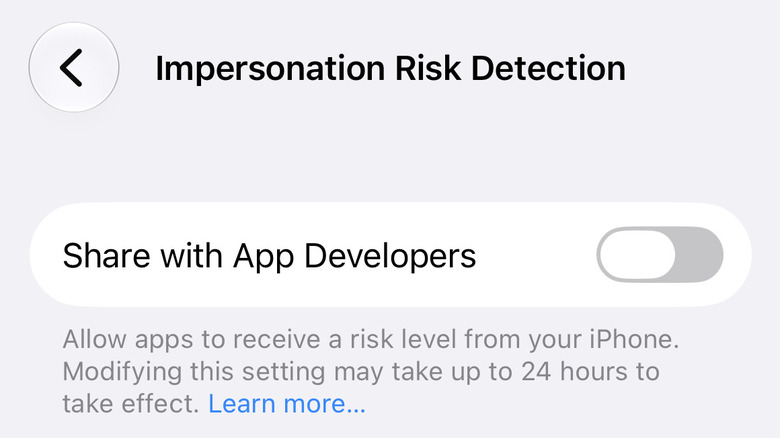
iOS 27, which started rolling out in September and comes preloaded on the new iPhone 18 Pro lineup , packs a bunch of big and small changes . While some of these changes, like the new Siri AI , are more front and center, there are several not-so-visible small tweaks that can enhance your iPhone's usability. One such new security-related feature is your iPhone's ability to protect you from scammers. Referred to as 'Impersonation Risk Detection', the feature is designed to counter social engineering scams, which are harder to detect for unsuspecting users, particularly those who aren't very savvy with technology. This can come in pretty handy and help you safeguard yourself when you're unable to detect a scammer.
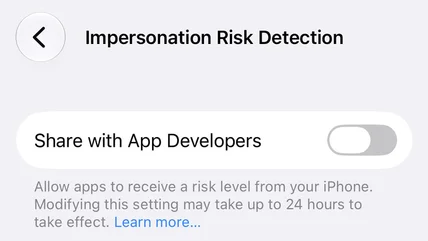
The feature is turned off by default, but you can enable it with just a few taps. To turn on 'Impersonation Risk Detection' on your iOS 27-running iPhone, open the Settings app and navigate to Privacy & Security > Impersonation Risk Detection.…