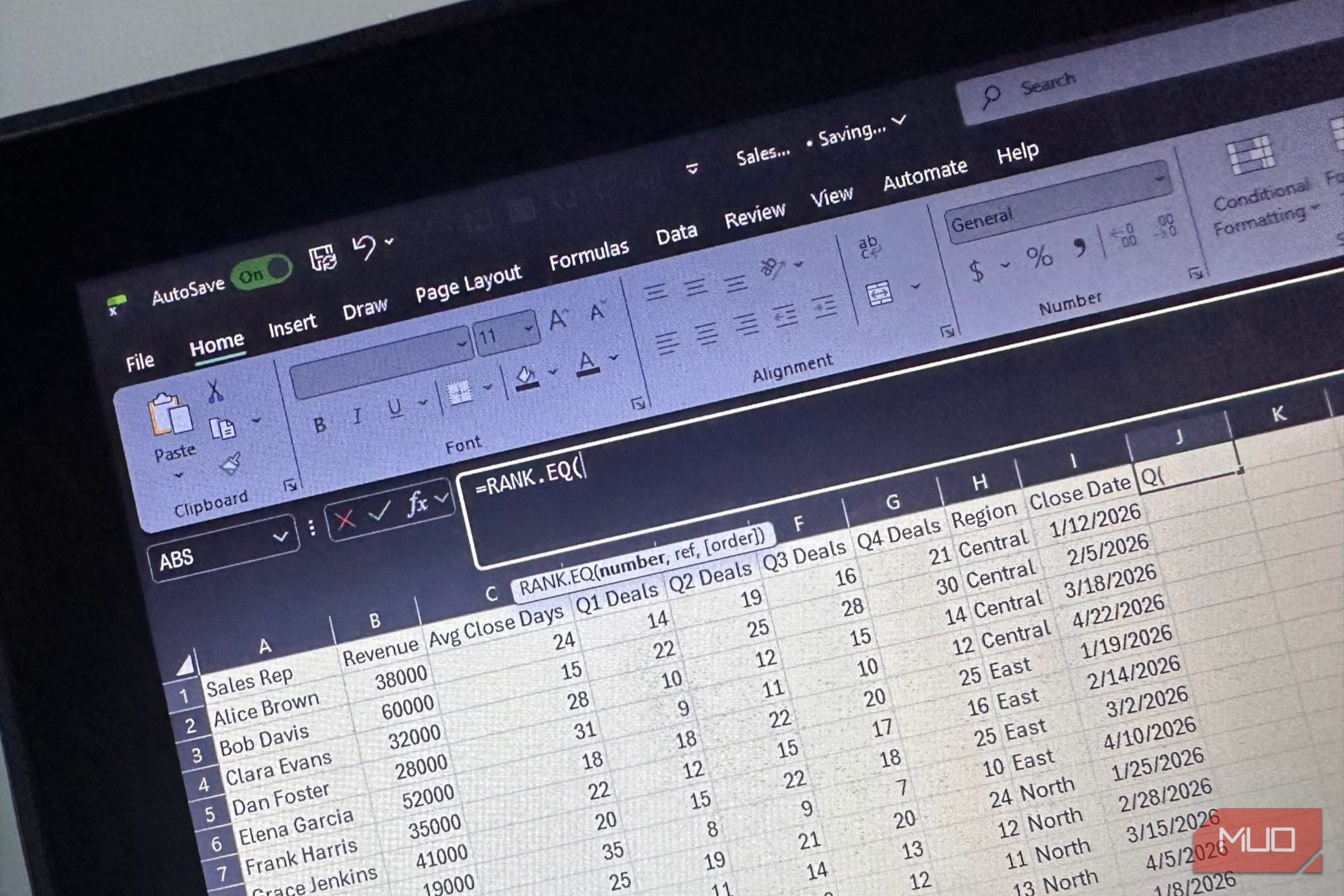
Picture a sales tracker with sales reps grouped alphabetically by region and deals arranged by their close dates. If someone asked which sales rep was leading in deals closed, the obvious move would be to sort the revenue column in Excel from largest to smallest . You'll have your answer in seconds.
The problem is that the close dates would move too, and the regional groupings would scatter across the sheet. Just to answer one question, you could leave everyone else using the workbook wondering what happened to the layout. Thankfully, Excel has another way to rank the data while leaving every row where it belongs.
Ranking doesn't have to mean rearranging
Let the formula keep score
Sorting changes where values appear on your worksheet, while ranking tells you where each value would be if those records were ordered.…