Published Oct 30, 2026, 4:30 PM EDT
Tyler is an journalist and content contributor at How-To Geek with over three years of experience covering the automotive and tech industries. His work focuses on delivering clear, well-researched, and engaging content that helps readers better understand the vehicles they drive and the technology that they use everyday.
Before entering automotive media, he spent five years as an academic editor, developing a strong foundation in research methodology, factual accuracy, and structured analysis. This background informs his journalistic approach today, ensuring that every article balances technical insight with accessibility for a broad audience.
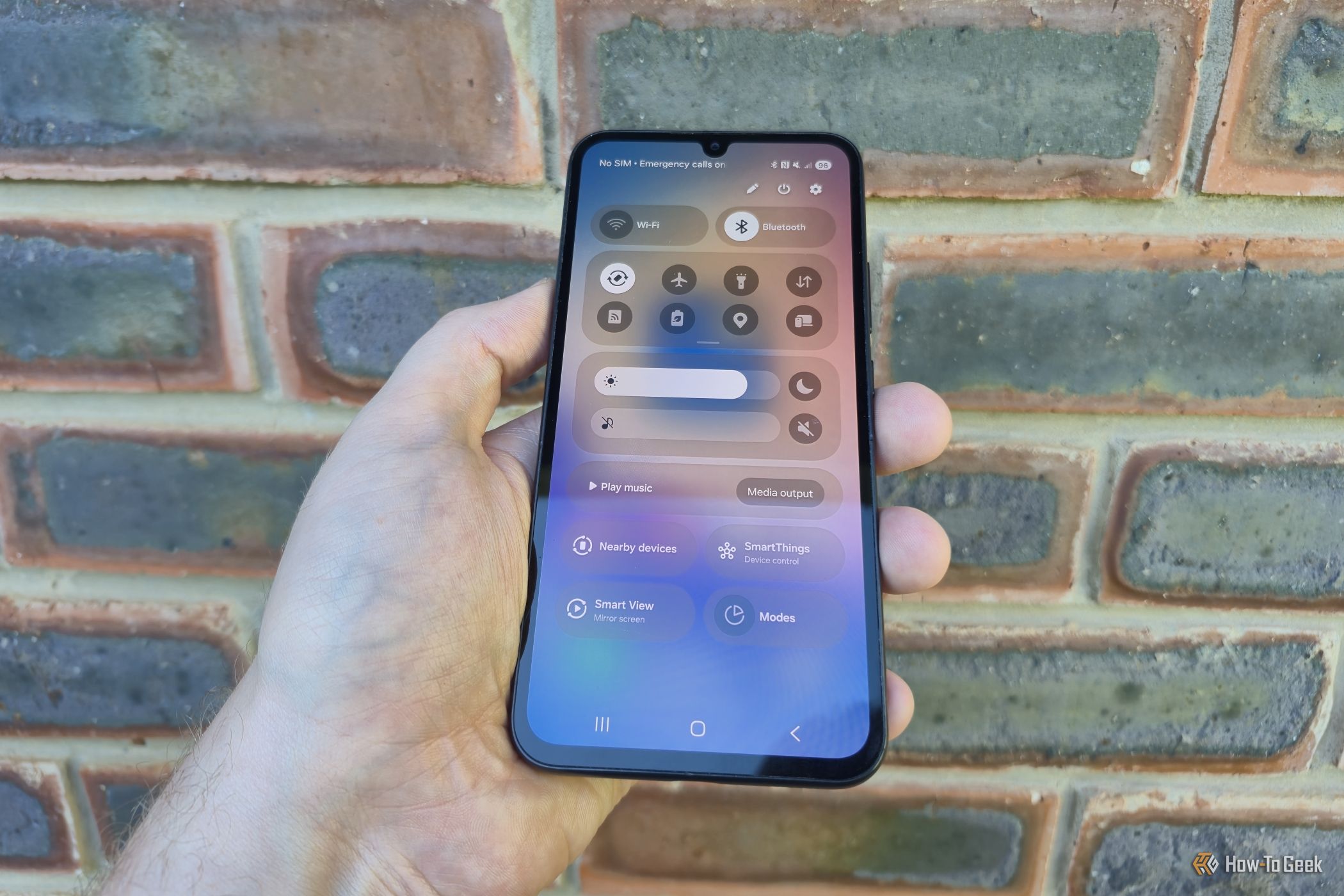
For a long time, the way to access your notifications and quick settings on a Galaxy device was the same. You swipe down once for notifications and a second time for settings. It was intuitive and simple, and that was the way that just about everybody liked things to be.…