A successful subscription platform migration is one where renewals, fulfillment, and billing are never interrupted, and your customers don’t even know something has happened.
A smooth transition is entirely achievable by utilizing the right planning. With WooCommerce Subscriptions , this comes down to choosing the right migration method and checking the details before you go live.
There are 3 main ways to move subscribers into WooCommerce Subscriptions :
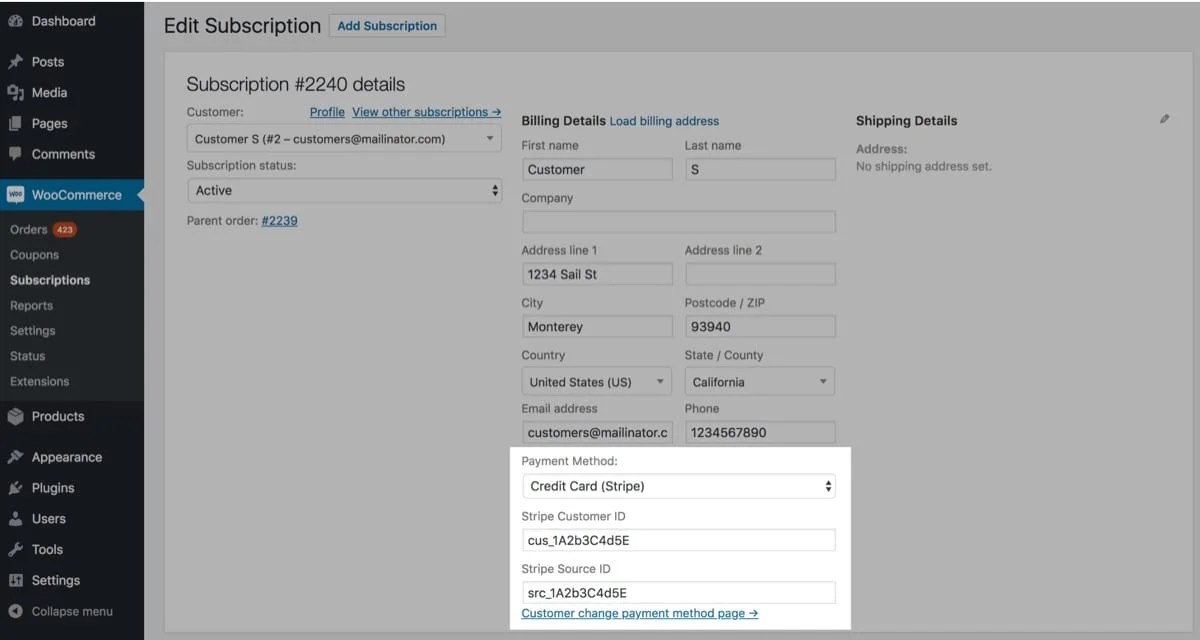
Enter subscribers manually.
Import subscriber data with a CSV file.
Build a custom migration process.
While subscriber count matters, focus on how cleanly your existing subscription data fits the new system.
Pathway Best for How to do it
Manual subscriber migration An operation with fewer than 100 subscribers. This takes more hands-on work, but with a small subscriber base, it can be simpler than preparing and validating an import. Add each of your subscriptions manually via the Add Subscriptions screen in your dashboard .…