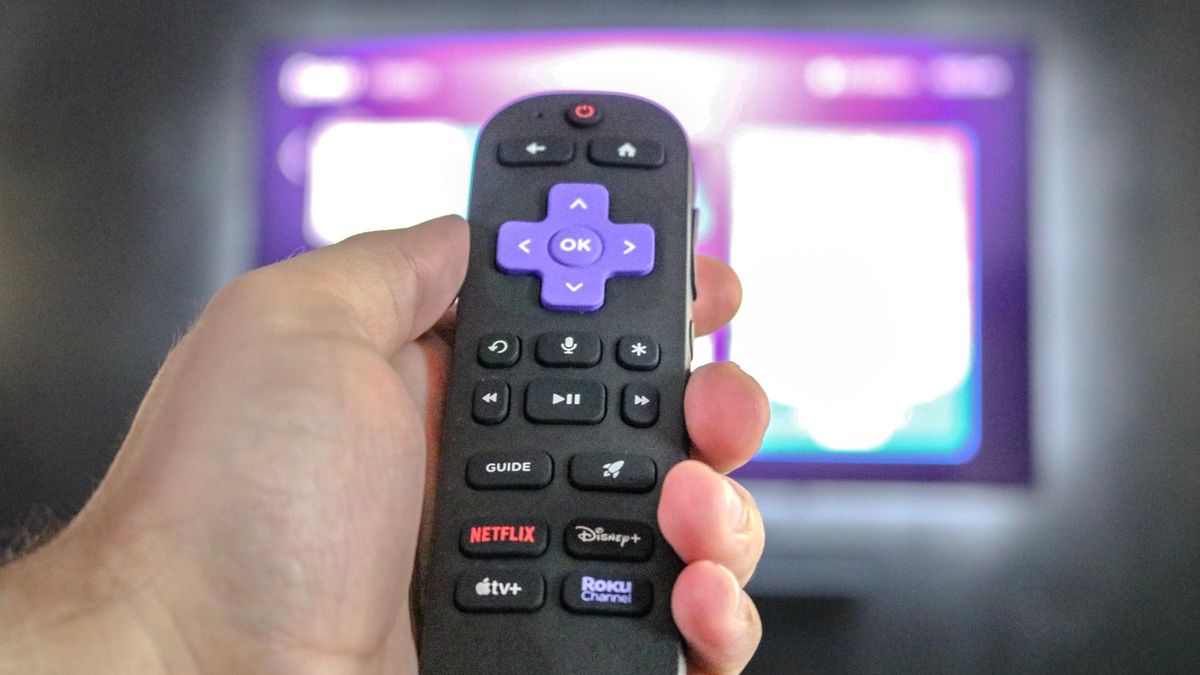
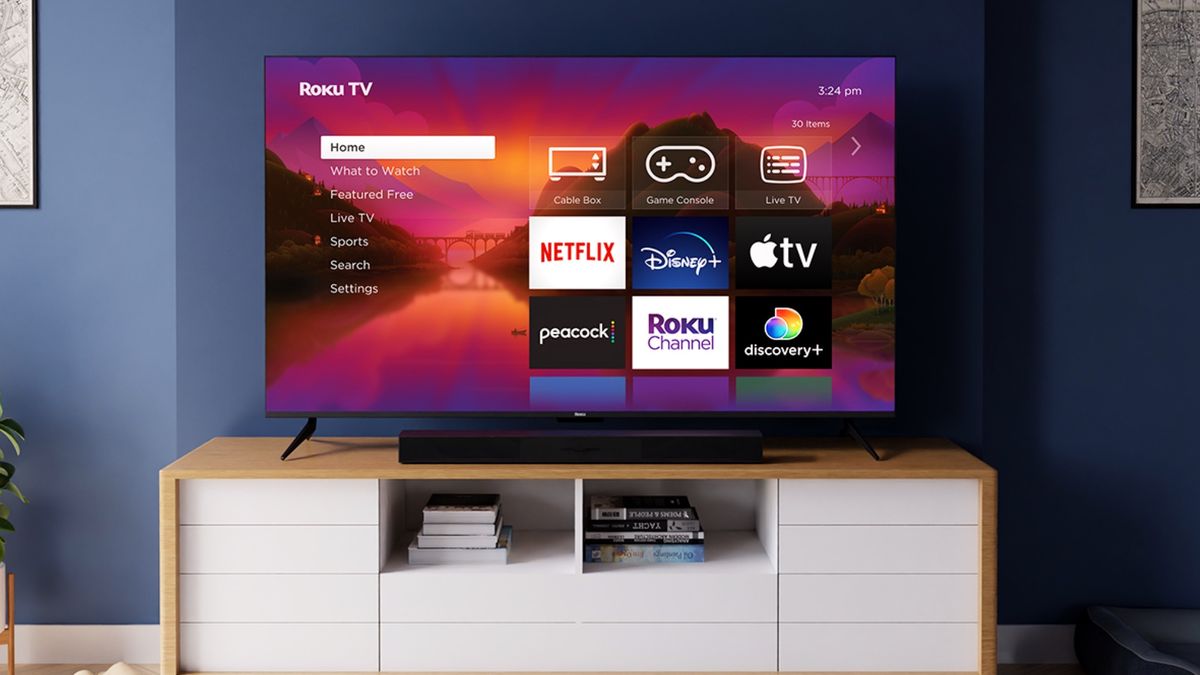
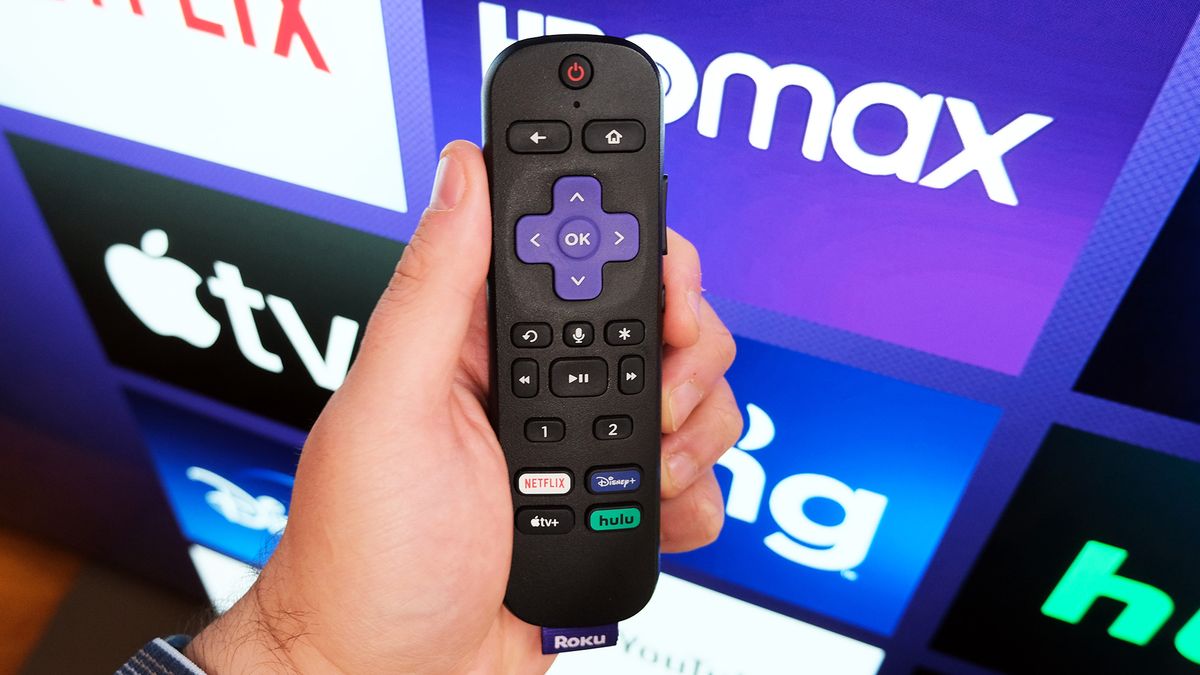
For millions of households, the Roku remote is a fixture on the coffee table. But most of us stick to the directional pad, volume, and app shortcut buttons without paying much attention to the rest.
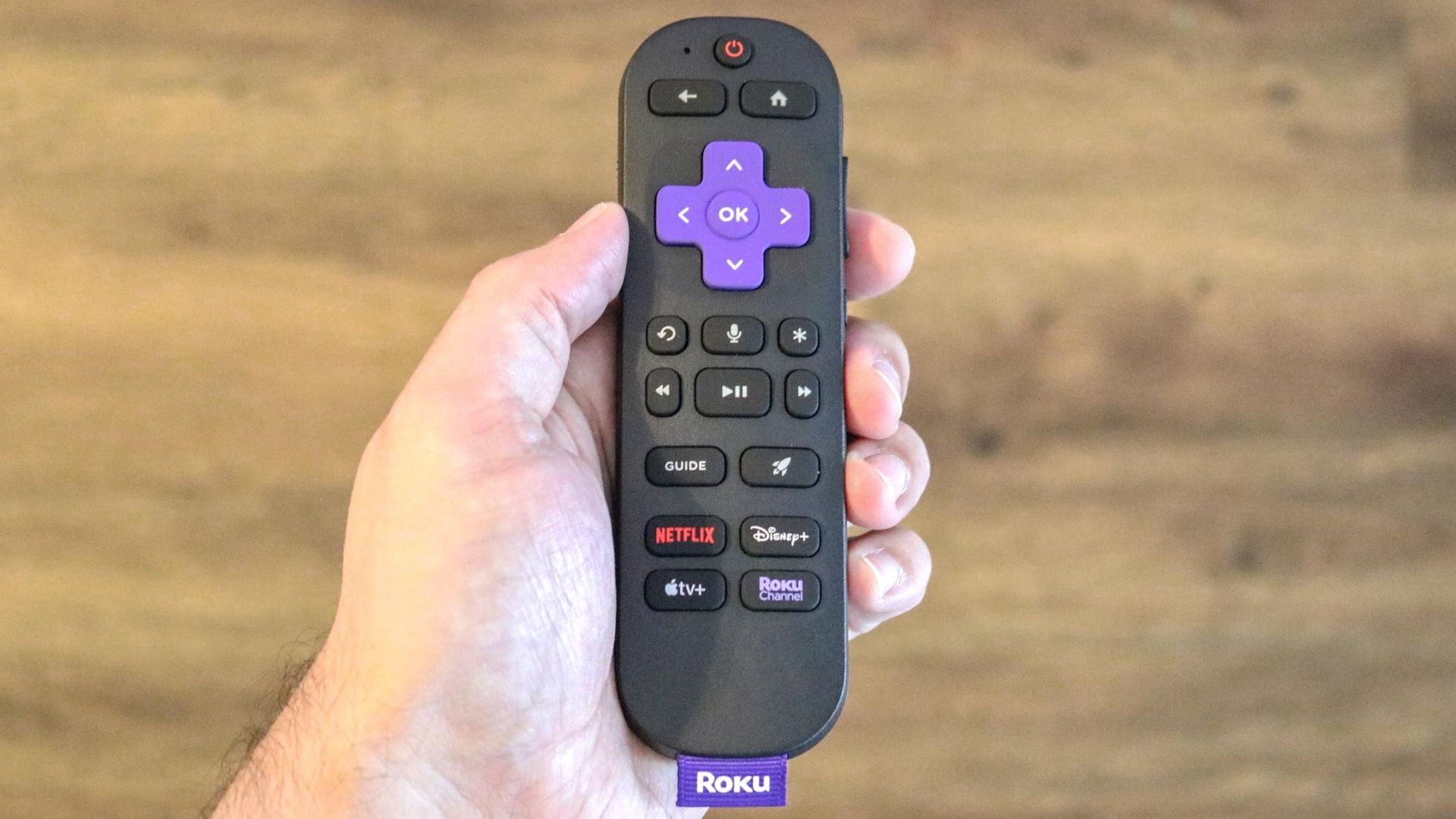
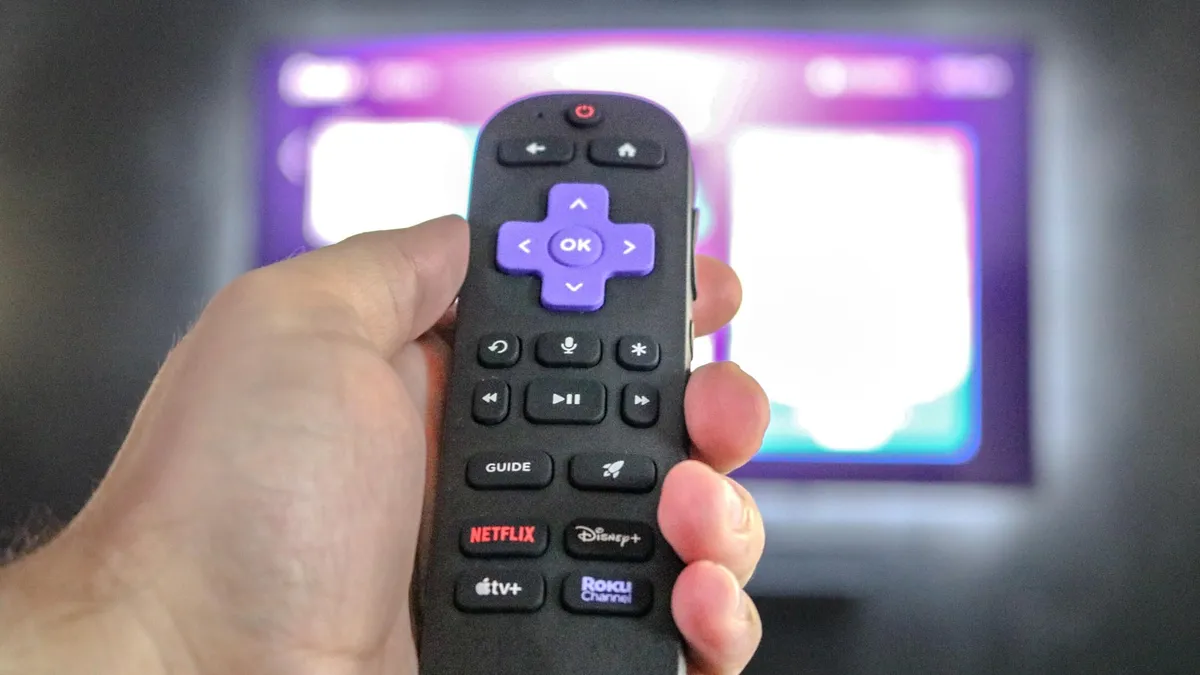
The star button is easy to overlook, but it opens an options menu that changes depending on what you’re doing. Press it during a show and you can adjust captions and sound settings, press it on the home screen and you can manage your apps.
If you want to get more out of your Roku player or Roku TV, here are a few ways you can put the star button to use.
1. Volume Leveling and Night Mode during playback
One of the more useful things the star button does happens during playback. Press it while a movie or show is playing, and on most Roku devices an Options menu appears on screen . Among the settings there, you’ll find volume modes such as Leveling and Night .
Leveling keeps volume more consistent as you move between apps or when a commercial comes on, so you don’t have to keep adjusting it.…