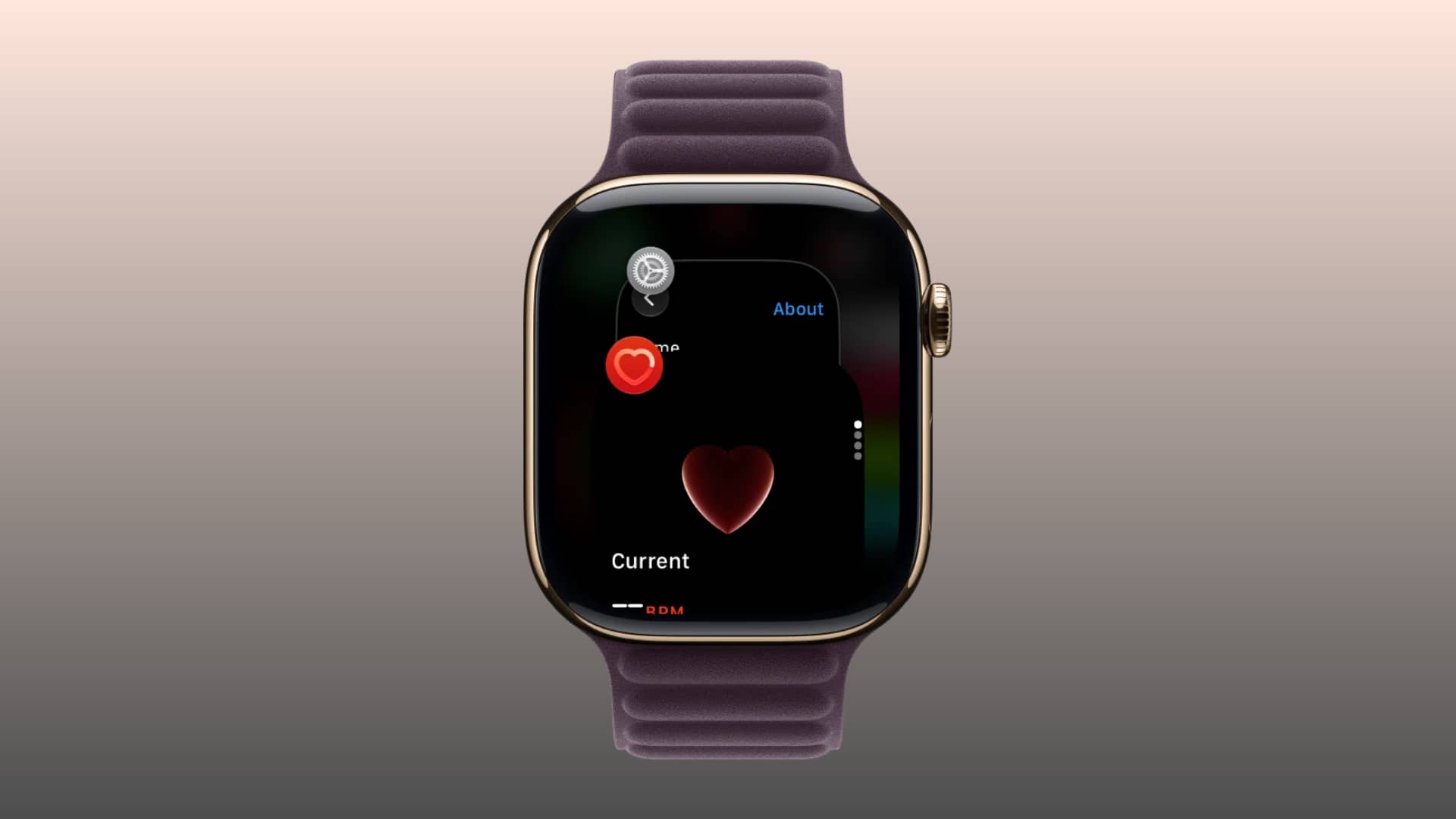
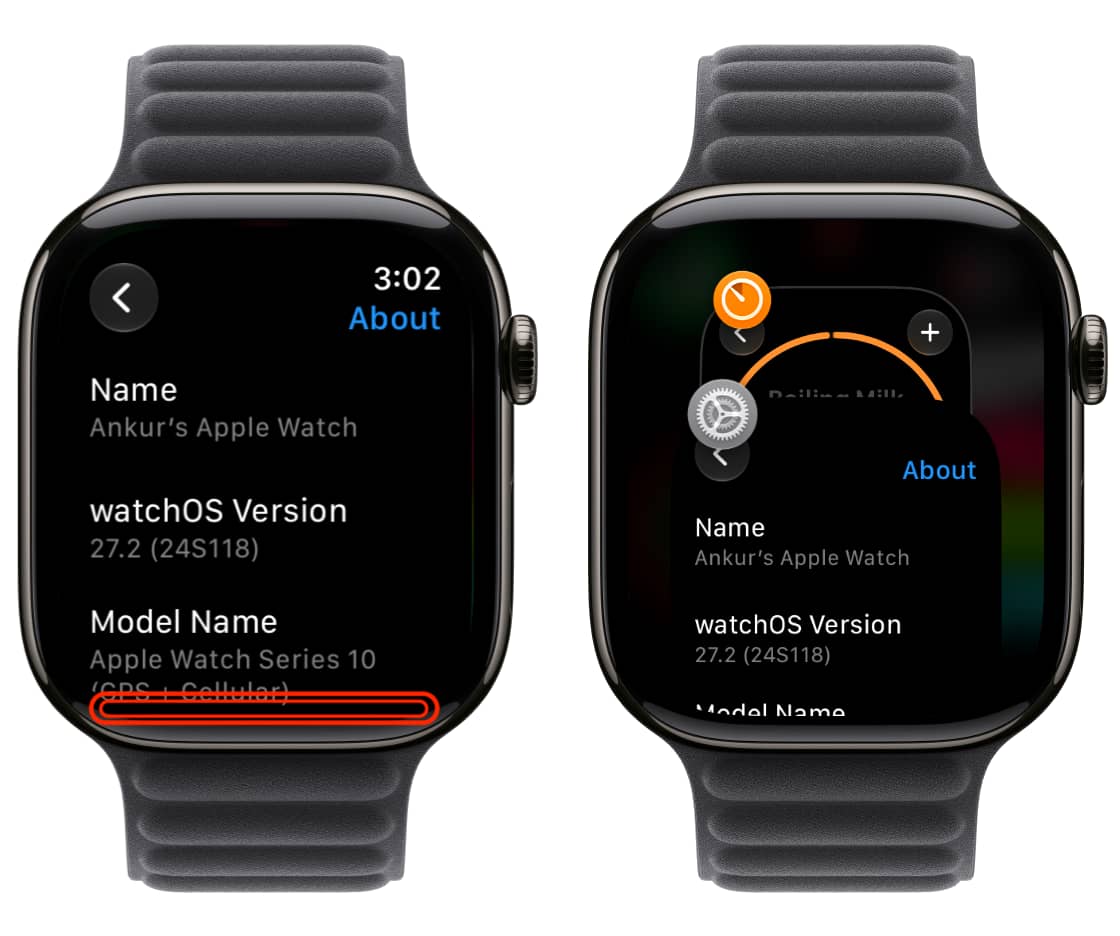
Learn how to access the missing App Switcher on your Apple Watch in watchOS 27 to see your recently used apps and swipe left to force-close one.
Before the watchOS 27 update , you could double-press the Digital Crown to bring up the App Switcher and access your recently used apps.
However, Apple introduced a new Live Rewind AI feature for Series 12 and Ultra 4 in watchOS 27, and it’s mapped to a double-press of the Digital Crown (Live Rewind has finally arrived in watchOS 27.3, which is currently in beta).
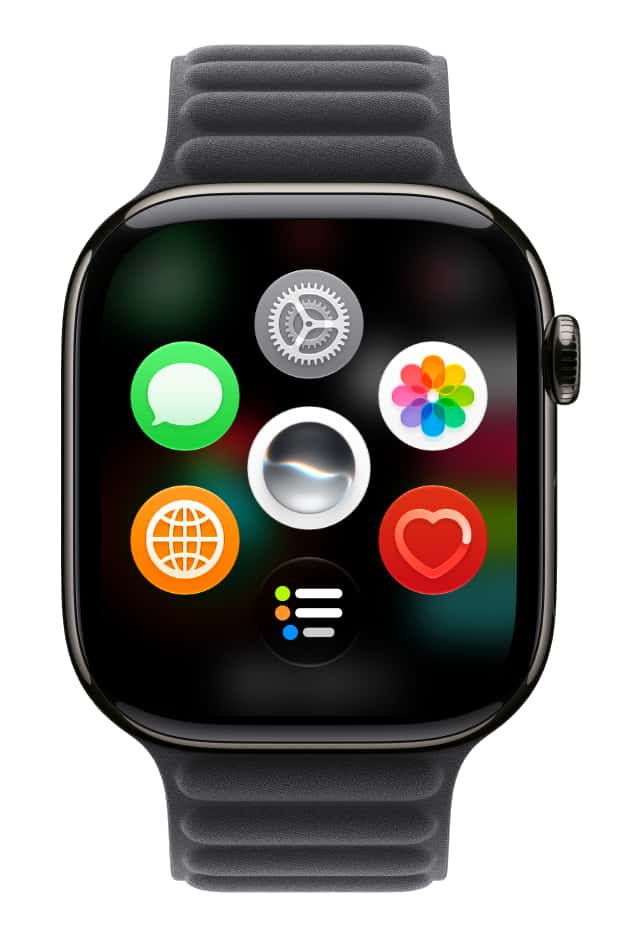
Double-pressing the Digital Crown on older watch models running watchOS 27 does nothing, leading users to believe there is no way to access recently used apps, aside from hoping to see them on the revamped Home Screen.
My recently used apps on watchOS 27 Home Screen
But that’s not entirely true. Apple has simply changed how we access the App Switcher.…