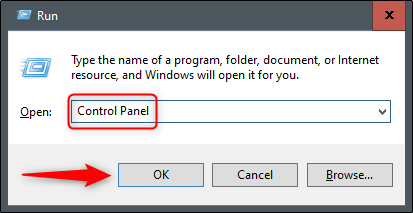
I've spent years fixing Windows shortcuts that silently break in updates, so I've updated this list to reflect Windows 11's current reality. The old Control Panel isn't going anywhere, but its access methods have shifted. Here are the ways that actually work for you right now.
You can search for any application on your PC with the Start menu's search feature. In the Search box to the left of the taskbar, just type Control Panel . Click "Control Panel" in the search results to launch it. You can also use the arrow keys to select it and press Enter.
2. Pin it to the taskbar
Windows lets you pin apps to the taskbar for quick access. You can launch Control Panel using one of the methods in this article and then pin it to the taskbar.
To do this, launch Control Panel, right-click its icon in the taskbar, then select "Pin to Taskbar" to keep it there permanently.…