Table of Contents
Train YOLO26 on a Custom Dataset with YOLOE-26 Auto-Labeling
Auto-Labeling a Custom Dataset for YOLO26 Object Detection
Configuring Your Development Environment
Project Structure
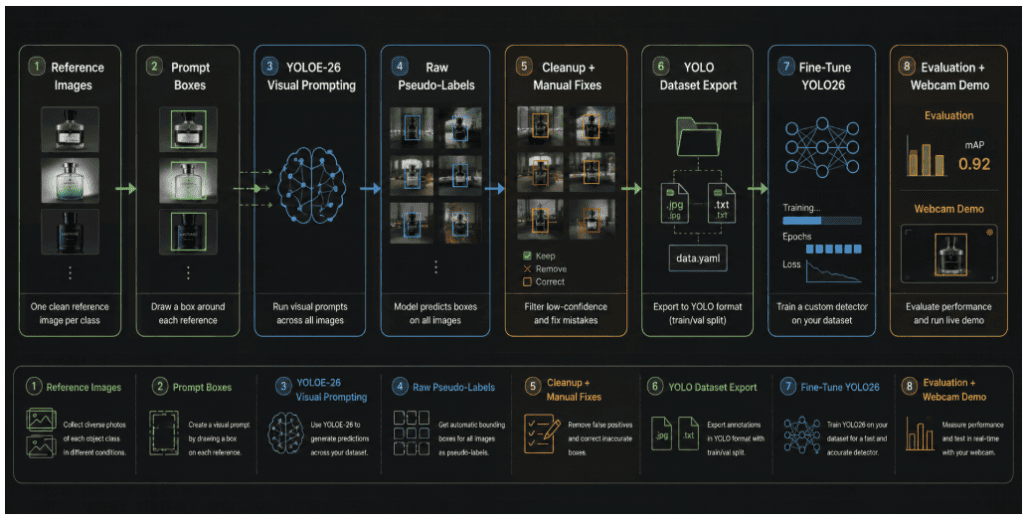
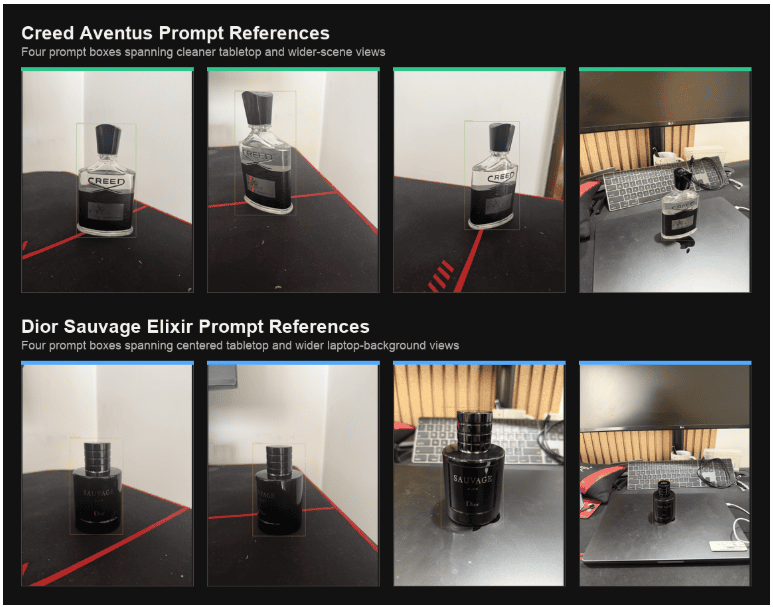
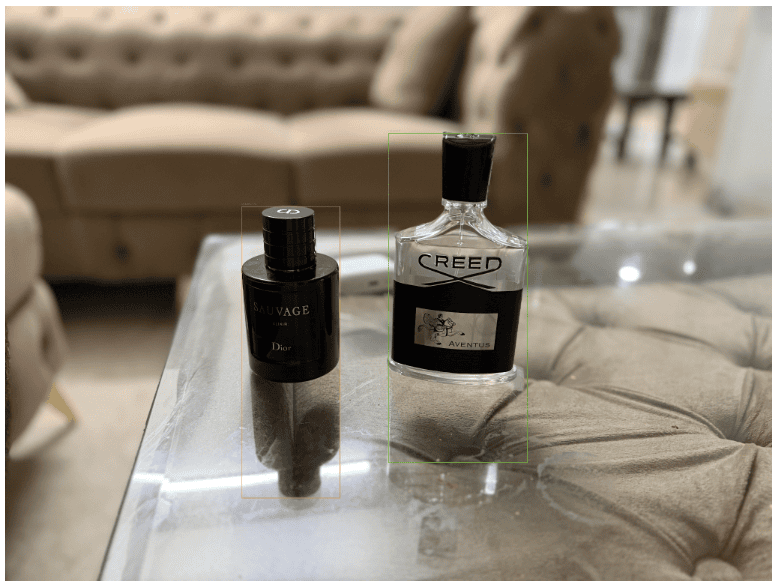
Step 1: Define Custom Object Classes and Reference Images
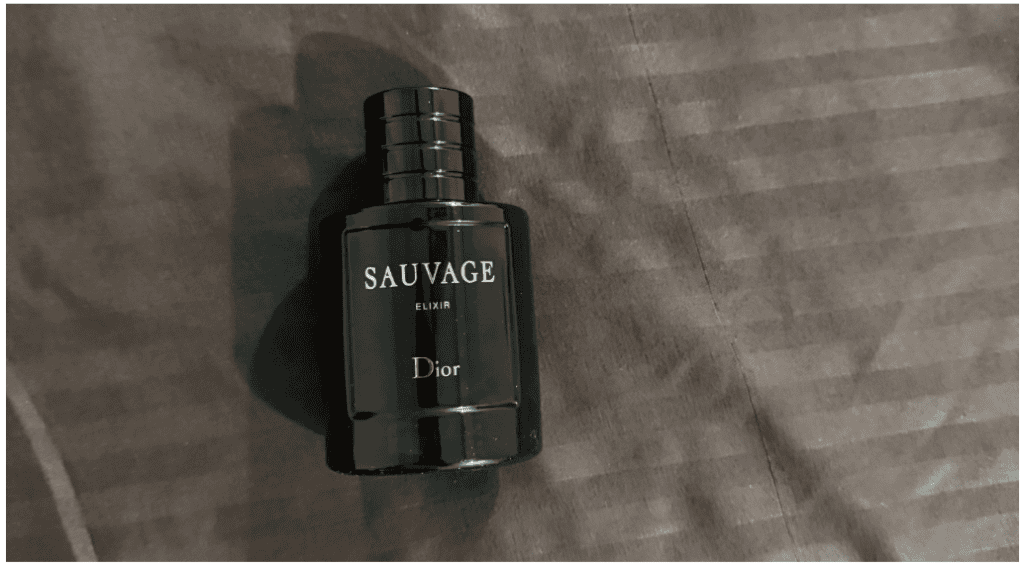
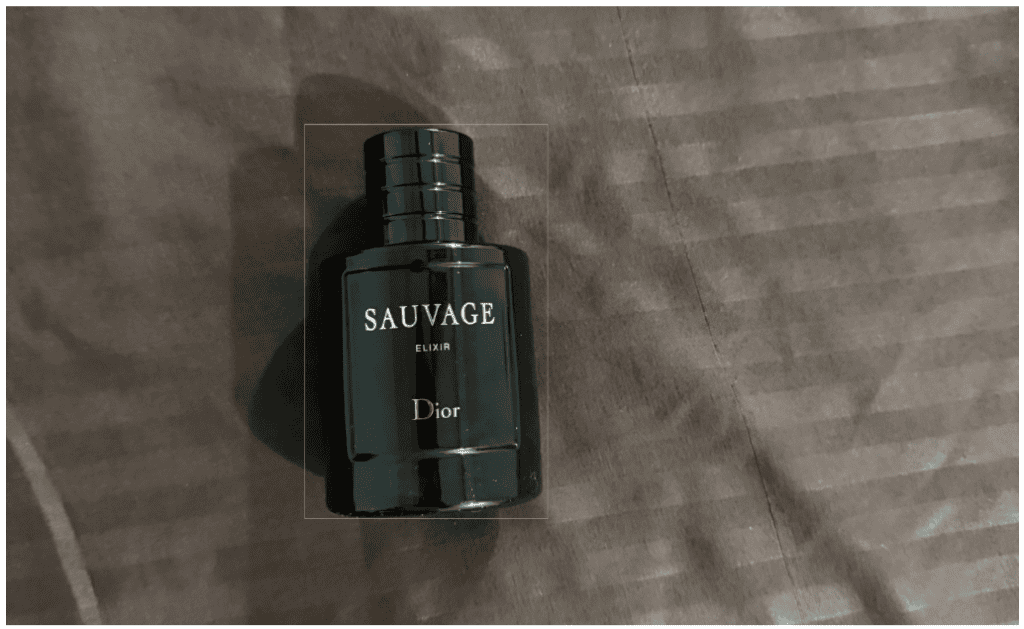
Step 2: Draw Visual Prompt Boxes for YOLOE-26 Auto-Labeling
Step 3: Auto-Label a Custom Dataset with YOLOE-26 Visual Prompting
Step 4: Clean the Pseudo-Labels
Step 5: Export the Custom Dataset in Standard YOLO Format
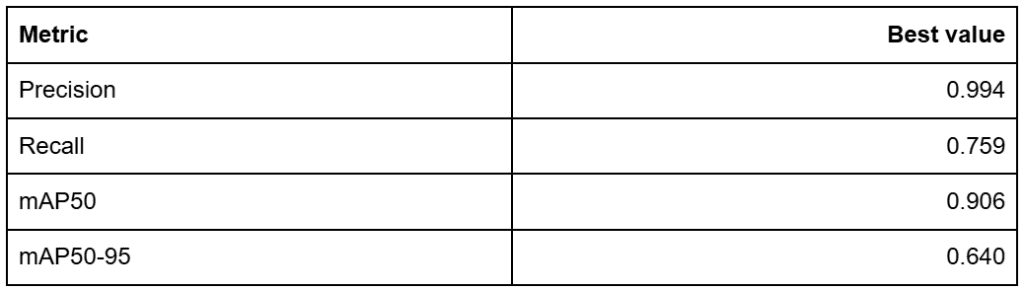
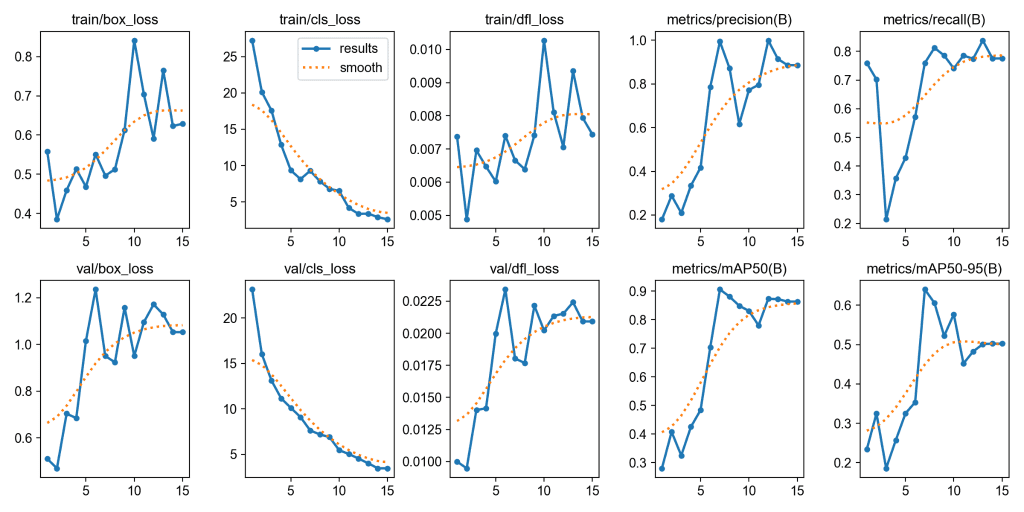
Step 6: Train YOLO26 on a Custom Dataset
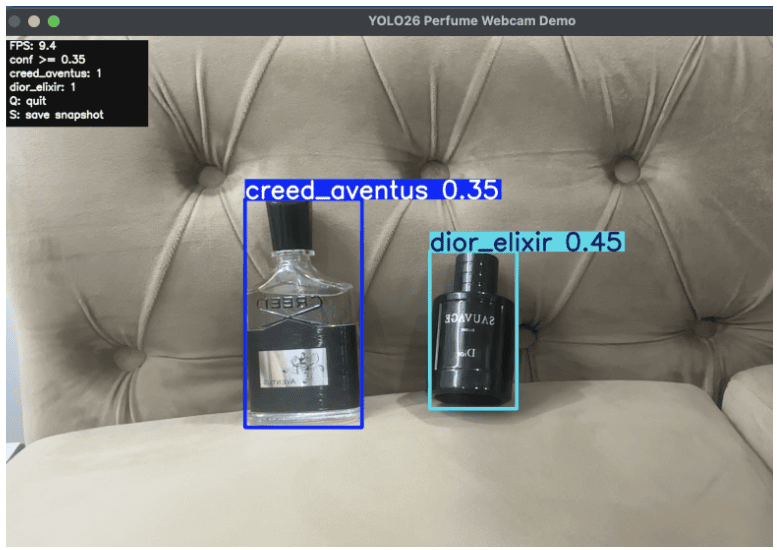
Step 7: Test YOLO26 with Real-Time Webcam Object Detection
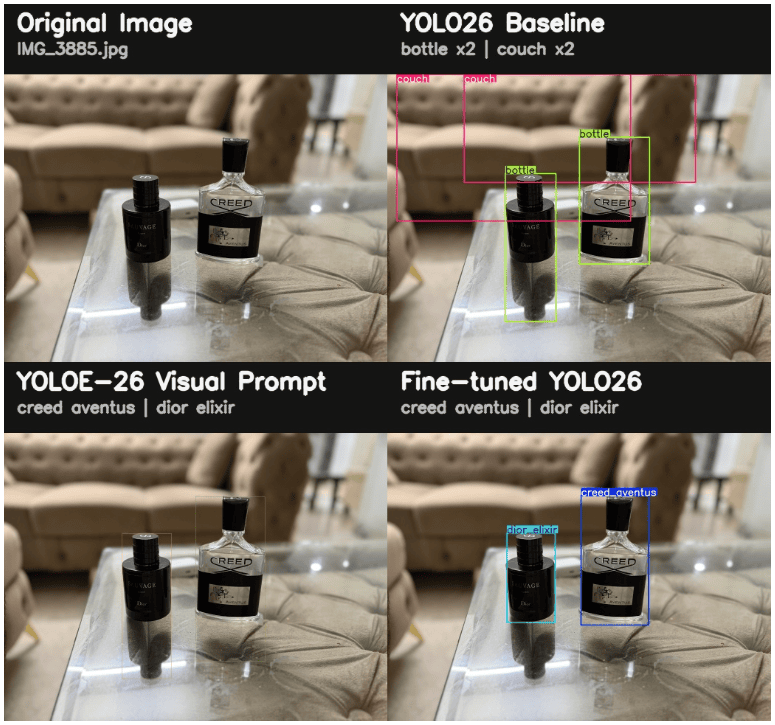
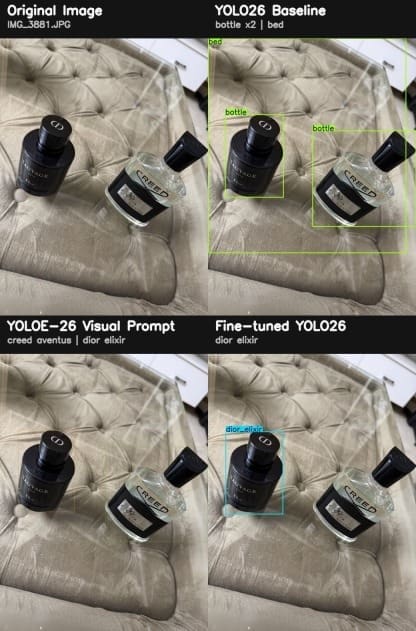
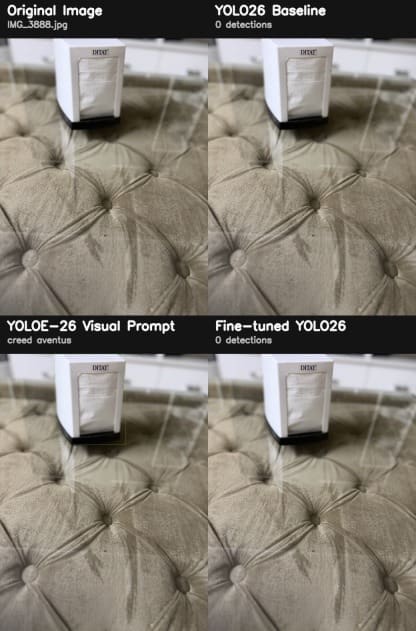
Step 8: Compare YOLO26, YOLOE-26, and Fine-Tuned Object Detection Models
Why Fine-Tune YOLO26 If YOLOE-26 Already Works?
What This Workflow Covered and What It Did Not
Summary
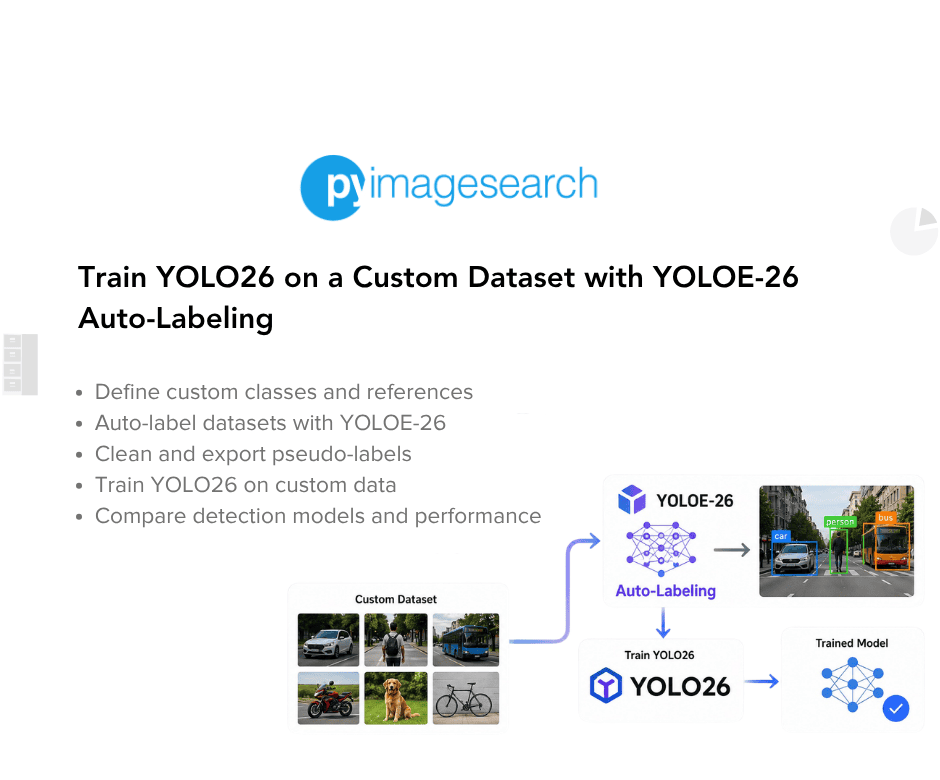
In this lesson, you will learn how to use YOLOE-26 visual prompting to auto-label a custom dataset, clean pseudo-labels, export YOLO training data, and fine-tune YOLO26 for class-specific object detection.
This lesson is the last in a 2-part series on…