Marinel Sigue/BGR
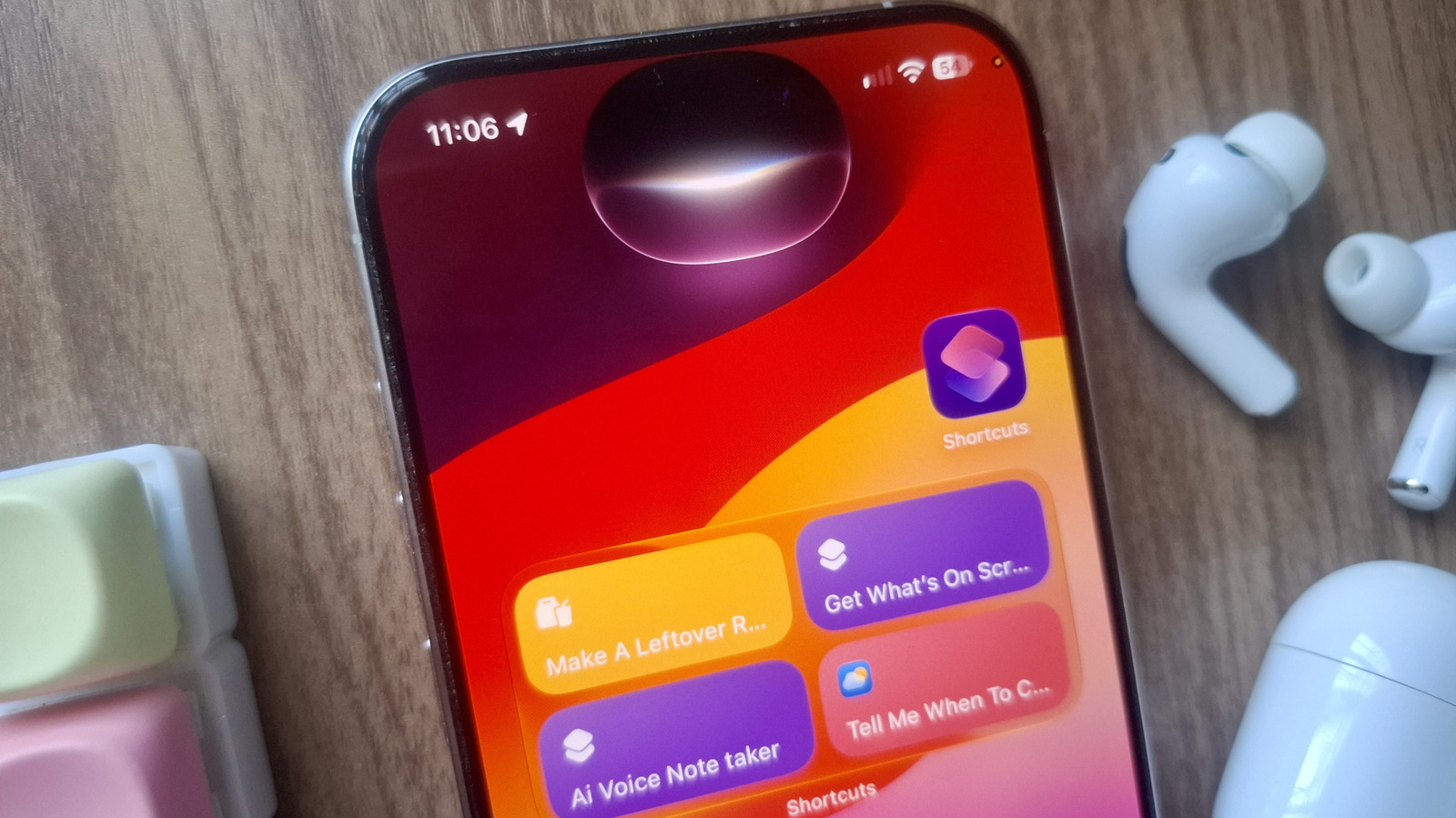
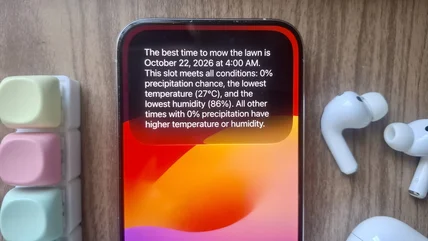
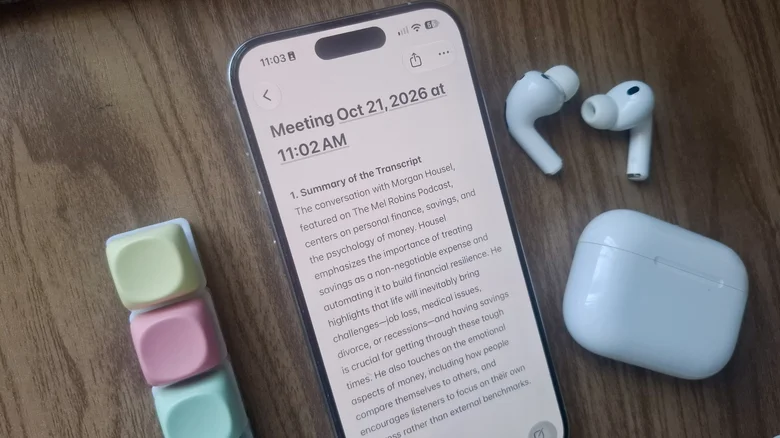
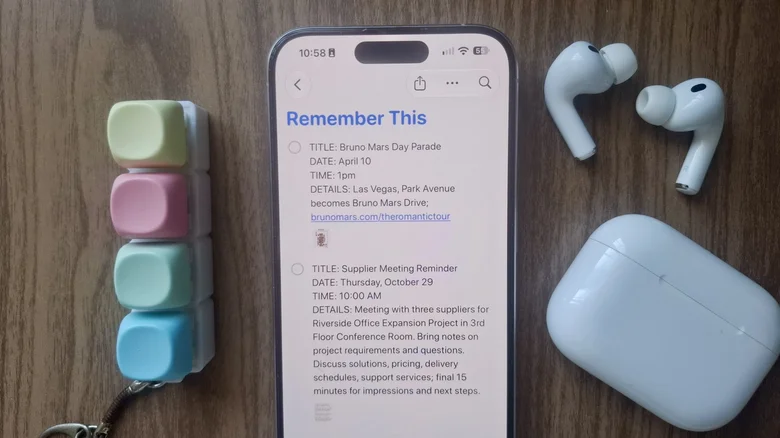
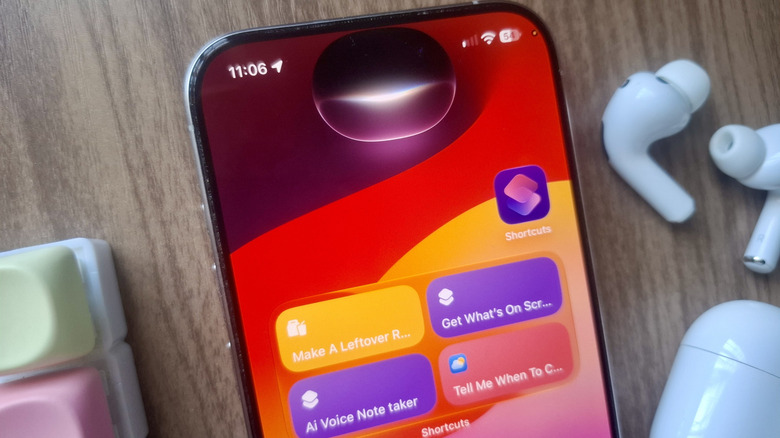
The iPhone Shortcuts app is powerful on its own, but what makes it even more versatile is the many different ways you can run your shortcut of choice. For one, you can assign it to the Action Button, ideal for those who like the tactile feel and ability to start the shortcut even when the iPhone is locked. You can also add the shortcut as a Home Screen icon, an option in the Share Sheet, or a tile in your Control Center.
But beyond these hands-on approaches, there's a more effortless and convenient way to activate a shortcut: by asking Siri. Siri Shortcuts are one of the iOS features you need to start using , especially when your hands are full or you don't want to bother tapping away on your screen.
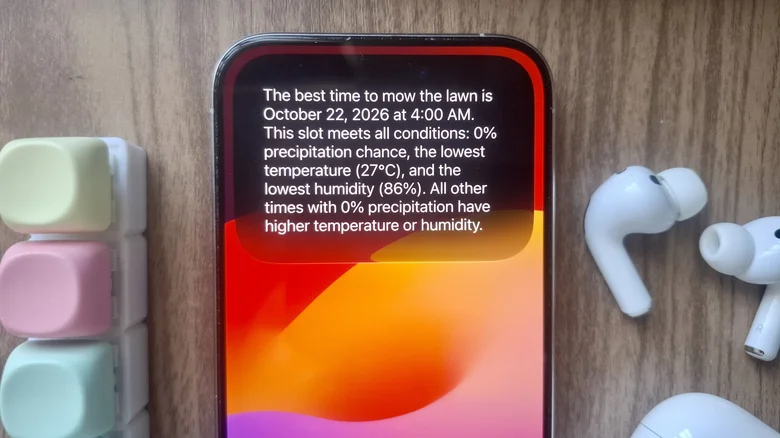
All you have to do is call Siri, say the name of the shortcut, and sit back as Siri takes care of the rest.…