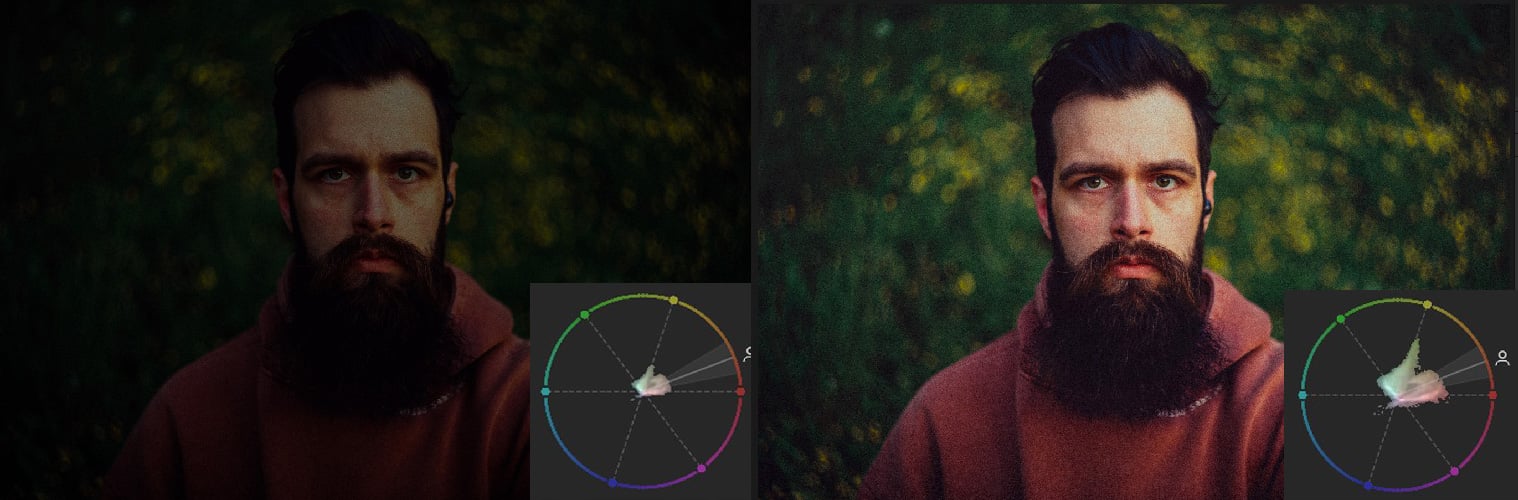
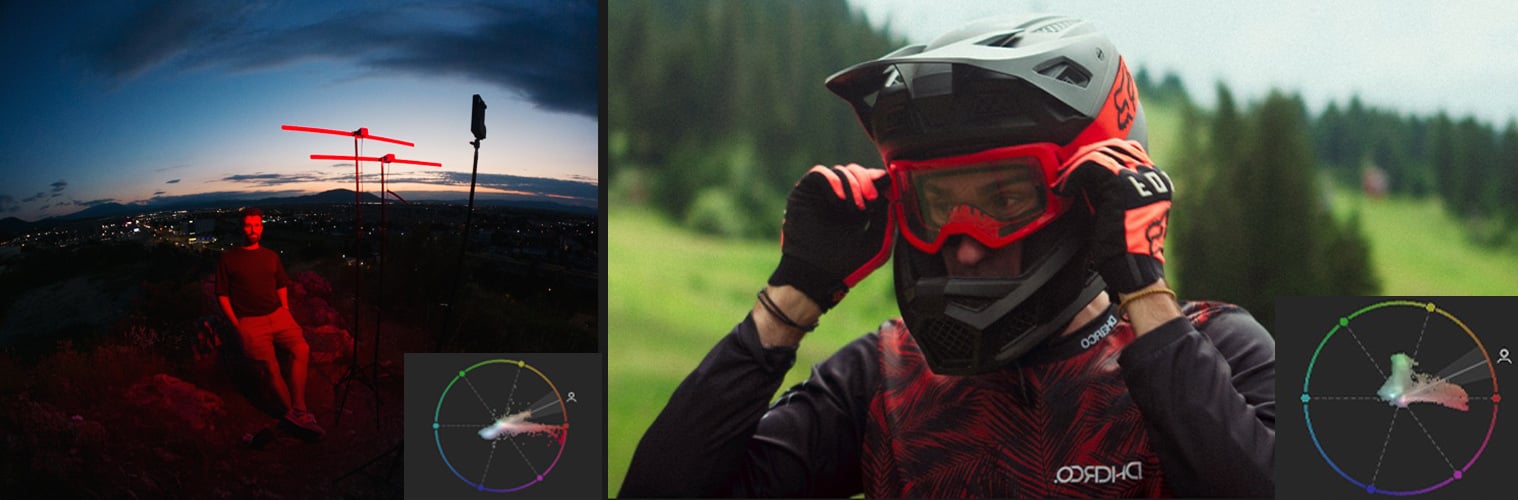
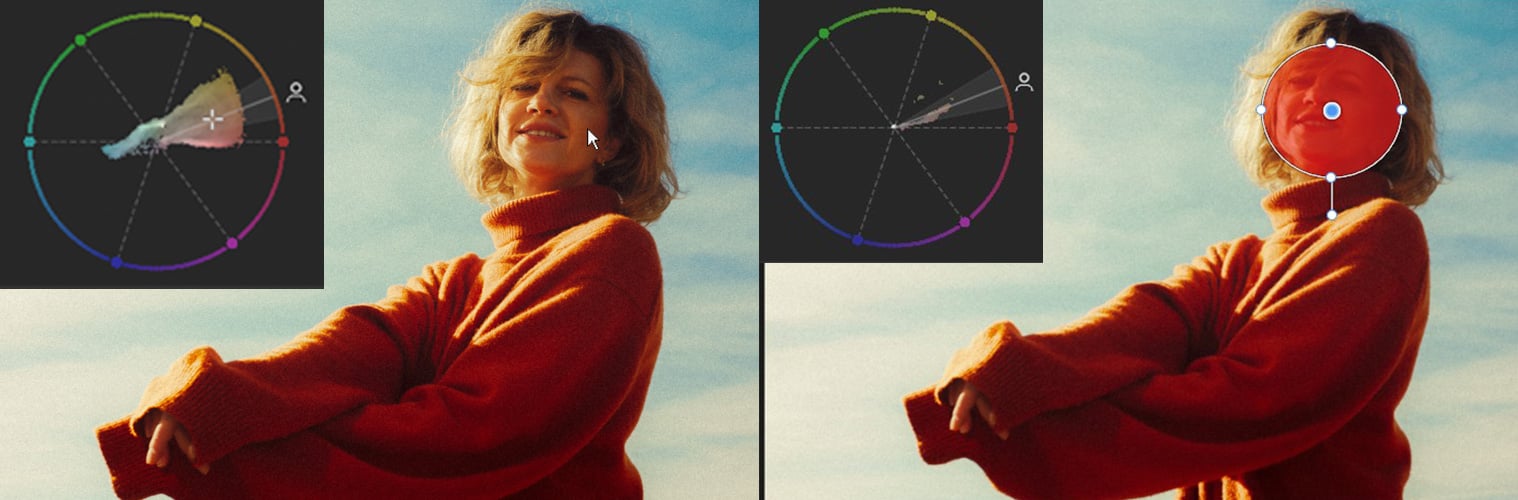
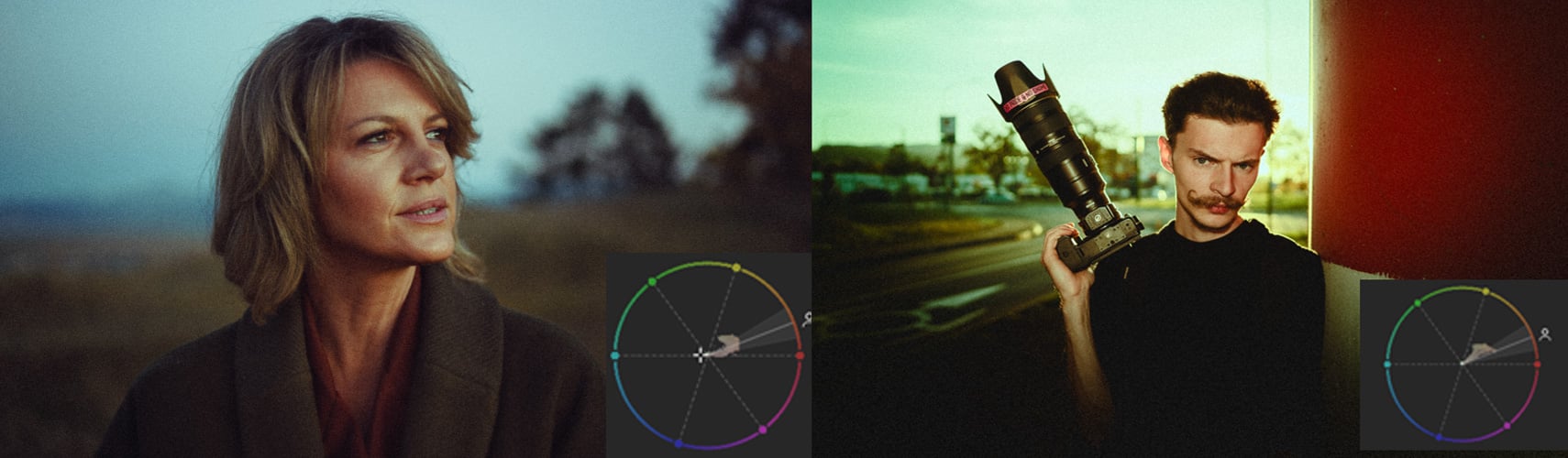
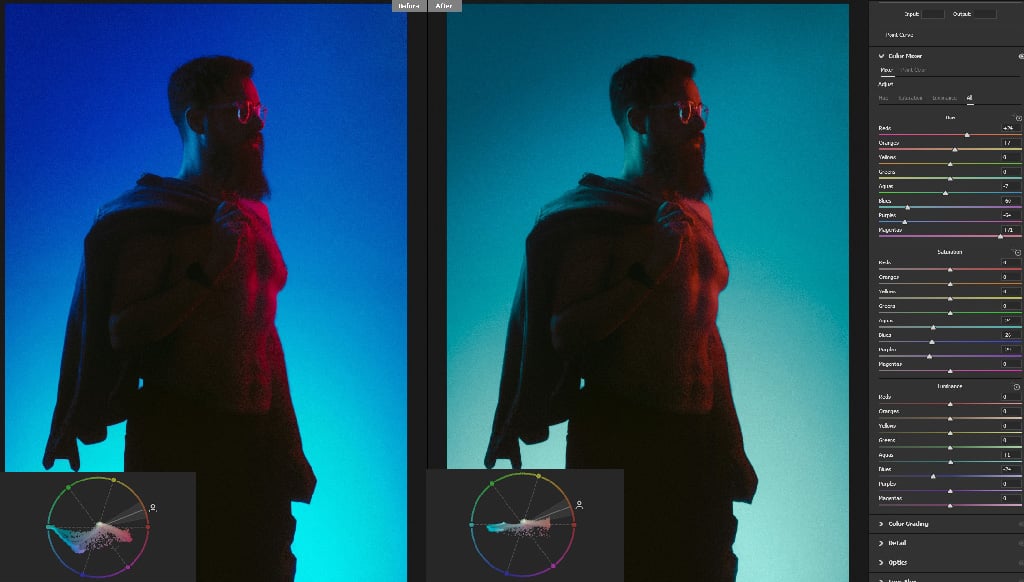
The vectorscope has finally arrived in Lightroom, and it is one of the most useful color tools a photographer can add to their editing workflow. The vectorscope showed up in Adobe Camera Raw a few months ago, and the examples below were shot there. So, in the video, I was still using a third-party solution called Scopes3 for my edits, but now that it has finally arrived in Lightroom as well, it’s time to talk about it.
What is the Vectorscope?
The vectorscope is a tool that visually maps out the hue and saturation of every pixel in a photo, the same way a histogram maps out the exposure. The tool looks like a circular chart with dotted lines for the six main colors around the color wheel, along with dots that show you the values in your images. The closer a color’s dot is to the edge of the circle, the more saturated it is in the photo. There is also a seventh line for skin tones, which I’m going to talk about a bit later.…