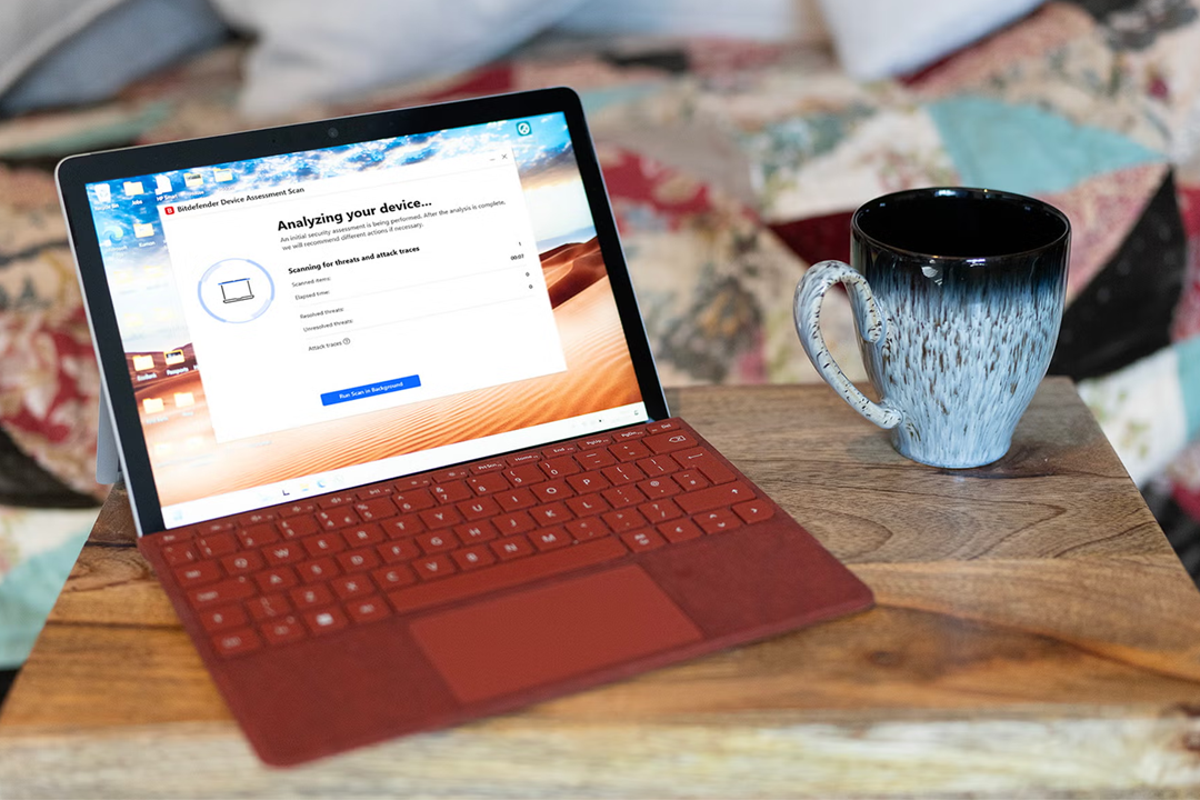
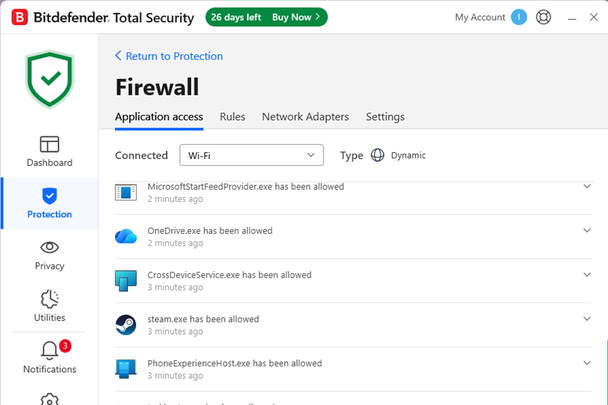
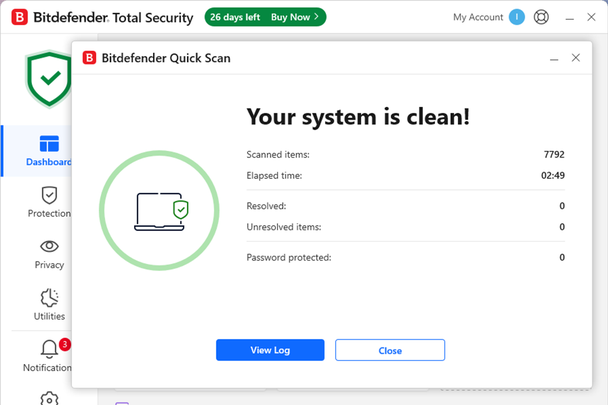
Bitdefender Total Security: Features Modern antivirus apps aren’t just one thing – they bundle multiple tools into a single interface. Bitdefender follows that approach, sitting as a small red icon in your system tray and displaying a “you are safe” message when you hover over it. Click it and you’ll open the dashboard, with shortcuts to system scans, plus recommendations and links to account management and support. The Protection tab includes settings for antivirus, online threat defence and the firewall (Bitdefender) The most interesting tab is titled “Protection”. Here you’ll find settings for antivirus, online threat defence and the firewall. You’ll want to leave most of this stuff turned on, but if anything prevents your PC from operating normally - for example the firewall preventing a network service you know is safe from running - then this is where you’ll come to sort it out.…