Published Nov 8, 2026, 2:00 PM EST
Beginning his professional journey in the tech industry in 2018, Yash spent over three years as a Software Engineer. After that, he shifted his focus to empowering readers through informative and engaging content on his tech blog – DiGiTAL BiRYANi . He has also published tech articles for MakeTechEasier . He loves to explore new tech gadgets and platforms. When he is not writing, you’ll find him exploring food. He is known as Digital Chef Yash among his readers because of his love for Technology and Food.
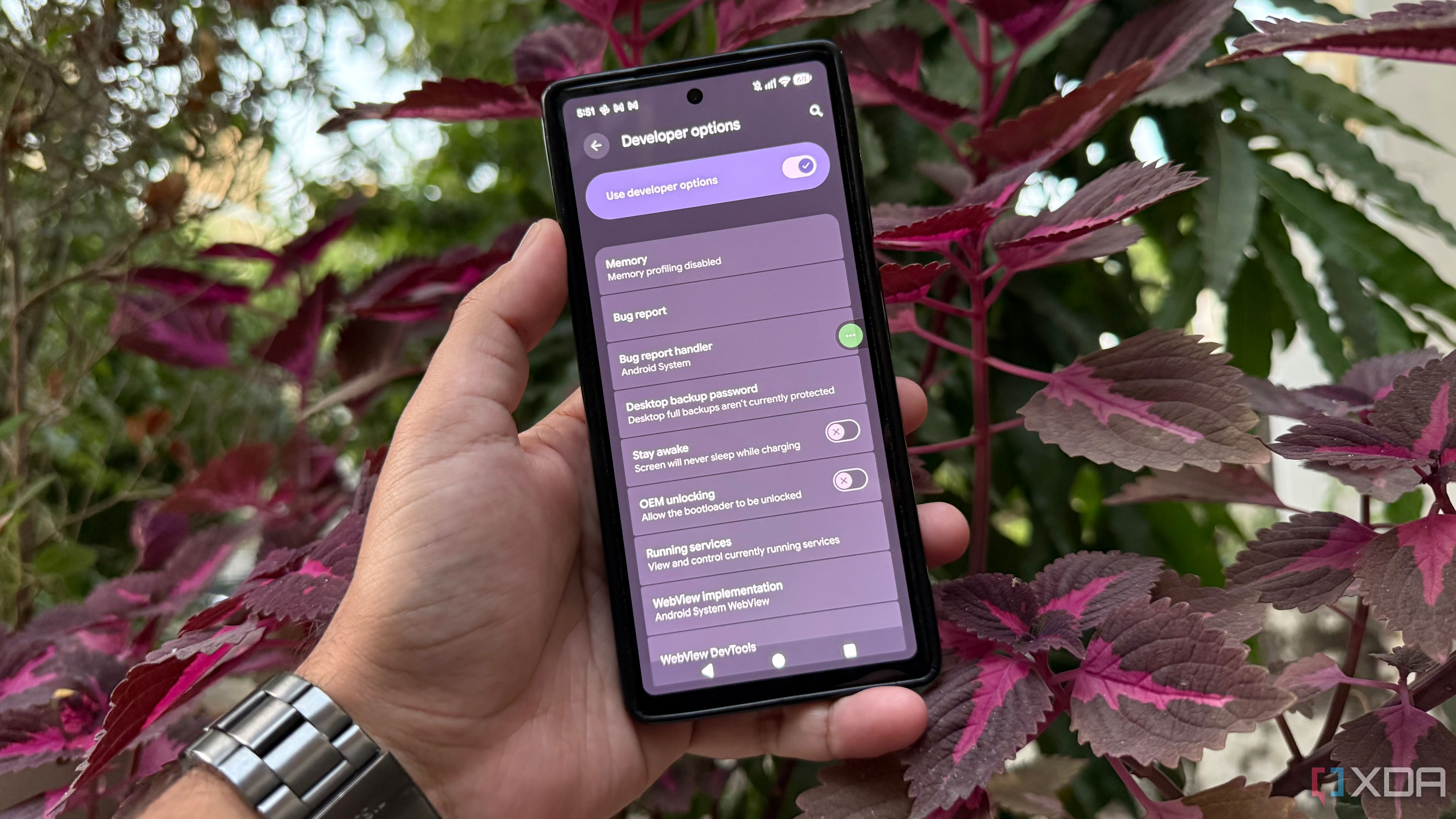
I like keeping my Pixel running smoothly without third-party optimization apps. Developer Options lets you fine-tune Android. I tested a few to see whether their benefits justified the trade-offs. I tested this on my old Pixel 6, which still handles most of my daily tasks but doesn't feel as fresh as it once did.
Rather than relying on generic performance-boosting tricks , I wanted to see whether changing a few built-in settings could improve the experience.…