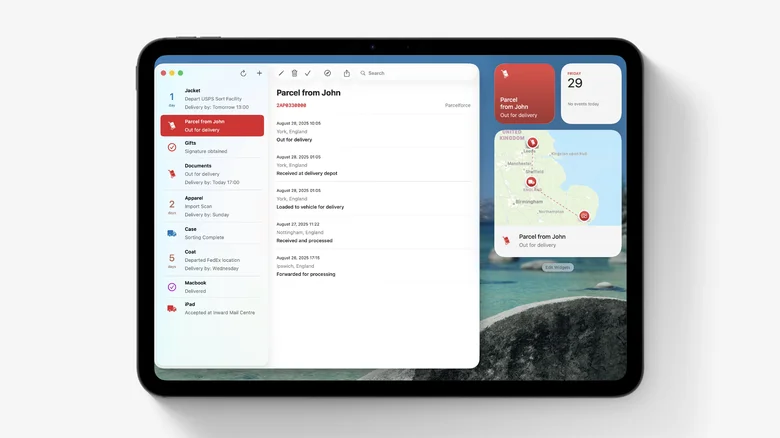
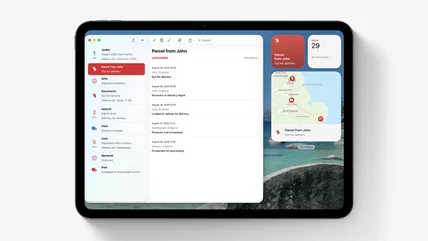
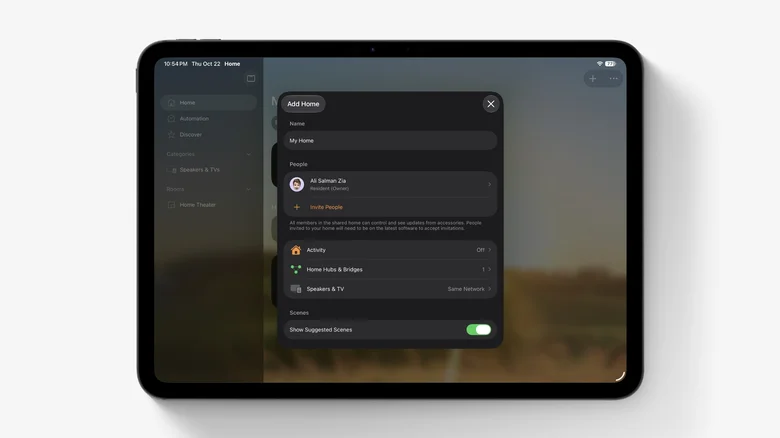
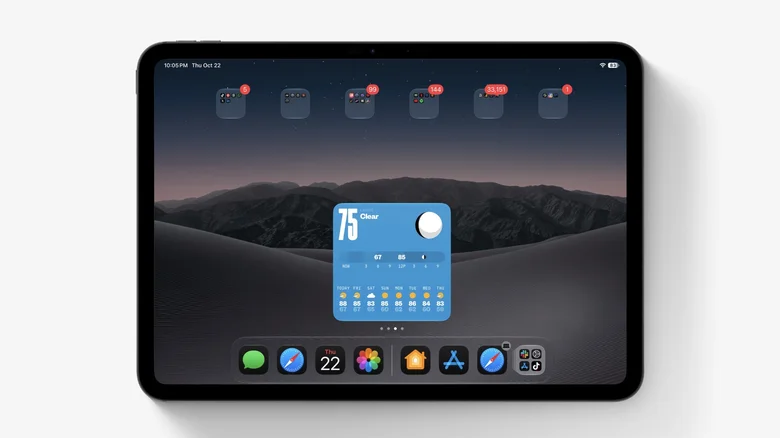
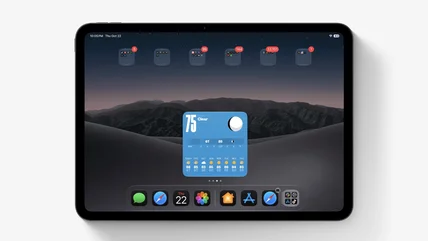
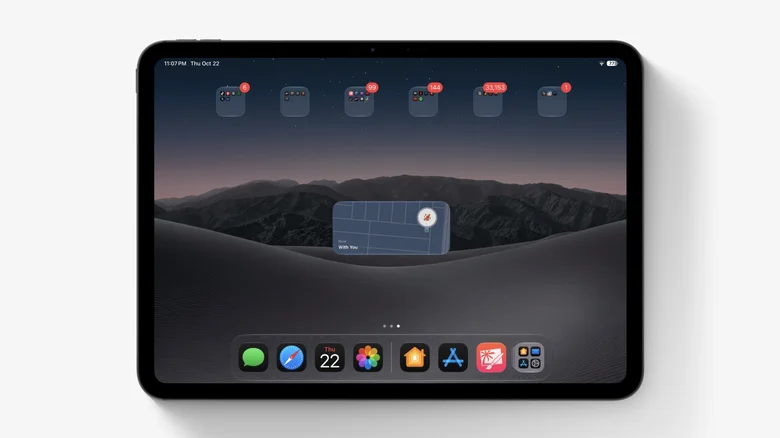
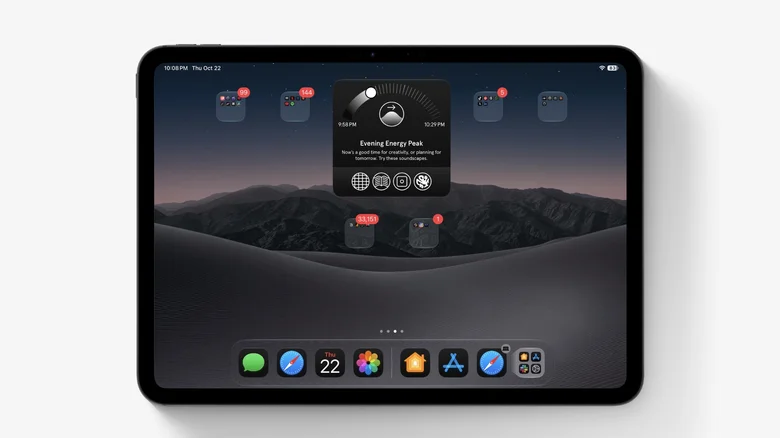
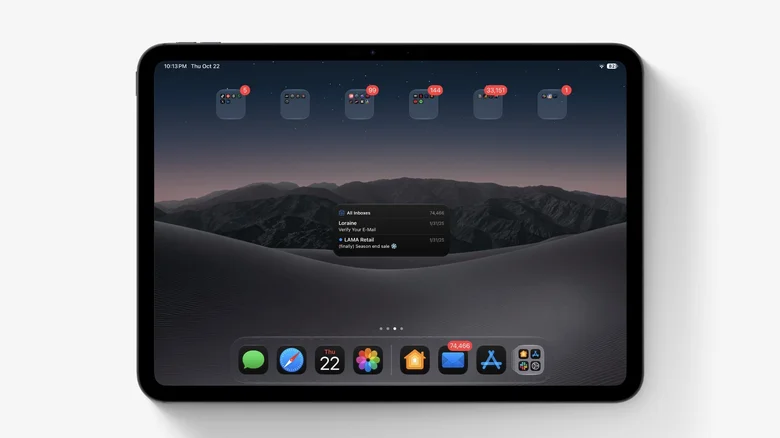
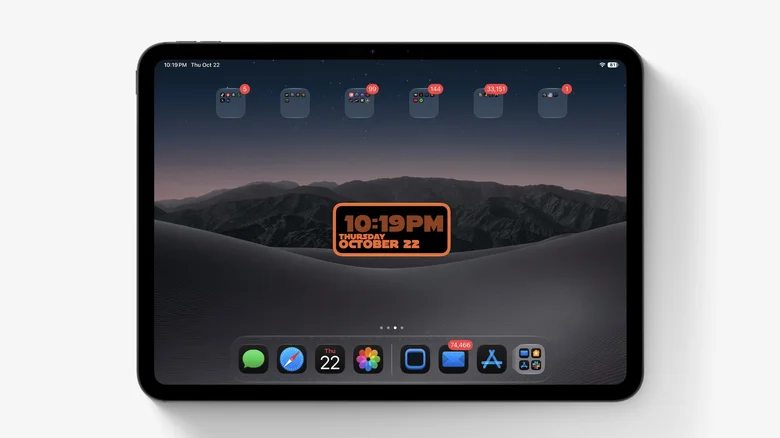
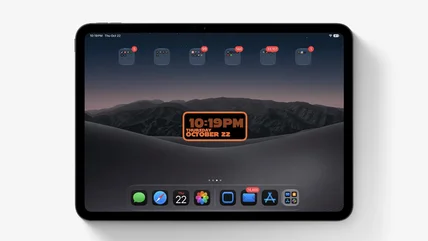
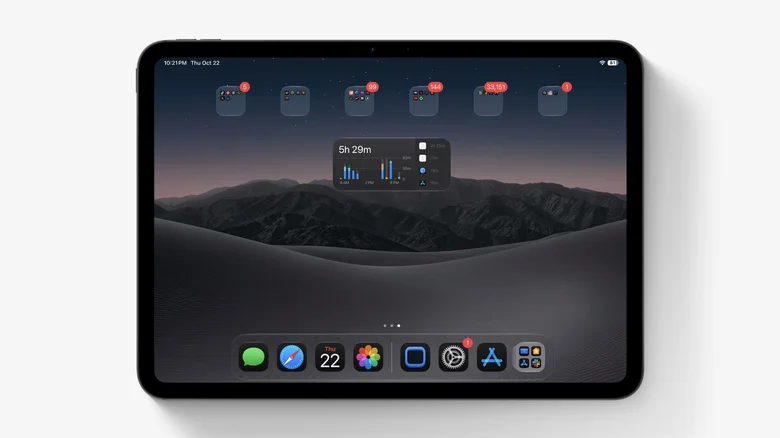
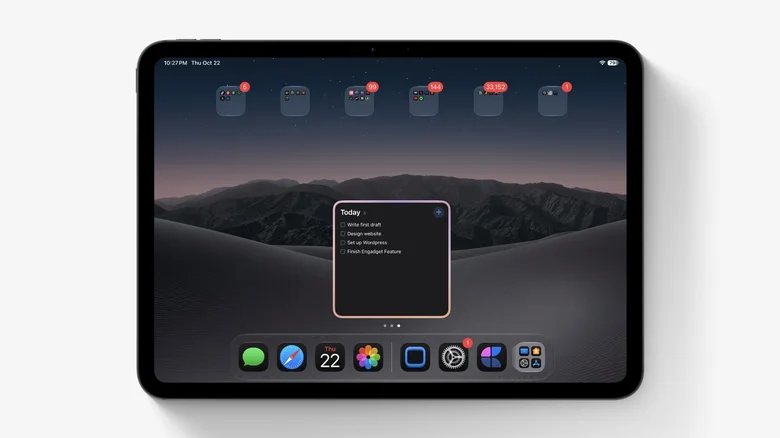
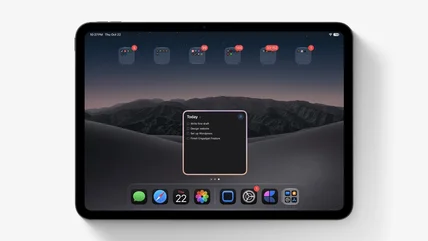
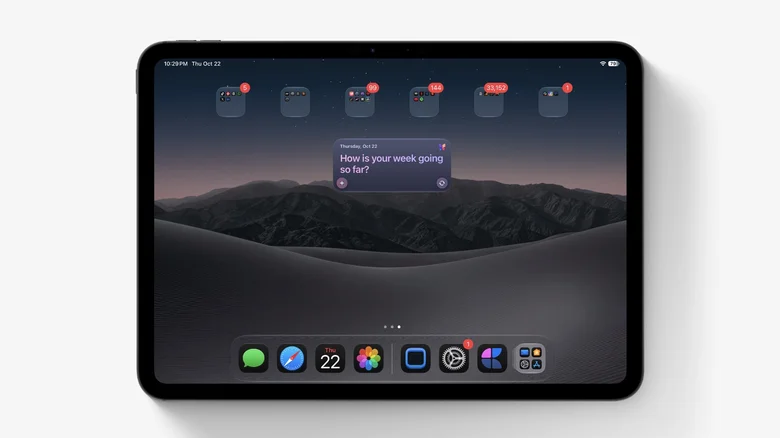
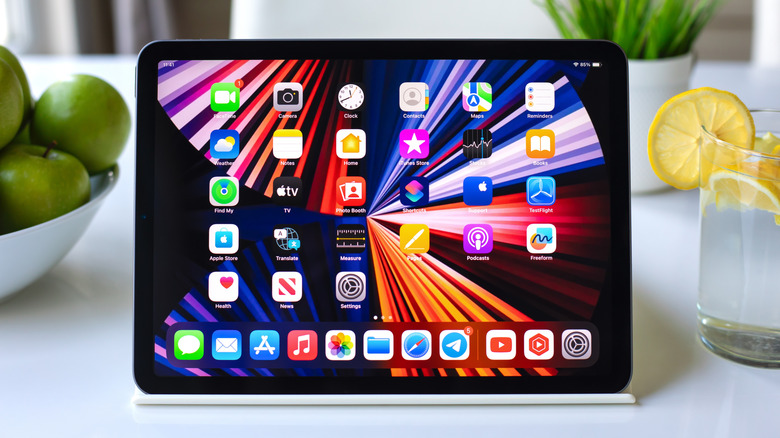
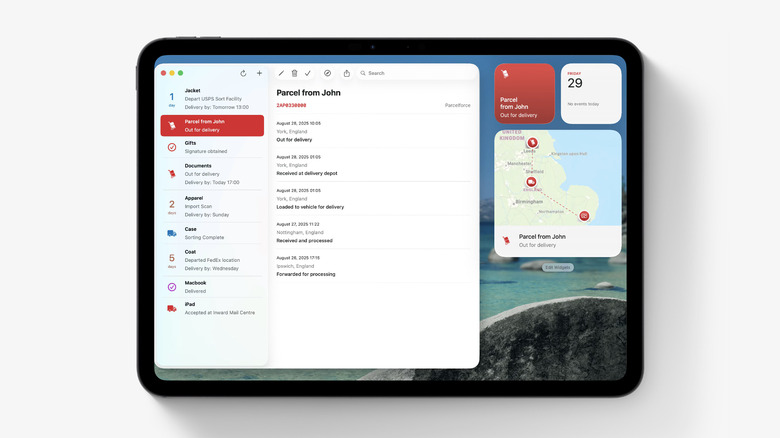
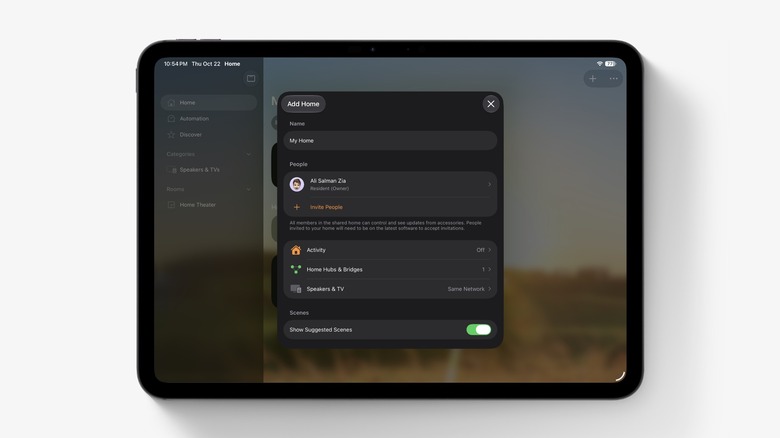
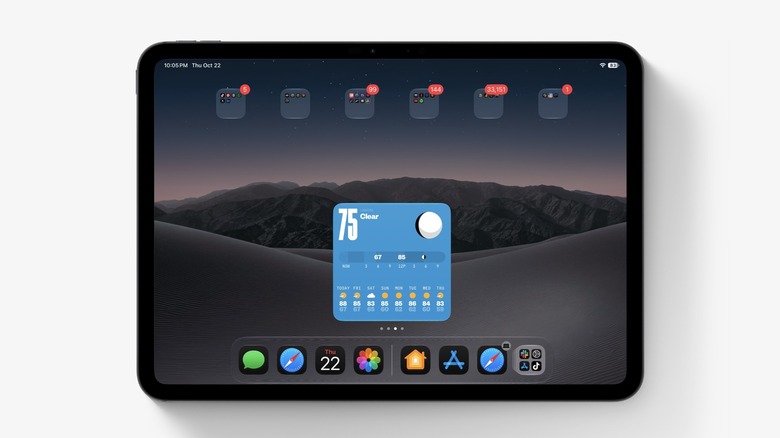
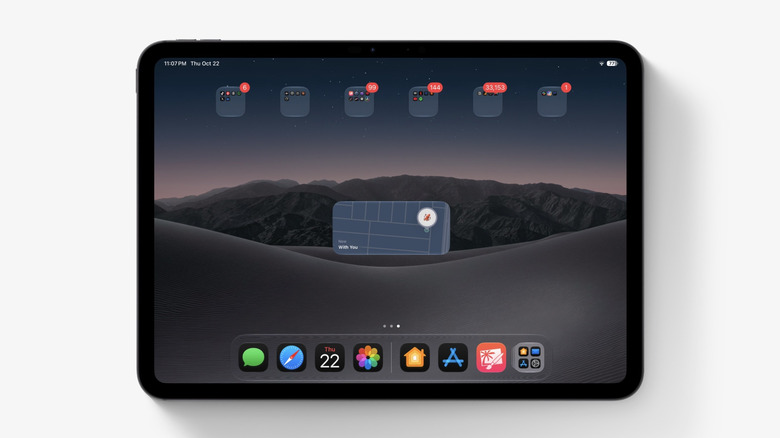
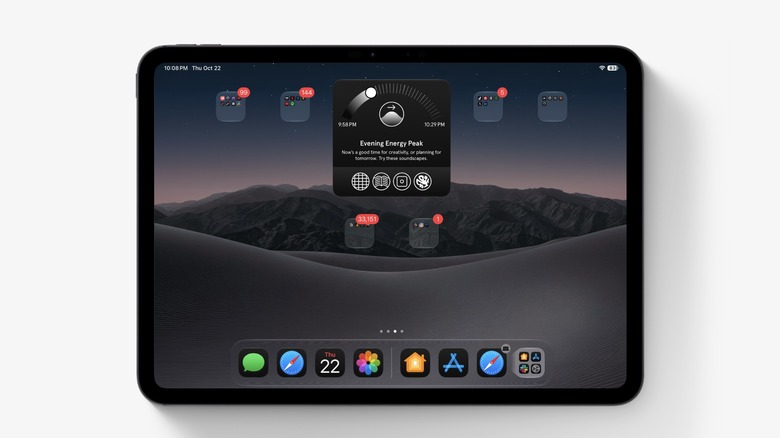
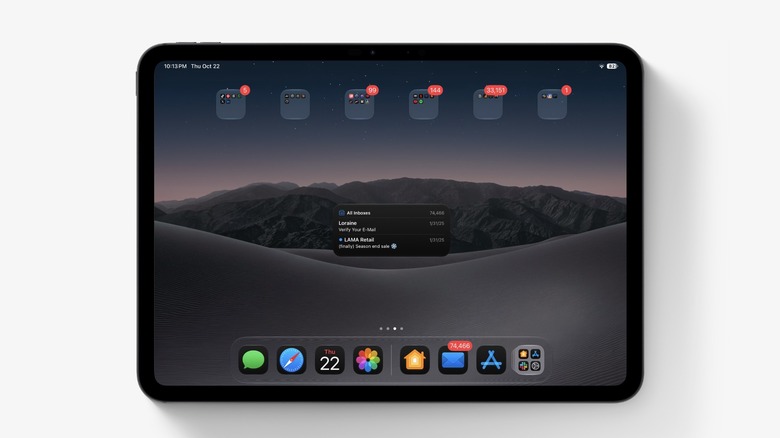
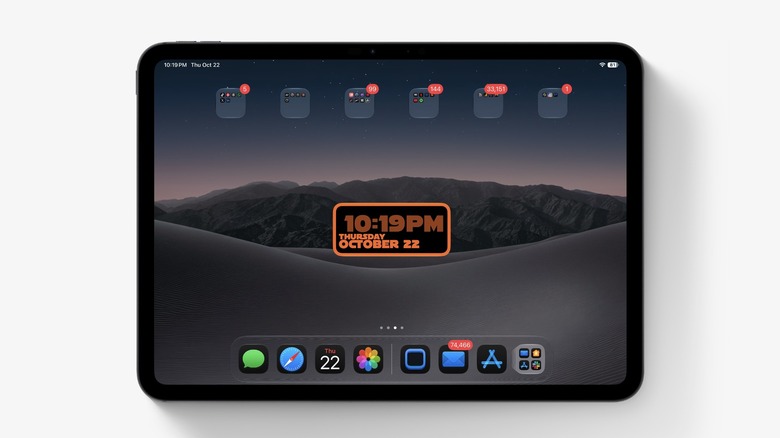
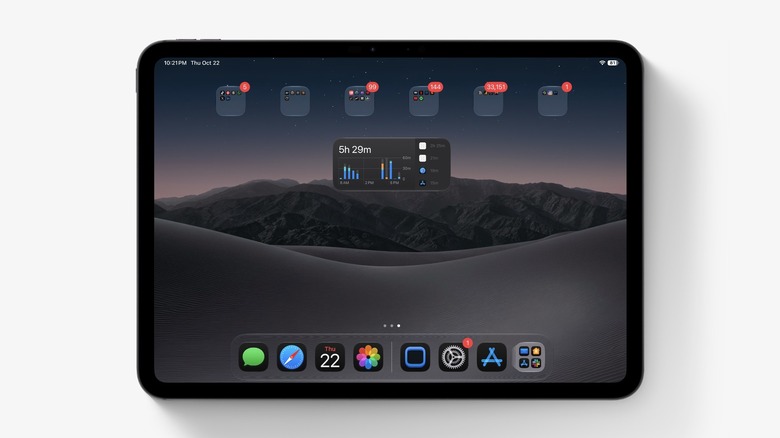
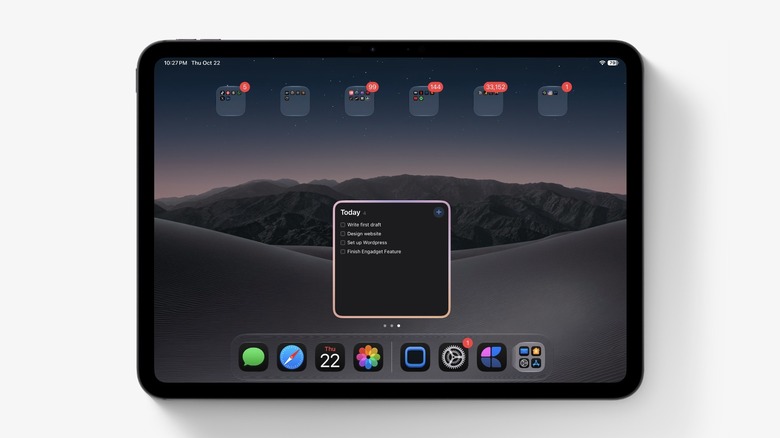
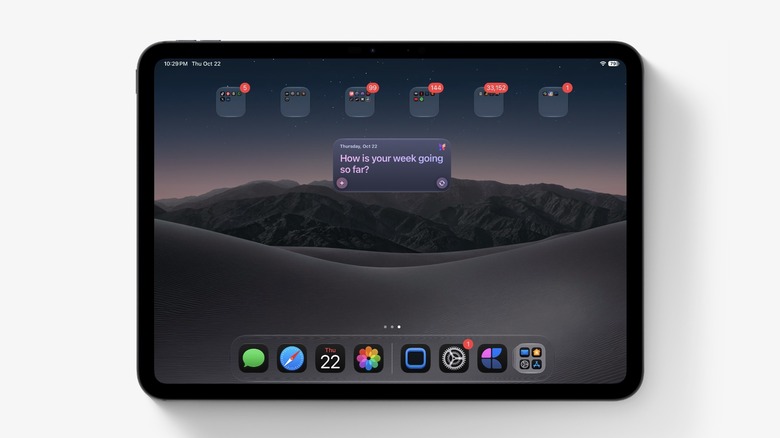
Basic iPad widgets are great, but there are many more exciting ones to discover.
DenPhotos/Shutterstock
Many iPad owners never truly grasp the capabilities of widgets. Adding a basic Weather, Calendar or Photos widget is limiting; they can do a lot more than just show the temperature and your next meeting, but many of the most useful ones go unnoticed. With iPadOS 27, Apple even brought extra-large widgets to Today View, giving them more room to take advantage of the bigger screen.
Between Apple's in-house widgets and third-party options, there's something for new iPad owners and power users alike to discover. To explore your available widgets, touch and hold an empty spot on the Home Screen of your iPad, tap Edit and then hit Add Widget . Depending on the app, you may have various options, including different sizes.…