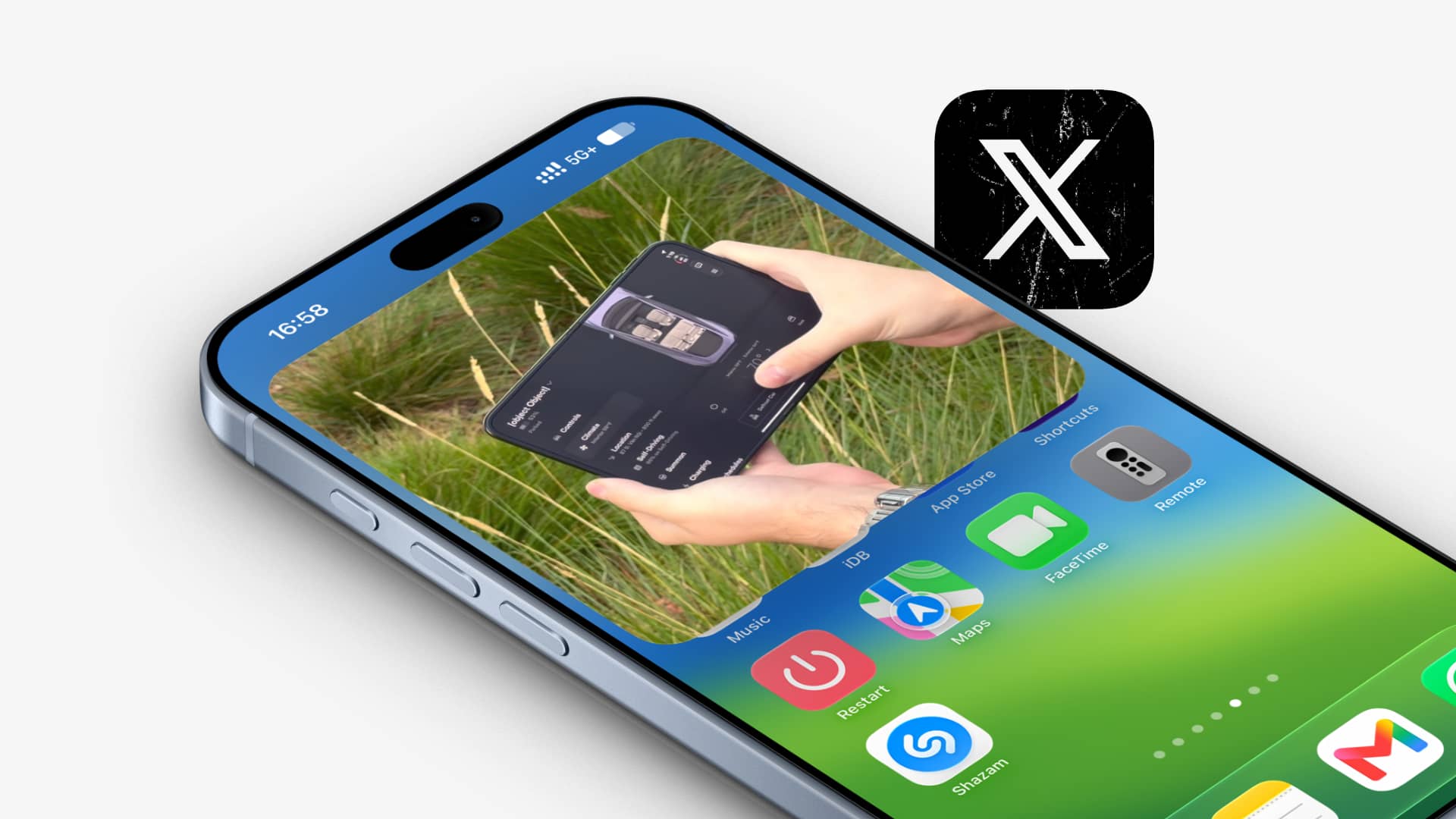
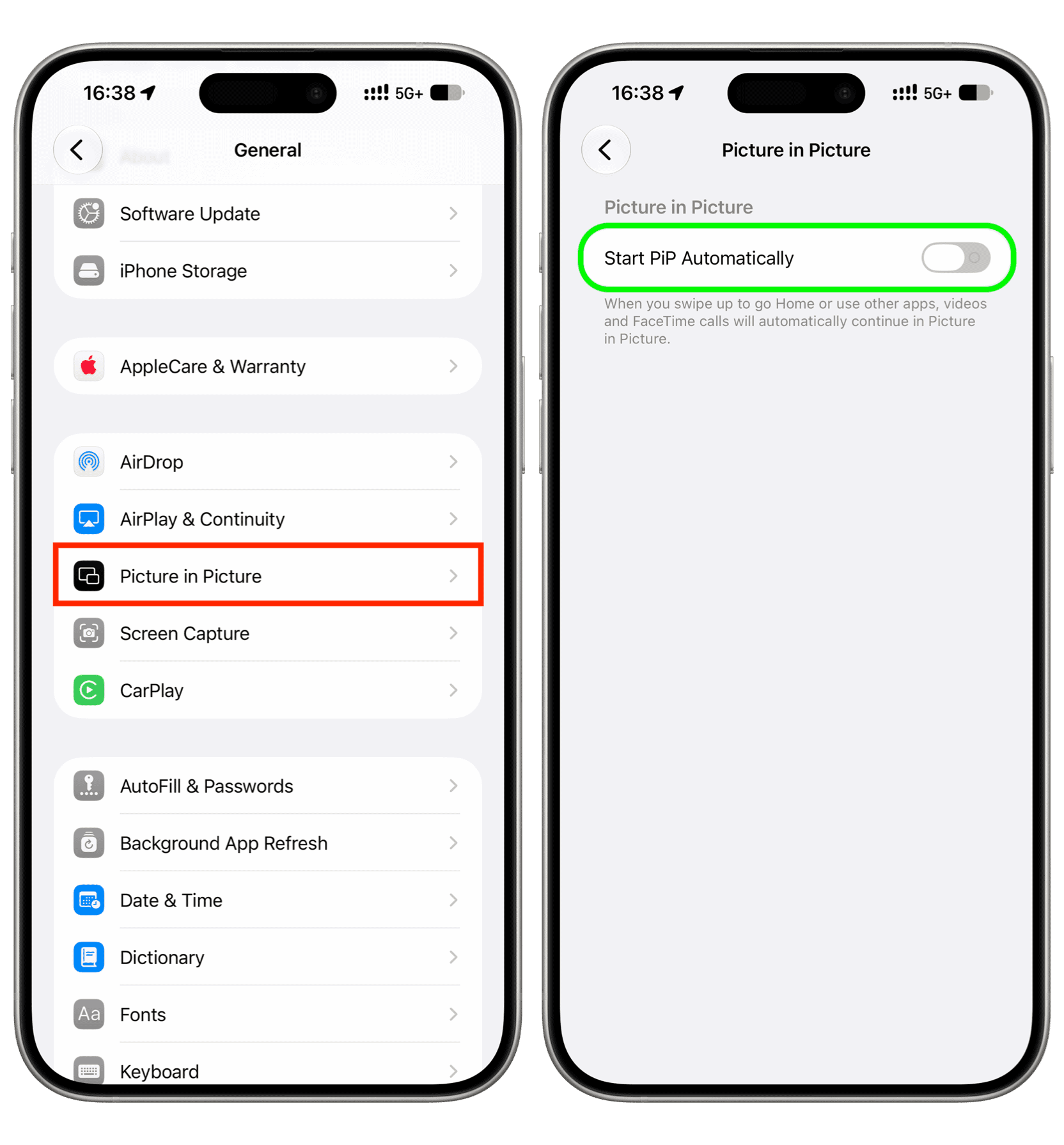
In this brief tutorial, we show you when the X app (formerly Twitter) starts playing videos in Picture in Picture on your iPhone and how you can stop that from happening.
When the X app plays video in the background
Older versions of the X app would keep playing a video in Picture in Picture (PiP) if you swiped out of the app, as long as you had a premium subscription .
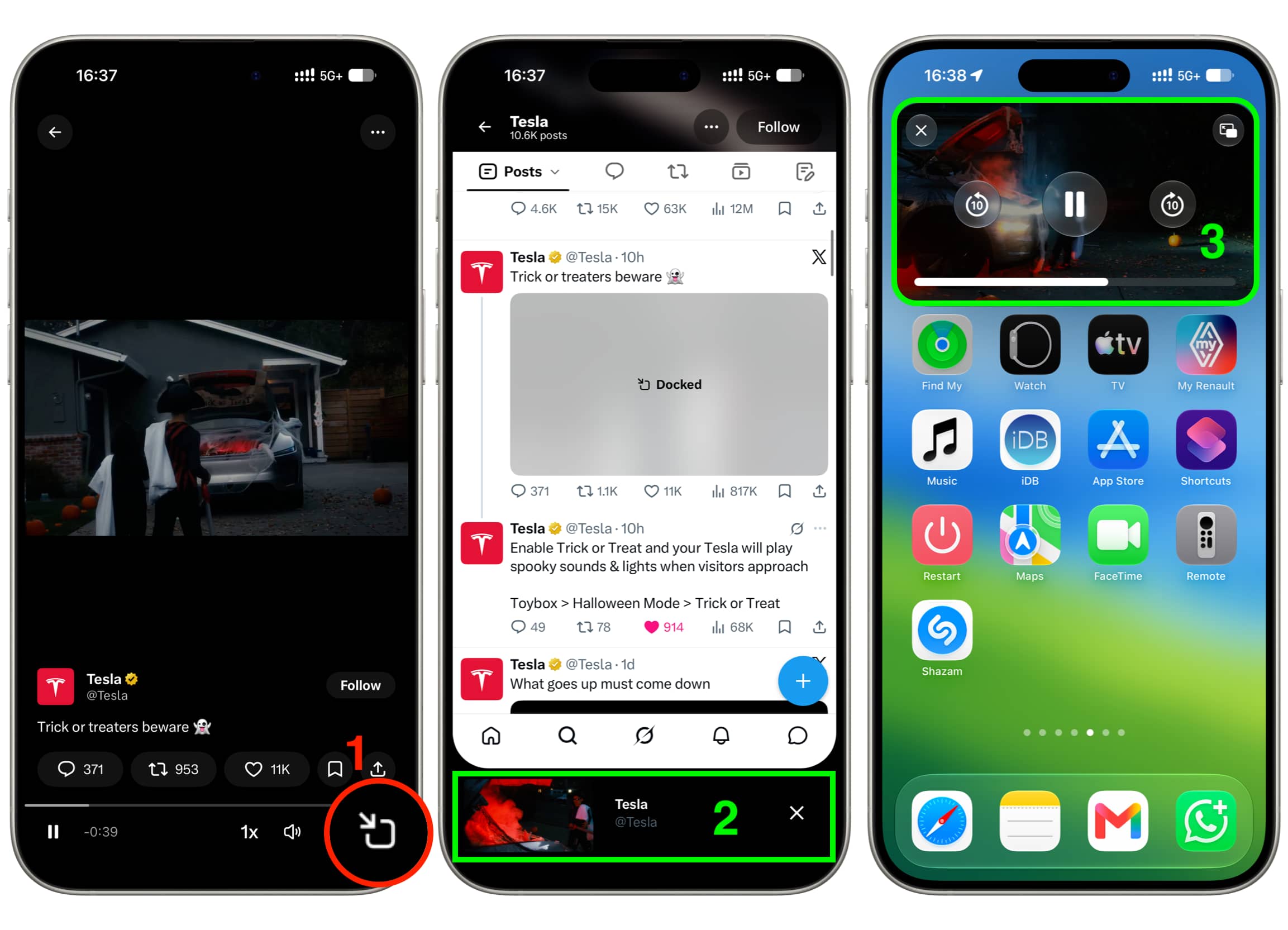
But the recent version of the app no longer does that. Instead, it only continues to play the video in Picture in Picture if you:
specifically tap the PiP button under the video, which first makes it play in a tiny horizontal bar at the bottom of the screen;
then swipe up to exit the app, which moves the video playback to the standard iOS Picture in Picture window.
Stop background video play from X app
As evident from my explanation above, if you don’t want the video from X to keep playing even after going out of the app, then simply don’t tap the Picture in Picture icon before leaving the app.
In case the video is already at the…