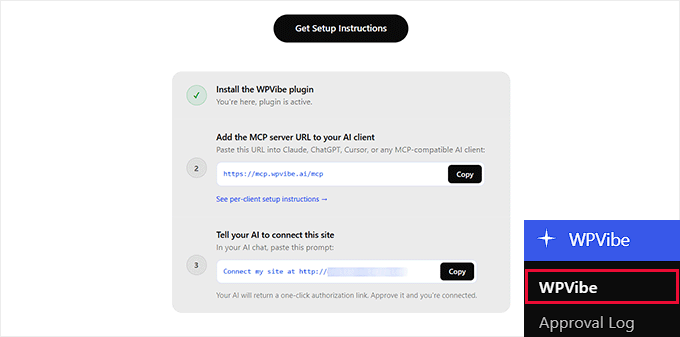
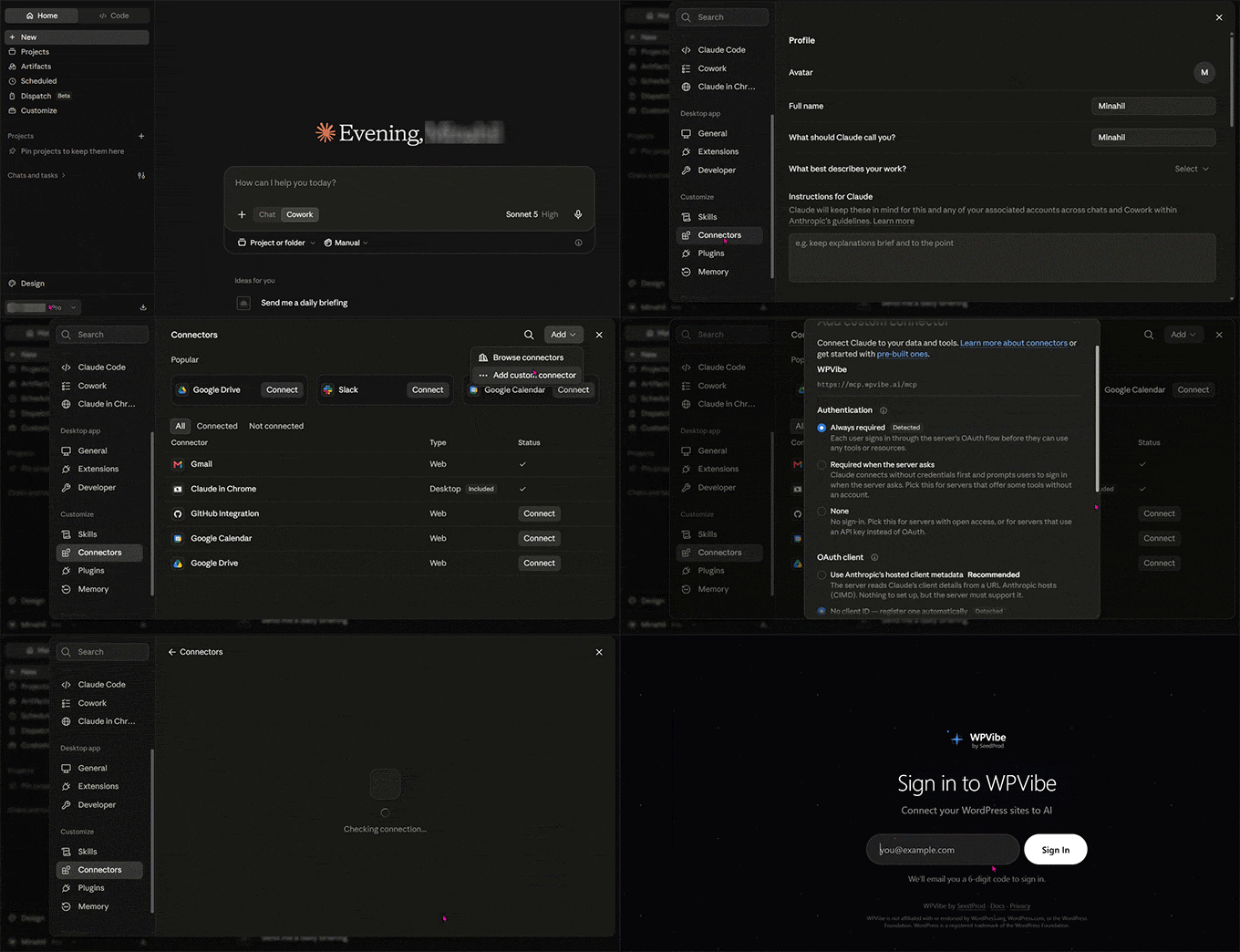
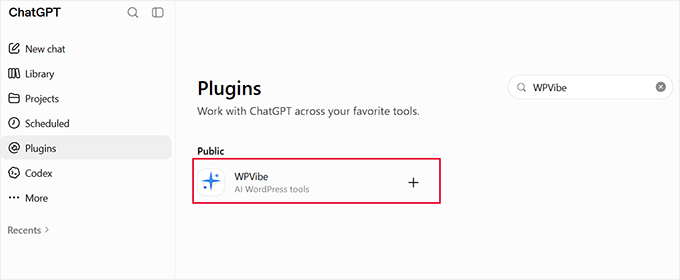
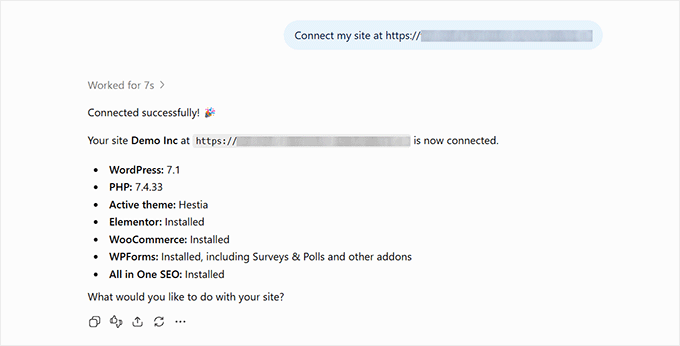
You can manage a WordPress site with ChatGPT or Claude using WPVibe. It’s a free plugin that connects both AI tools directly to your site.
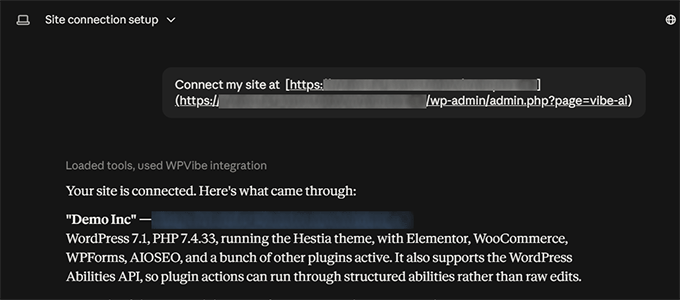
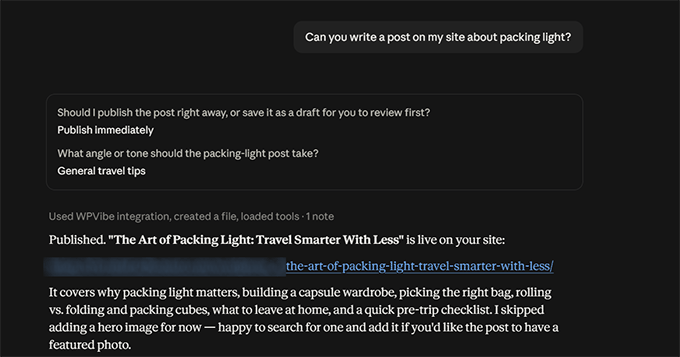
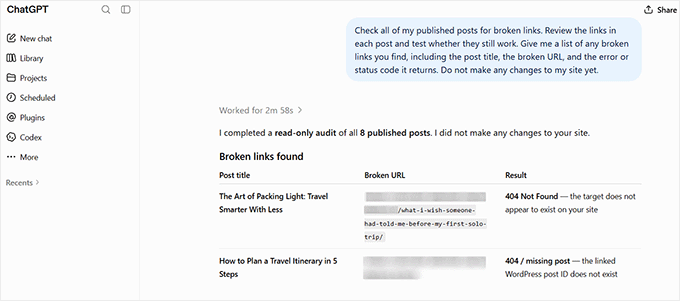
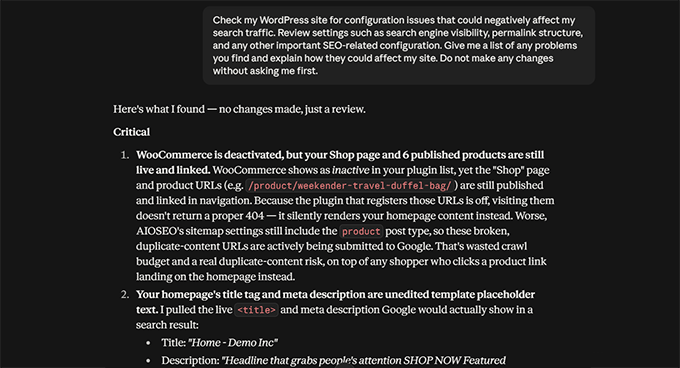
We tested it by connecting Claude to our demo travel site and giving it real tasks. Within a few minutes, it found a broken link, listed every post missing a meta description, and flagged a plugin and four themes that needed updating.
In this guide, we’ll show you how to set up WPVibe with ChatGPT and Claude. You’ll also learn how to use it for common tasks and follow a few habits that prevent unwanted changes to your site.
Here is a list of all the topics we’ll cover in this guide:
What it Really Means to Manage WordPress with AI
What You Need Before You Connect ChatGPT or Claude to WordPress
How to Connect ChatGPT or Claude to Your WordPress Site
Use Case 1: Create and Edit Content
Use Case 2: Maintain the Website
Use Case 3: How to Automate WordPress SEO with AIOSEO
How to Stop AI from Breaking Your Live WordPress Site
FAQs About Managing WordPress with…