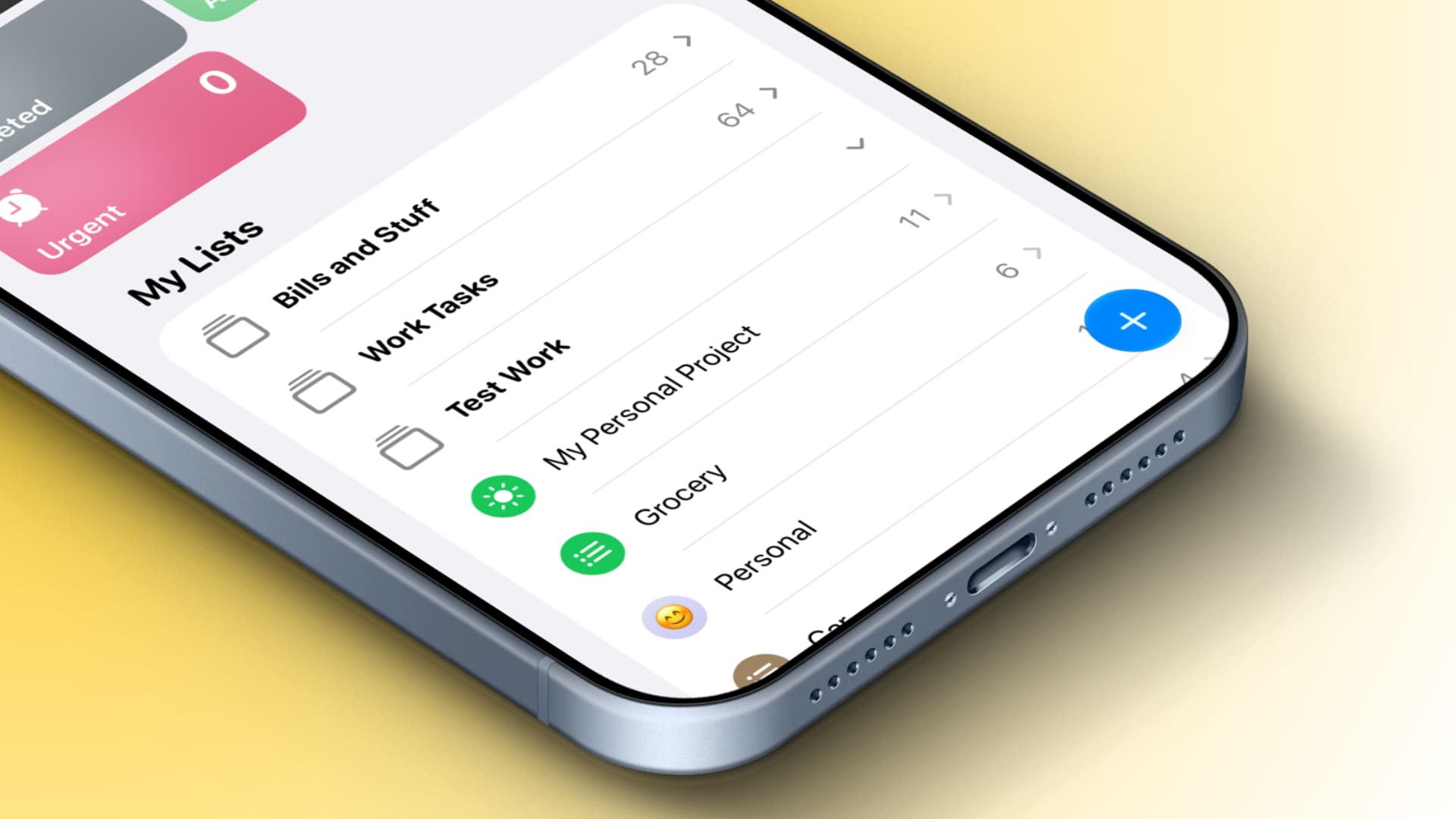
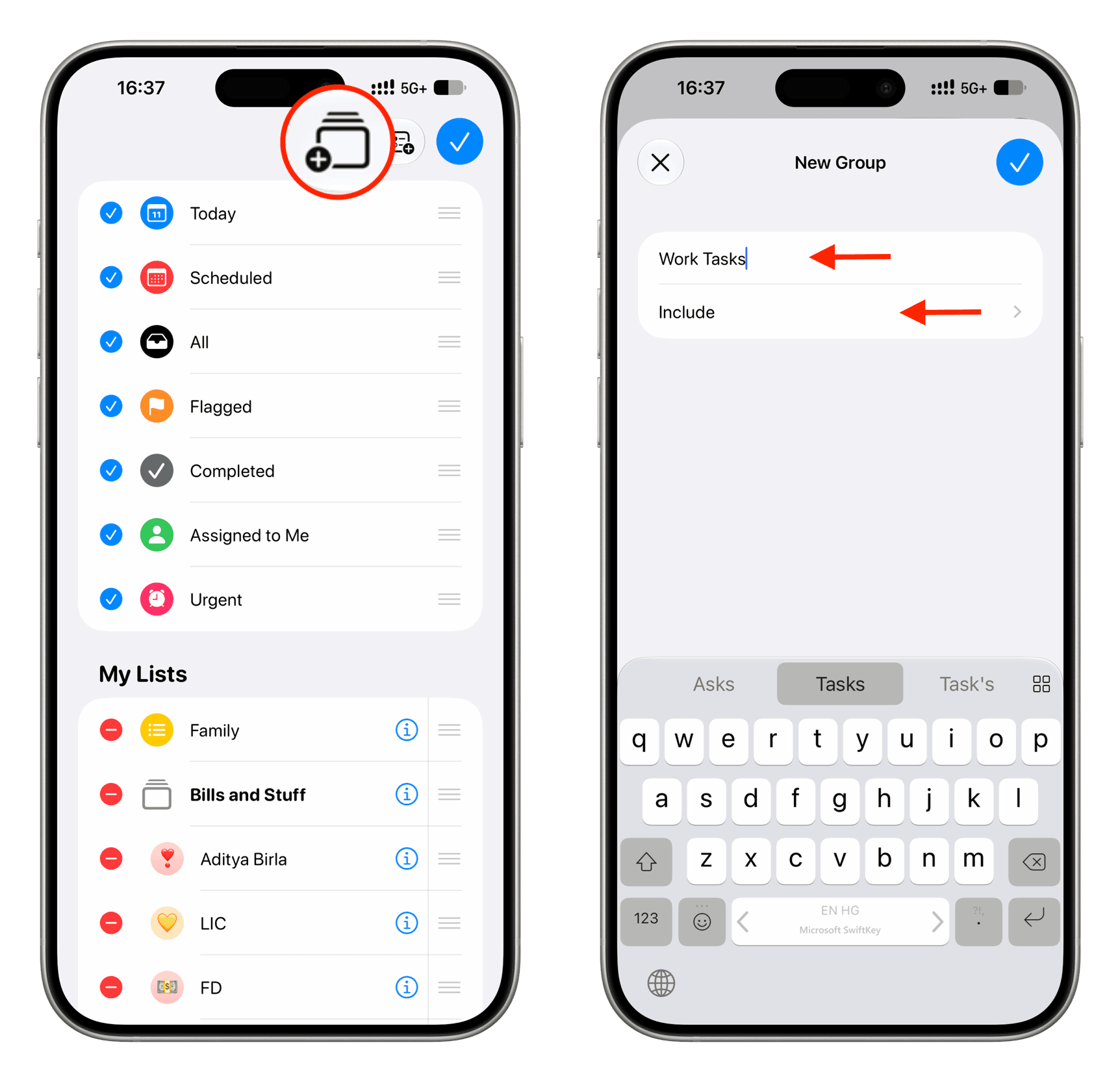
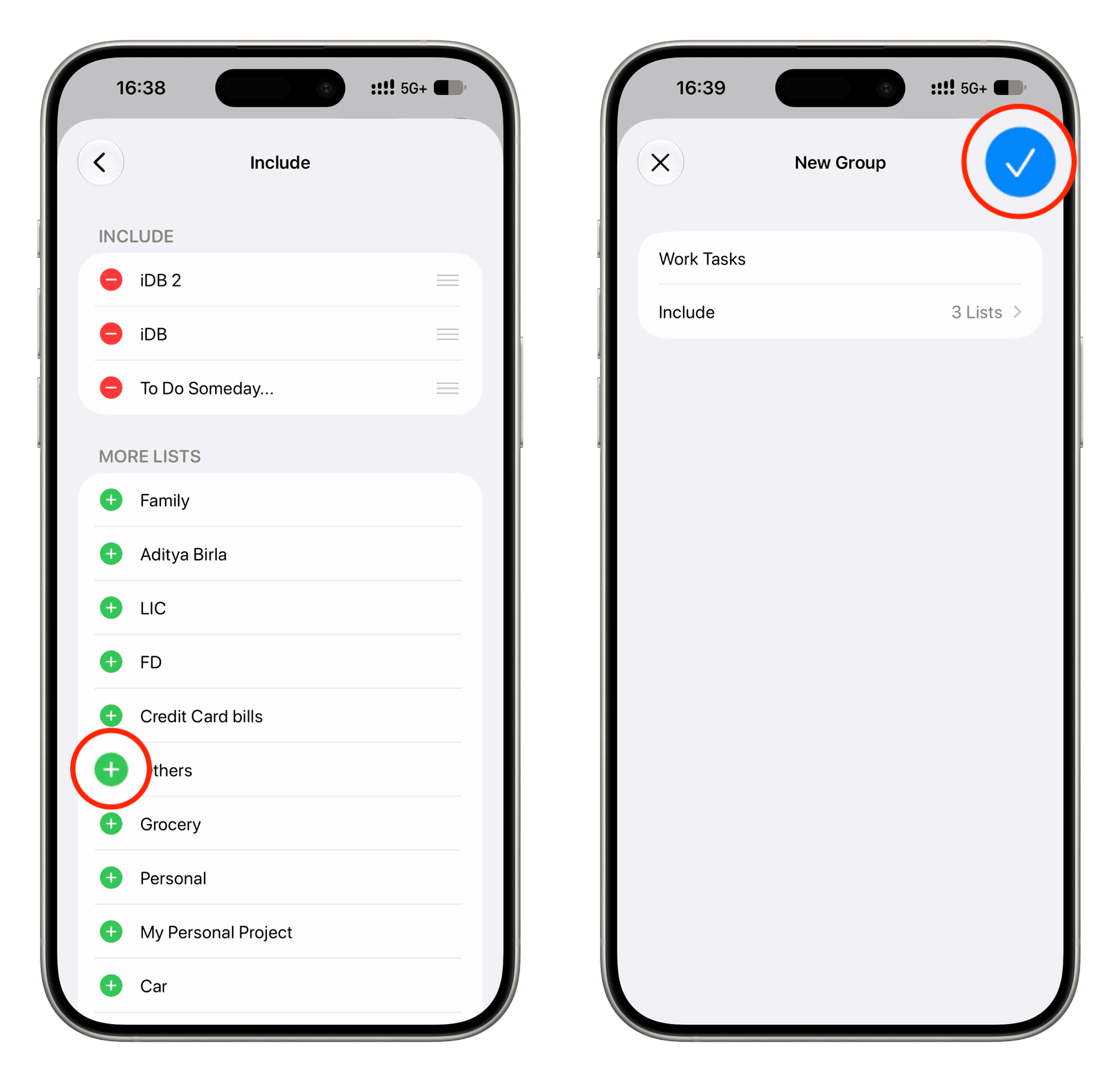
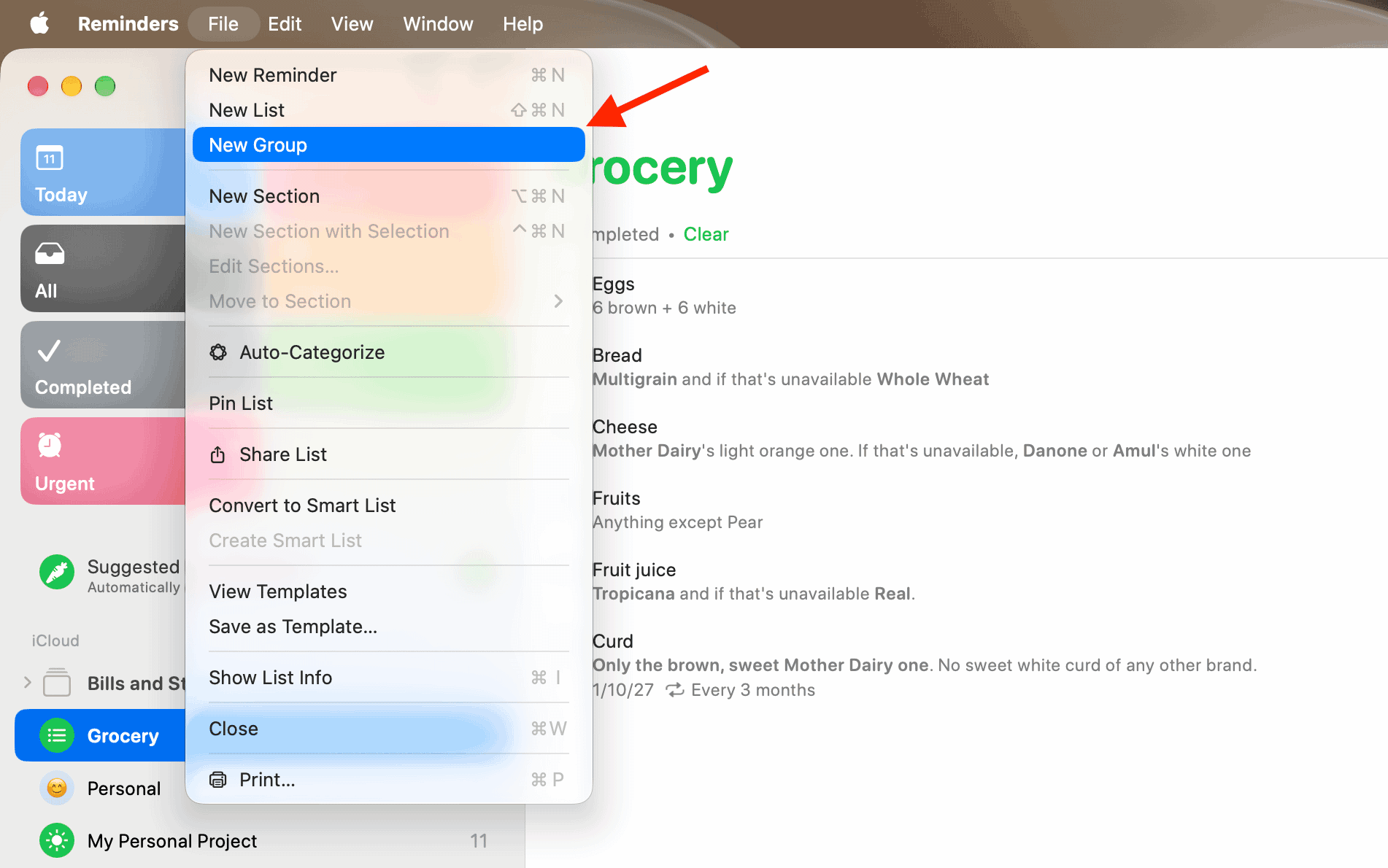
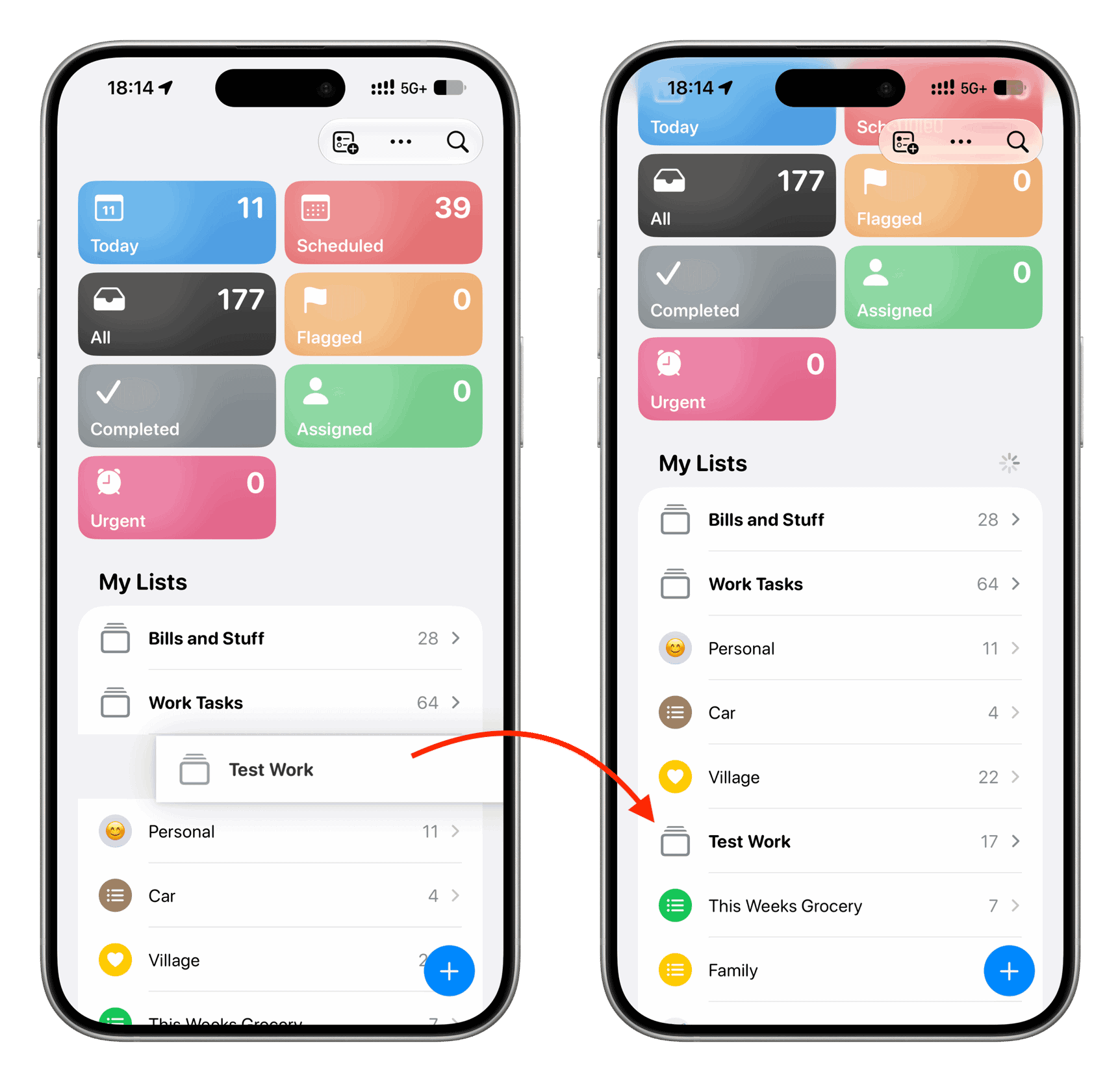
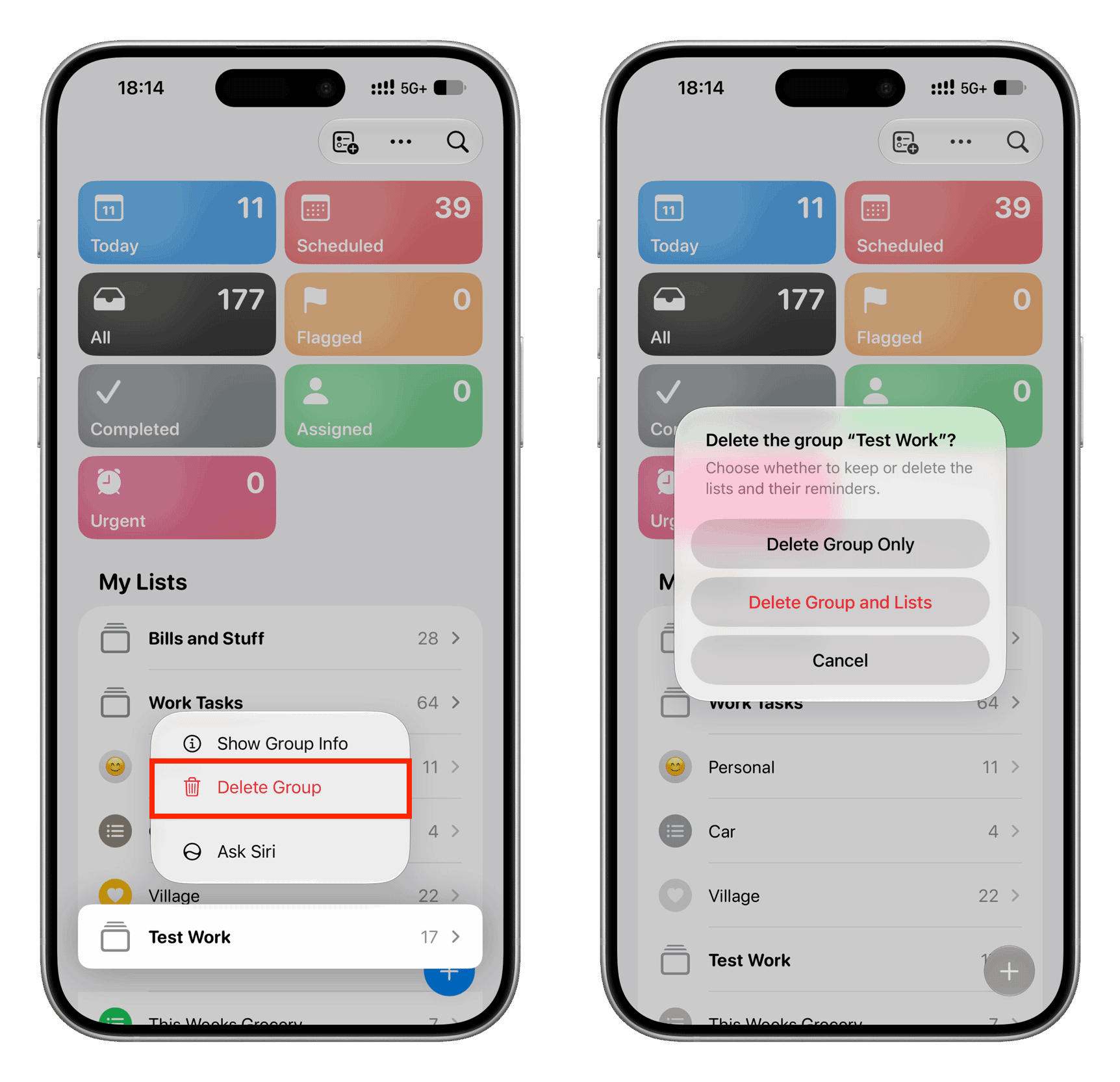
Learn how to group reminder lists to see tasks from multiple lists in one place and to better organize and streamline the Apple Reminders app on your iPhone, iPad, and Mac.
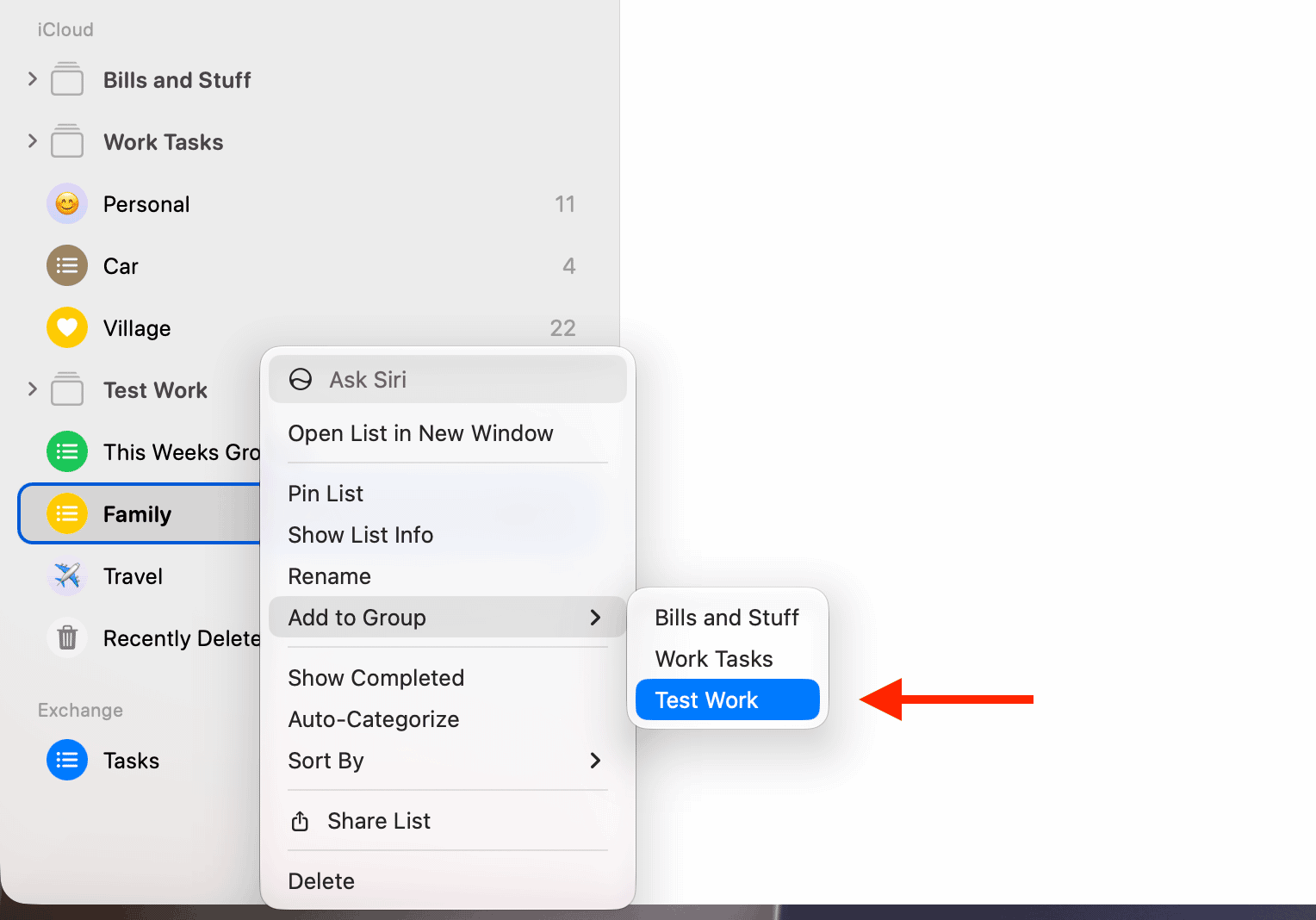
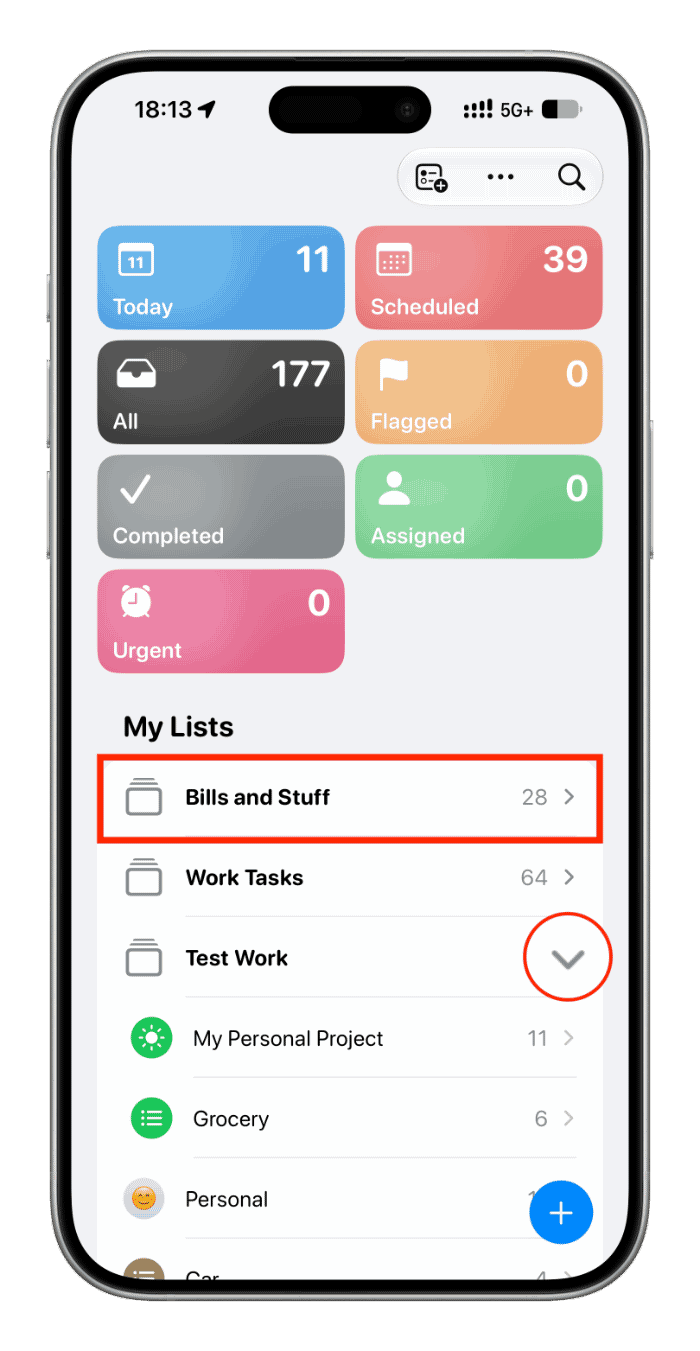
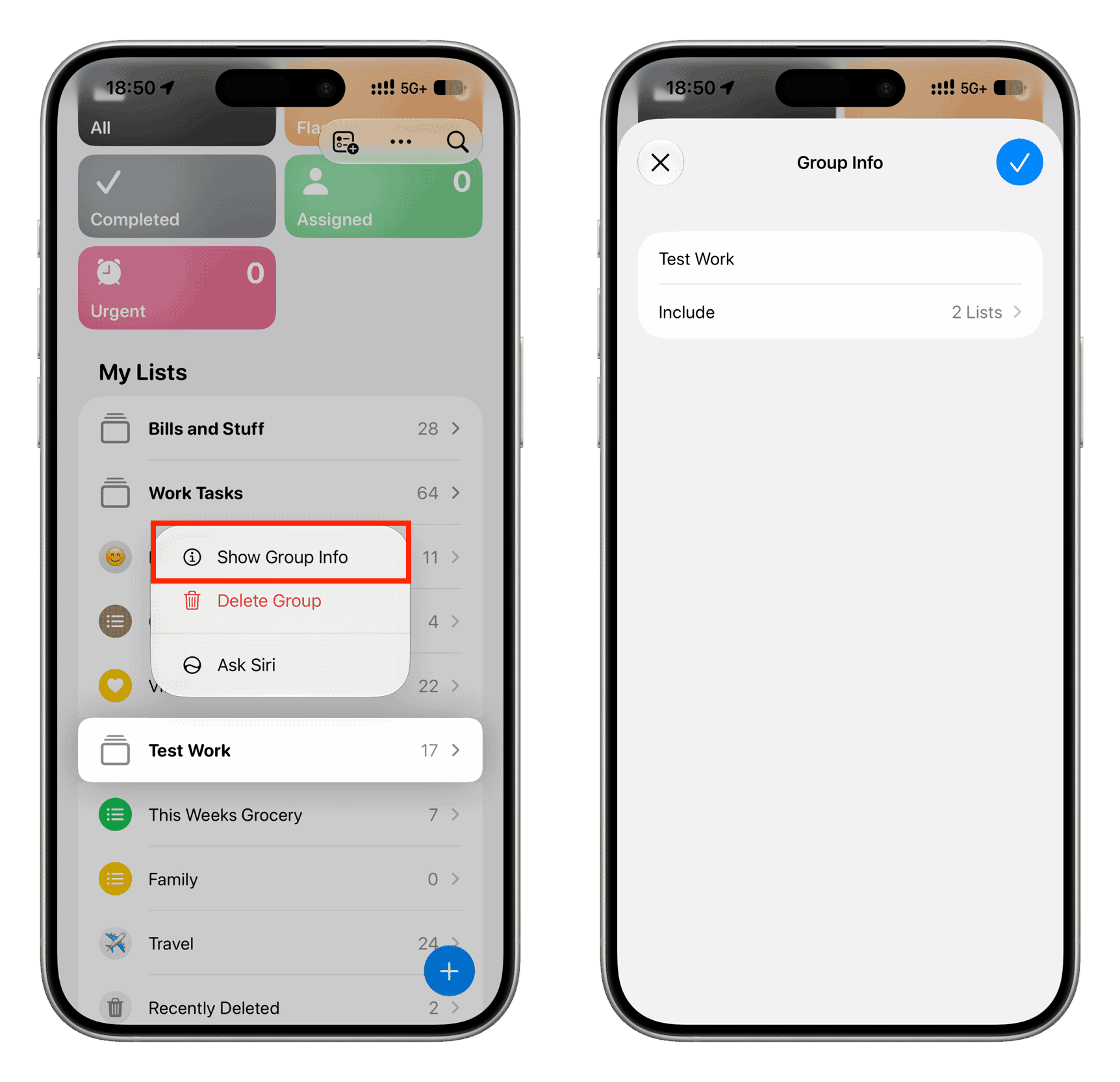
You can create several reminder lists to better organize your to-dos instead of having them all in one list. But if you create too many reminder lists, you can group them for better management.
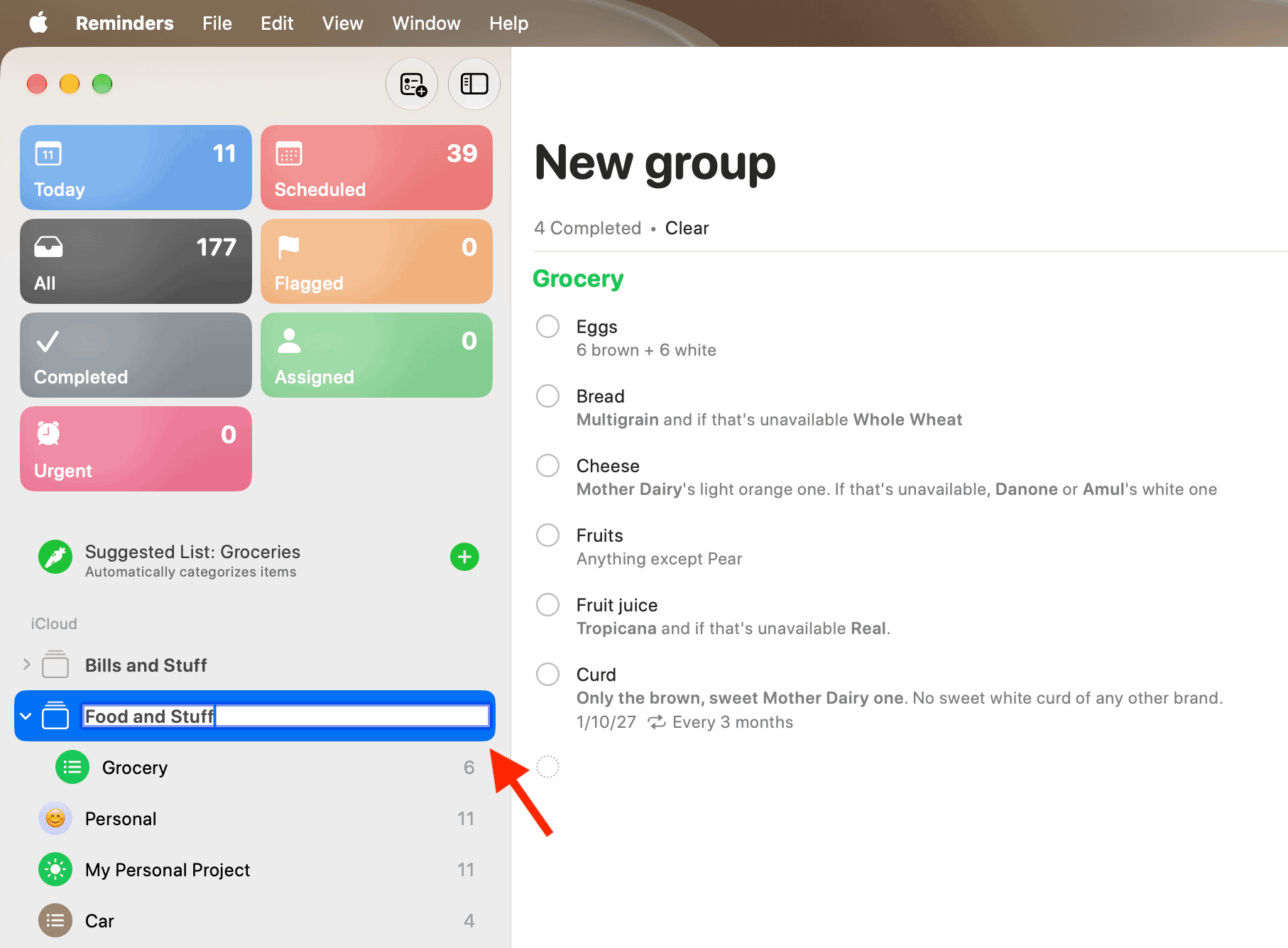
For instance, if you have separate reminder lists for your three kids’ homework, you can put them all in one group called ‘Kids Homework.’
Similarly, if you have grocery lists, shopping lists, Christmas gift lists, and more, you can bundle them into a group you can call ‘Shopping.’ You get the idea…
When you tap a reminder group, it shows all tasks from all its lists on one scrollable screen; you don’t have to go back and forth.
The reminder group feature is similar to how, if you have too many photo albums or music playlists, you can further organize them into album folders and playlist folders in the Apple Photos and Music app.
Like…