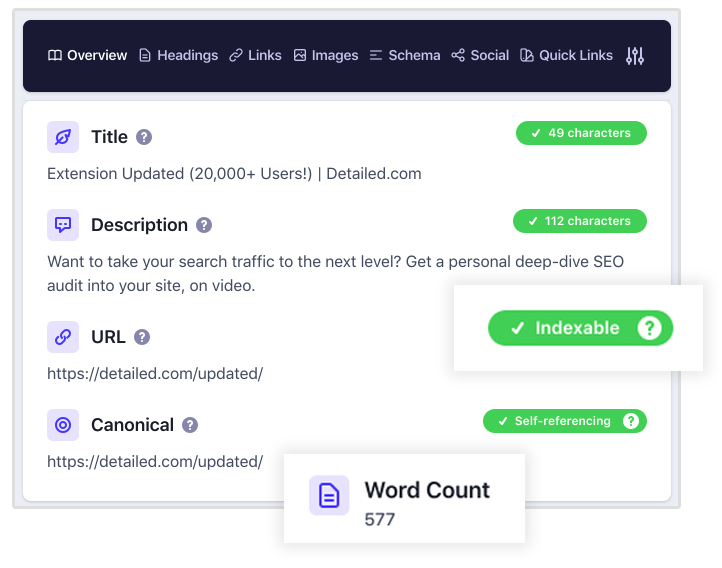
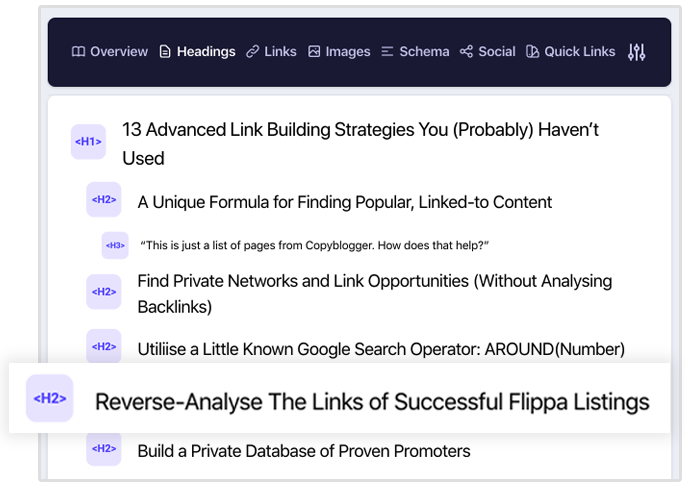
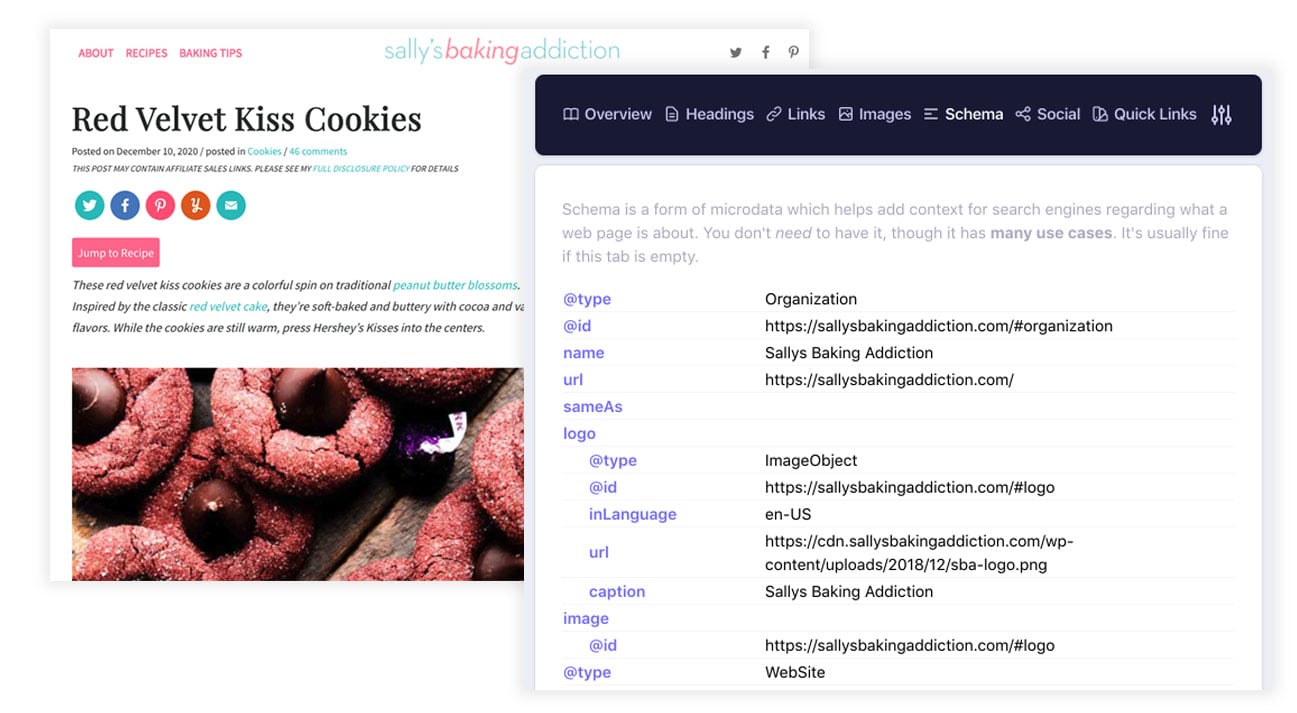
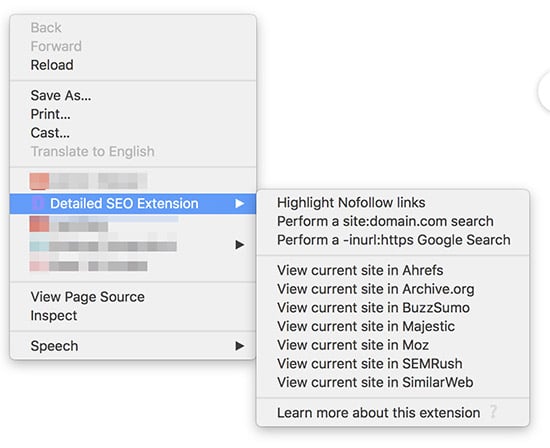
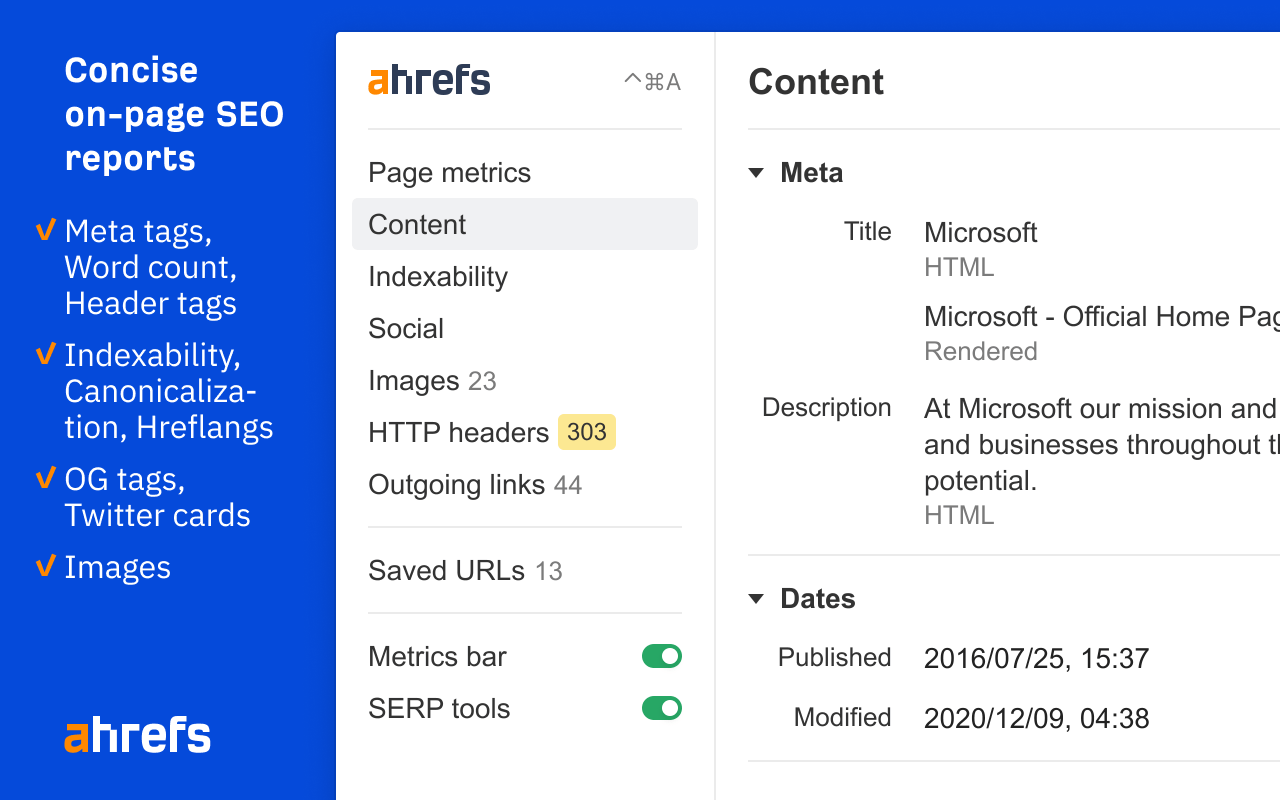
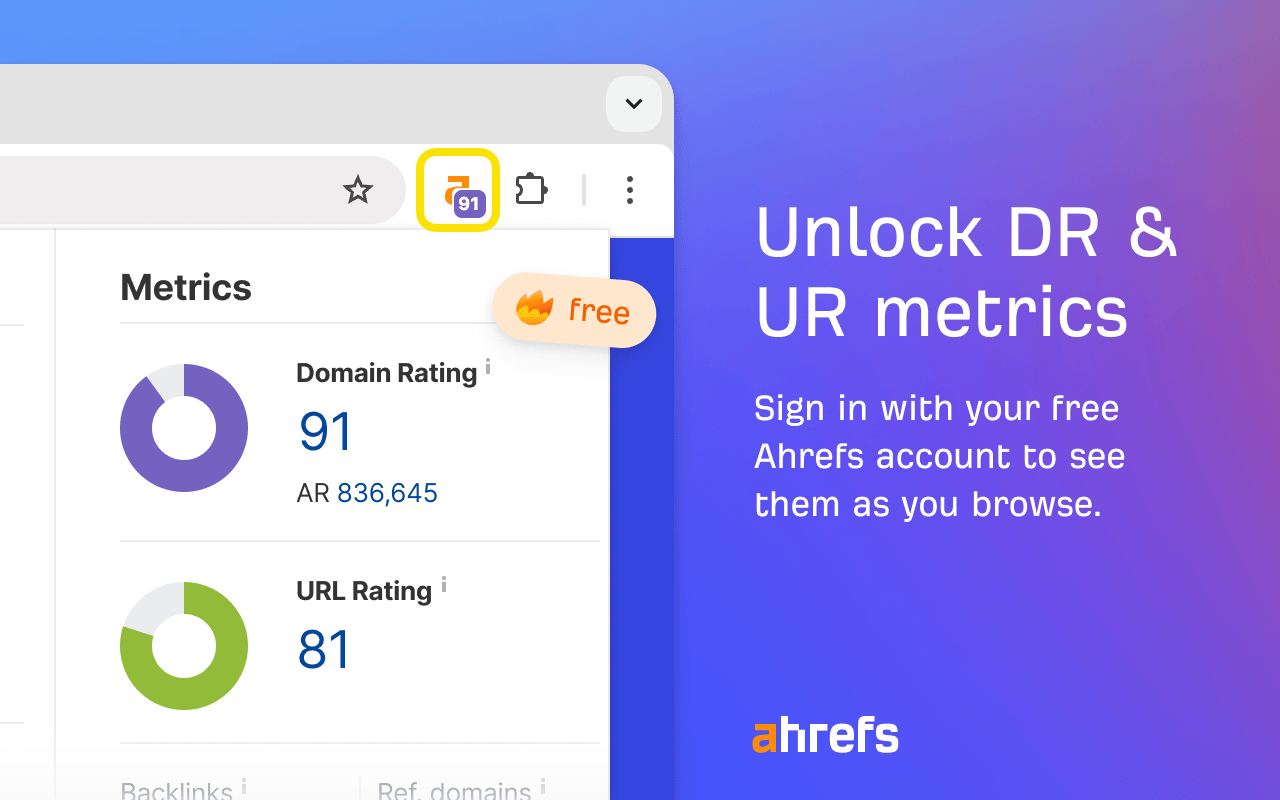
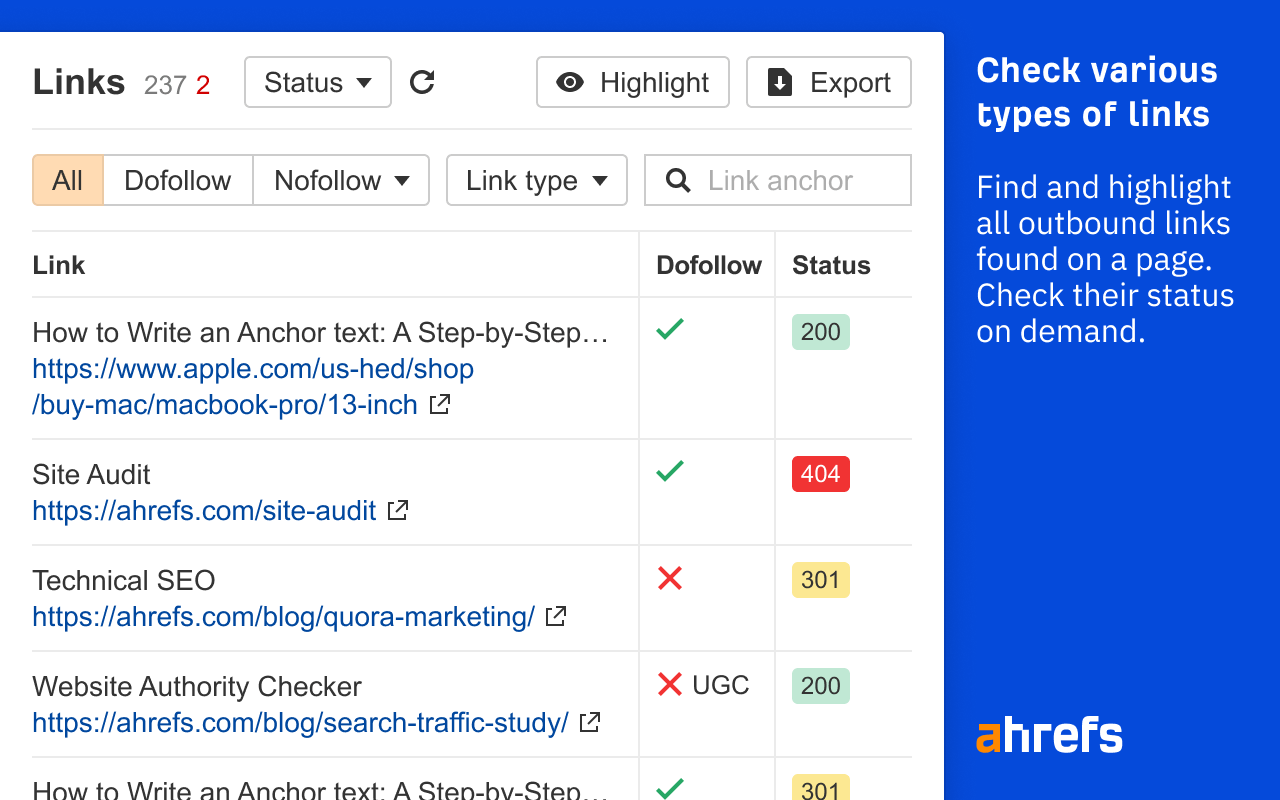
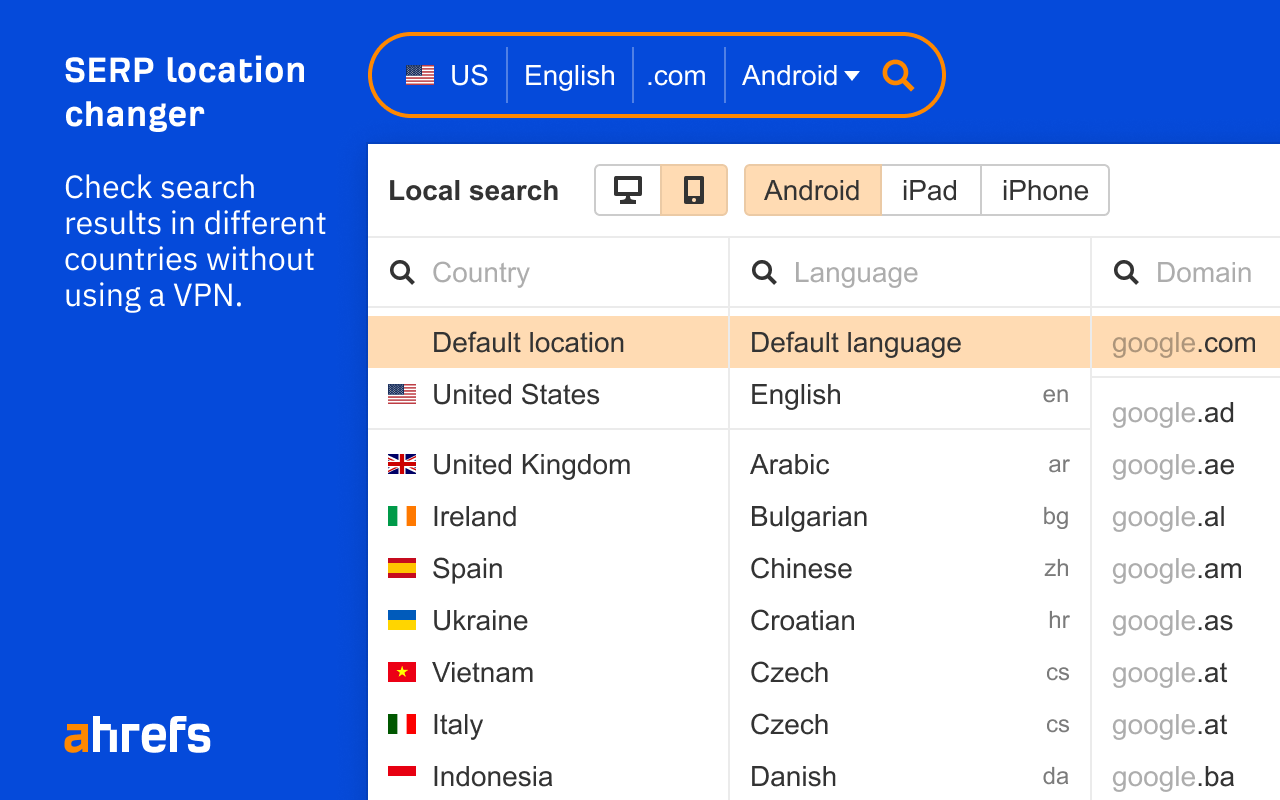
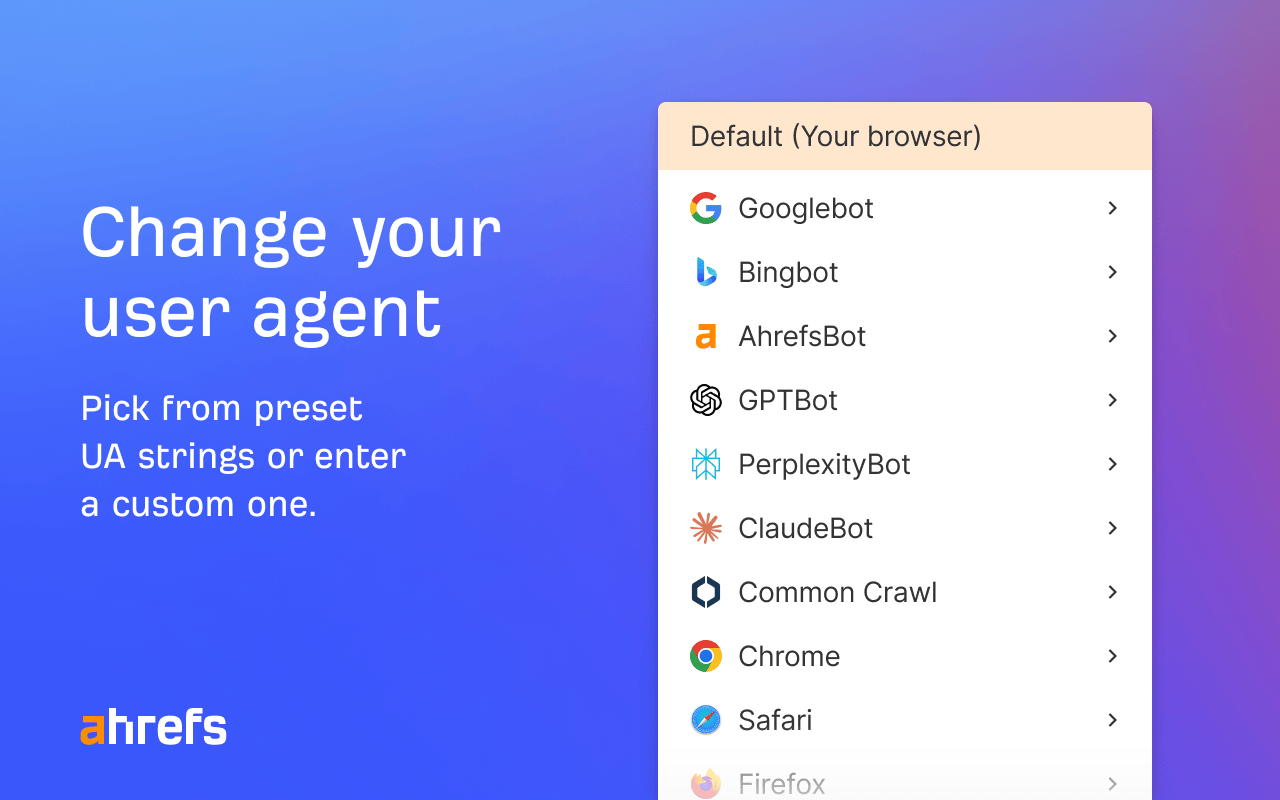
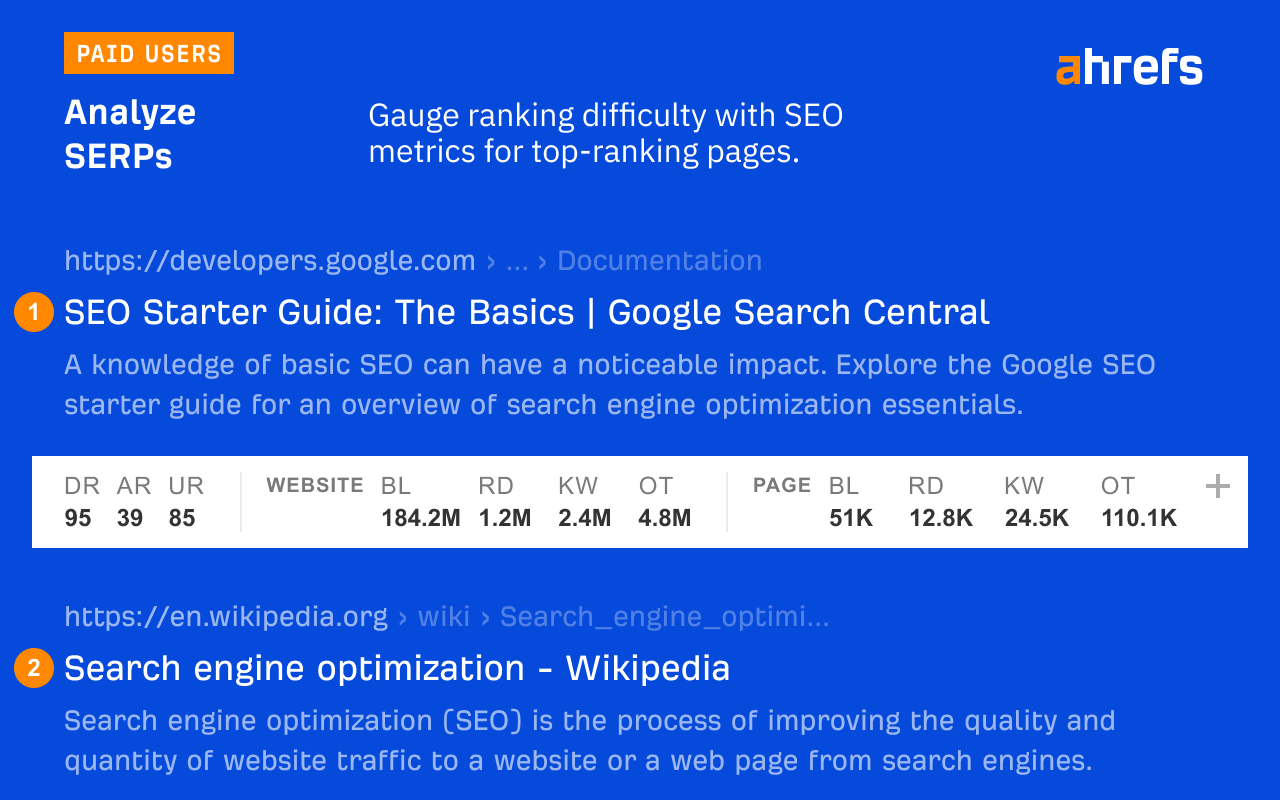
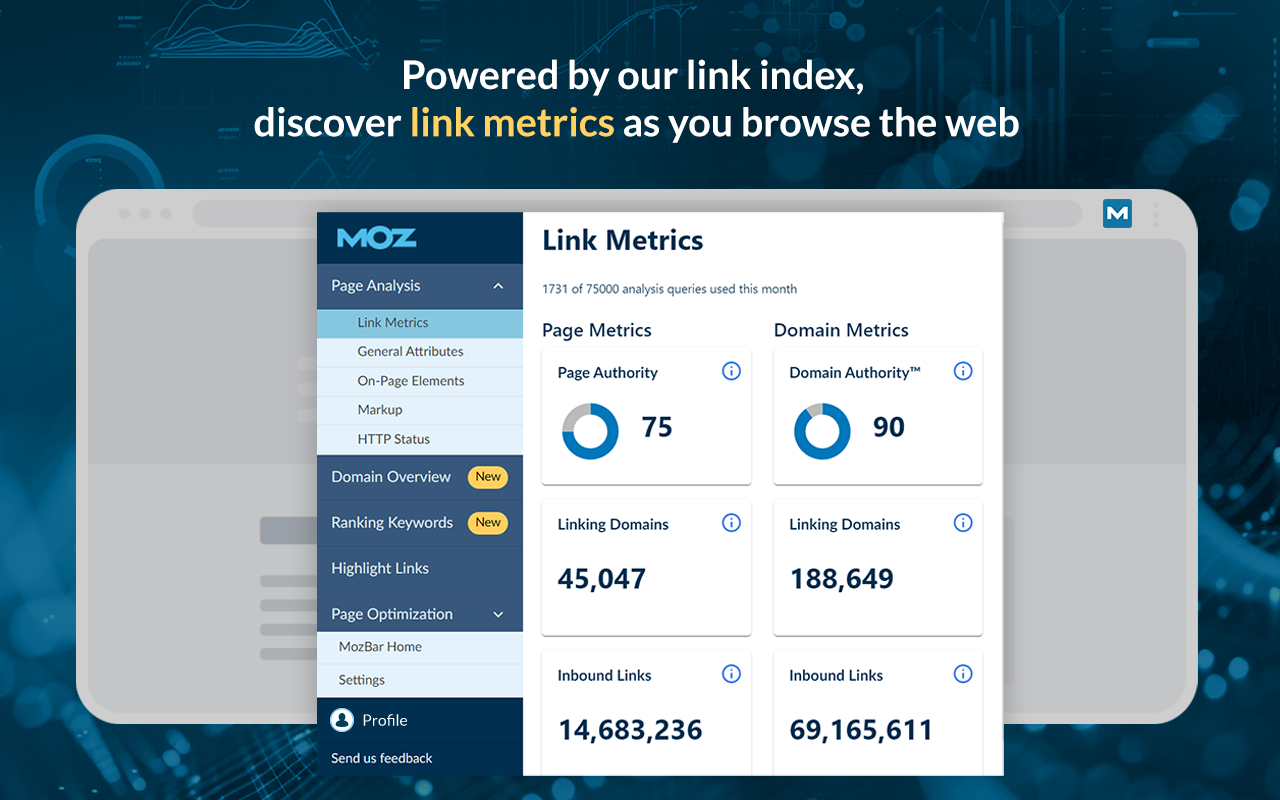
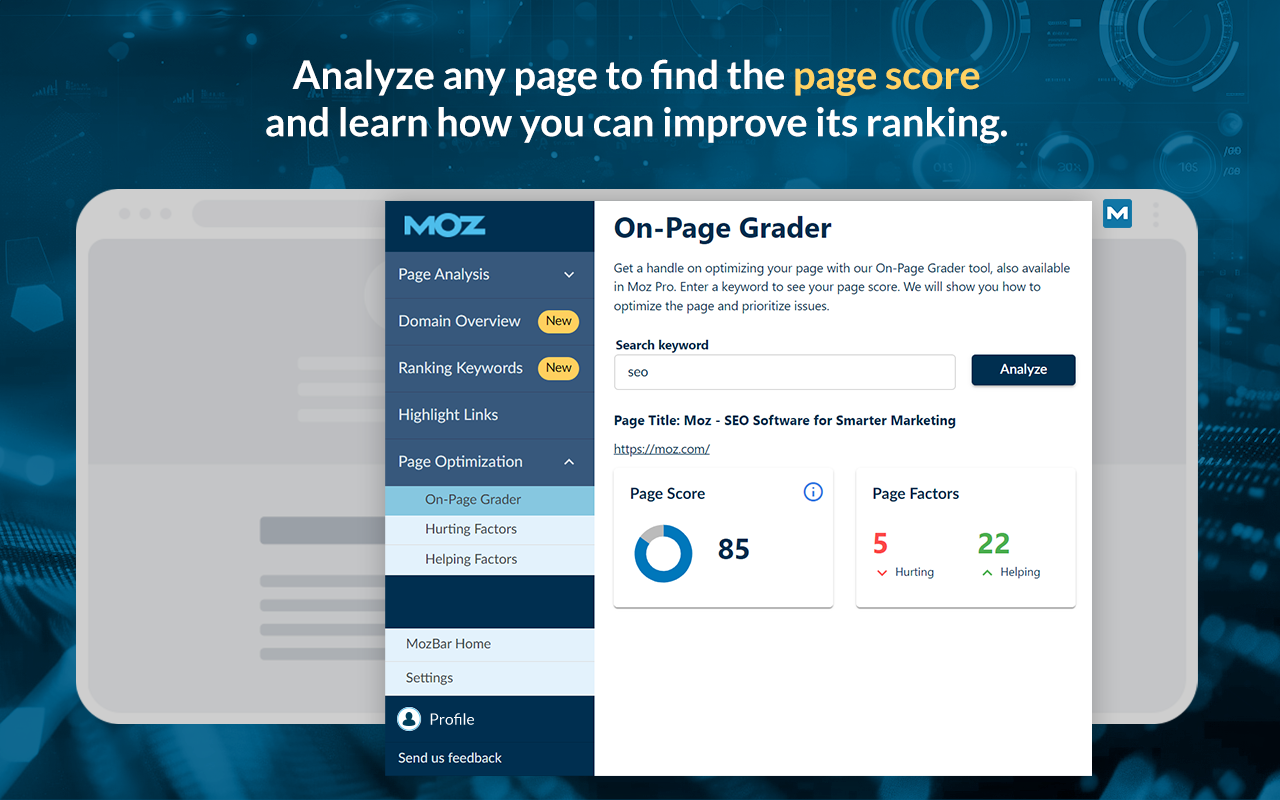
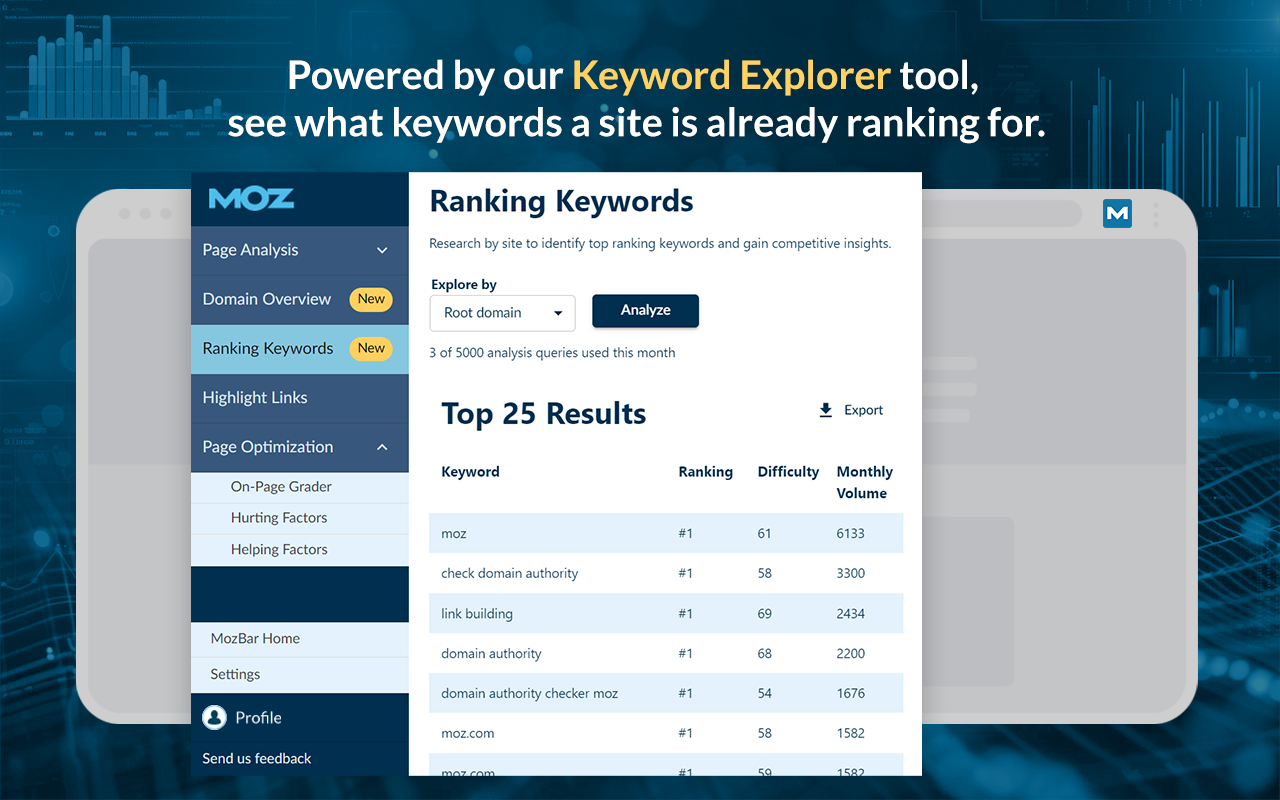
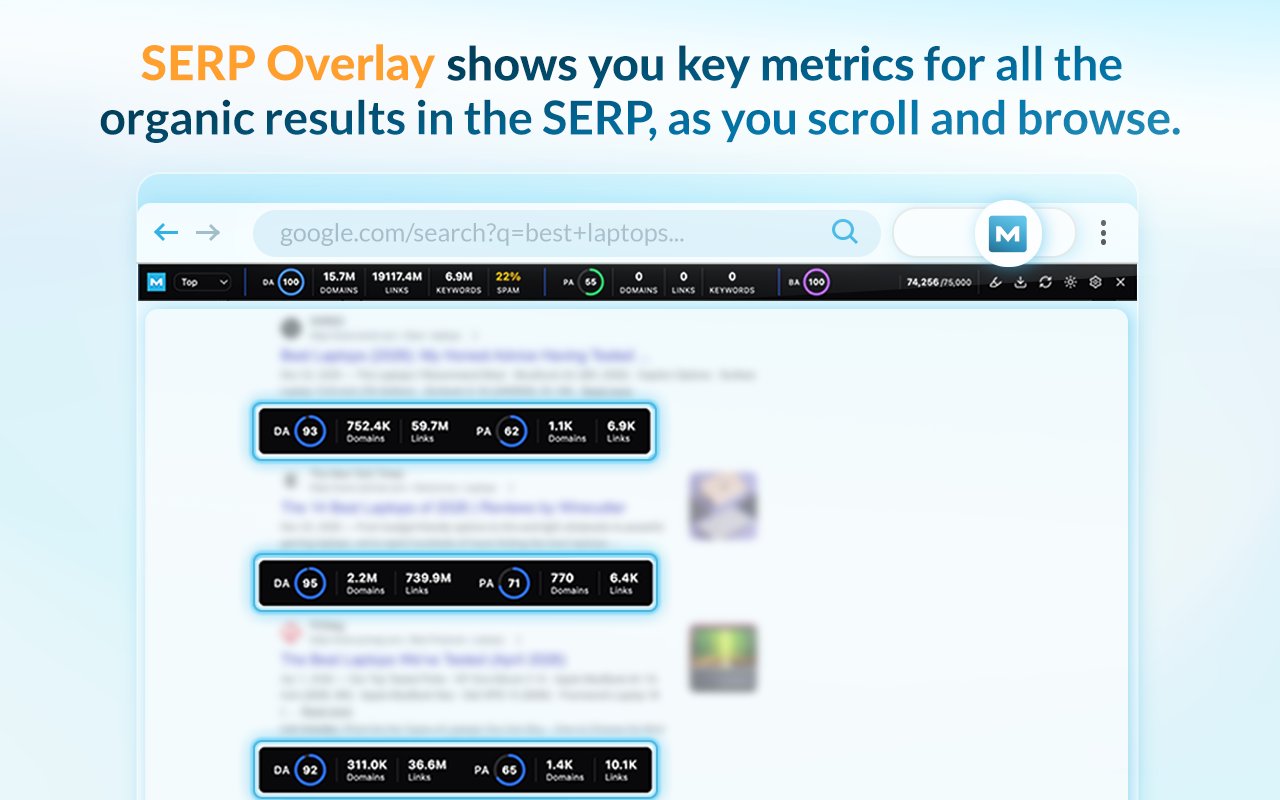
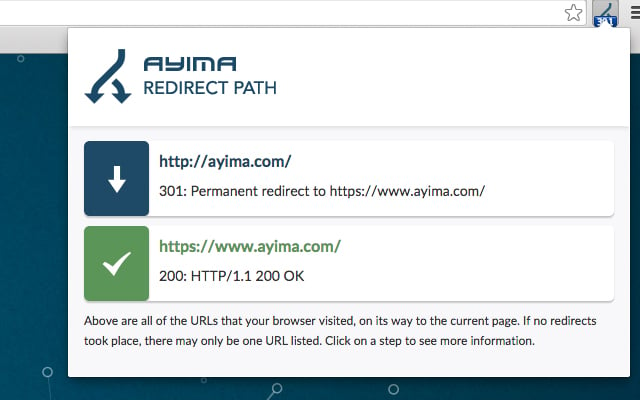
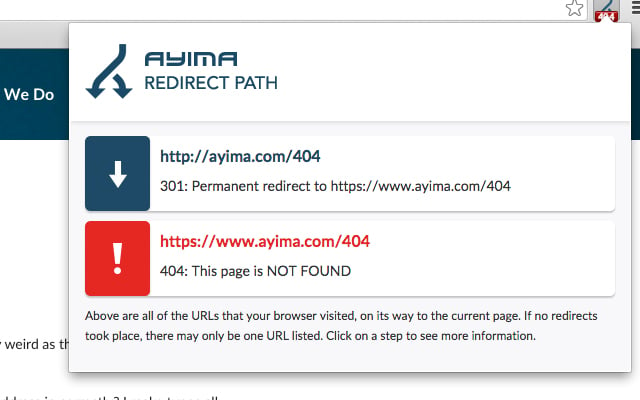
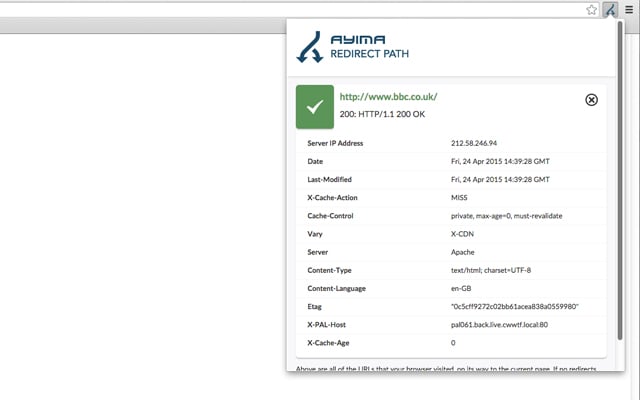
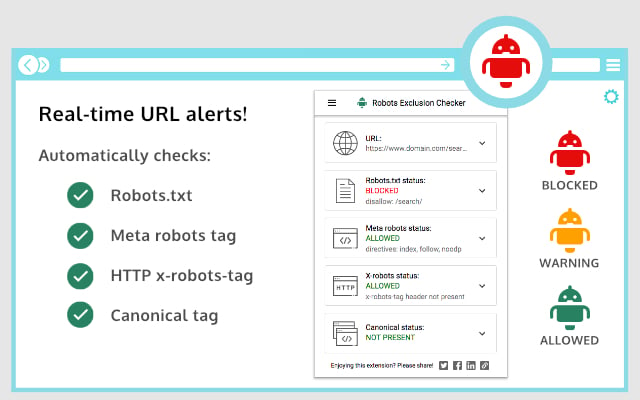
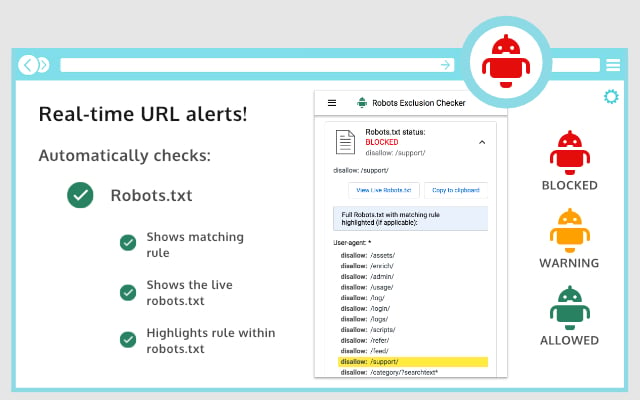
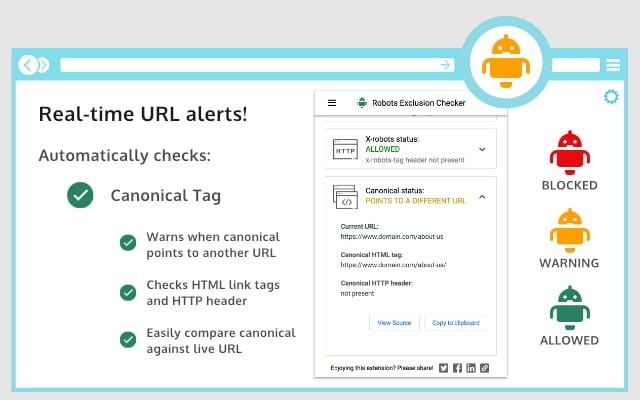
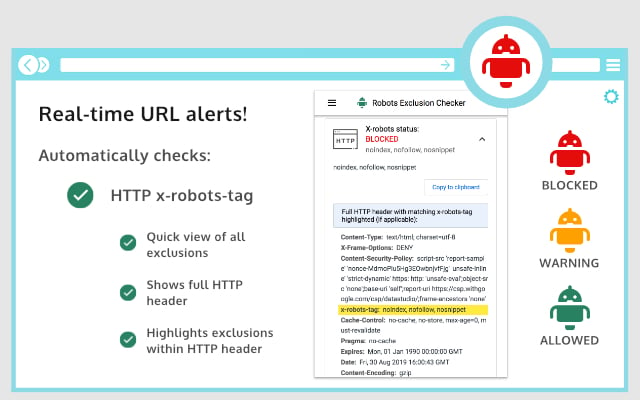
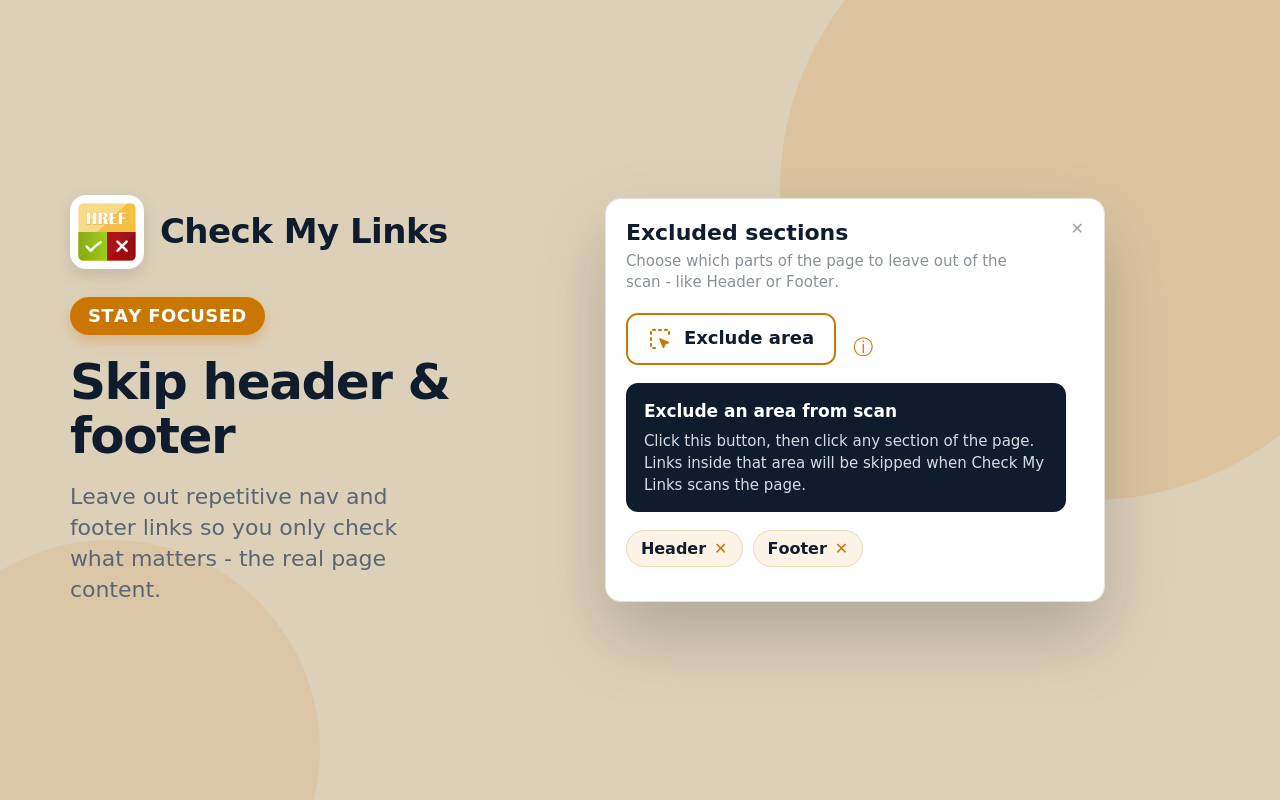
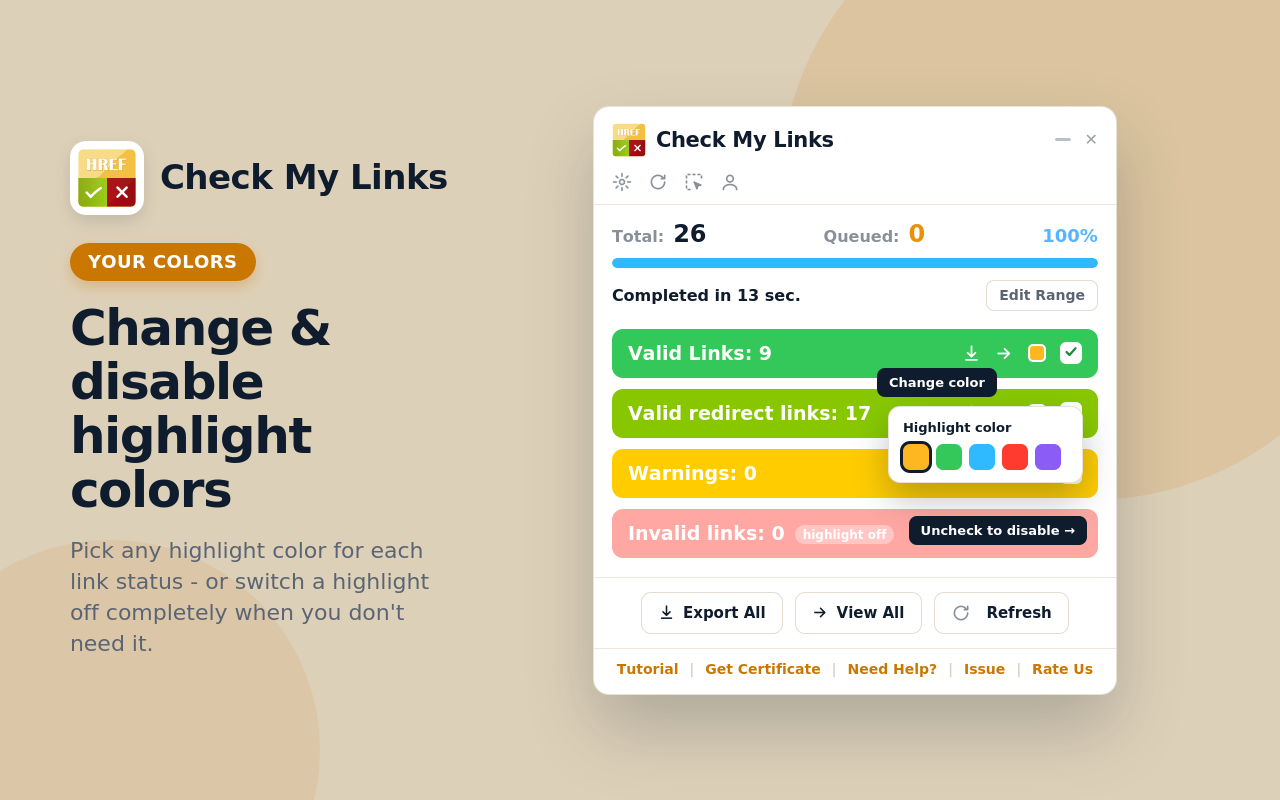
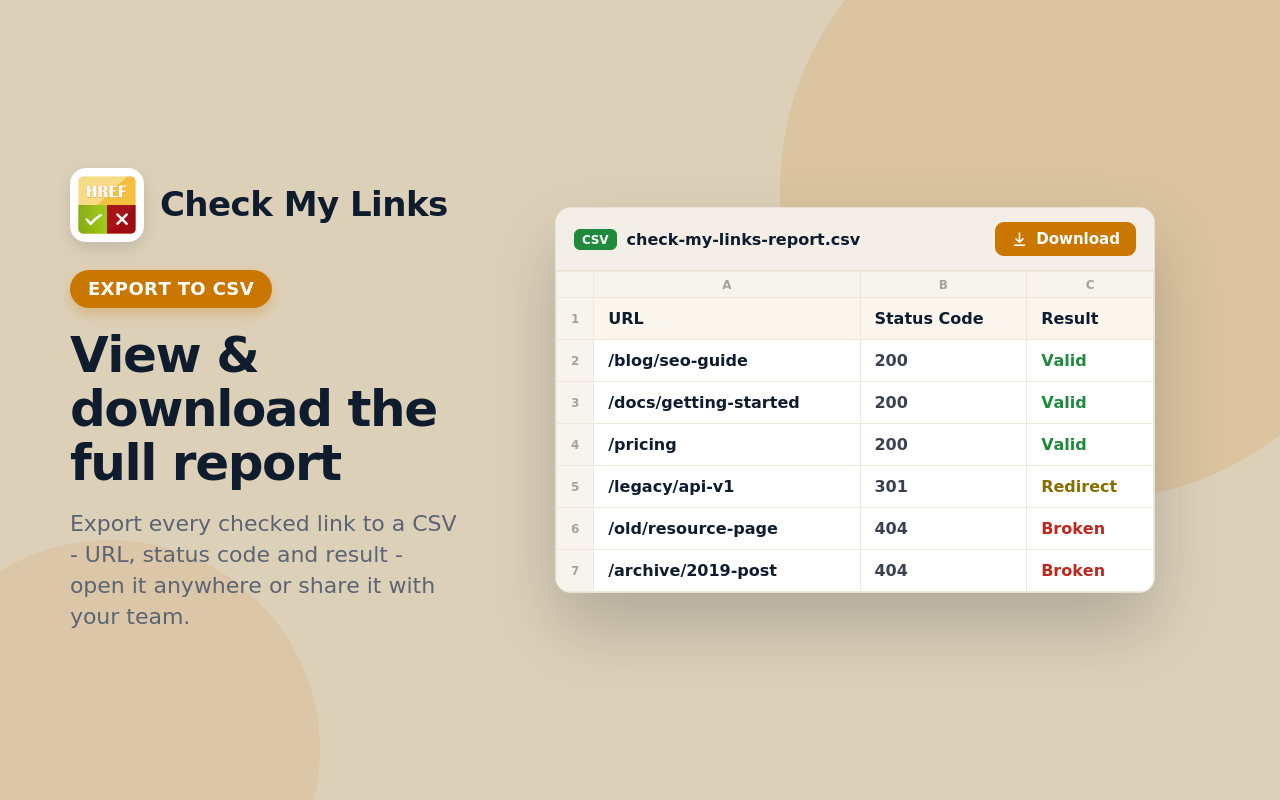
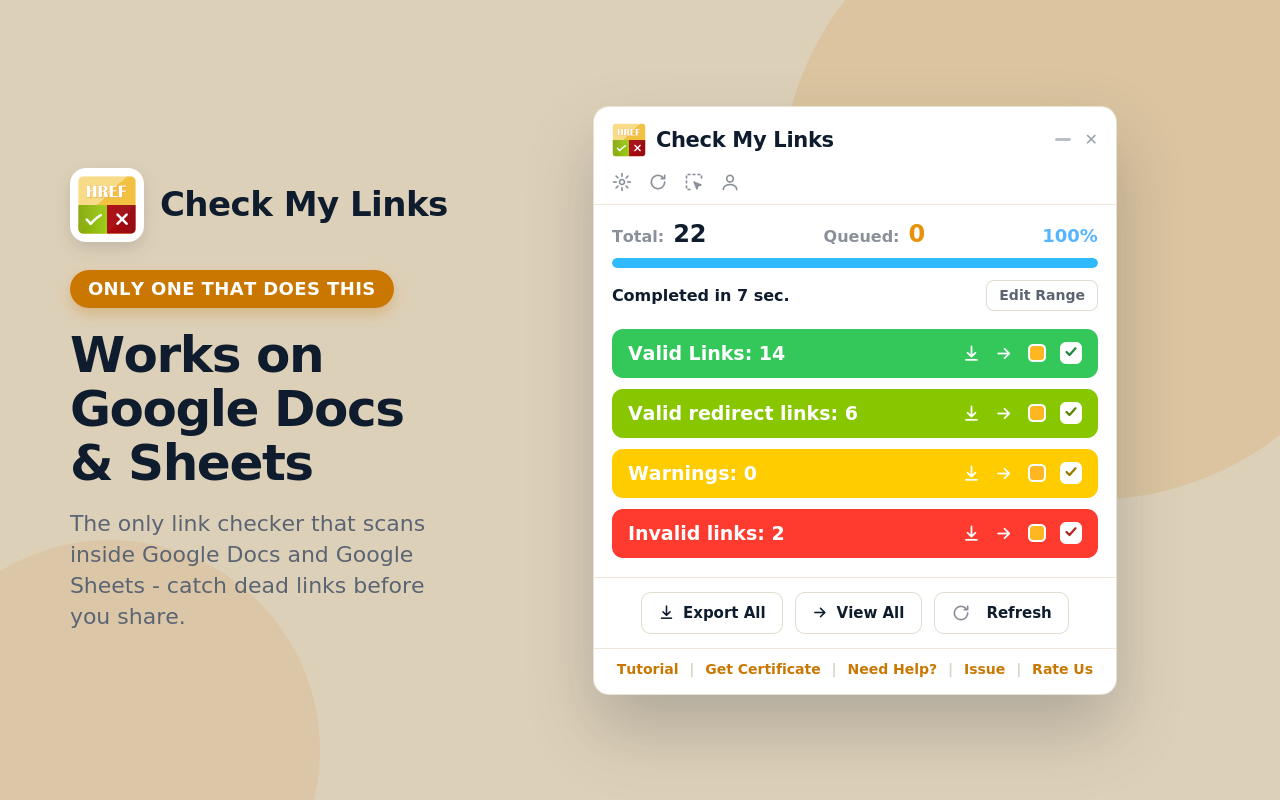
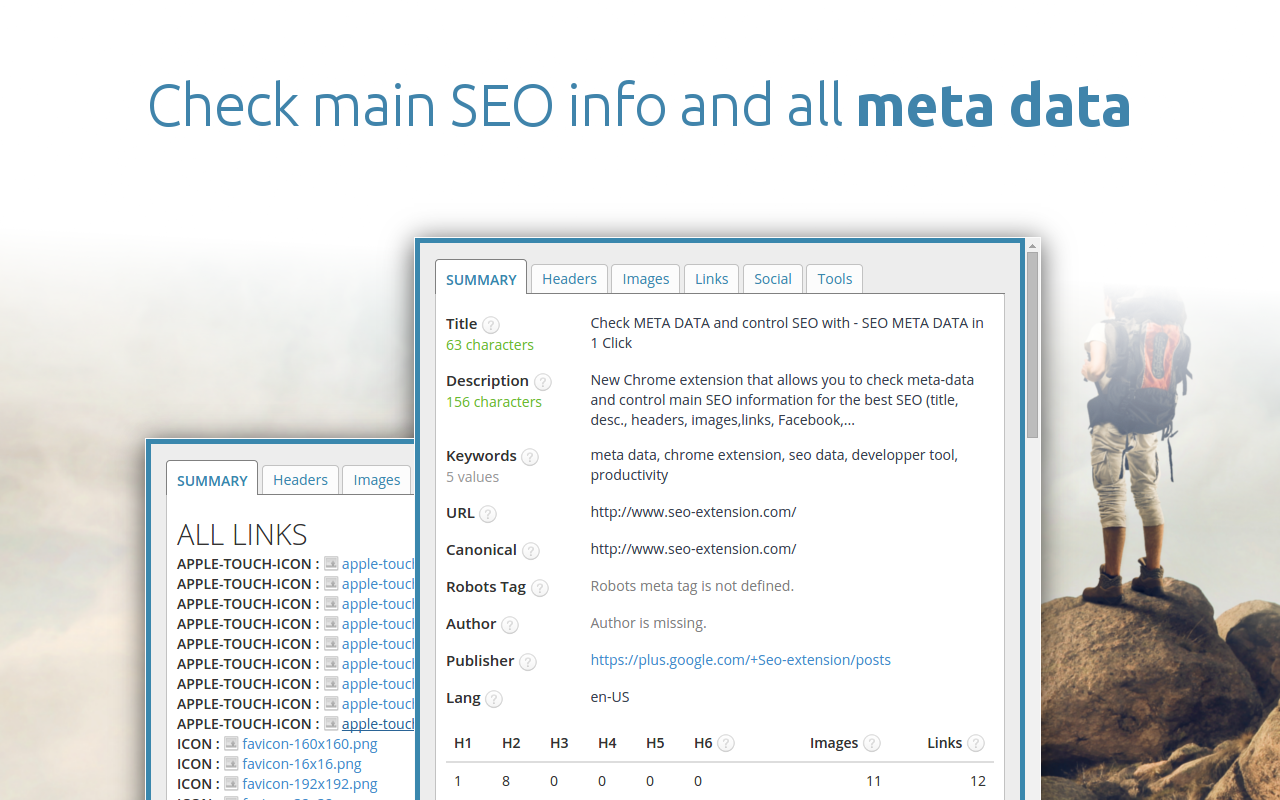
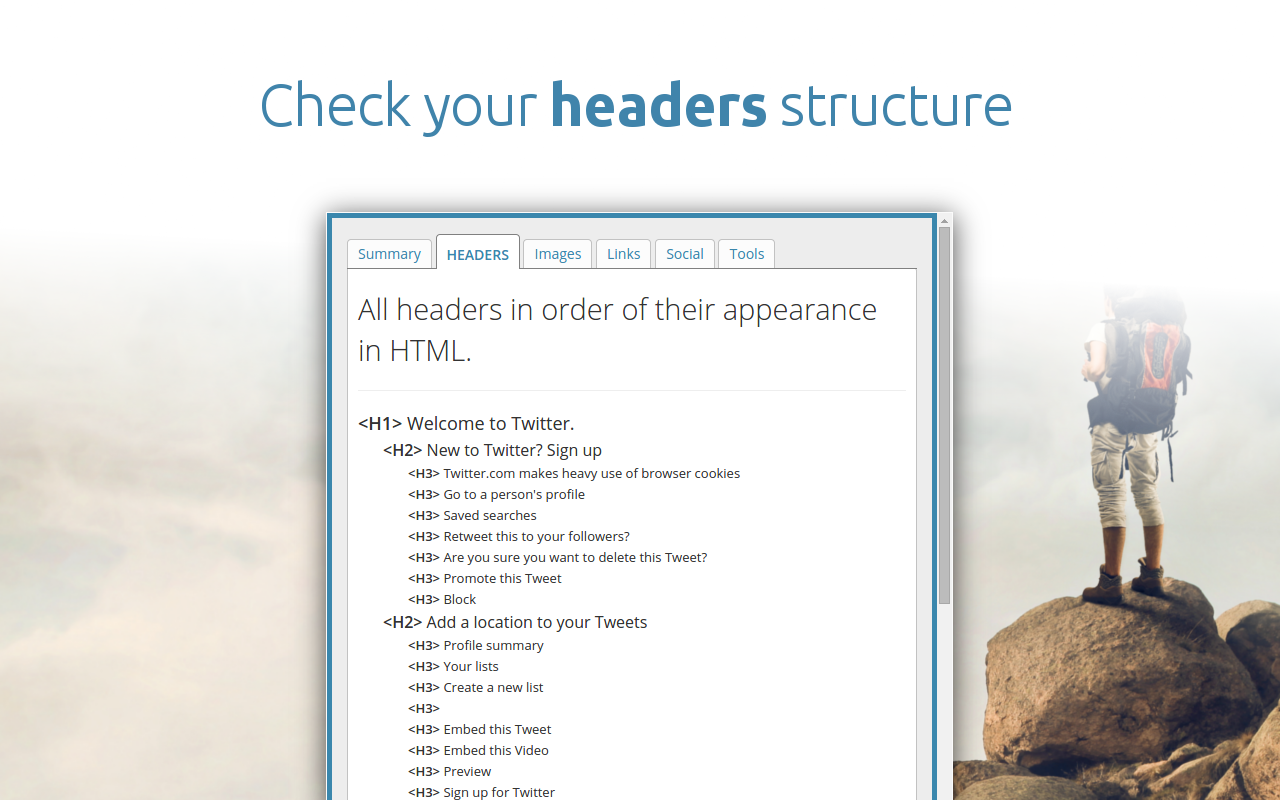
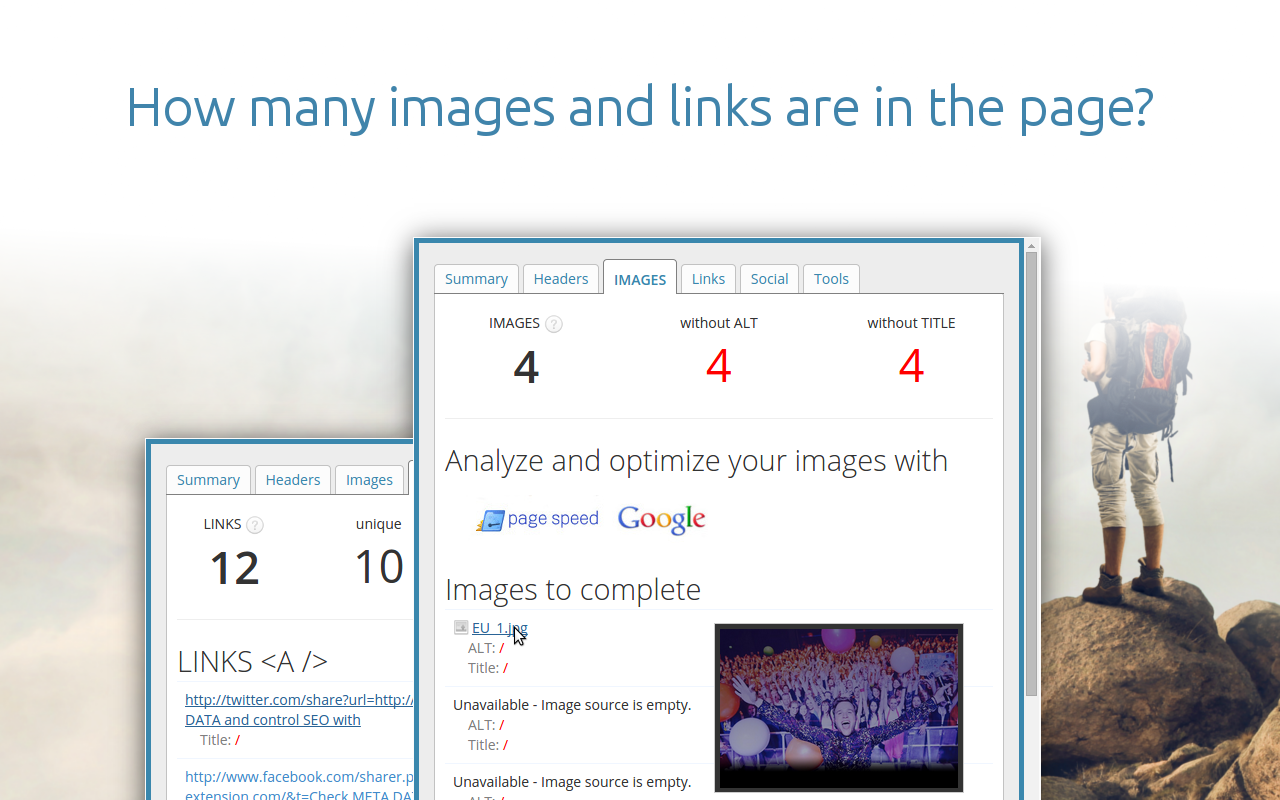
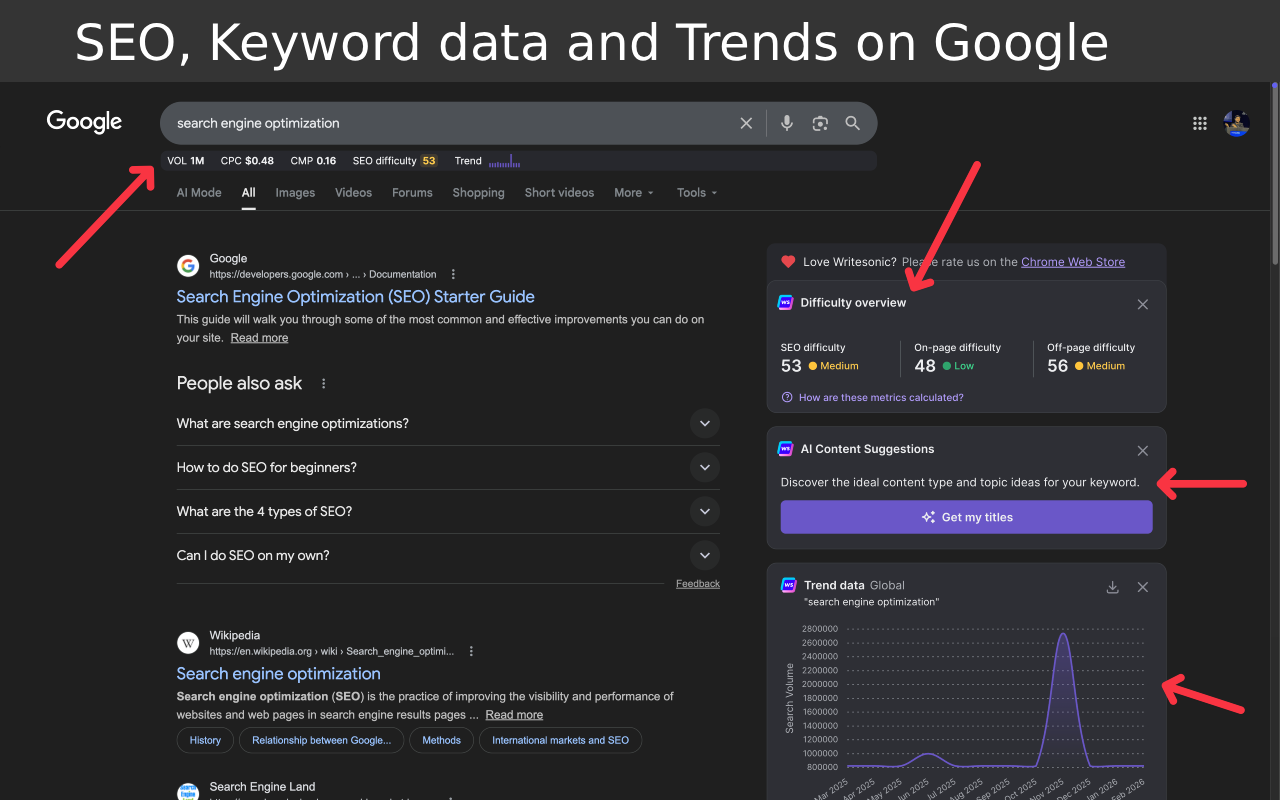
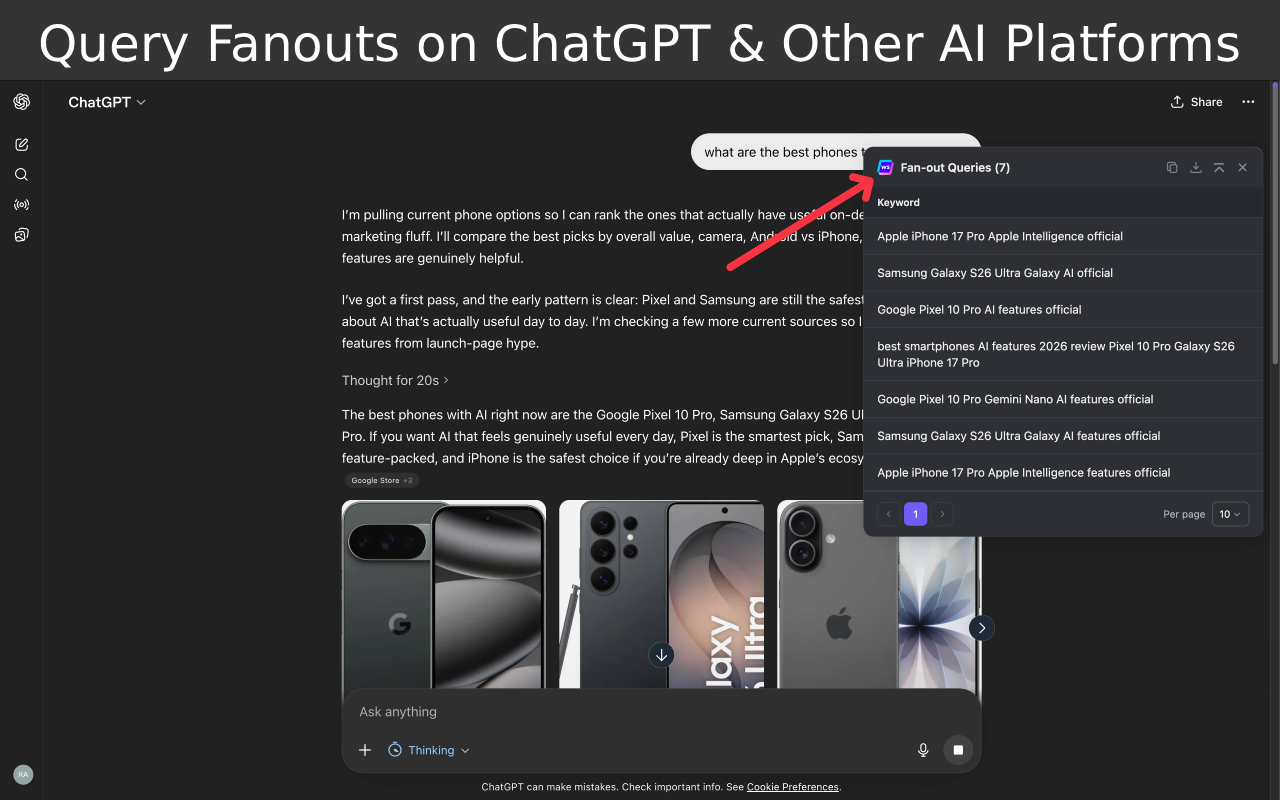
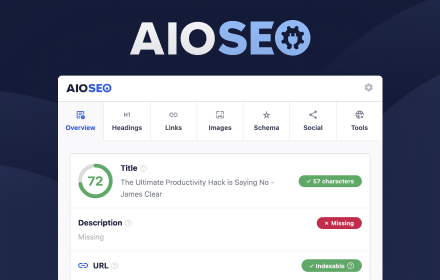
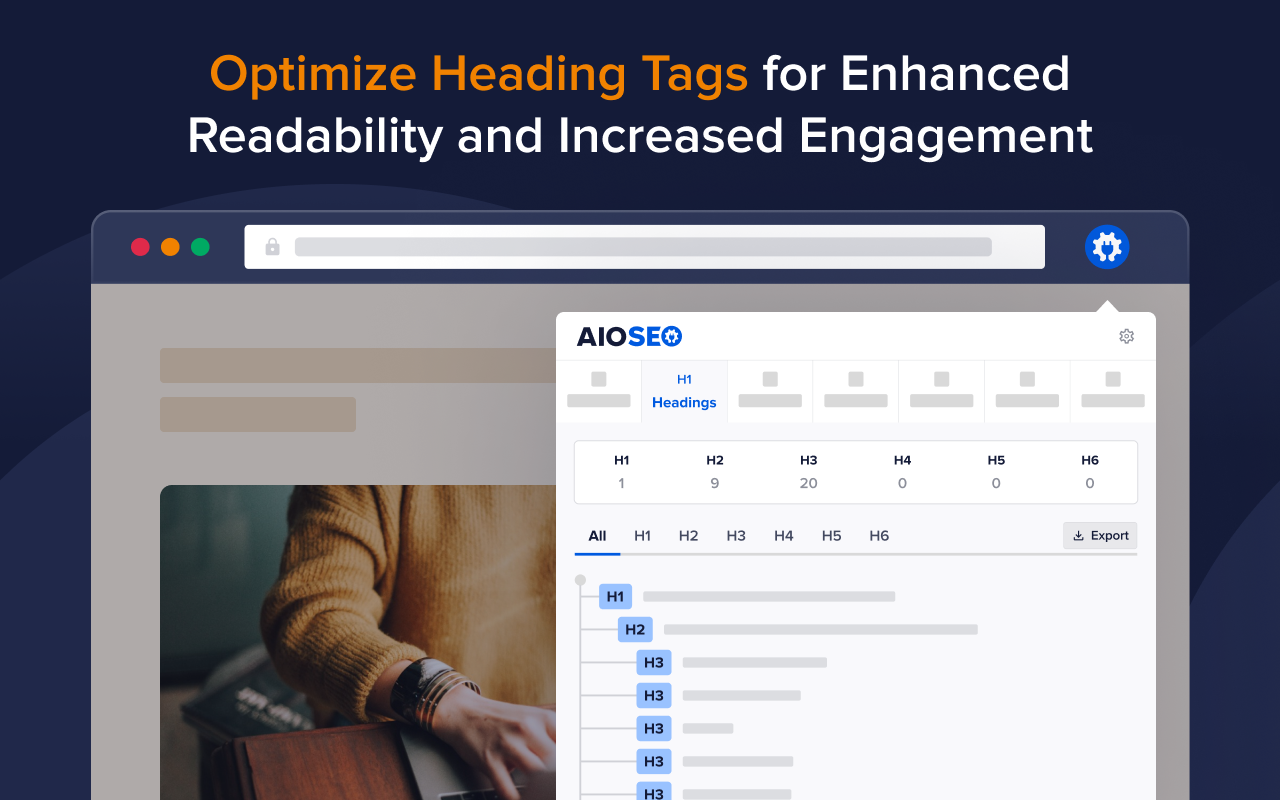
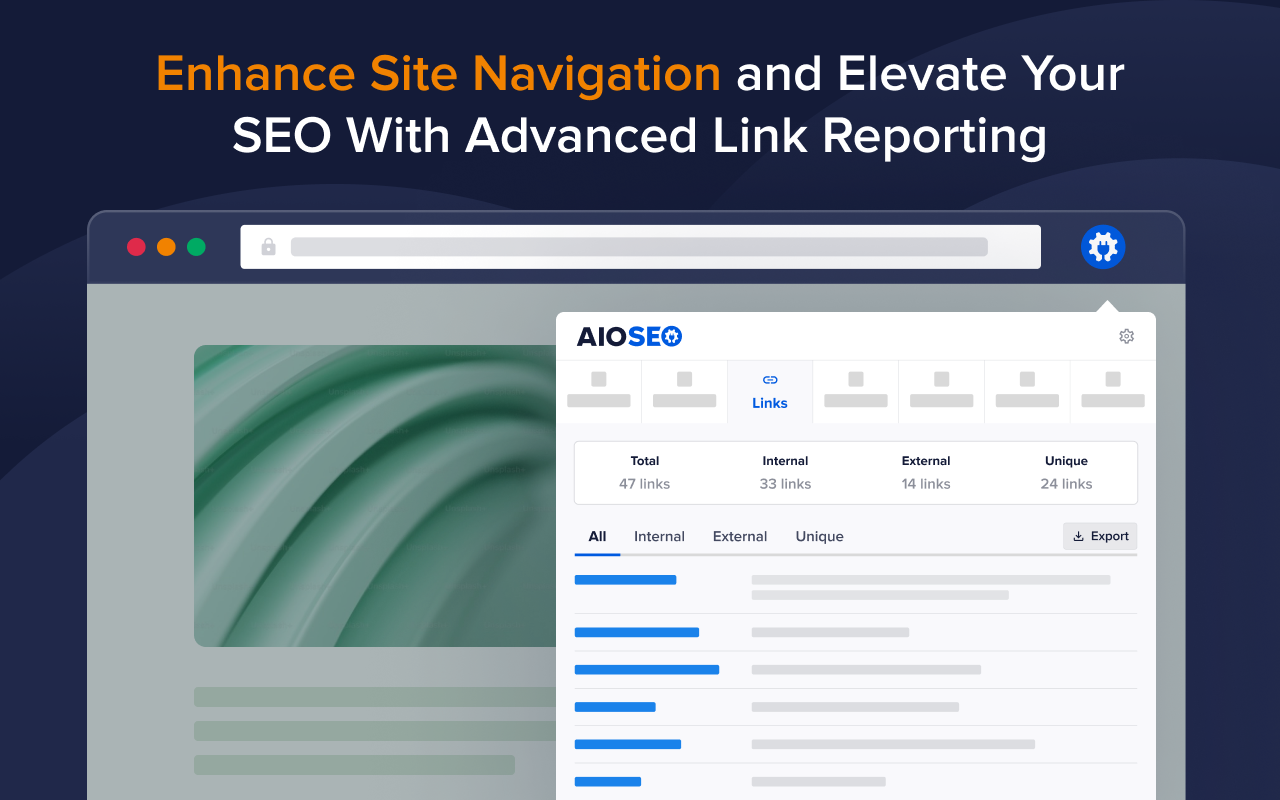
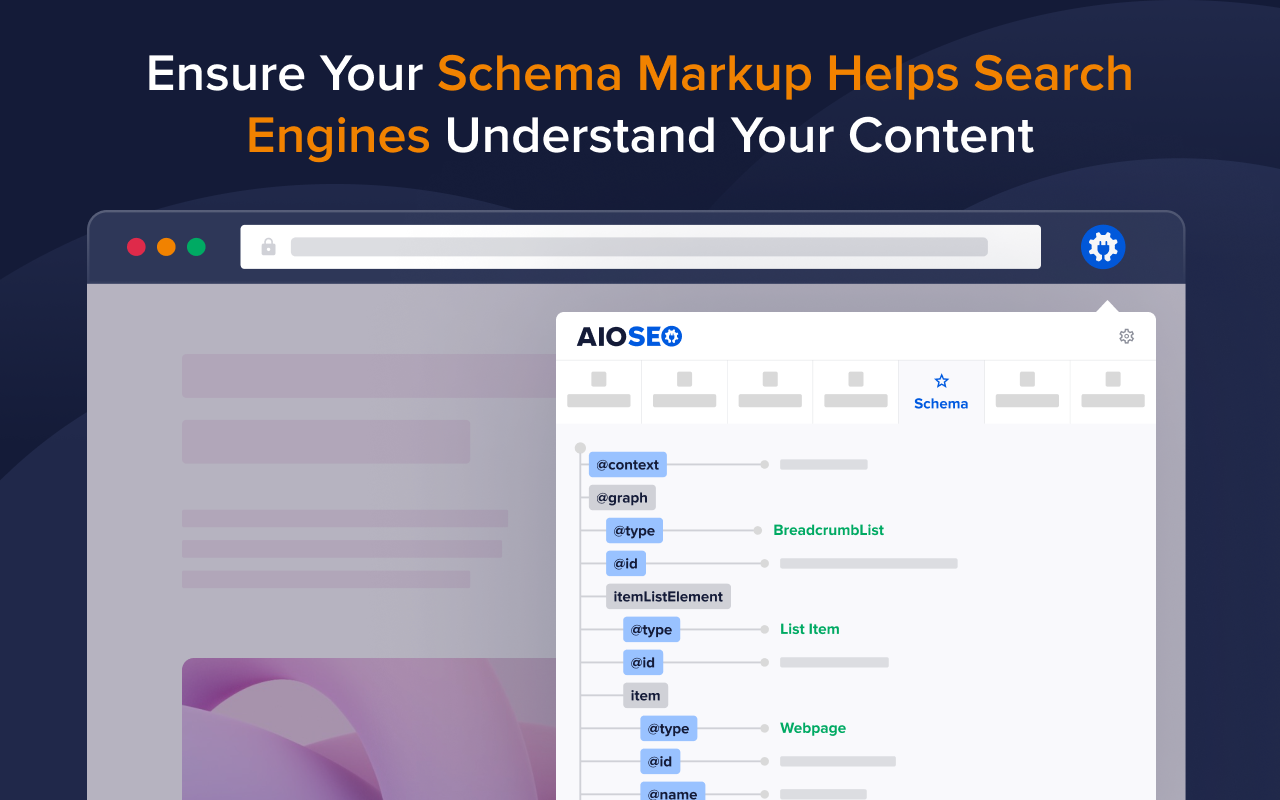
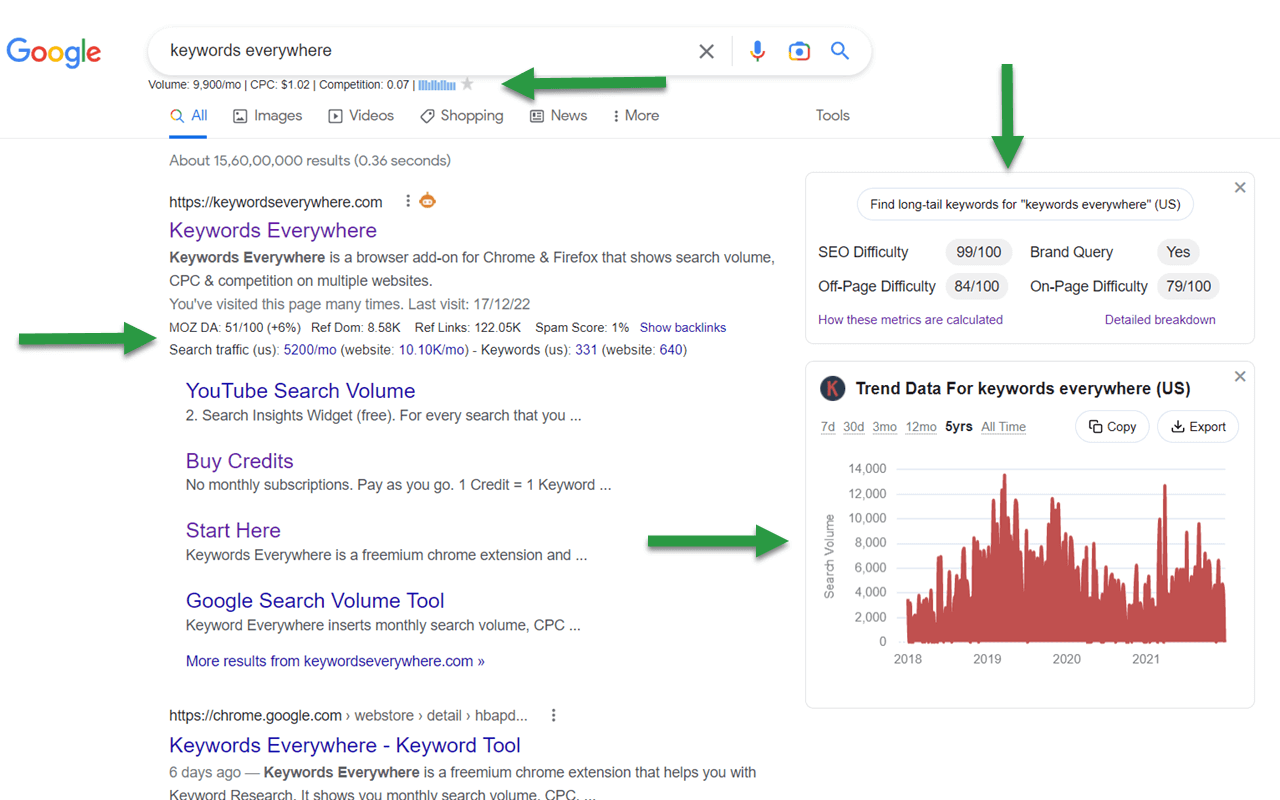
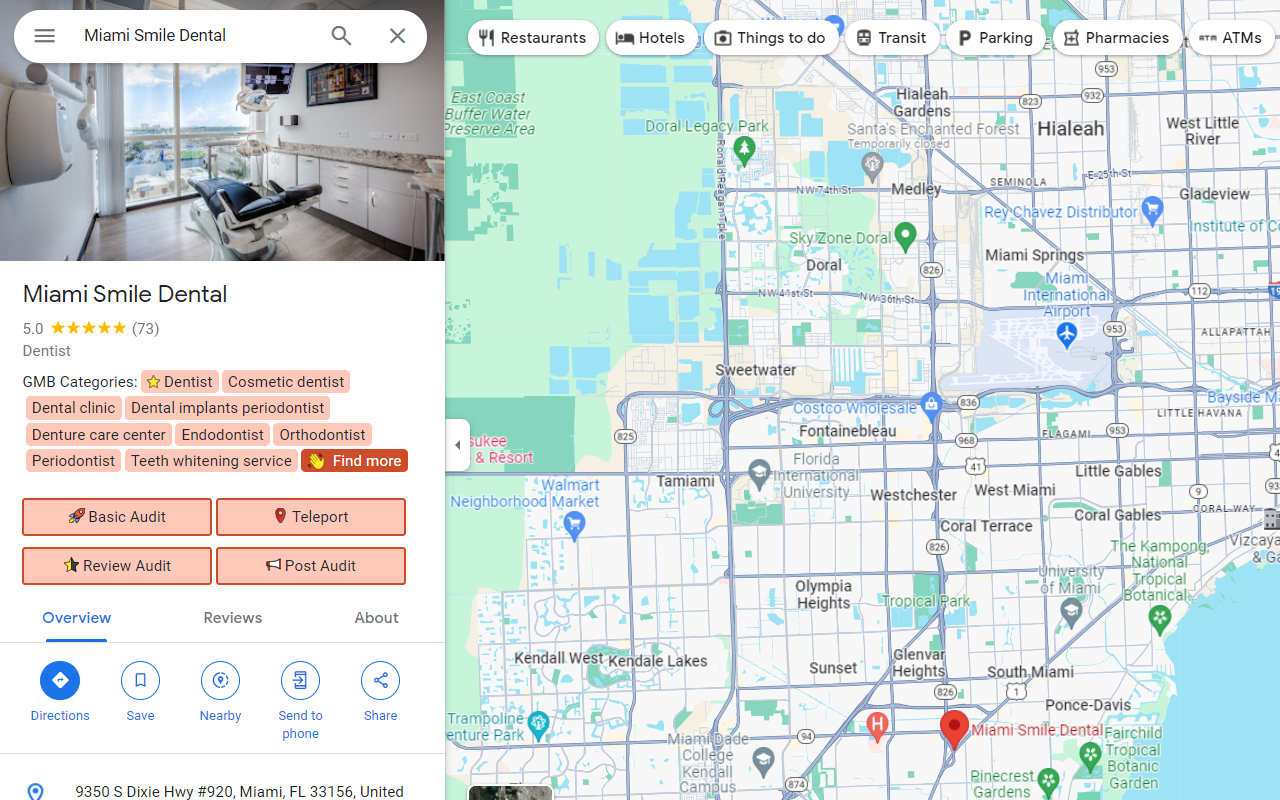
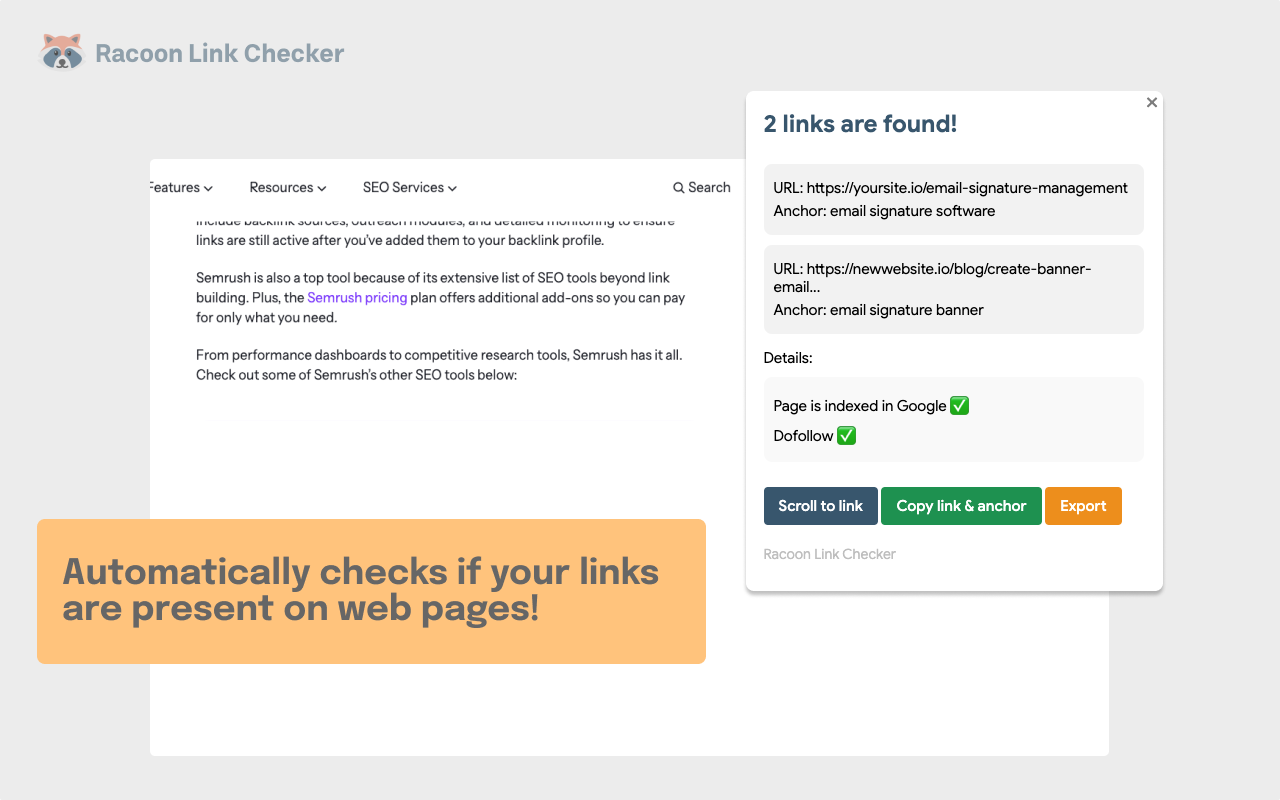
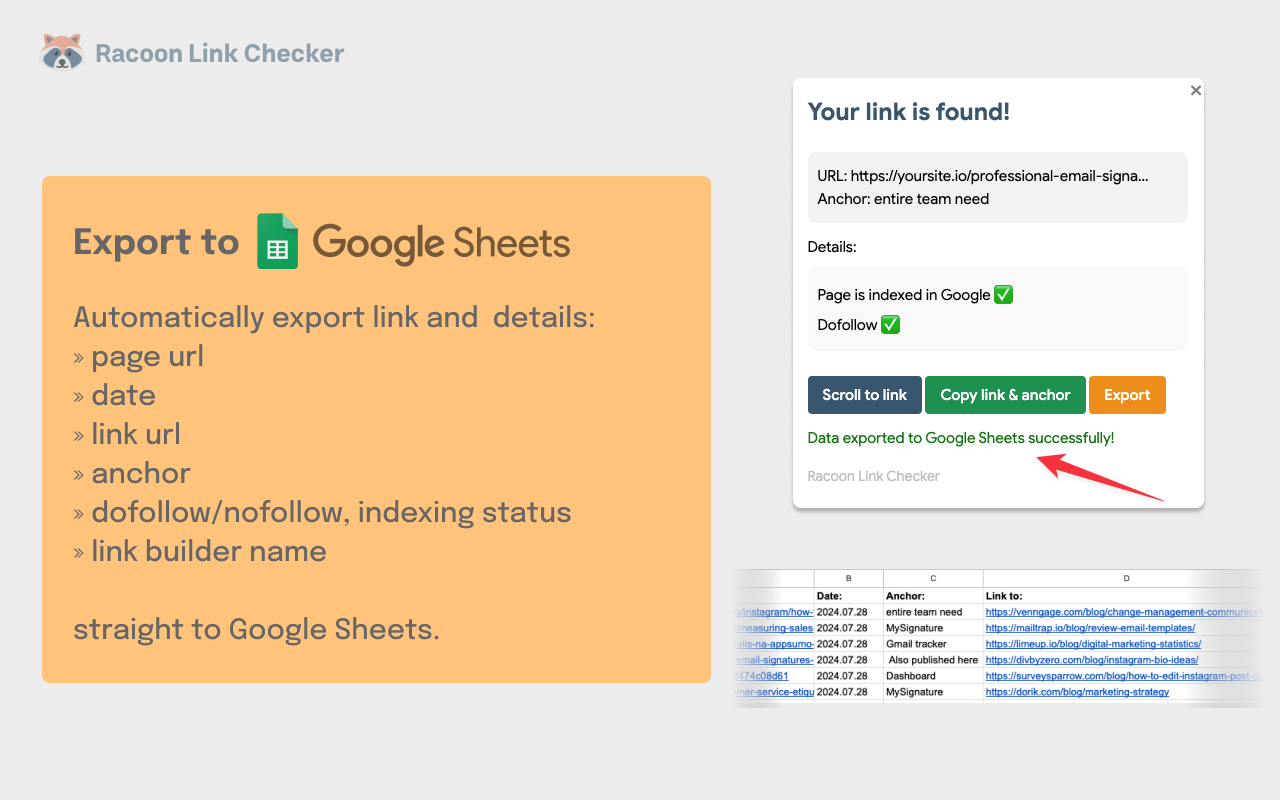
Most SEO checks don’t need a full crawl. You want to know if a page has the right title, why it is redirected, or if Google is allowed to index it. An SEO Chrome extension answers that from the tab you already have open. Click the icon, and it shows the tags, headings, status codes, robots rules or link metrics for that page. Some go further and add keyword data to Google results or run a speed audit.
It’s no wonder why SEO Chrome extensions are so popular. Keywords Everywhere has more than 1.6 million users, while Detailed SEO Extension has 450,000 weekly users who run it for everyday SEO tasks.
However, no single extension covers every job. A link builder needs authority metrics, while a developer on a React site needs to compare raw and rendered HTML.…