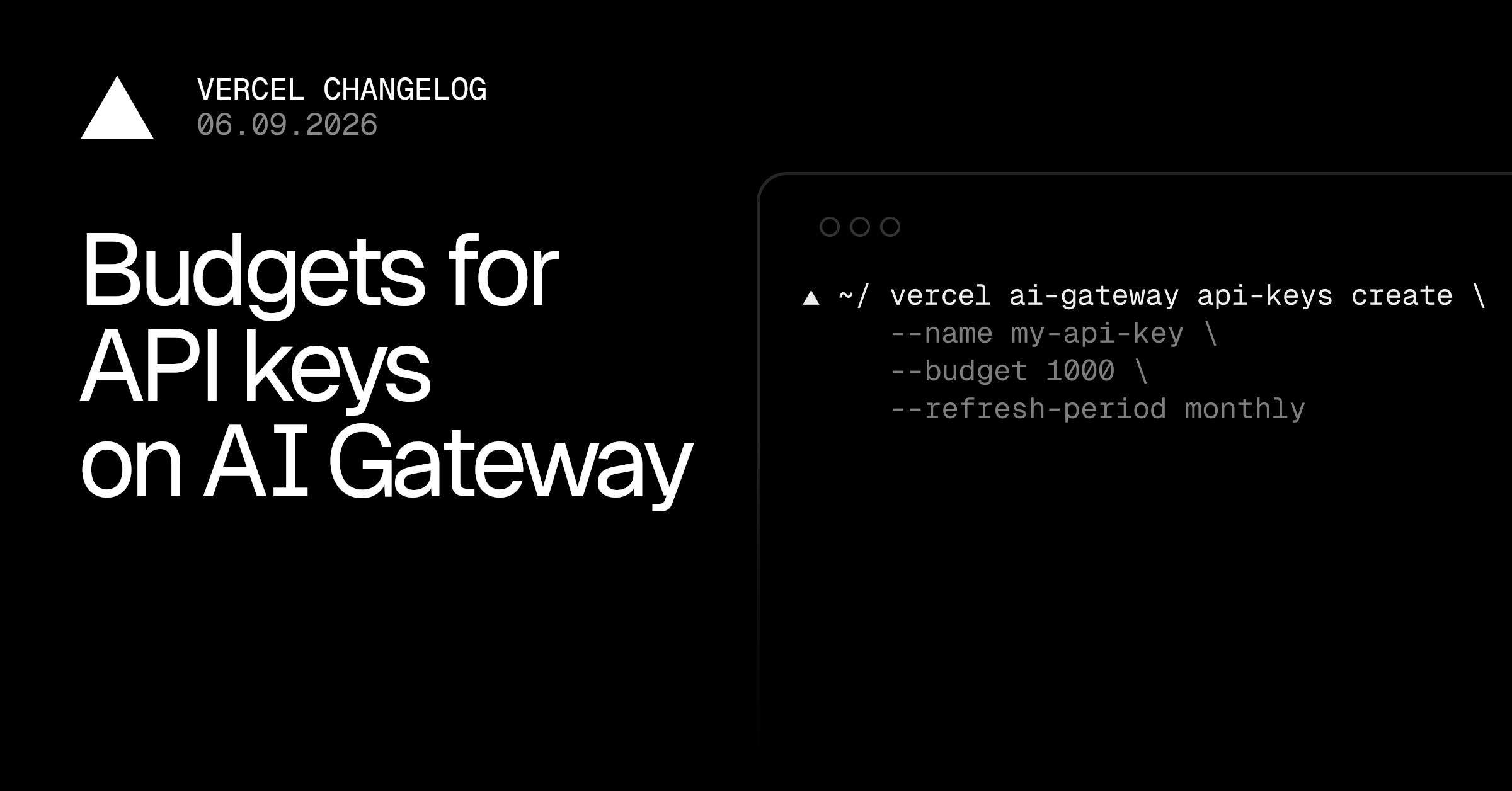
AI costs are getting harder to forecast. As teams lean more on coding agents and other token-heavy workflows, a key can burn cost faster than anyone notices:
Autonomous workflows that can loop or fan out without supervision
Demos and prototypes that could catch unexpected traffic if shared or shipped
Developers exploring or experimenting without a sense of per-model cost
Set a spend cap on any key, and AI Gateway rejects further requests on that key once the limit is exceeded, until the budget resets or you raise it. The cap applies to all AI Gateway providers and models running through the key, making it easier to consolidate and govern AI costs.
Copy link to heading API key budgets in the Vercel Dashboard
On the AI Gateway API Keys page , click Create Key , enable the Spend Quota option, enter a limit in dollars, and choose a refresh period.
You can also edit existing keys and add, change, or remove budgets by clicking the right hand side ...…