The pipeline feature is one of the driving forces behind the Linux philosophy, a single character that changes everything about how you work. By connecting the output of one command to the input of another, you can chain small programs together, creating a tool that is far greater than the sum of its parts.
If you’re struggling to see the value in pipes, or just looking to understand their practical use a bit better, there’s no better place to begin than these common, effective examples.
grep | less
Filter data and page the results
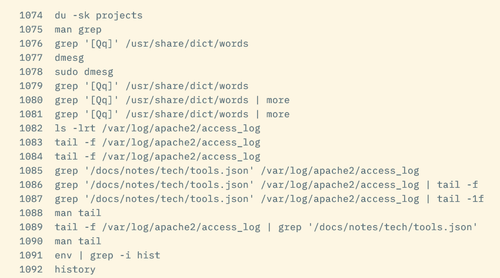
A typical grep command can return many results, especially if you’re using trial and error to refine a regular expression. A command like grep '[Qq]' /usr/share/dict/words will produce more than one screen of output:
To see more than just the last page of results, you’ll need to use a pager.…