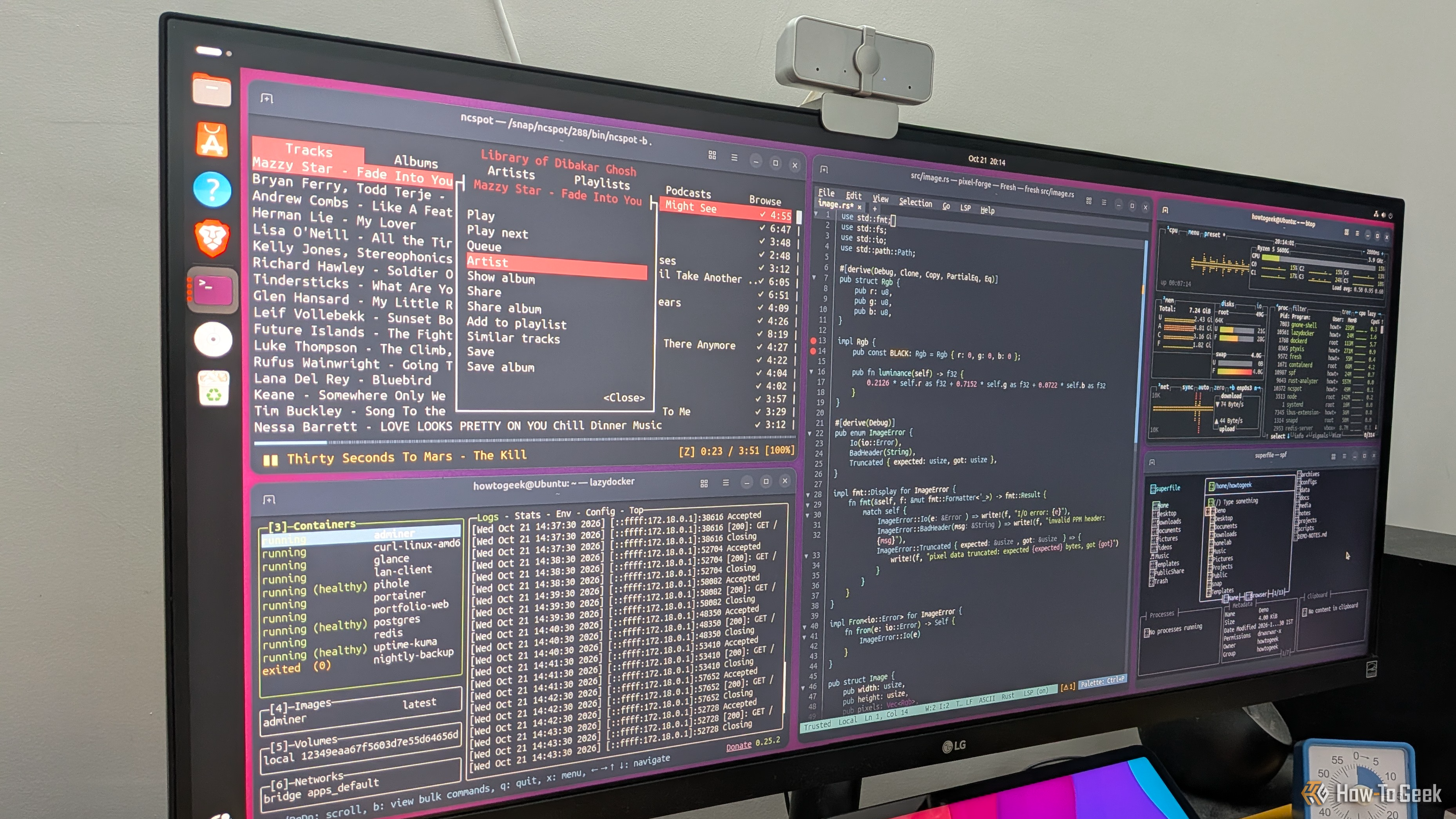
Terminal apps have a reputation for being too minimal, confusing, and useful only for technical workflows. And while that might have been true a few years ago, modern terminal apps are a lot more intuitive and functional , covering plenty of everyday computing use cases. This makes them excellent lightweight alternatives to typical desktop apps. In fact, here are five TUI (terminal user interface) apps that have completely replaced GUI (graphical user interface) apps in my workflow.
Btop++ (or btop)
The only system resource monitor you need
I’ve always found it kind of funny that resource monitors consume system resources themselves. For example, apps like GNOME System Monitor or KDE System Monitor need to draw the app window, usage graphs, and the rest of the interface — all of which eat into your available system resources.
As such, I’ve always gravitated toward lighter terminal-based alternatives, and btop++ simply tops (no pun intended) the list of available options.…