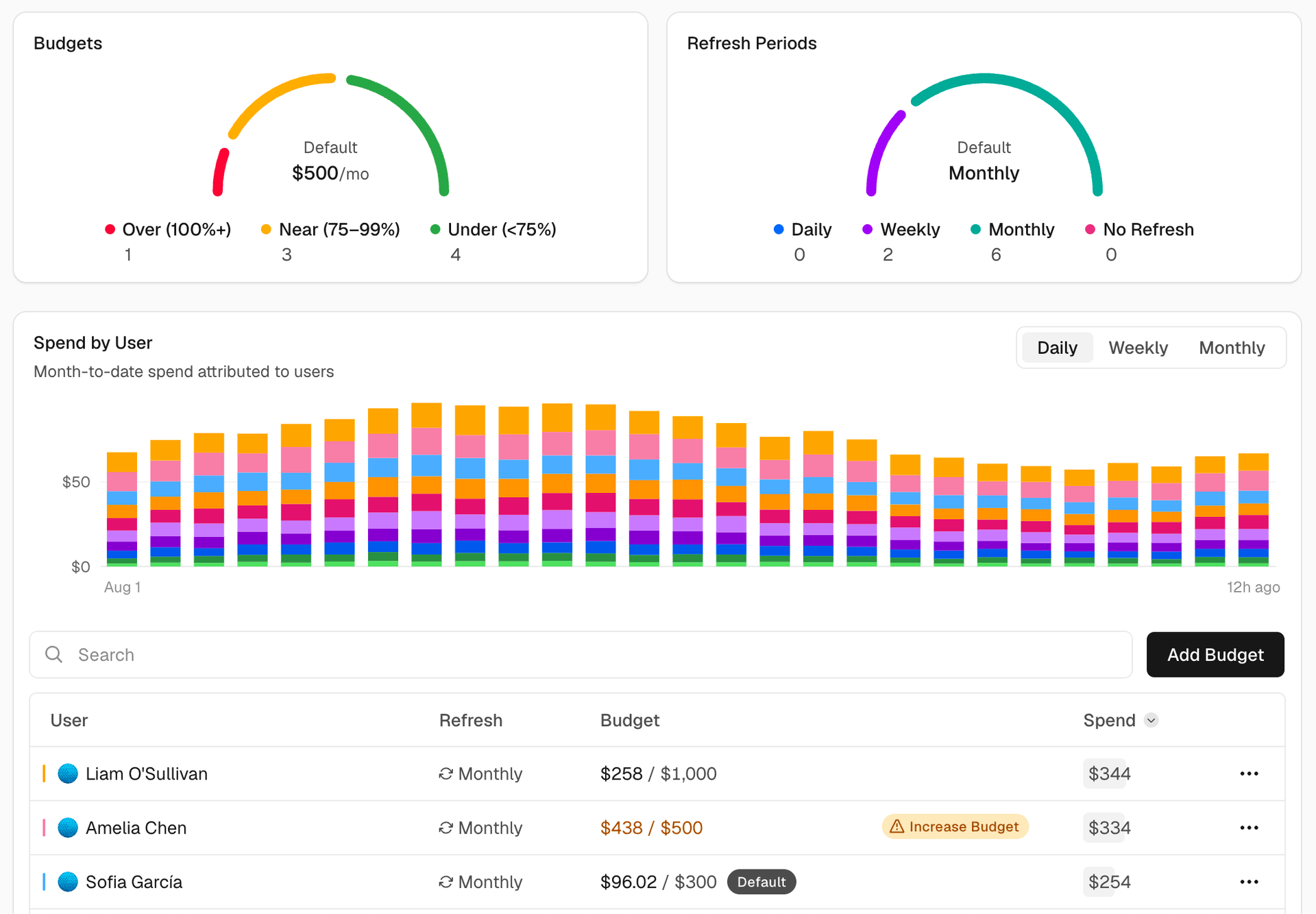
You can now use AI Gateway budgets to set a dollar spending limit for each user on your team.
The limit covers spend from every API key attributed to the user, along with their app tokens. After it's reached, AI Gateway rejects new requests until the budget resets or is increased.
This is useful for controlling spend from coding agents and other workloads that run without supervision, and prevents one user from consuming all of the team's shared budget.
Copy link to heading Set user budgets
Open the Users view on the Budgets page to set two kinds of user budgets:
Default budget: If set, applies separately to every person without a custom budget, including users added later. Each user gets their own allowance rather than sharing one limit across the team.
Custom budget: Applies to one person and overrides the default. Removing it returns that user to the default budget.
Both default and custom budgets reset monthly by default, but you can change them to reset daily, weekly, or not at all.…