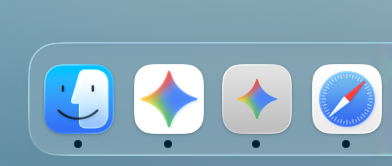
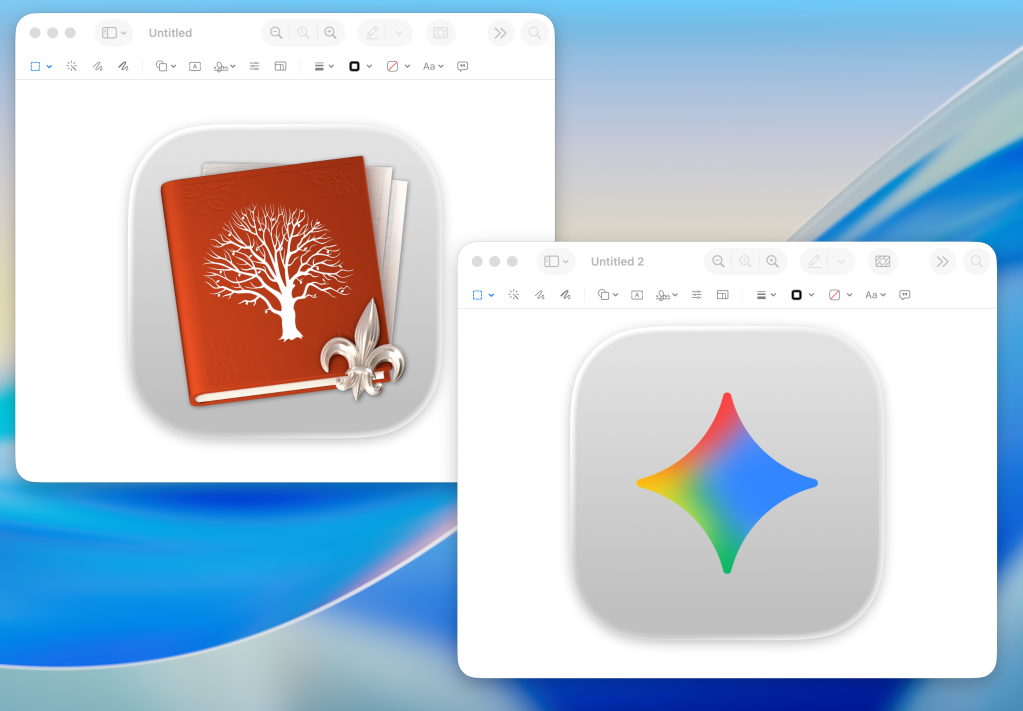
Back in April, Google joined OpenAI and Anthropic in offering a dedicated Mac app for its AI chatbot software. Two months later, it’s clear that Gemini for Mac isn’t as good as it could be. Gemini for Mac isn’t a very good macOS app Because I’m interested in AI technology and its progression over time, I’ve used Gemini on my Mac regularly since before the Mac app was rumored. I’m also a Safari user. For that reason, my solution to using Gemini on the Mac has been Safari’s “Add to Dock” feature . When Gemini first arrived on the Mac as a dedicated app, I still preferred my Safari “Add to Dock” instance. I just like that Command + N opens a new chat window, and I can have many open chat windows. This way of multitasking is better for me than switching between conversation threads. I’m more likely to forget about a task in a chat thread if it’s not an open window on my Mac. Missing features and app icon jail I also have at least one chat thread that doesn’t actually work on Gemini’s Mac app.…