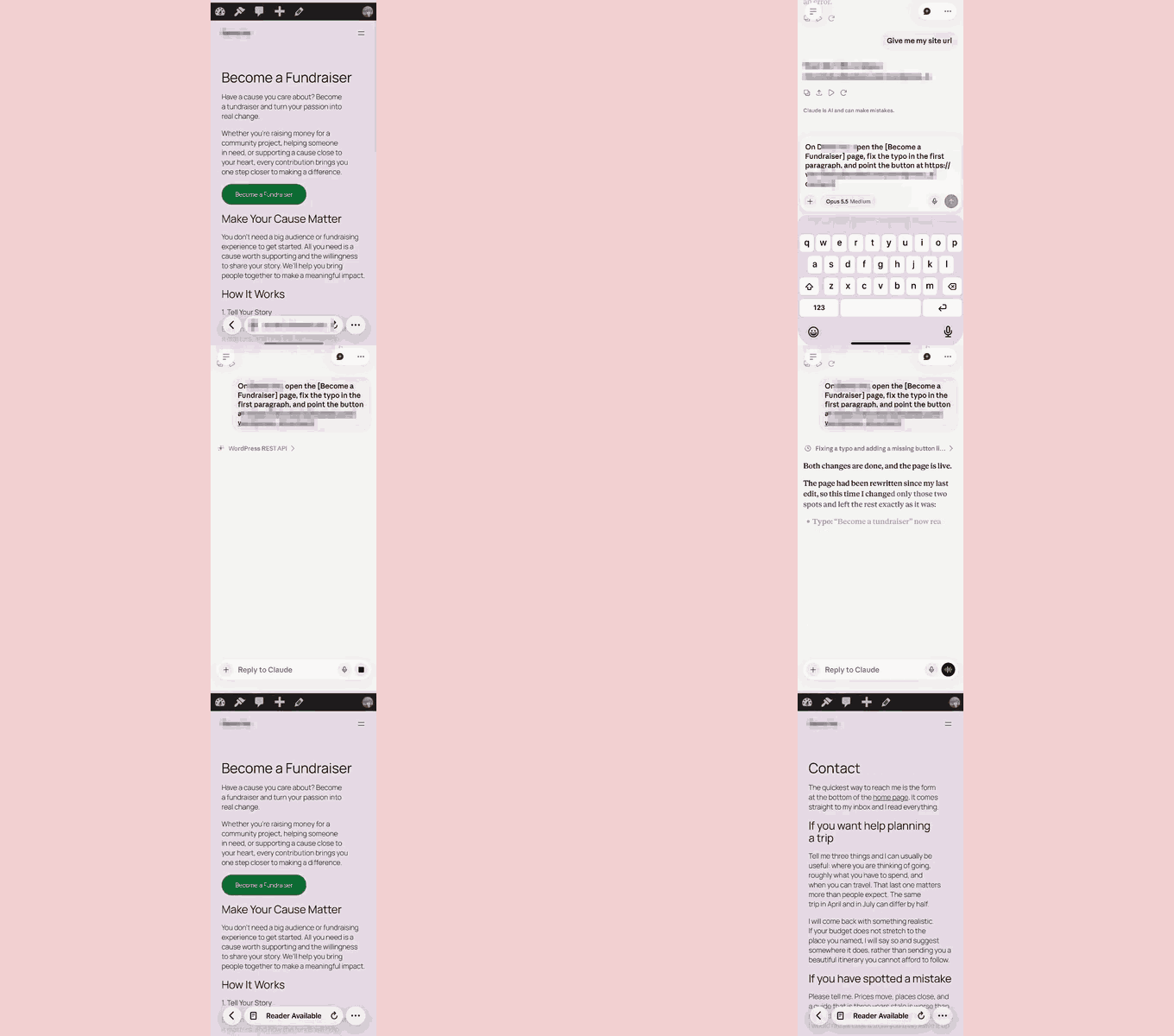
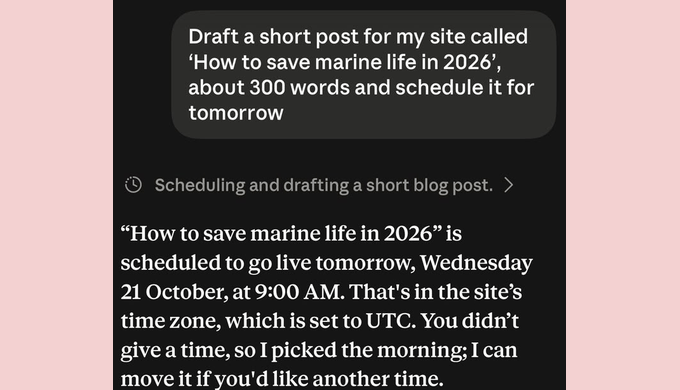
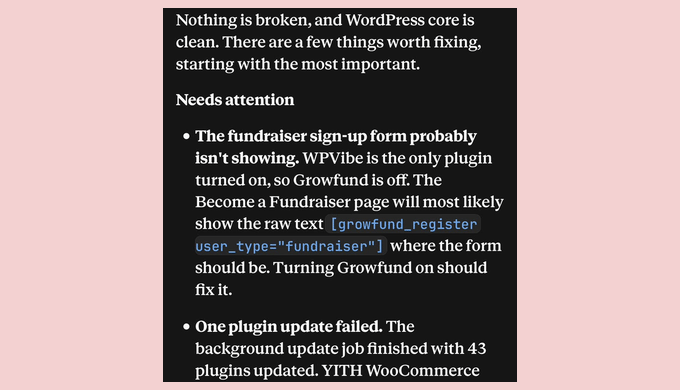
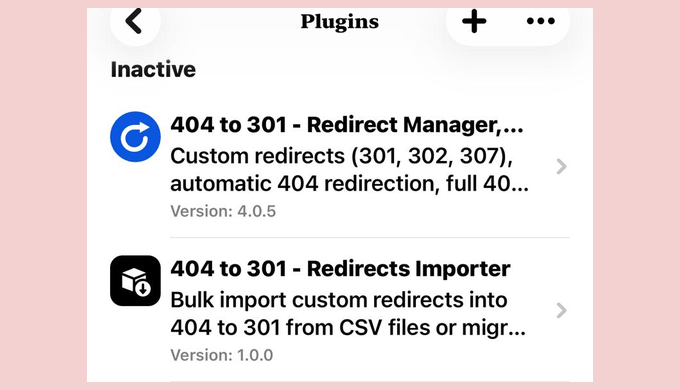
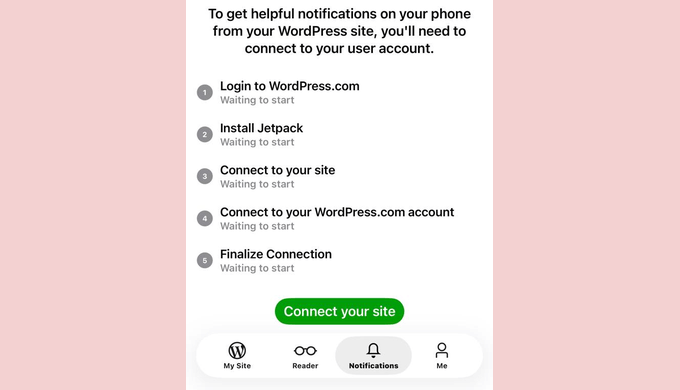
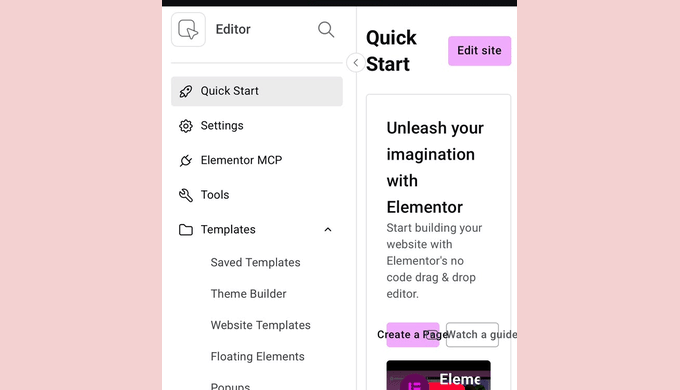
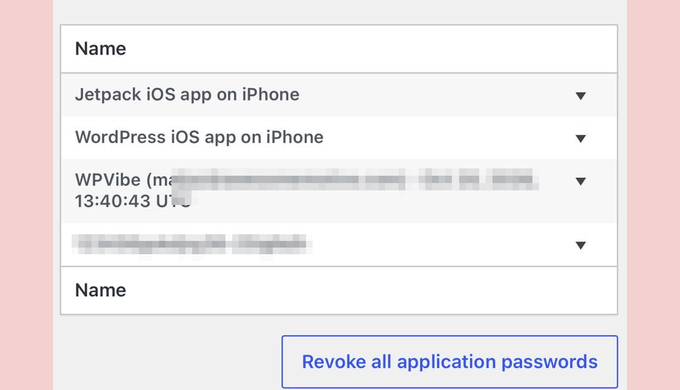
Got a plugin update waiting, a typo on a live page, or a post to schedule, and no laptop nearby? The WordPress app and your phone’s browser can handle some of it, but plugin updates, settings, and page edits are hard to do on a small screen.
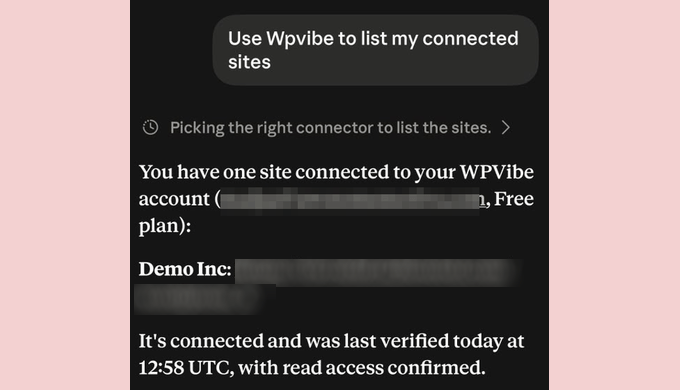
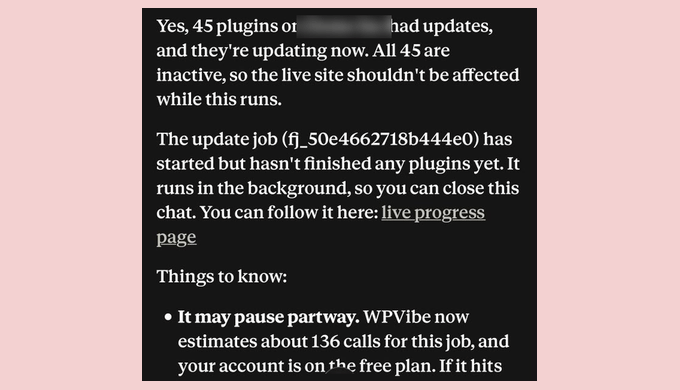
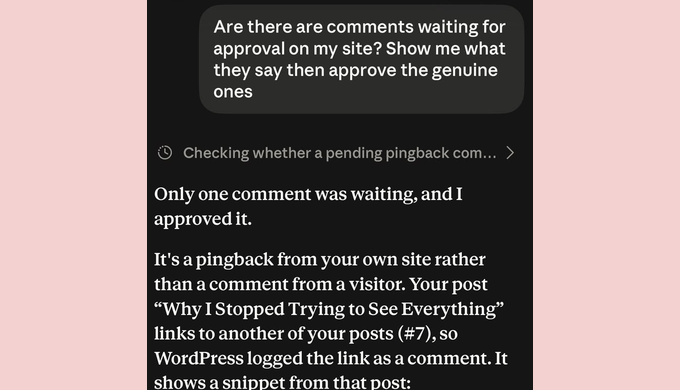
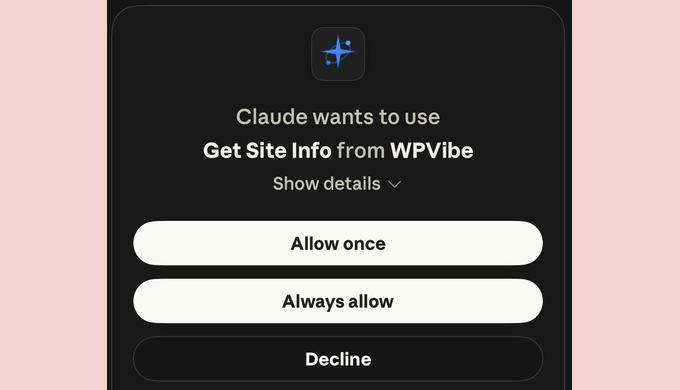
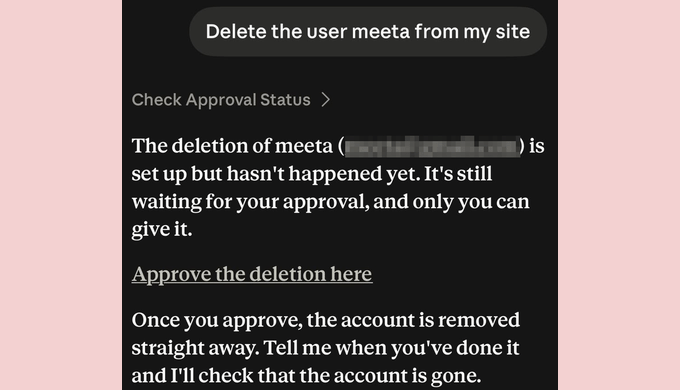
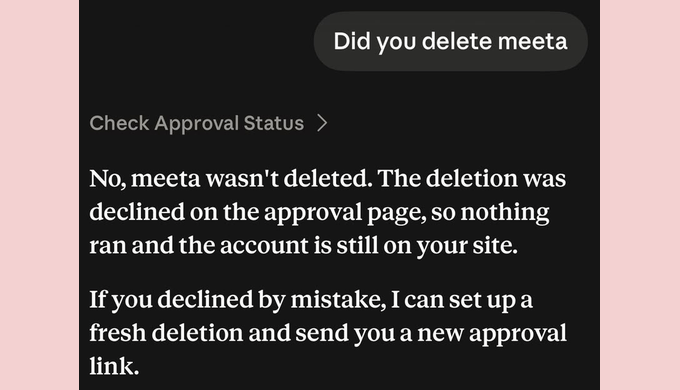
That’s where an AI assistant helps. Once you connect Claude or ChatGPT to your site, you can describe the change in plain English from your phone, and the assistant makes it for you. Anything you can’t undo waits for your approval first.
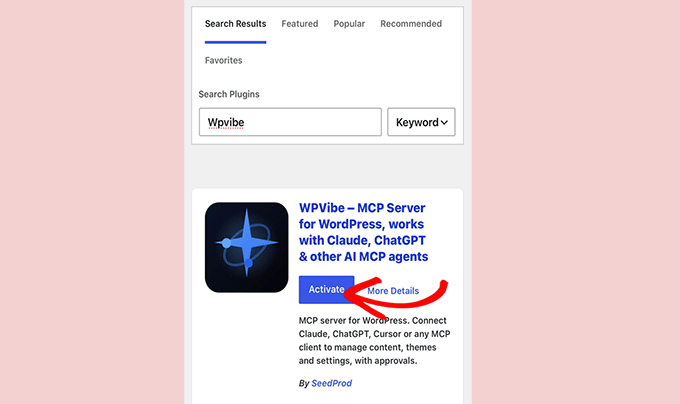
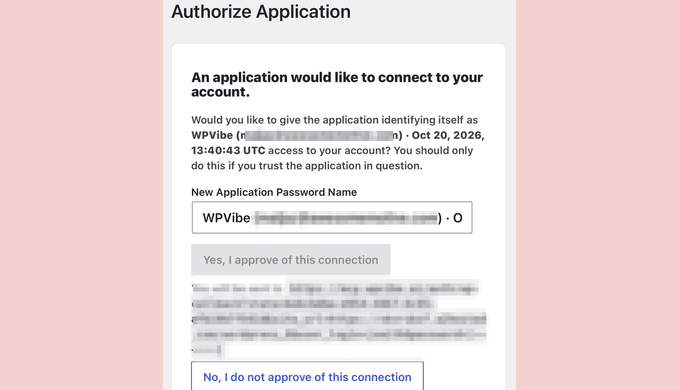
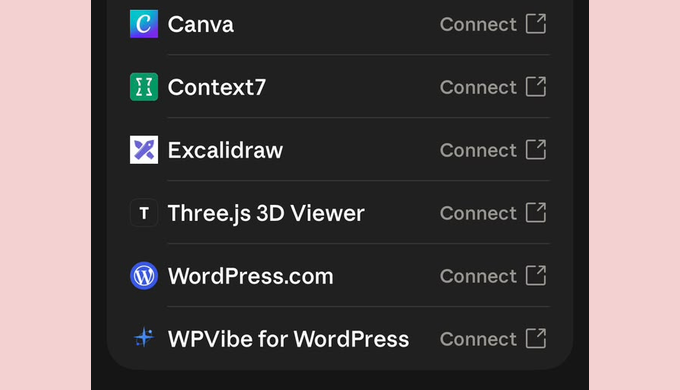
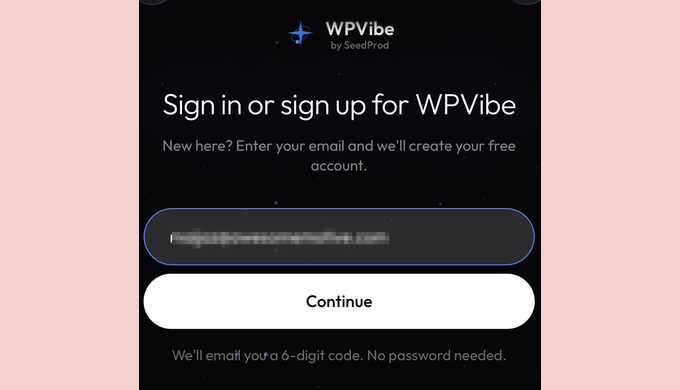
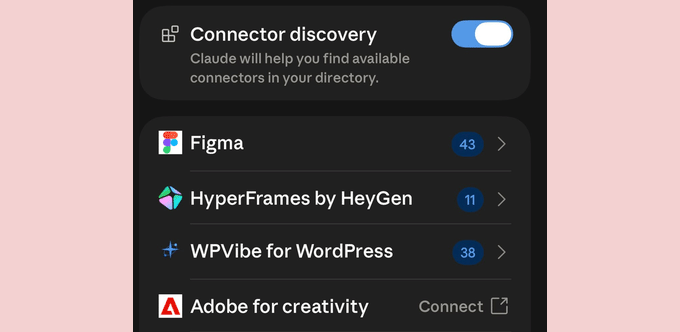
In this guide, we’ll show you how to manage your WordPress site from your phone using the Claude app and the free WPVibe plugin. Setup takes about five minutes, and we’ll also cover when other apps might be a better fit.
💡Quick Answer: How to Manage Your WordPress Site With a Phone
For full site management, use the Claude app with the free WPVibe plugin .
For writing posts and replying to comments, the official WordPress app also works.…