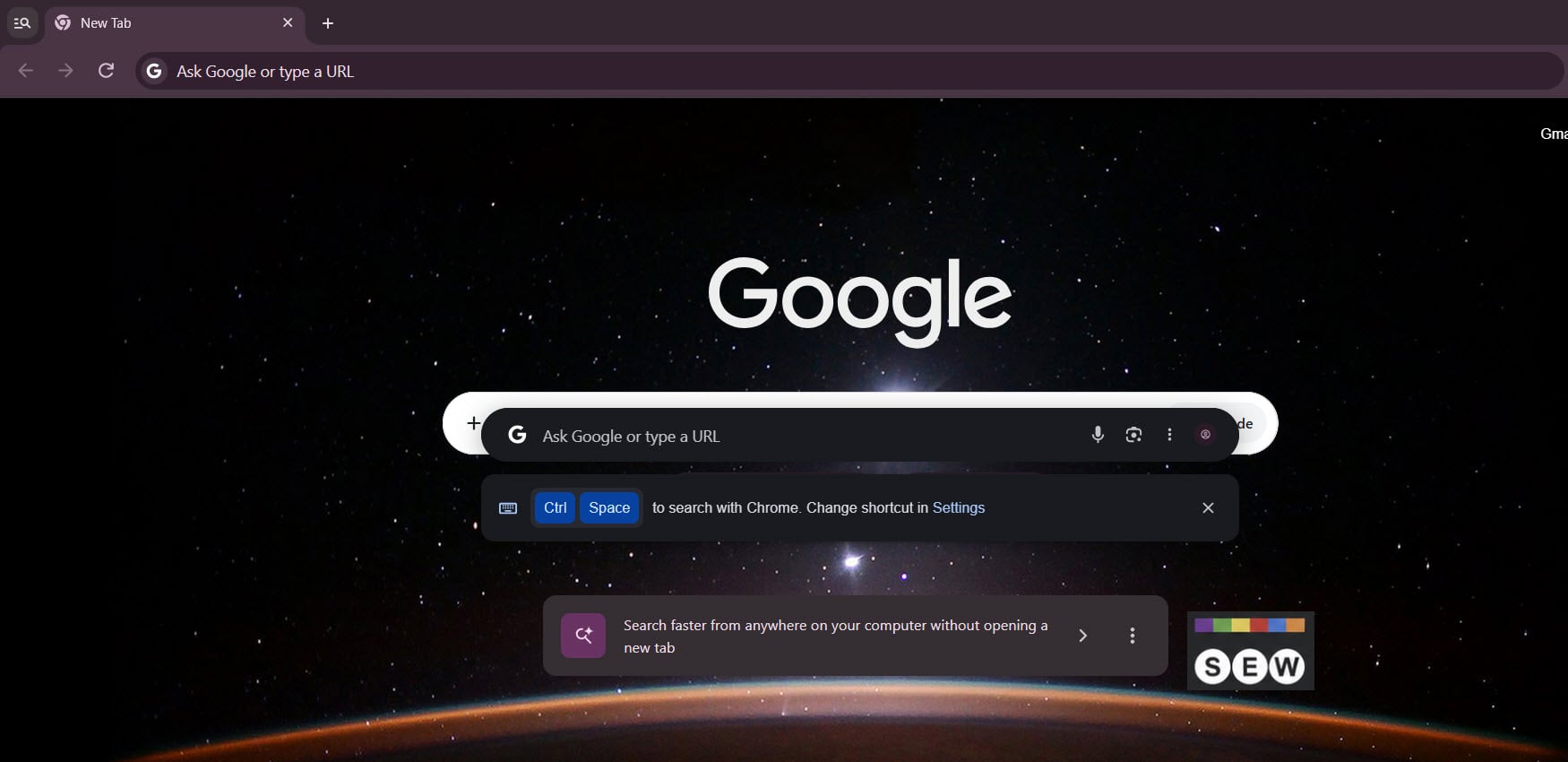
Google is giving Chrome users a new way to access Search and AI Mode from their desktops. Chrome Canary for Windows now shows a promotional card for its floating search bar directly on the New Tab page.
Known internally as “Everywhere Omnibox,” the feature brings Google Search and AI Mode to a floating desktop interface instead of relying only on Chrome’s address bar.
The card reads, “Search faster from anywhere on your computer without opening a new tab.”
Image credit: Venkat | Search Engine Watch
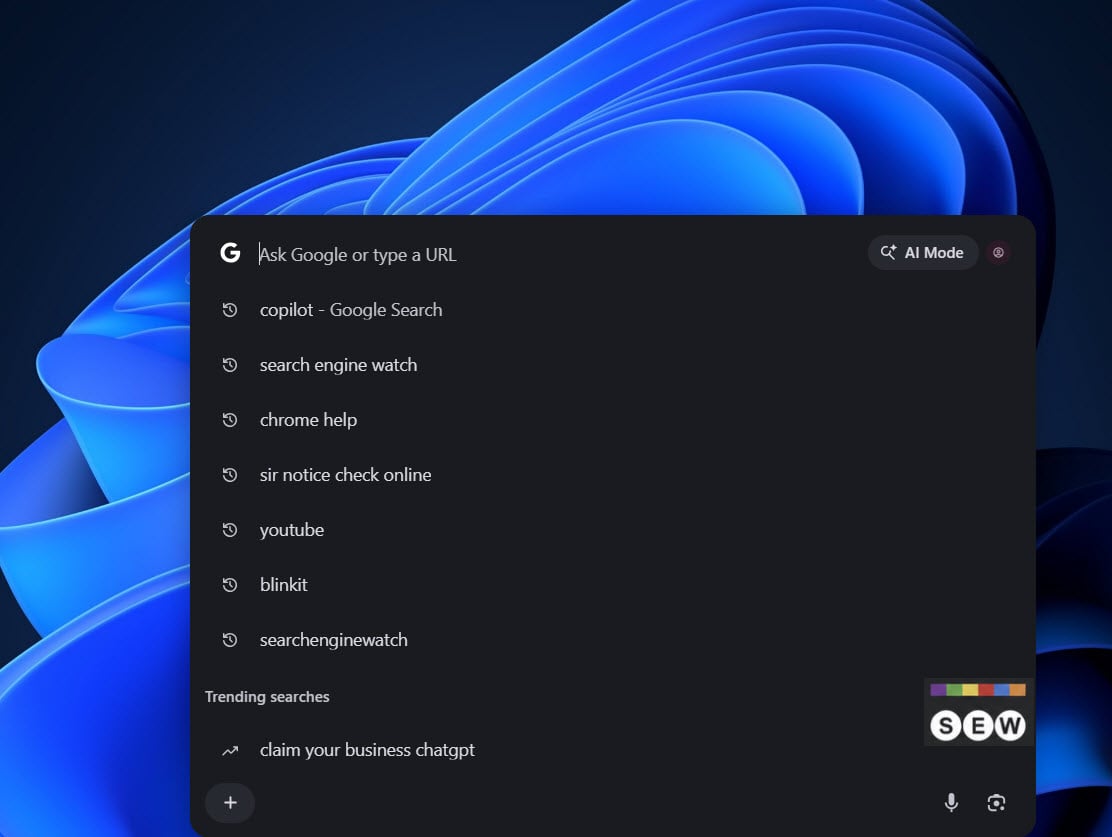
Clicking its arrow opens Chrome’s floating search bar in dark mode. It includes a Google Search box, an AI Mode button, a microphone, and a Google Lens shortcut. Users can also revisit recent searches and check trending queries without visiting Google’s homepage.
Image Credit: Venkat | Search Engine Watch
Chrome shows Ctrl + Space below the bar as the default shortcut. Users can change it through the Settings link.…