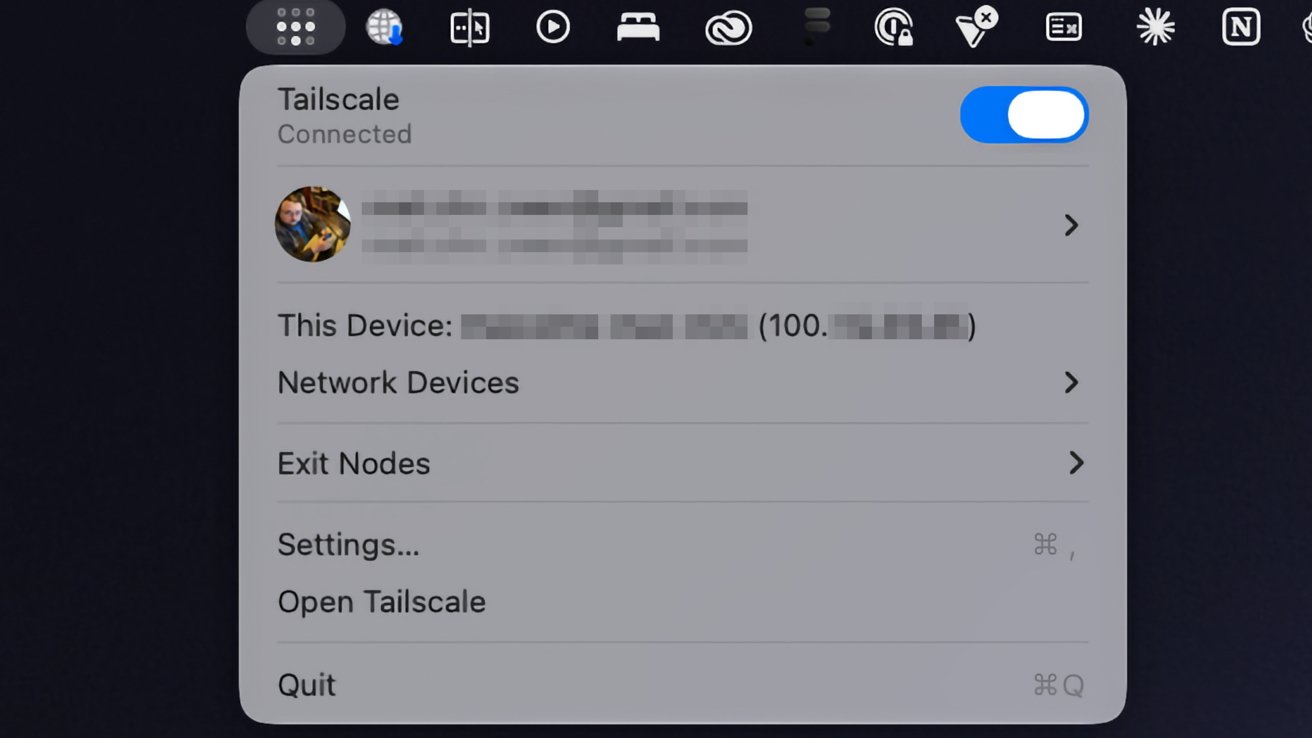
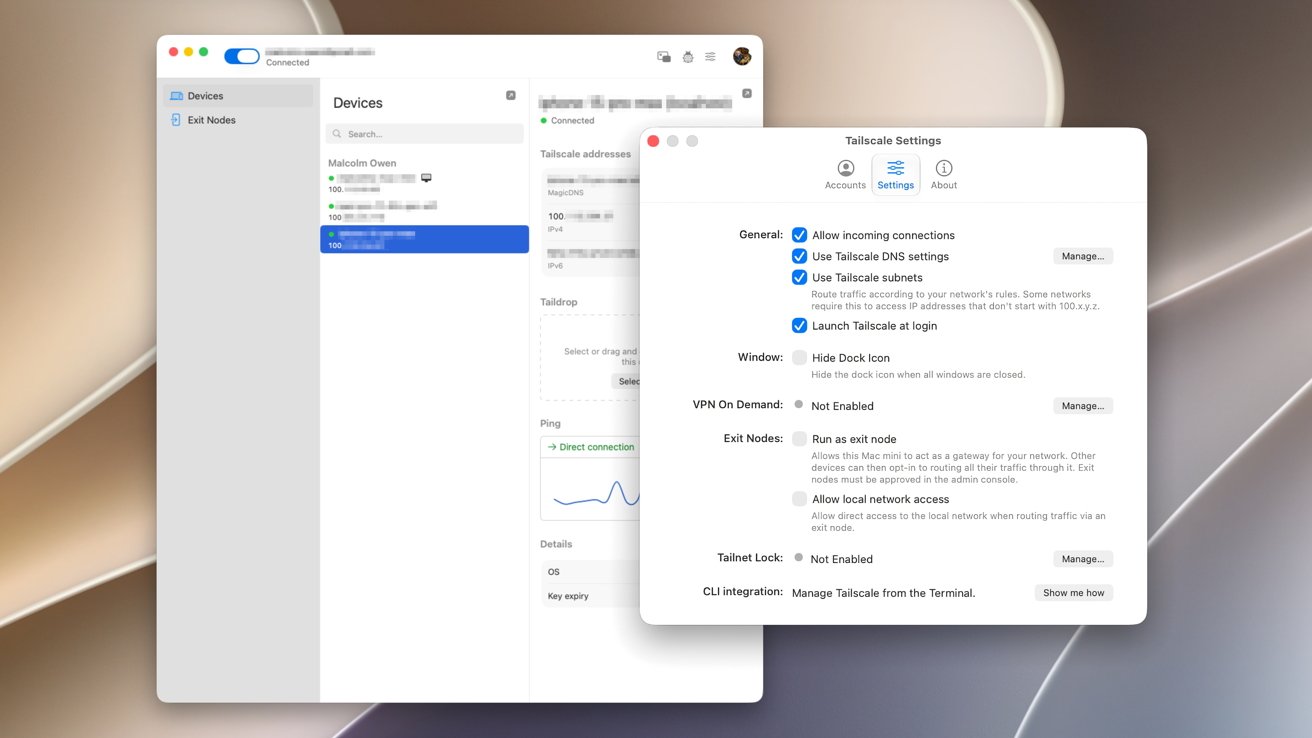
If you need to securely connect to your Mac desktop at home while on the move, Tailscale may be the answer. Here's how to get started.
One of the main benefits of having a gigabit-class Internet connection is being able to connect to your home devices from outside the home. If you need a file from a home fileserver, you have tons of bandwidth so you know you can get it remotely, quickly.
However, while having the bandwidth is good, establishing the connection in the first place can be a problem.
In the old days, that used to simply mean setting up port forwarding on your router and connecting to a specific IP, or an address if you had set up a dynamic DNS service beforehand.
But with the rising use of Carrier-Grade NAT ( CGNAT ), this won't work anymore.…