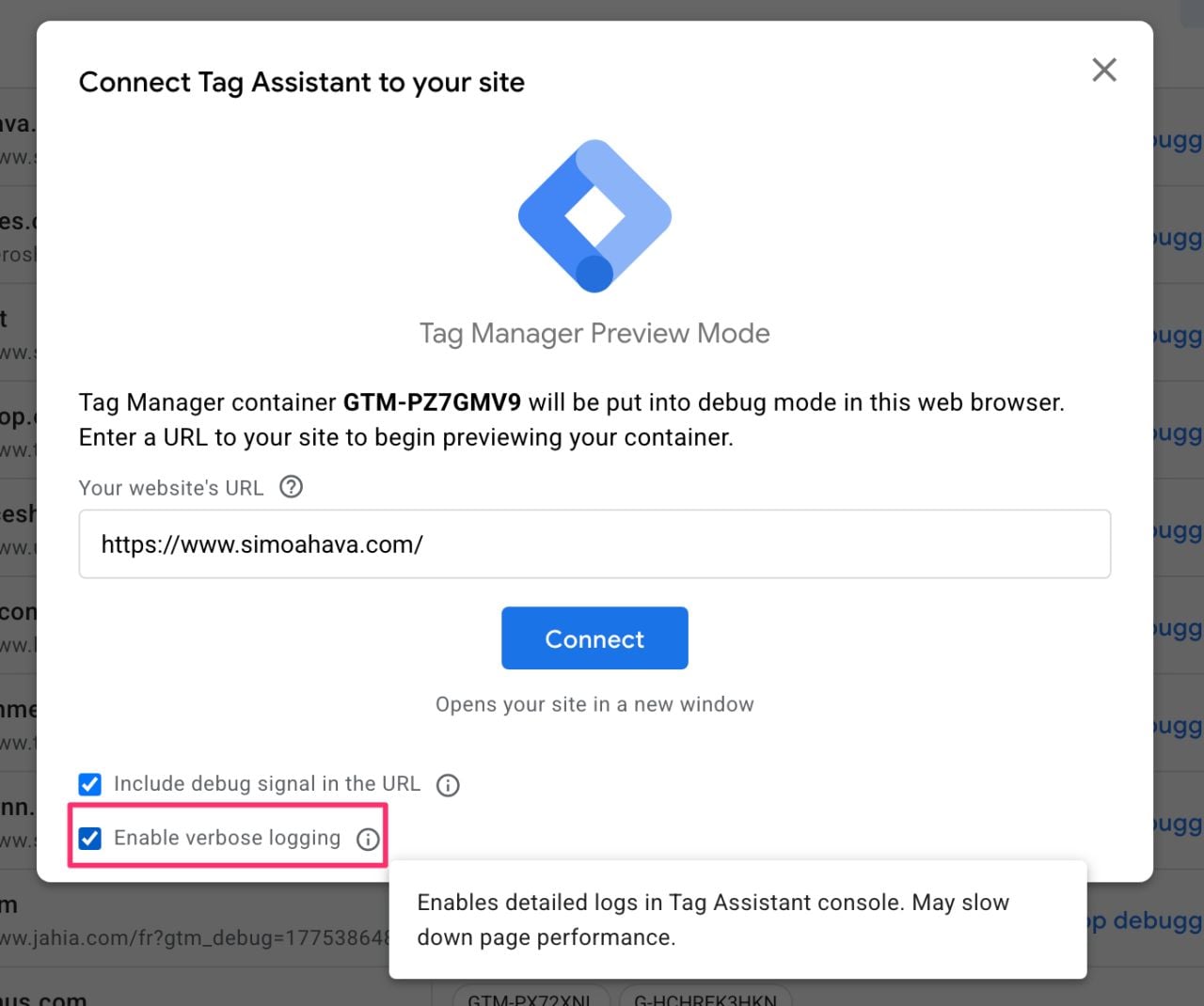
Google Tag Manager has added a verbose logging option to Preview mode, letting users see Google tag logs inside Tag Assistant. When enabled, the new “Enable verbose logging” option displays Google tag logs in the Console tab of Tag Assistant.
This was first spotted by Simo Ahava, who shared it on LinkedIn along with screenshots.
He wrote:
“GTM is moving away from the console-based GA Debugger browser extension in favor of consolidating logging in Tag Assistant. If you go into Preview mode with GTM, you’ll see a new option, ‘Enable verbose logging.’ If you check that, then Preview mode will start outputting Google Tag-related logs into the Console tab of Preview mode.”
Here are the screenshots he shared.
Previously, users relied on the Google Analytics Debugger browser extension, which wrote debugging information to the browser console. This update brings Google tag logging into the Tag Assistant interface instead.
There are some limits for now.…