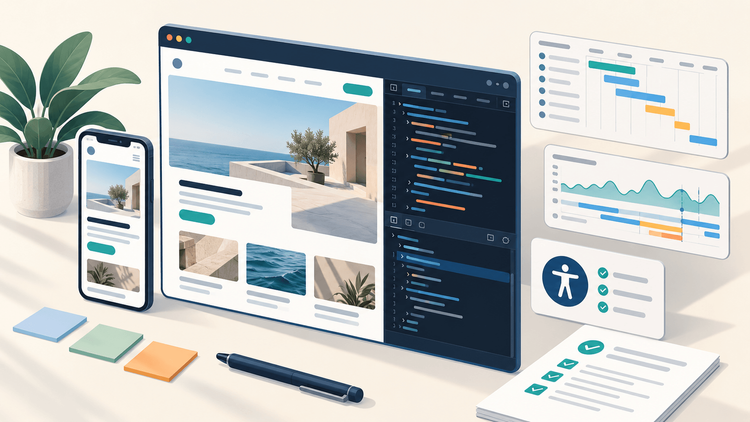
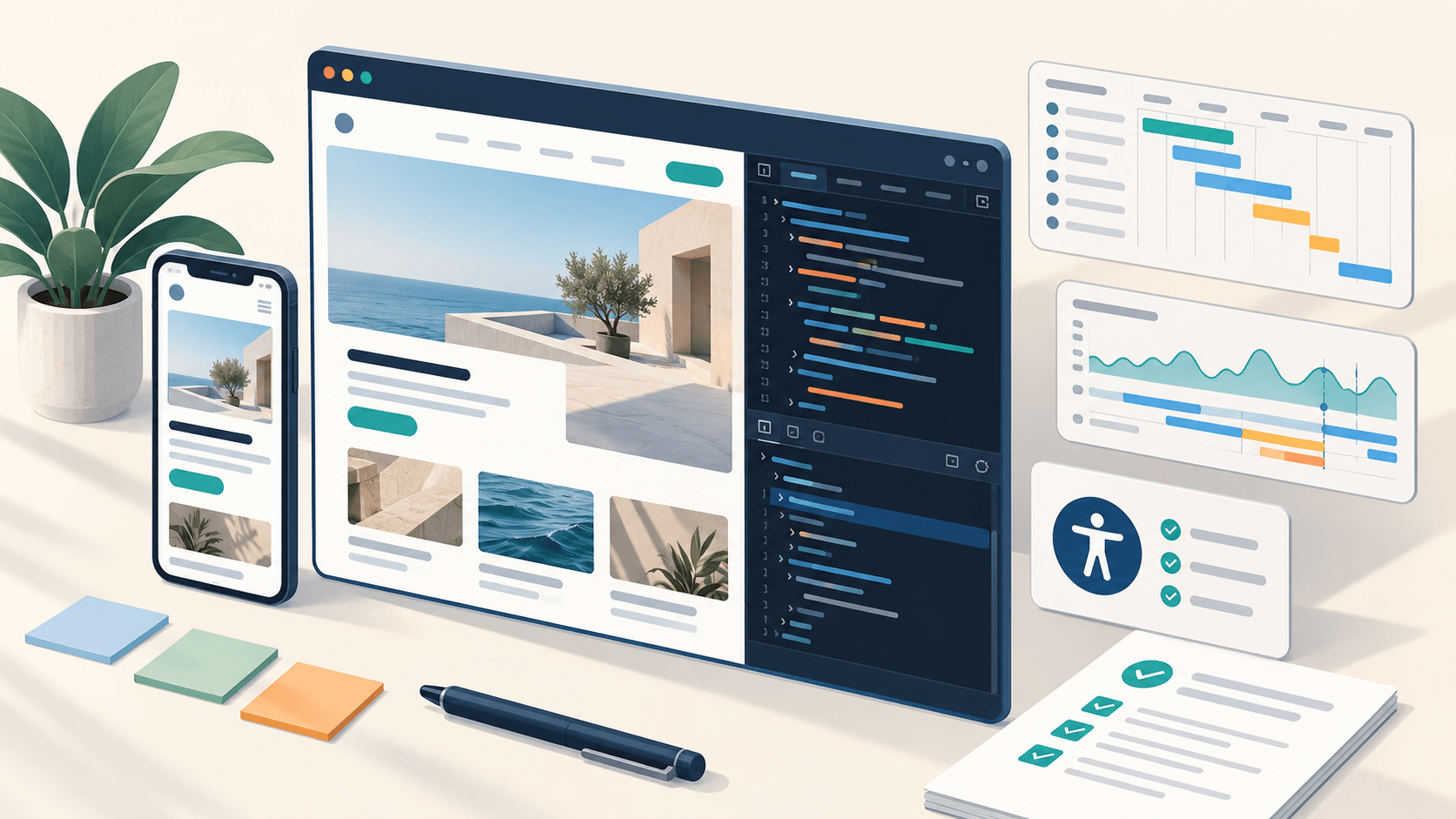
A design file shows what an interface should look like in a particular state. A browser reveals what happens when the headline doubles in length, a request fails, someone uses a keyboard, or a device struggles to render an animation.
That gap explains many frustrating handoffs. A developer believes the implementation matches the design, while a designer notices behavior that was never discussed. Both can be right about the evidence they have.
A more useful review combines the rendered interface with repeatable browser checks. Each check should produce a small, actionable finding: the conditions, the observed behavior, and the expected result.
The nine checks below use browser tools to turn visual opinions into implementation decisions. Chrome DevTools provides the main examples; tool names and locations can vary between versions.
1. Inspect the computed layout before changing the design
When a component looks wrong, first identify which rule actually controls it.…