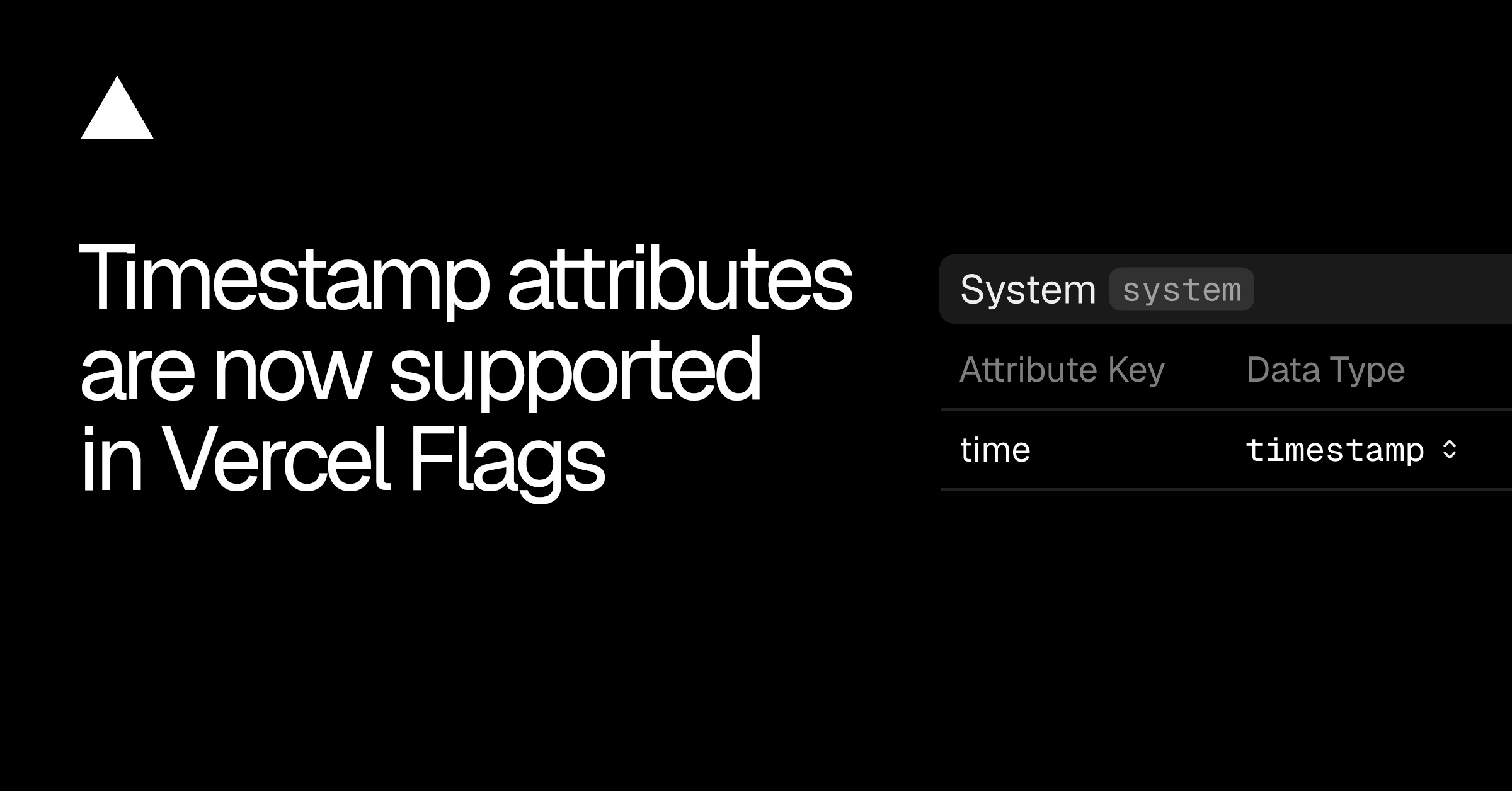
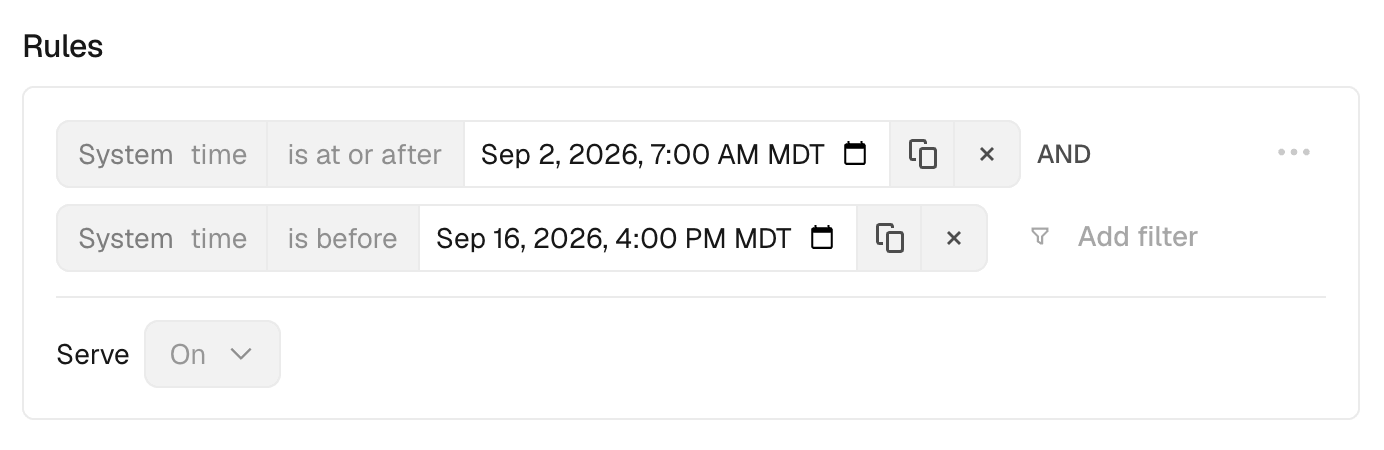
Vercel Flags now supports timestamp attributes, so you can target entities by date and time.
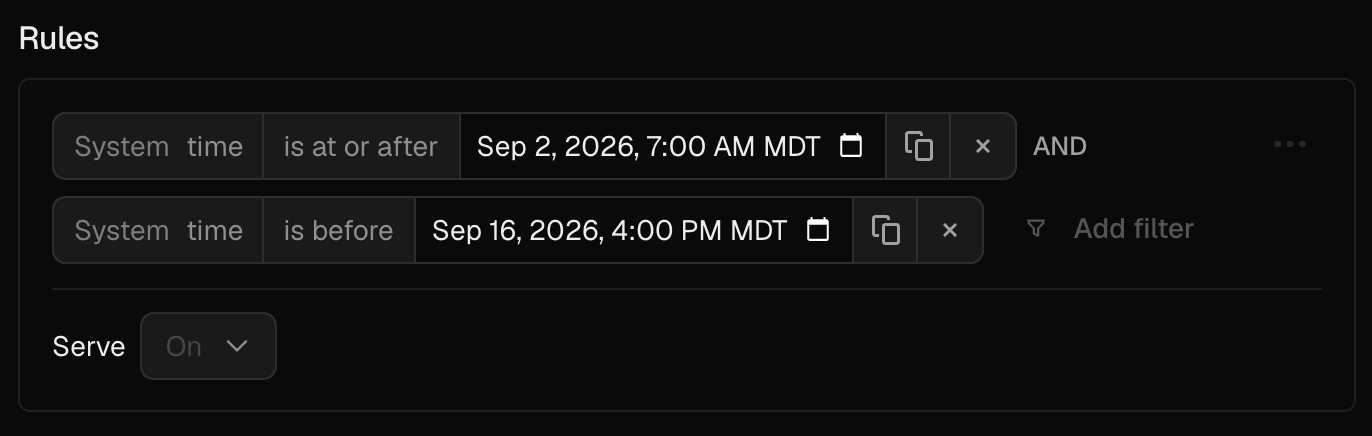
Use timestamp attributes to show a campaign page only between two dates, run a Black Friday promotion, or target users who registered before a cutoff.
Copy link to heading Configure a timestamp attribute
You can configure timestamp attributes in the dashboard or via the CLI.
In the Vercel dashboard, open Flags , select Entities , and create or select an entity. Add an attribute and set its data type to timestamp .
Or define the attribute with the CLI:
# On a new entity
vercel flags entities create system --label System \
--attribute time:timestamp
# On an existing entity
vercel flags entities update system --add-attribute time:timestamp
Define a timestamp attribute with the Vercel CLI.
Whether you configure the attribute in the dashboard or CLI, your application must provide its value when evaluating a flag.…