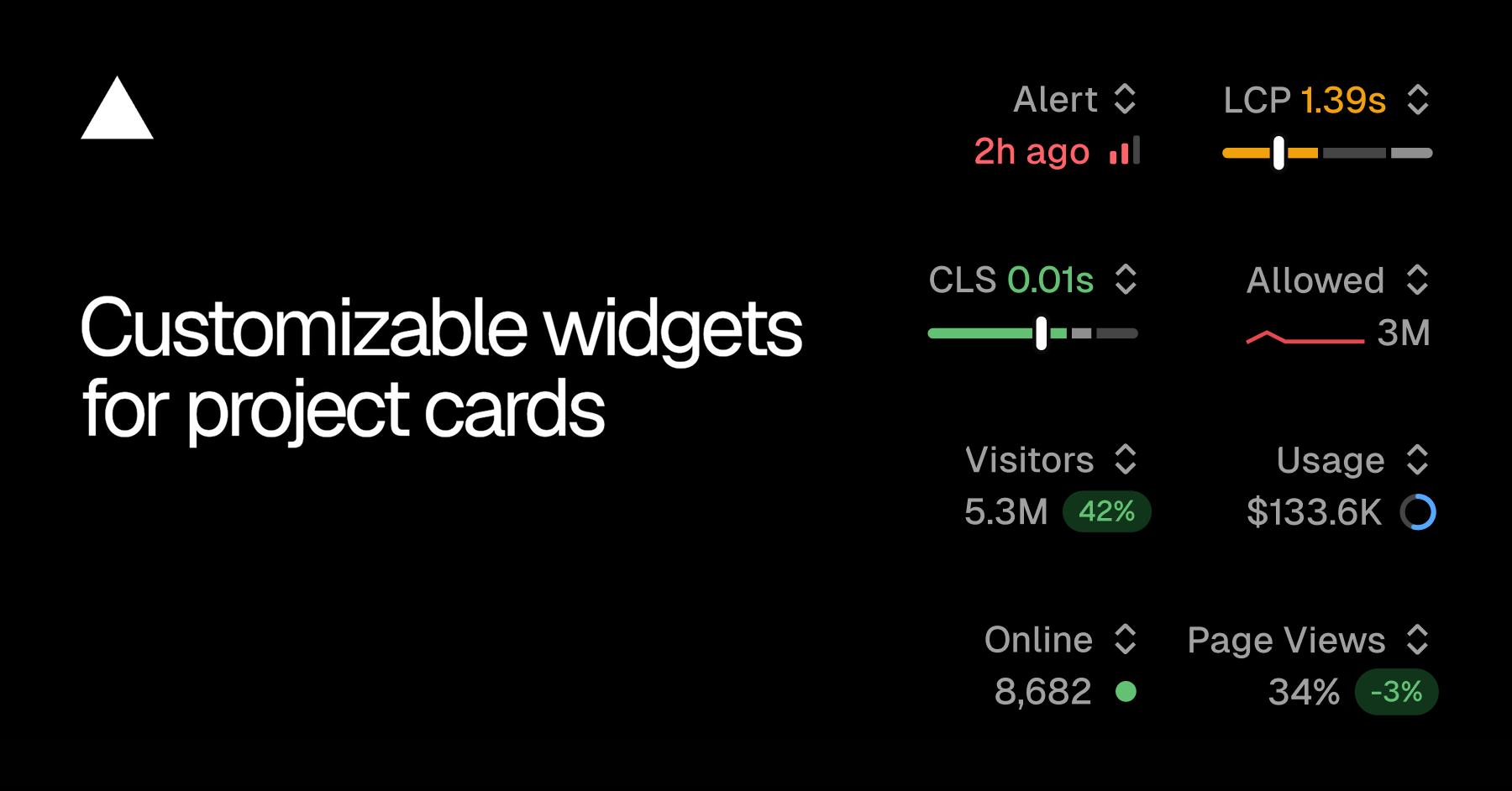
The Overview tab in the dashboard now lets you choose which metric appears on each project card.
Project cards used to show a fixed Real Experience Score in the top right, but not everyone on your team watches the same signal. You can now swap that slot for whichever metric matters for that project. A security-sensitive project can show firewall activity, while a marketing site project shows traffic.
Copy link to heading Available widgets
Firewall: allowed requests, denied requests
Observability: alerts, edge requests, function invocations, error rate
Speed Insights: Real Experience Score, LCP, CLS
Web Analytics: visitors online, visitors, page views
Copy link to heading Pick per project
Open the switcher in the top right of any project card. The menu shows the current value for each available metric.…