Published Oct 26, 2026, 5:01 PM EDT
Umair Khurshid is a technology writer and developer with a strong focus on Linux, FreeBSD, cloud infrastructure, and automation. Before focusing on writing, Umair worked as a developer and DevOps engineer building and automating cloud-native systems.
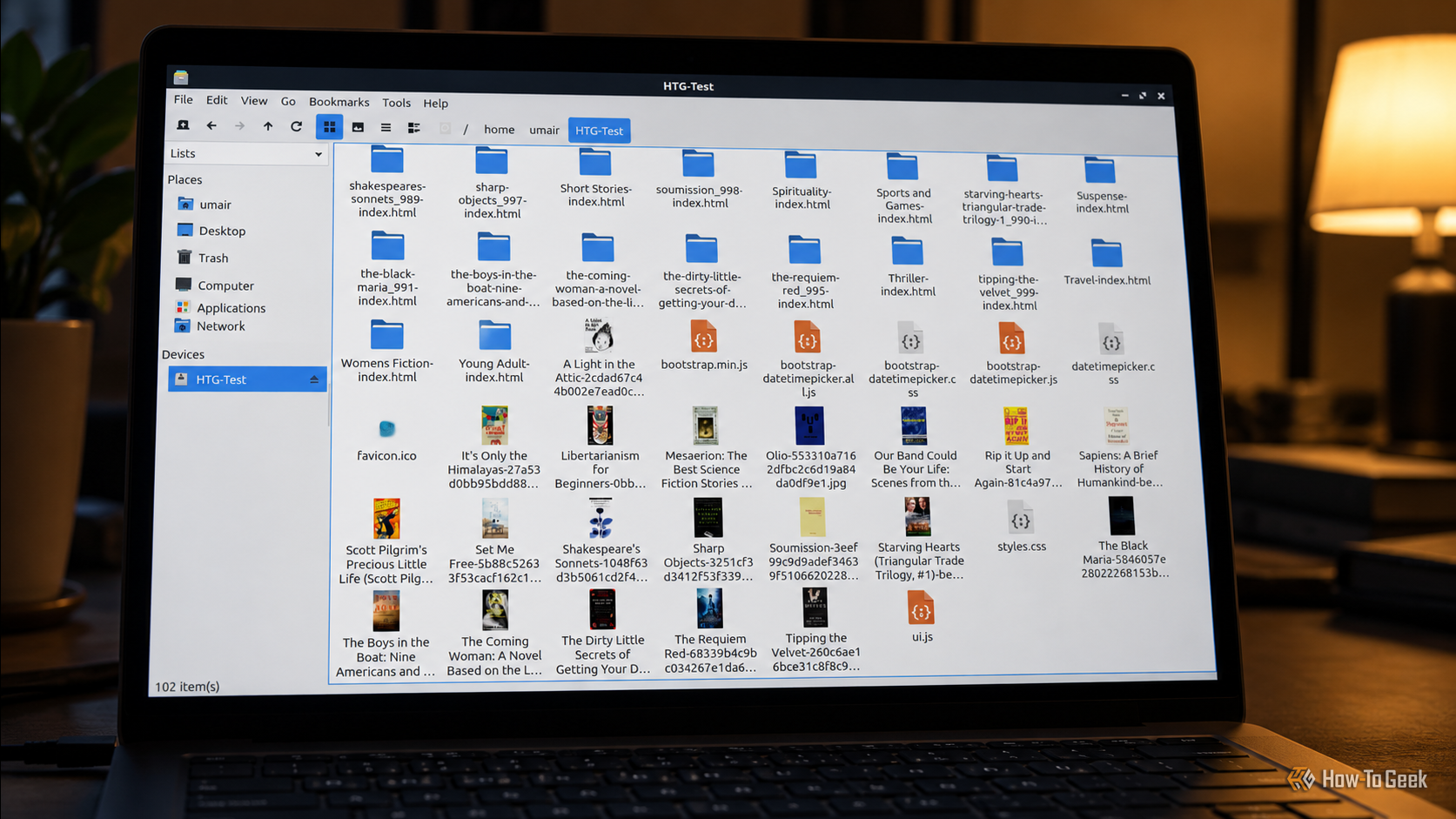
A website usually lives in a browser, where I navigate between pages, open images, and download files individually. On Linux, HTTPDirFS offers another way to access web content by mounting an HTTP server as a filesystem through FUSE. You can then browse the exposed resources through a file manager, much as you would browse files stored on your computer.
I tried HTTPDirFS with a website filled with book listings, cover images, and category pages. Here is how I set it up and what I found:
How to get started with HTTPDirFS
Why use HTTPDirFS?
HTTPDirFS is not a replacement for tools such as wget , curl , or dedicated scraping utilities.…