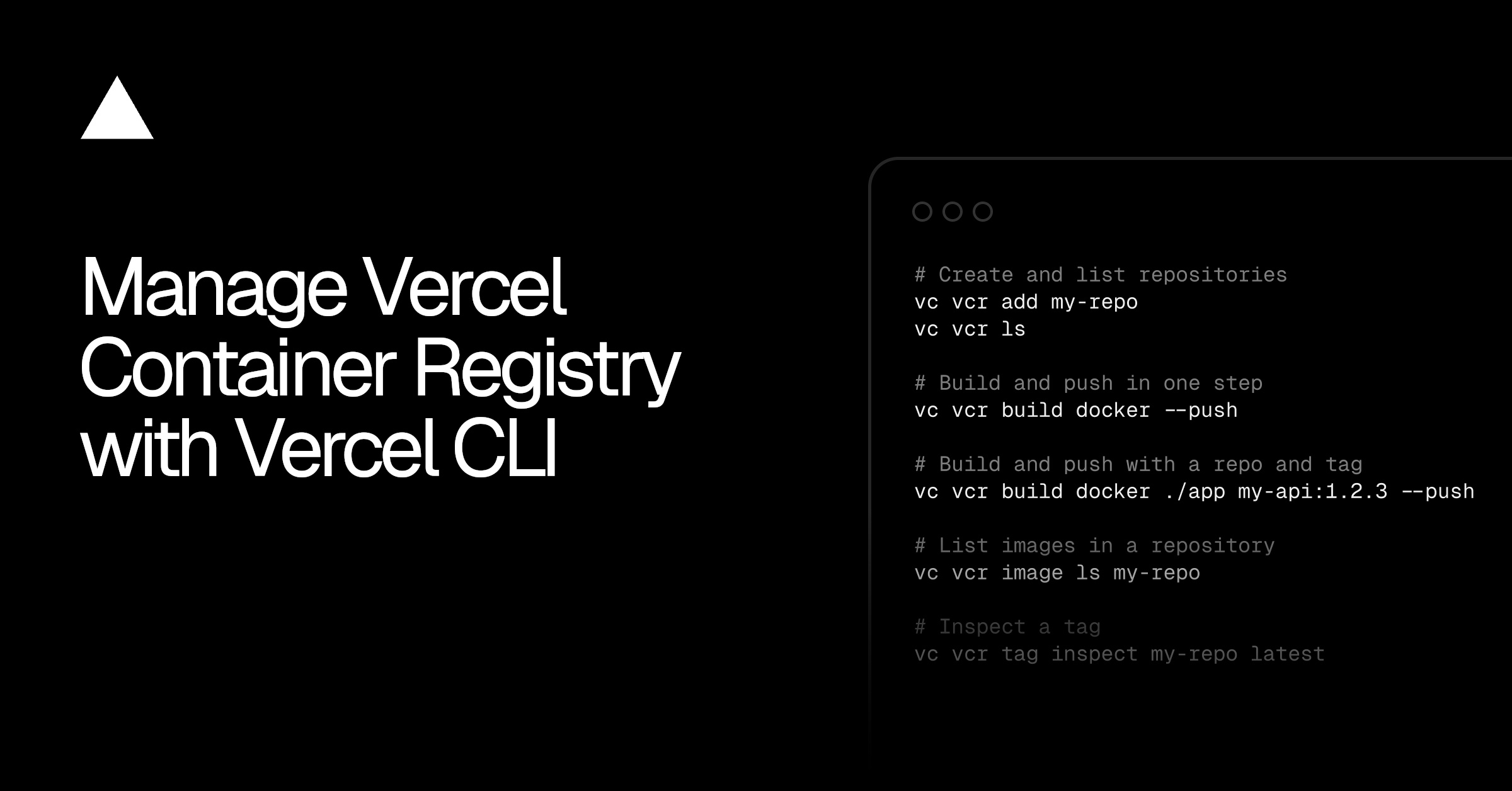
You can now manage Vercel Container Registry with Vercel CLI . The new vercel vcr command group lets you:
Connect your existing container tooling
Build and push images in one step
Create and inspect repositories, images, and tags
Authenticate your container tooling, such as Docker, Podman, or Buildah, with a short-lived token scoped to your project. Then build and push:
# Authenticate Docker with the registry
vercel vcr login docker
# Build the current directory and push it in one step
vercel vcr build docker --push
# Build and push with a repository and tag
vercel vcr build docker ./app my-api:1.2.3 --push
Authenticate Docker, then build and push an image to the registry.
The credentials go to Docker itself, so your existing tooling can push to VCR with standard commands:
docker push vcr.vercel.com/my-team/my-project/my-repository:latest
Push an image to the registry with the standard Docker CLI.
Repositories are created automatically the first time you push, or explicitly with vercel vcr add…