If you have certain lines of code that repeat over and over again in a project, there's a pretty standard solution for it: using a function.
But what about when you have the same project file setup that gets repeated over and over? How do you solve that?
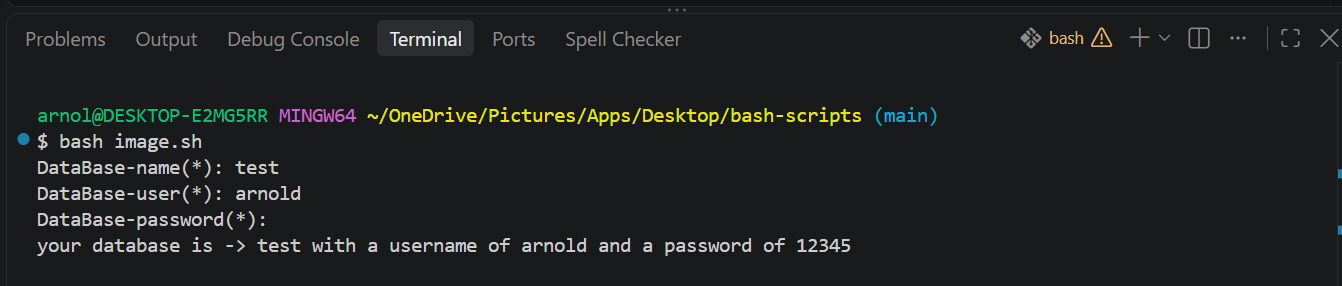
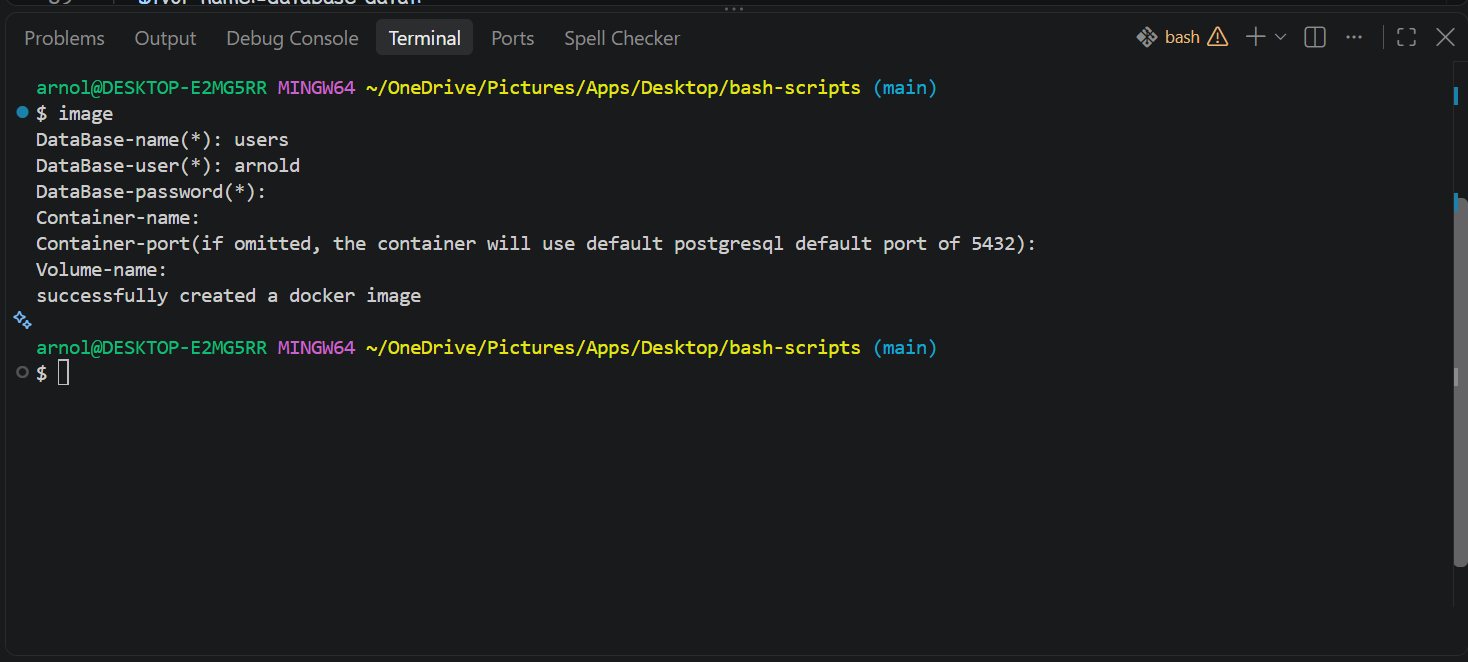
Meet bash scripting. Bash scripts are written to execute certain sequences of commands on your machine automatically without you having to do anything. This is known as workflow automation, and that's what I'll be teaching you how to do in this article.
Table Of Contents
Prerequisites
What Motivated This Project?
Introduction
Conditions in bash
Interactive Shell
How to Create and Write to a File
Bash Arguments and Flags
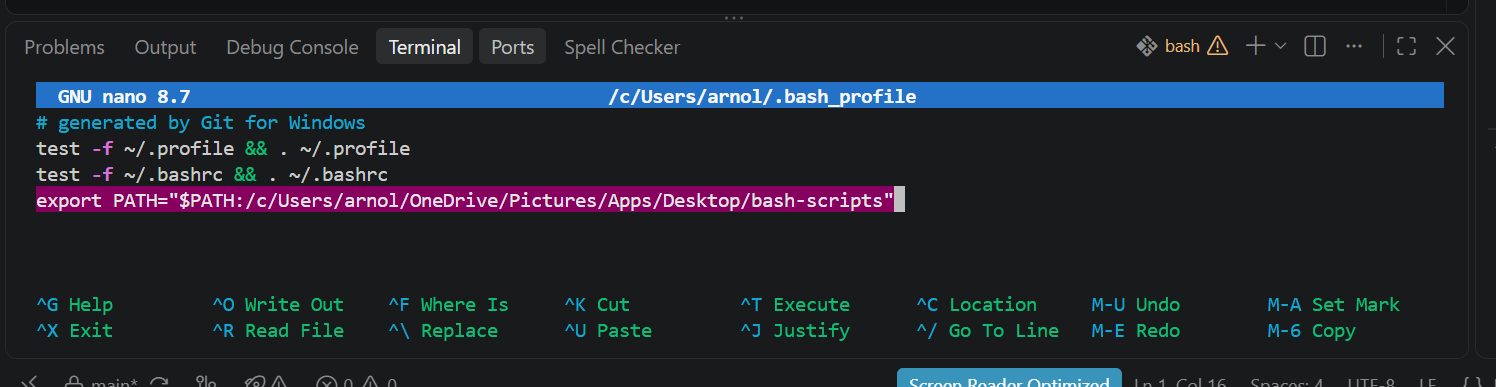
How to Make Your Scripts Executable and Available on Your PC's Path
Conclusion
Prerequisites
To follow along with this article, you should have:
Git-bash installed on your machine
Some experience using a terminal or command prompt to run and execute commands (helpful but not required)
Understanding of basic programming…