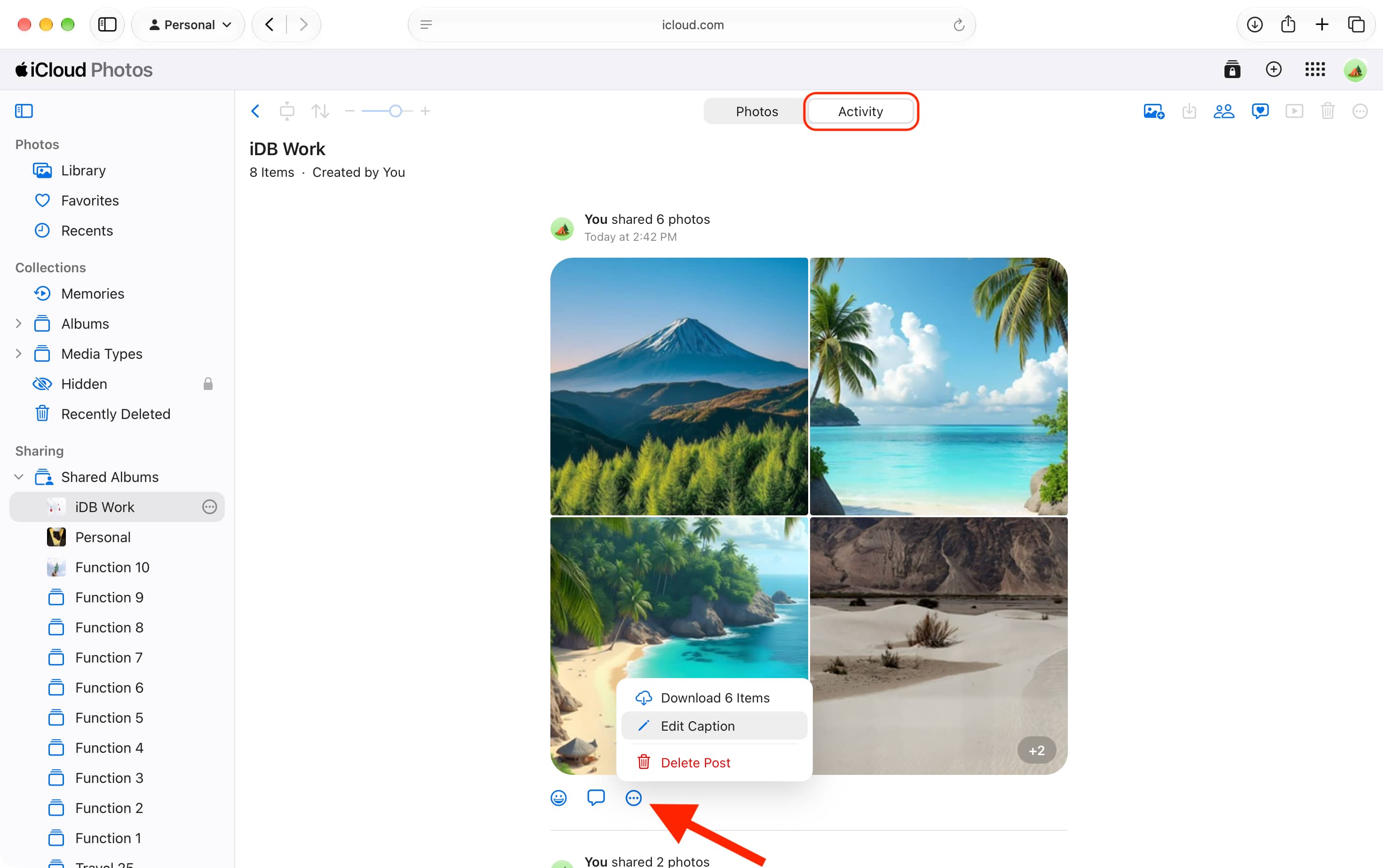
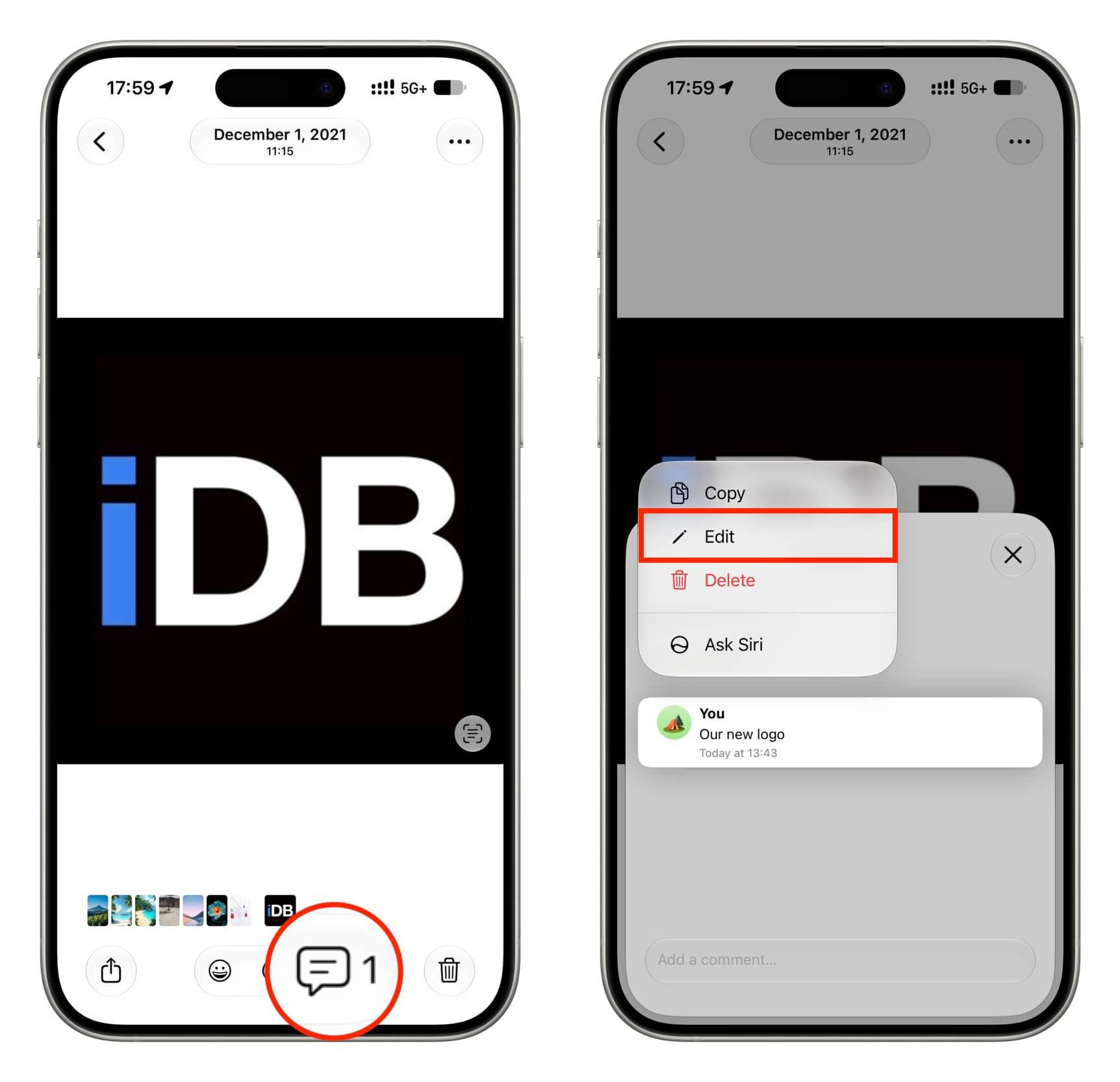
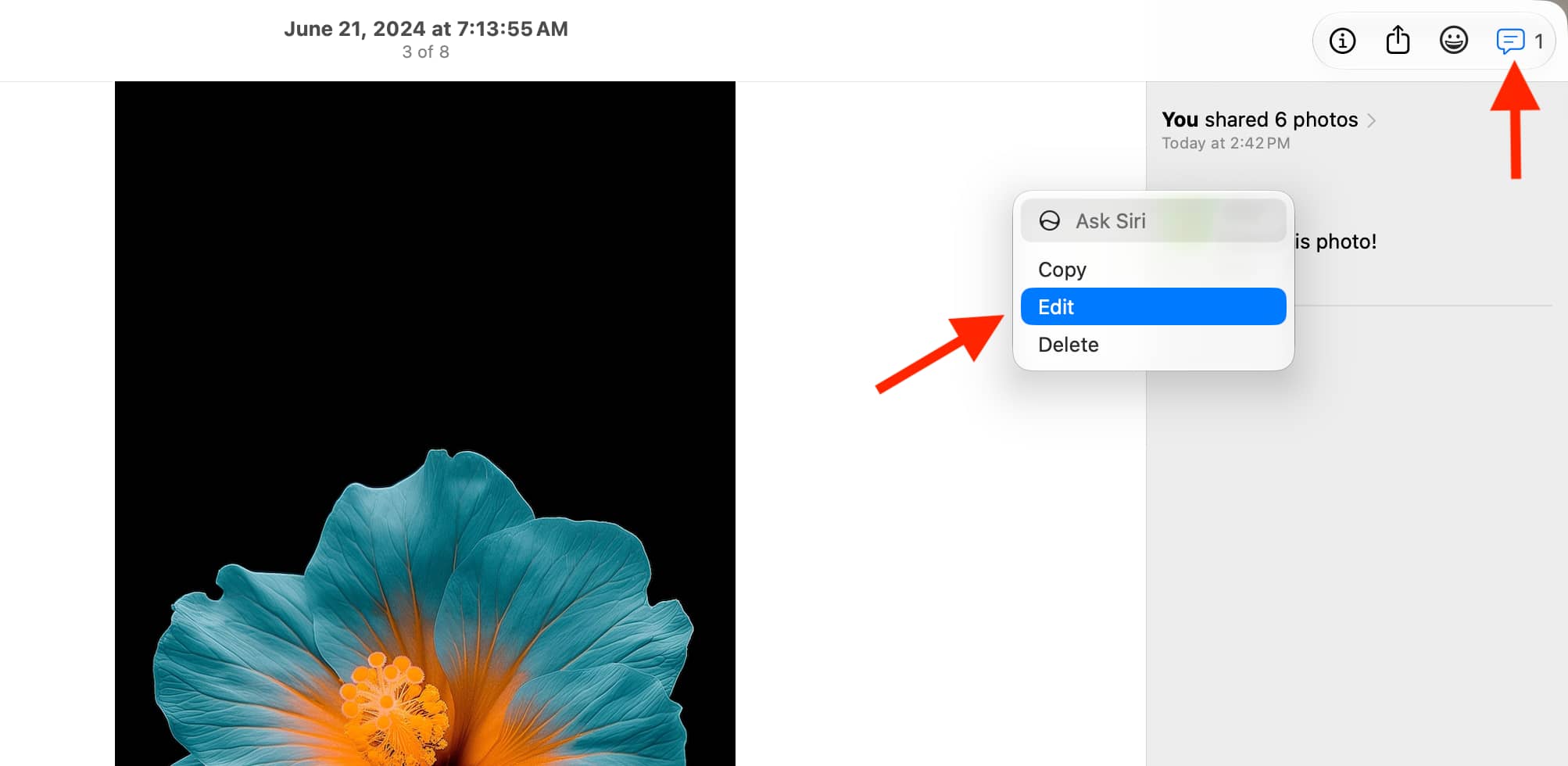
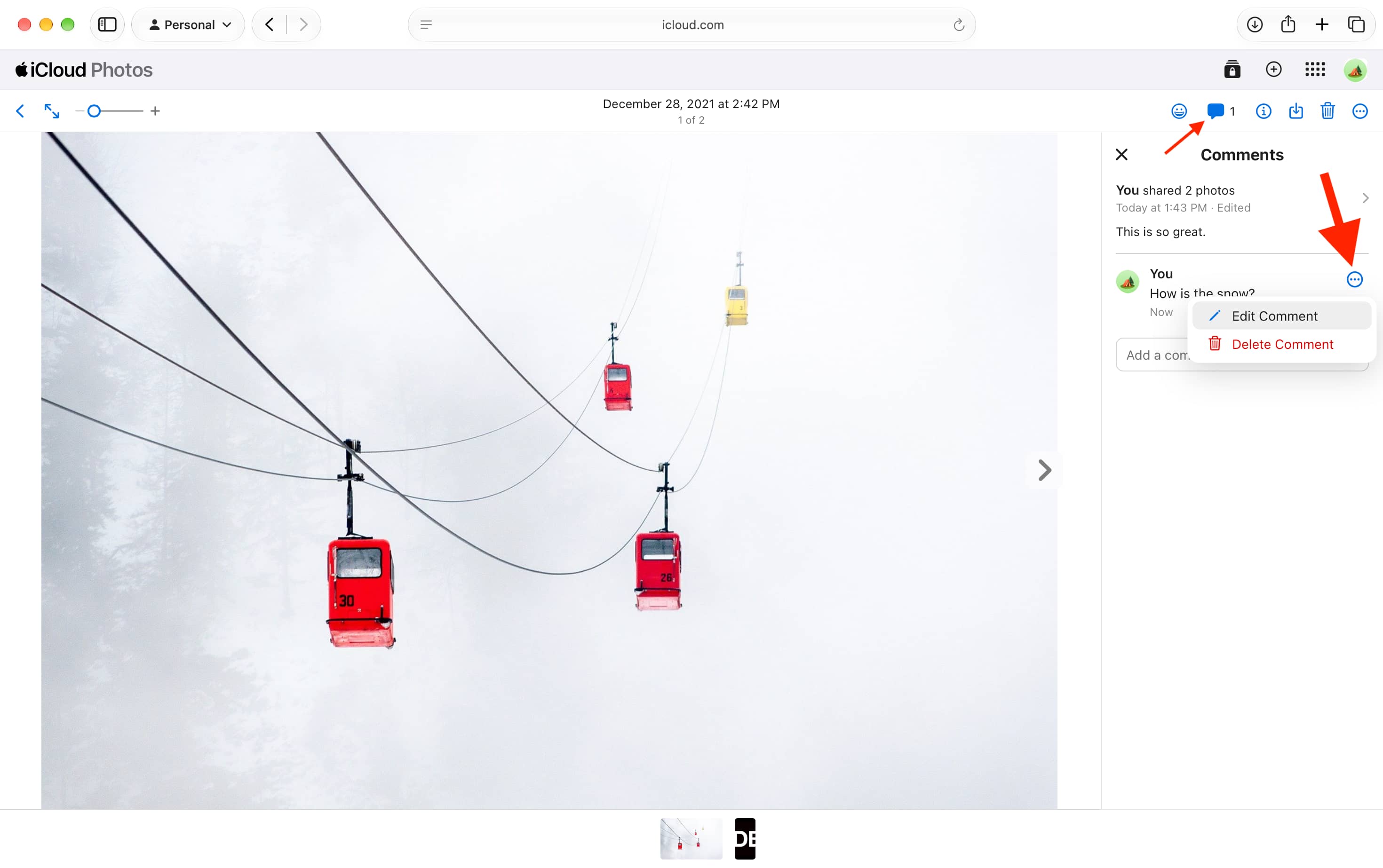
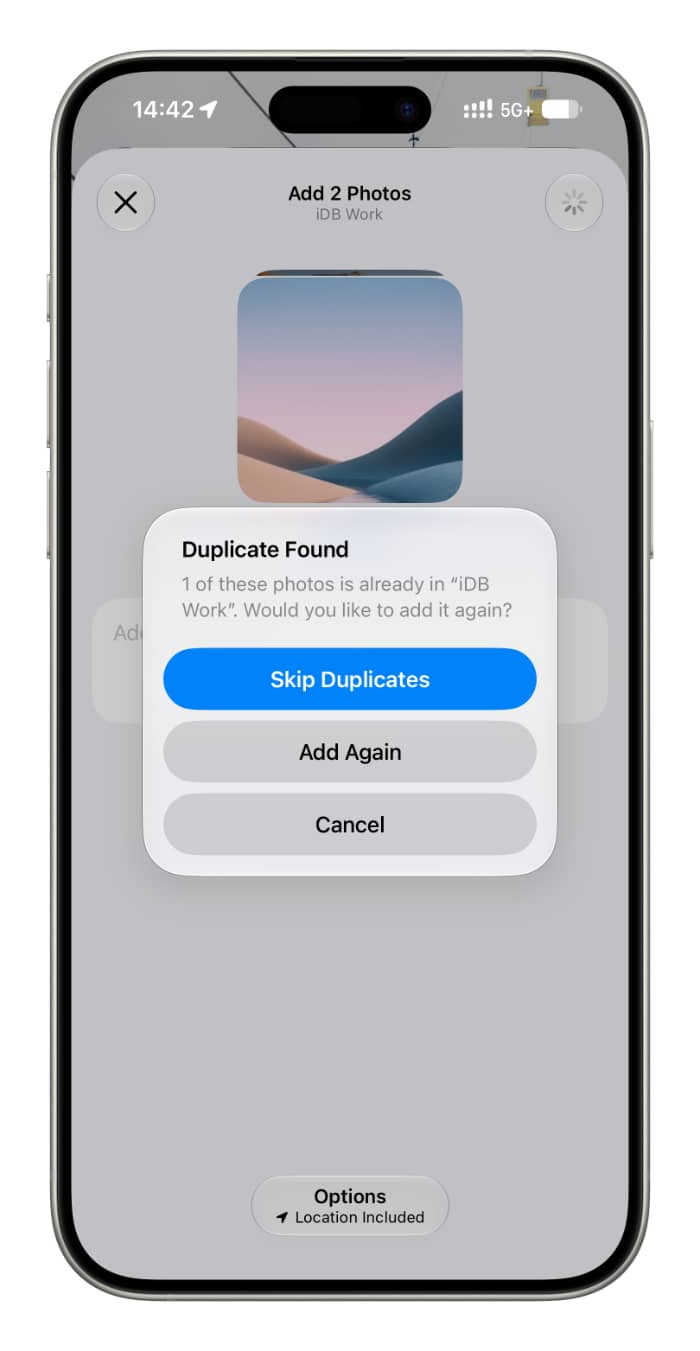
Learn how to change the captions or comments you added to photos in your shared iCloud photo albums on iPhone, iPad, Mac, and the web.
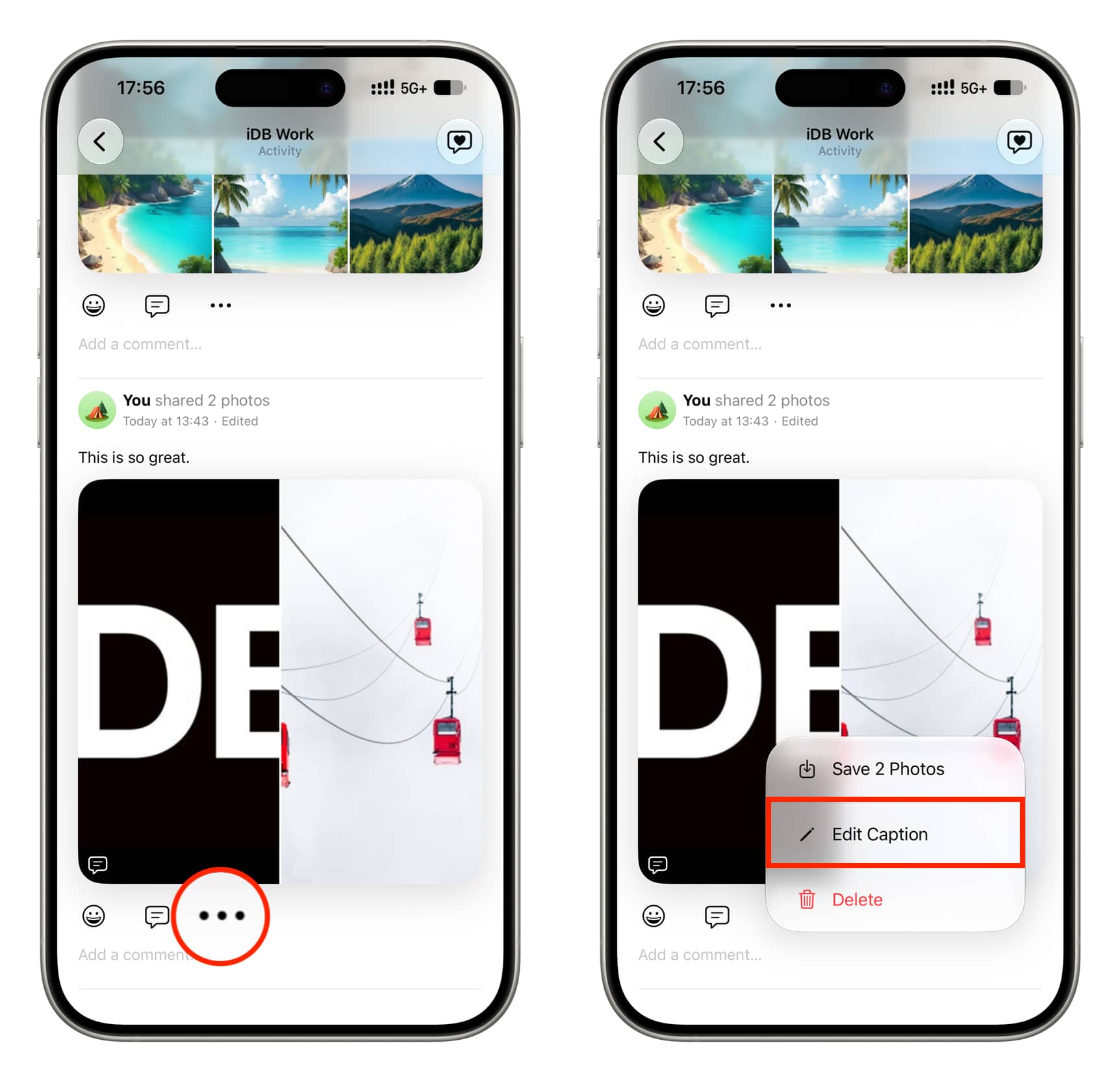
iOS 27.2, iPadOS 27.2, and macOS 27.2 Golden Gate now allow you to edit captions of a shared album as well as comments under individual photos. Before this update, if you needed to change a comment, you had to delete the comment and add a new one.
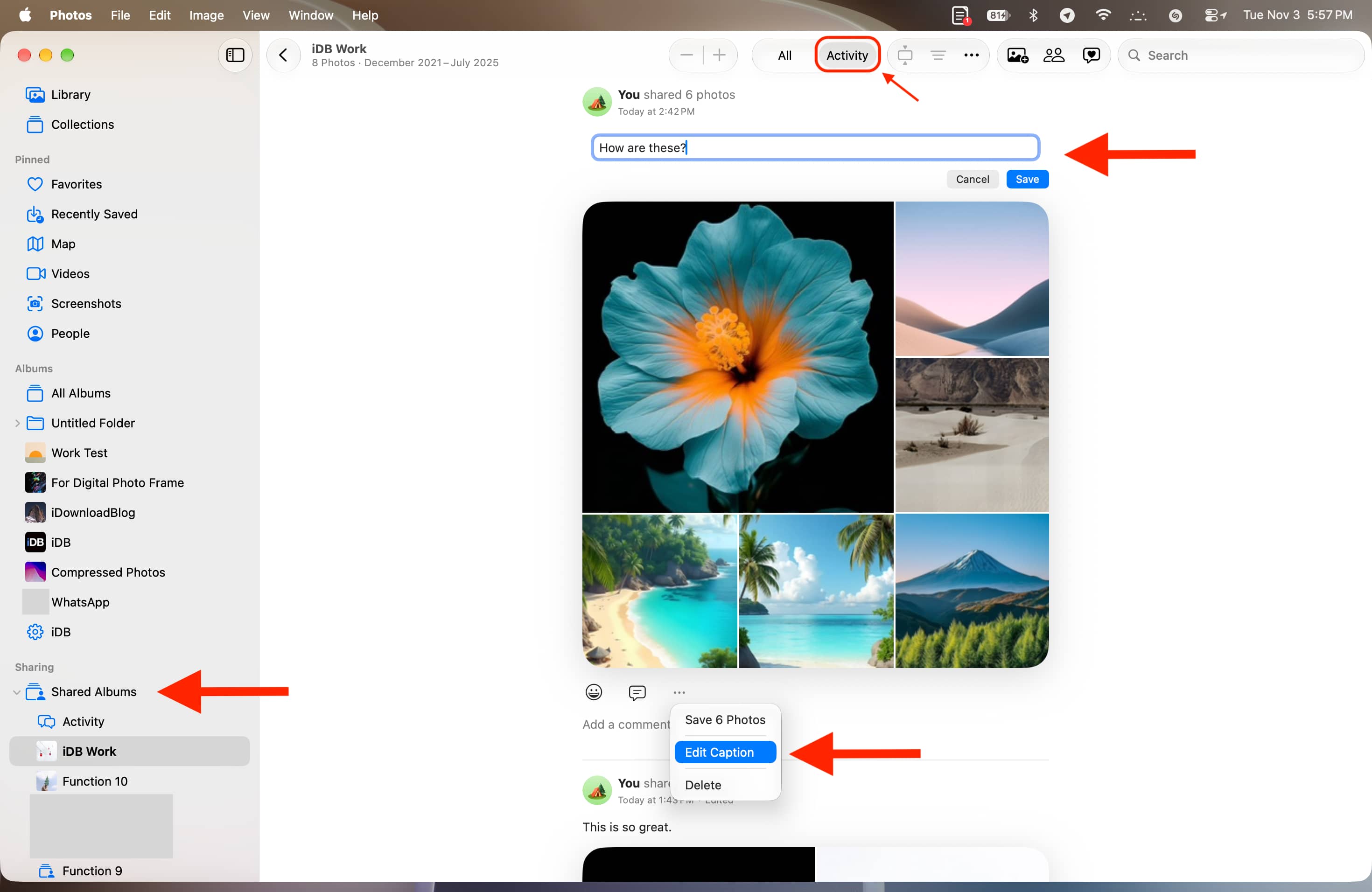
You can change the album caption and individual photo comments from iPhone, iPad, Mac, and even iCloud Photos on the web. Here are the full steps for all.
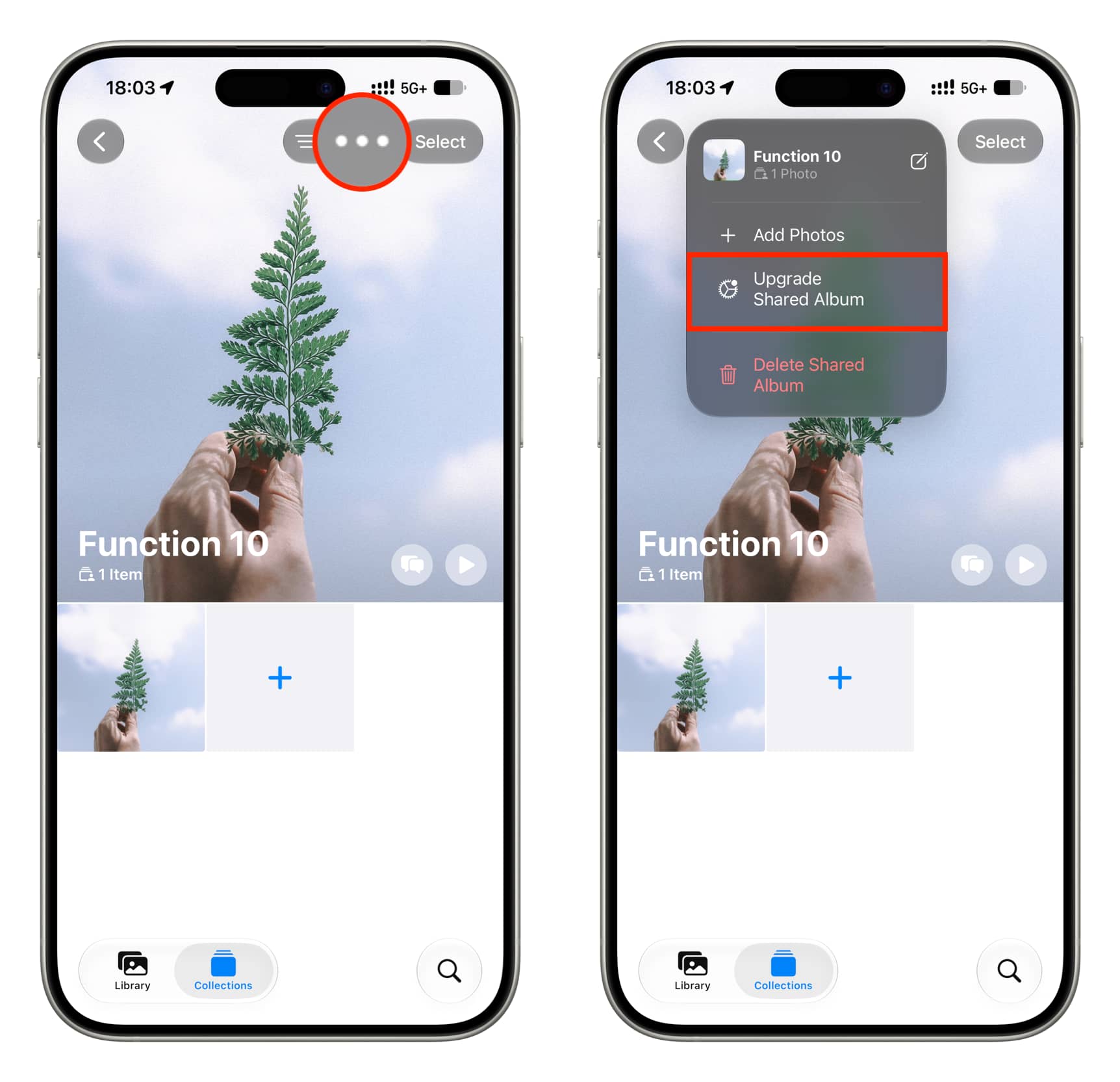
Important: You can only change the caption and comments for upgraded shared albums, which count against your iCloud space , support emoji reactions , and require iCloud Photos to be set up on the device where you’re creating the album. You can upgrade your old shared albums by tapping the three-dot icon and selecting ‘Upgrade Shared Album.’
Change shared iCloud photo caption
Every time you add one or more photos to a shared album, you’re given the option to add a caption.…