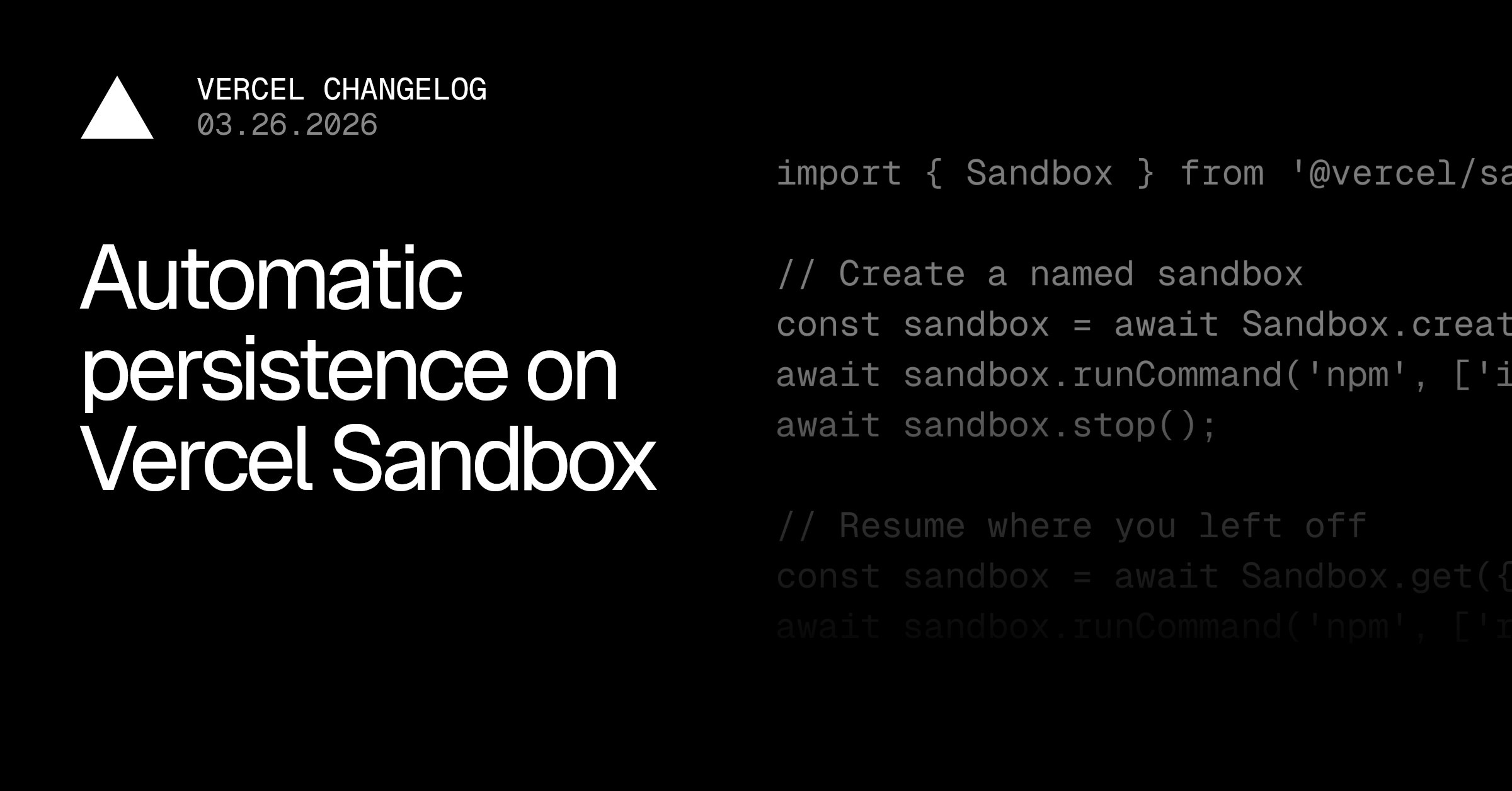
Vercel Sandboxes can now automatically save their filesystem state when stopped and restore it when resumed. This removes the need for manual snapshots, making it easier to run long-running, durable sandboxes that continue where you left off.
Link to heading How it works
A sandbox is the durable identity, now identified by a name , its filesystem state, and configuration options. A session is the compute tied to that state, invoked as needed.
Automatic persistence introduces orchestration that separates storage from compute, reducing the need for manual snapshotting, so:
when you stop a sandbox, the session shuts down but the filesystem is automatically snapshotted.
when you resume, a new session boots from that snapshot. This state storage is not charged, so you pay when your setting is active.
import { Sandbox } from '@vercel/sandbox' ;
// Create a named sandbox
const sandbox = await Sandbox . create ( { name : 'user-a-workspace' } ) ;
await sandbox .…