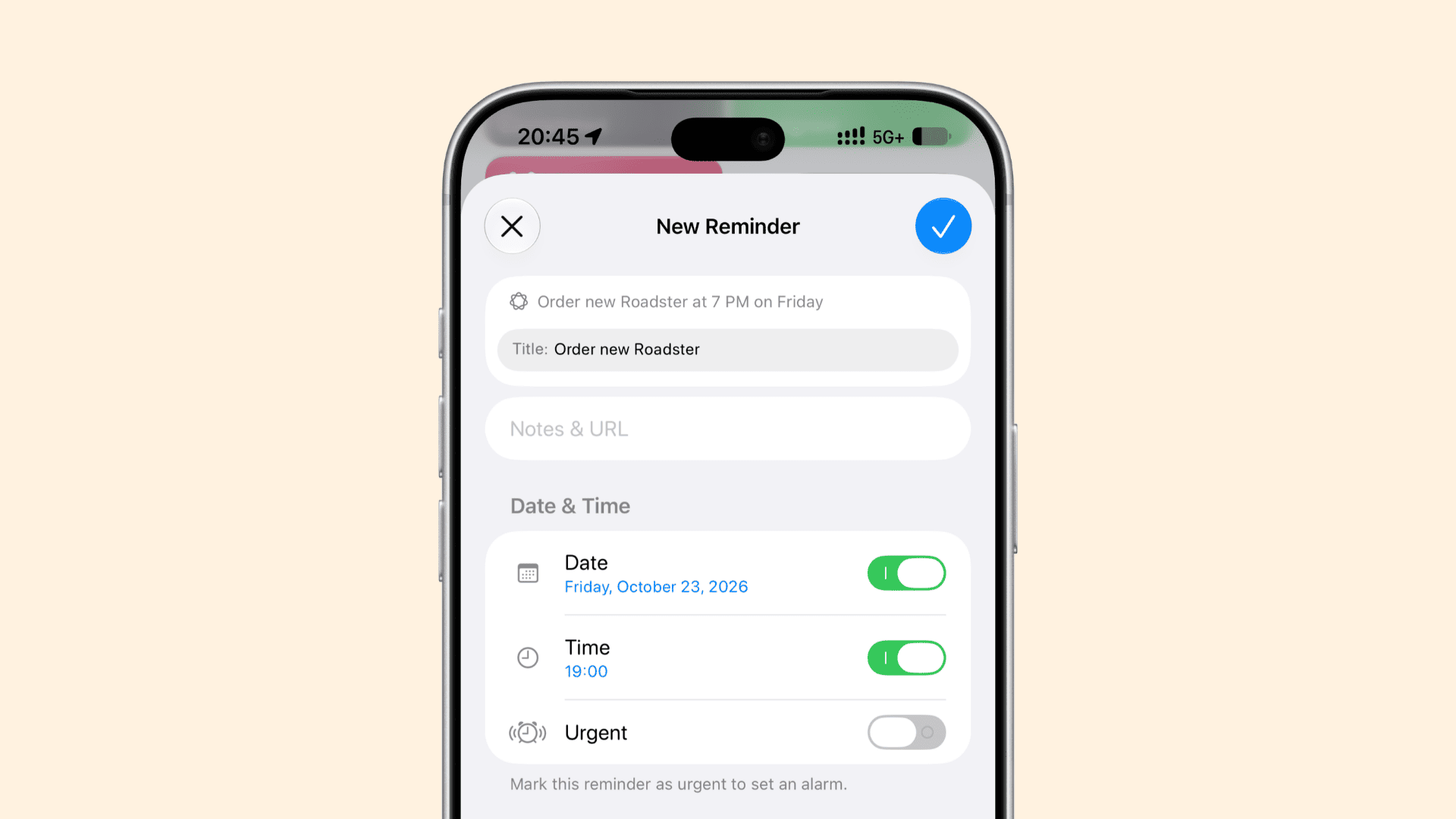
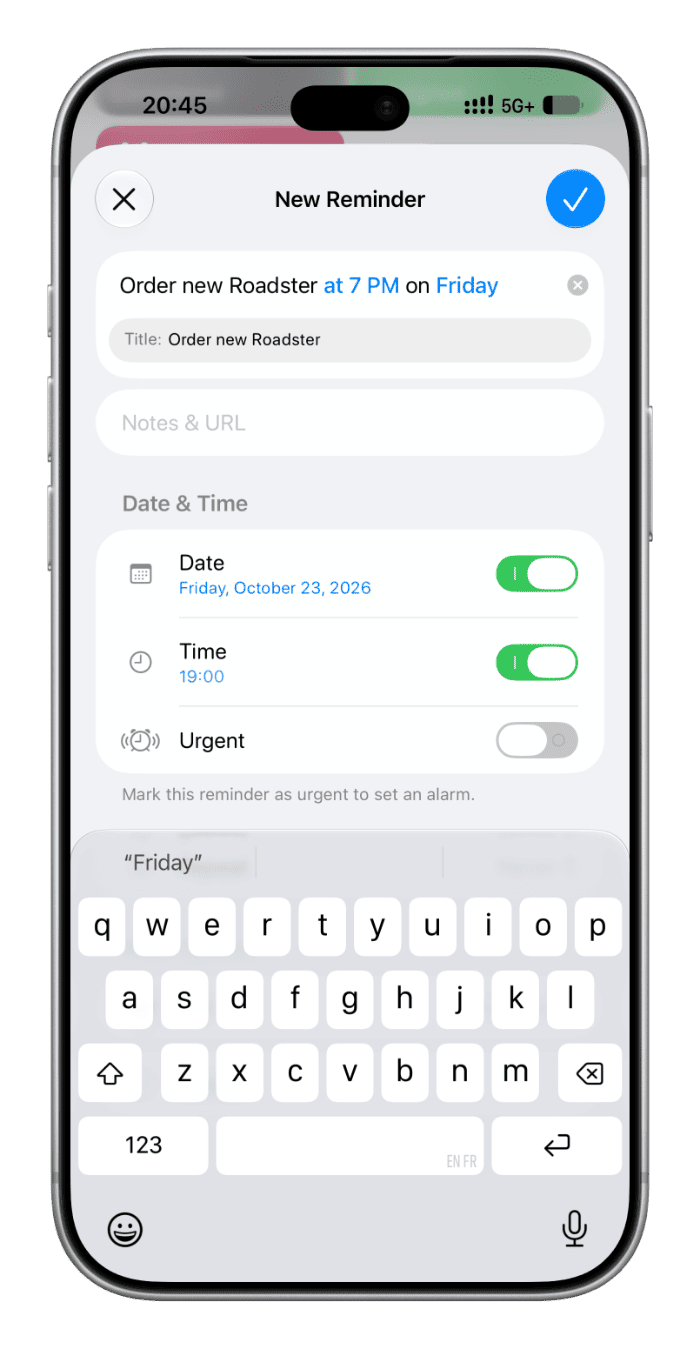
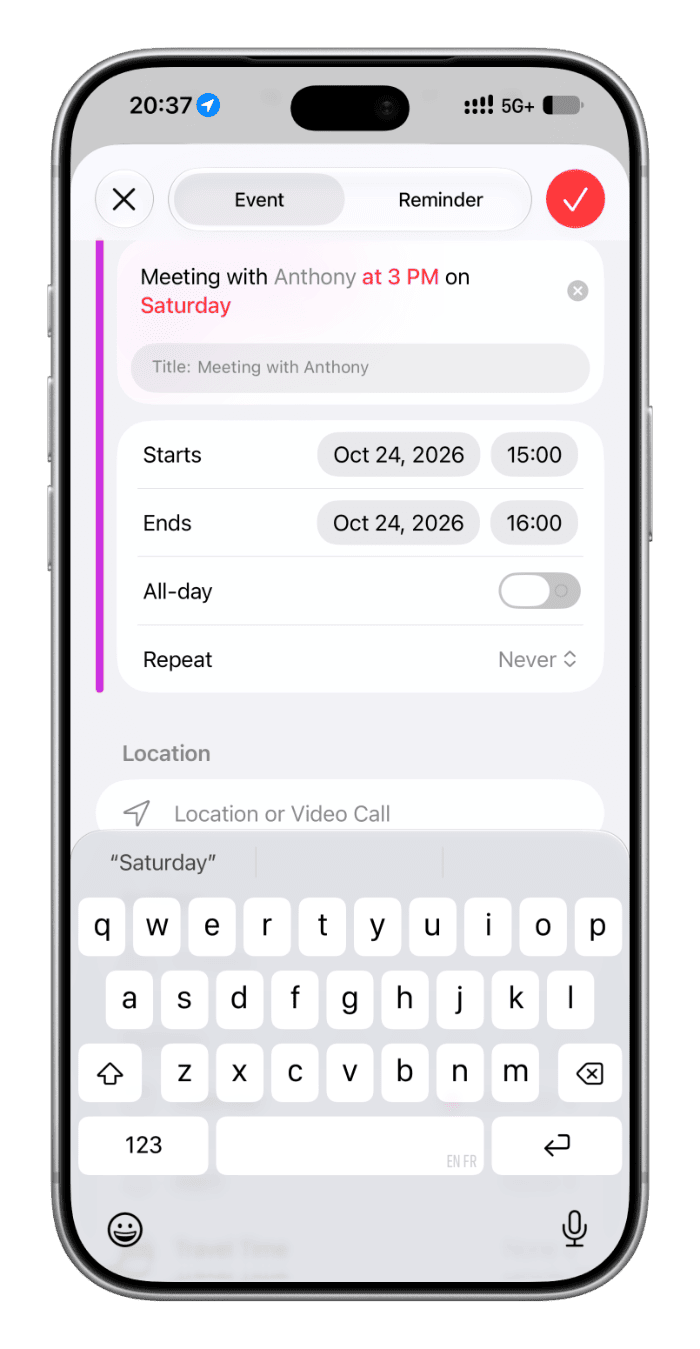
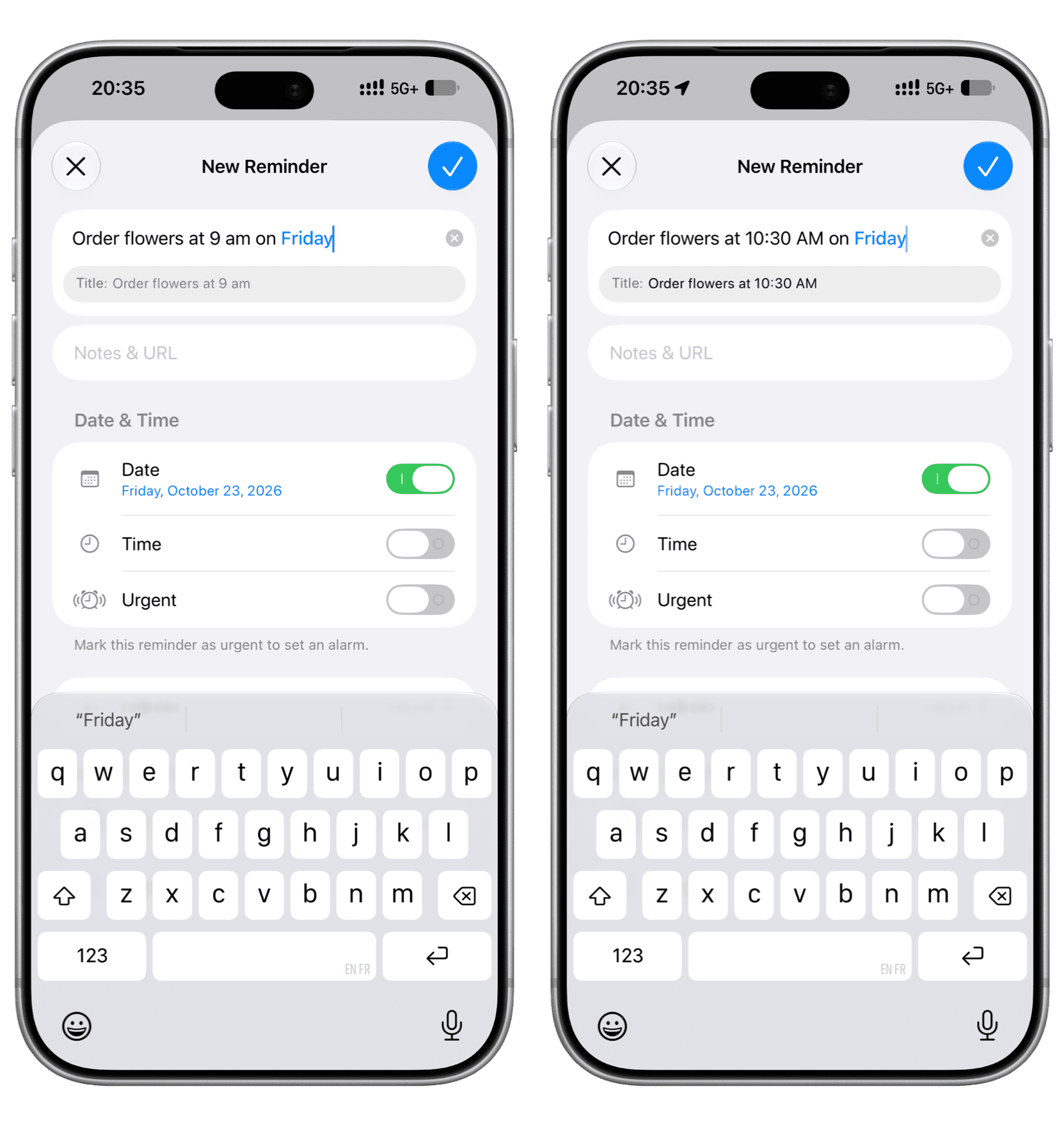
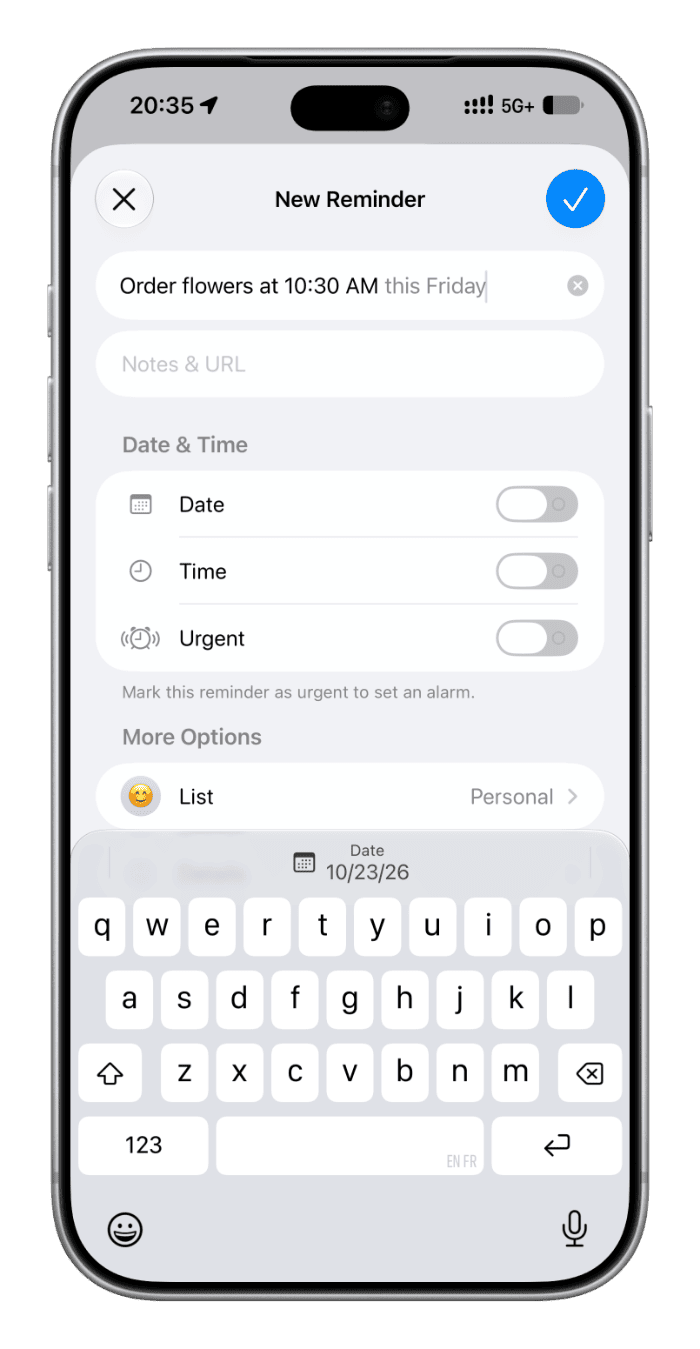
iOS 27, iPadOS 27, and macOS 27 Golden Gate support adding new reminder tasks and calendar events simply by typing in natural language.
Until the latest Apple OS update, the quickest way to create a new reminder or calendar event was to invoke Siri and say something like “ set a reminder to check the oven after 30 minutes ” or “ create a calendar event for soccer practice for Friday at 3 PM .” If you didn’t want to use Siri for any reason, you could manually type the task or event name and fill in the date, time, etc., or select it from suggestions (usually above the keyboard or under where you type).
With the new updates, you can create reminders and calendar events by simply typing in natural language, the same way you’d otherwise speak to Siri (mostly).
Apple Intelligence will understand your written words and automatically fill in the relevant details like task name, date, time, location, people, etc., without you having to fill in these details in their respective fields or selecting a suggestion.…