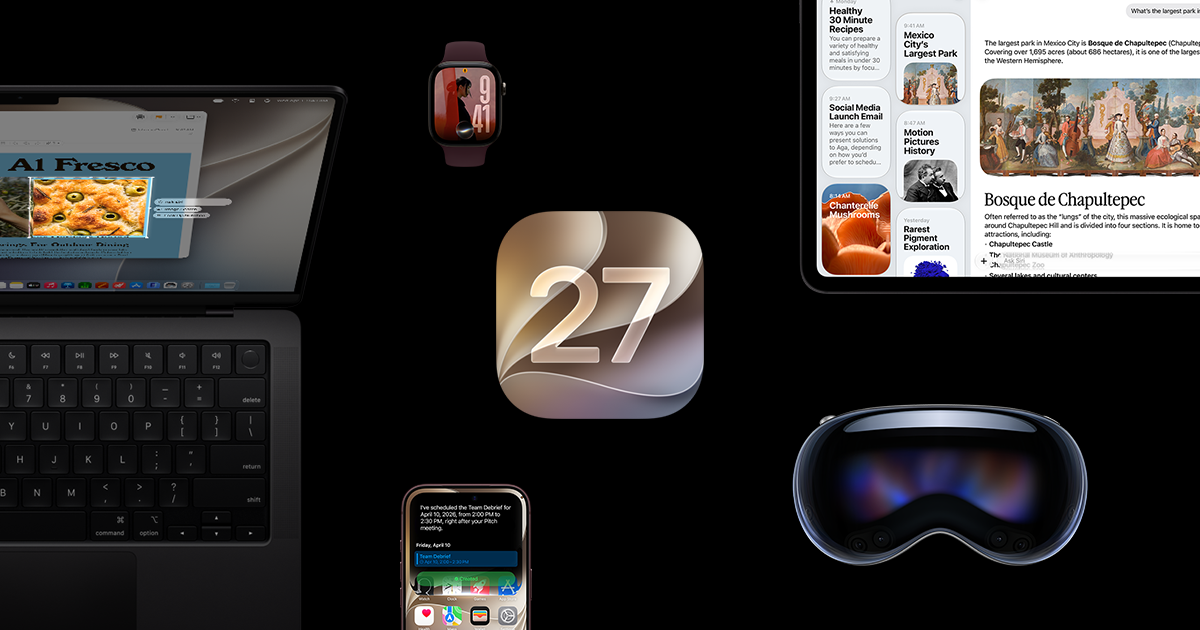
iOS 27 adds a Liquid Glass slider, plus related readability controls, so you can tune clarity, tint, and motion separately.
iOS 27 includes a built-in way to make Liquid Glass easier to read without changing the rest of the system’s look. Apple’s iOS page says the appearance control now runs from ultraclear to fully tinted, so you can choose whether the interface emphasizes clarity or stronger contrast. That makes the feature useful for people who find the effect too subtle in busy apps or too bright in certain lighting, while still keeping the visual style Apple introduced with Liquid Glass. [1] [2]
Apple’s current iOS 27 guide says the setting lives in Settings, then Appearance, then Liquid Glass. From there, move the slider left for more clarity or right for more tint. Apple also notes that Reduce Transparency or Increase Contrast must be turned off before you can adjust Liquid Glass, and those options are found under Accessibility, then Display and Text Size.…