Community Article
Community articles are authored by SitePoint Premium contributors. Content is screened before publication, and SitePoint reserves the right to moderate or remove articles that violate our guidelines. Views expressed are those of the authors and do not necessarily reflect those of SitePoint.
Fahad Raza
Published in
November 13, 2026
· Updated: November 13, 2026
The AI briefing for Developers
Stay up to date with AI tools, model releases, and developer workflows that matter.
Weekly. Free. One click to leave.
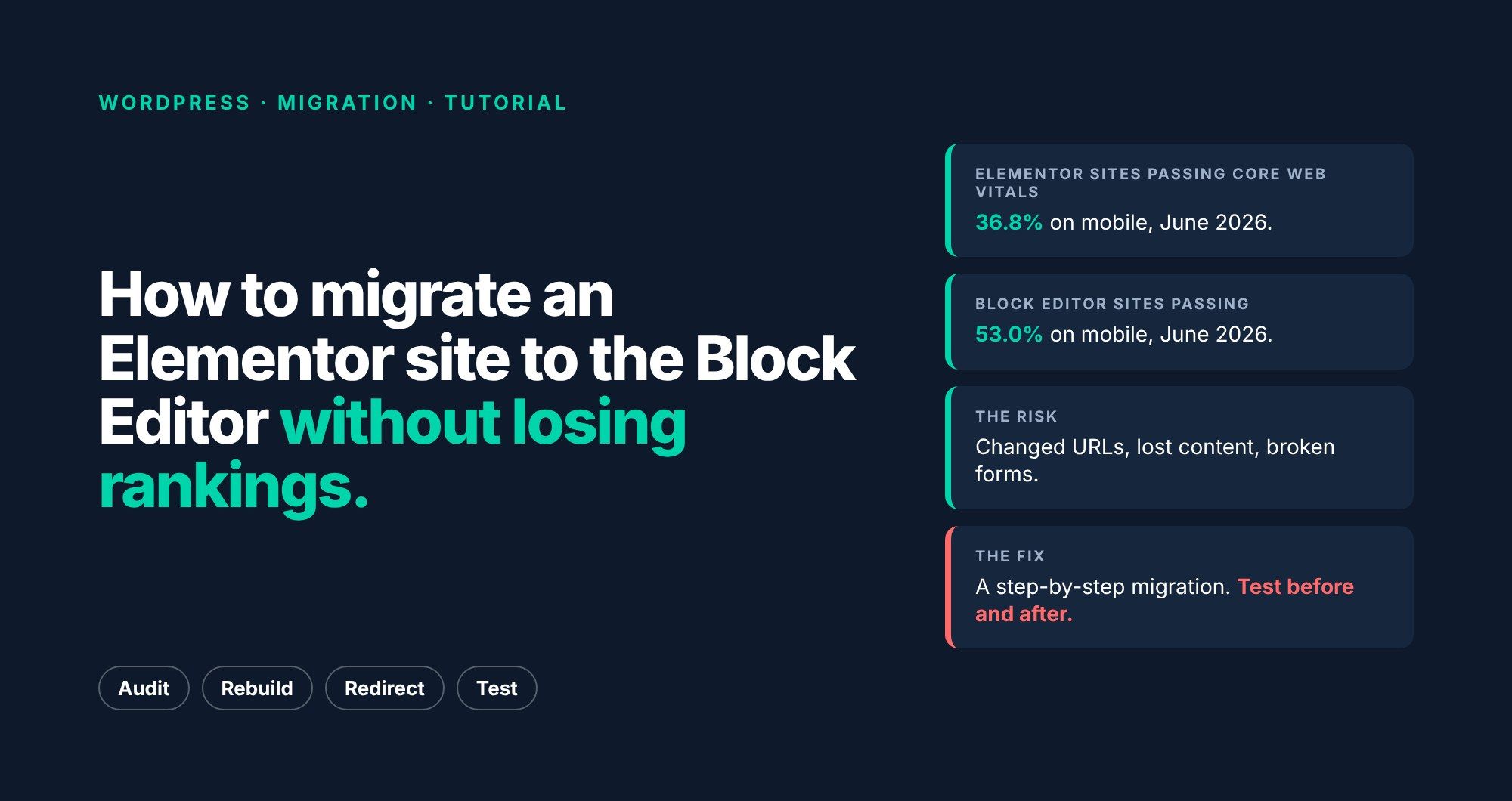
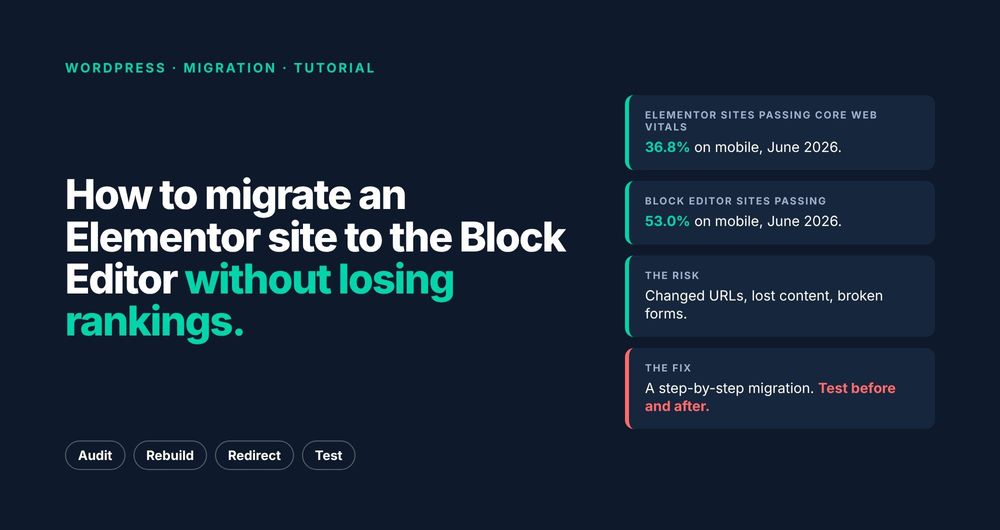
Elementor made your site easy to build. It may also be making it slow. Here's how to move a site onto the Block Editor without breaking URLs, losing content or dropping out of Google.
Page builders solved a real problem. Before the Block Editor matured, they were the easiest way to give clients drag-and-drop layouts. Many of those sites are still running today, and a lot of them are slow on phones.
The data backs that up.…