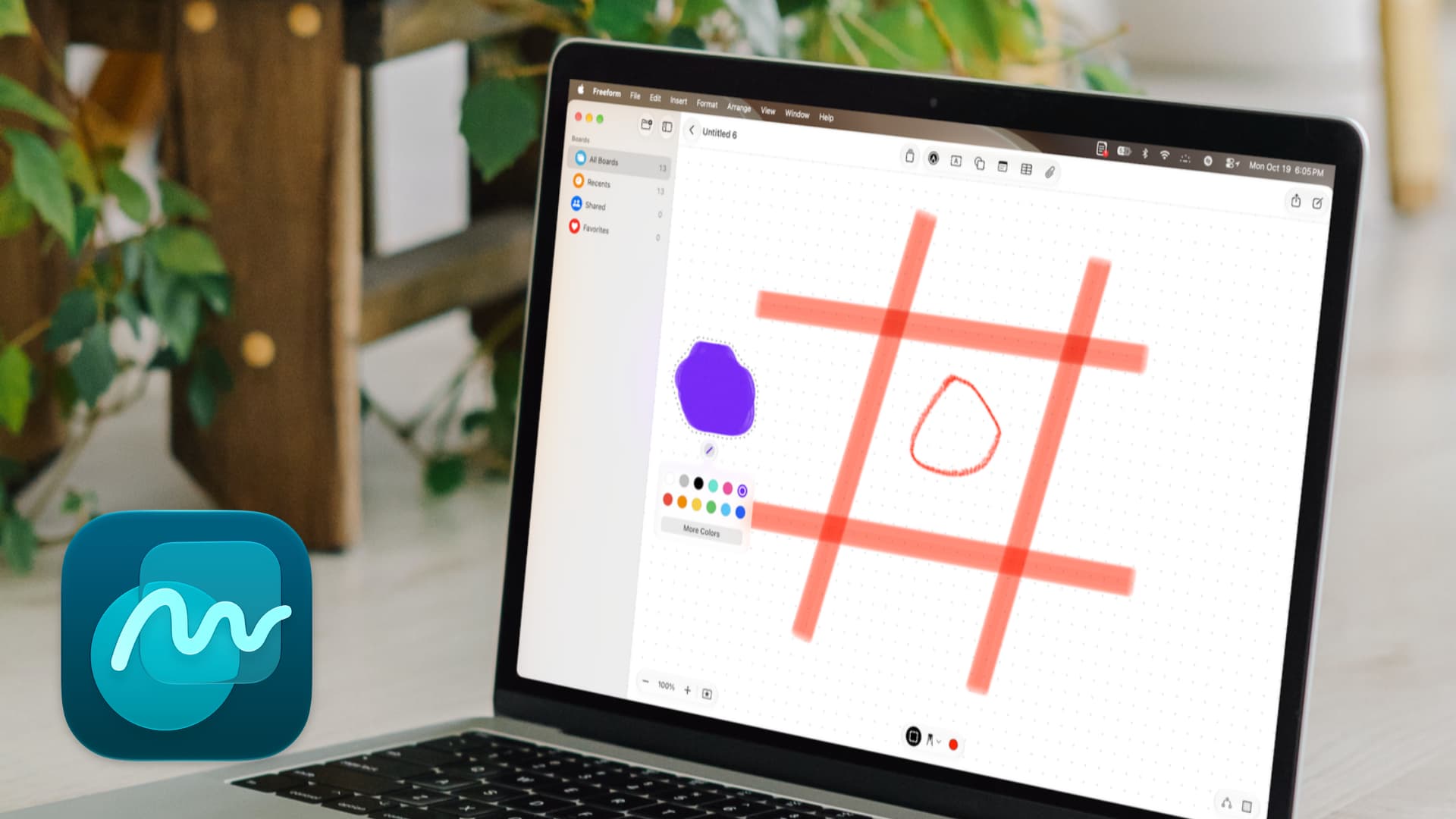
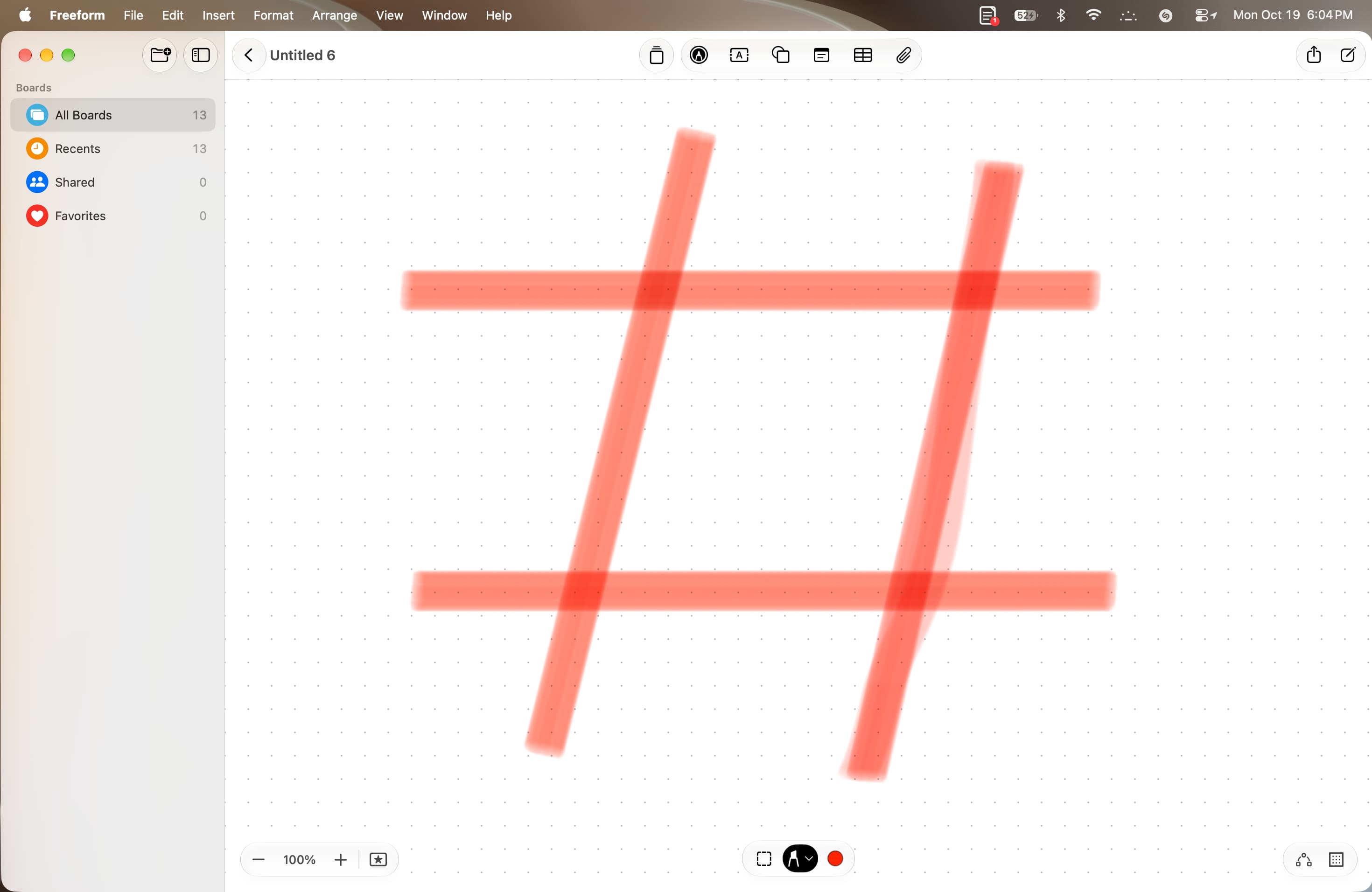
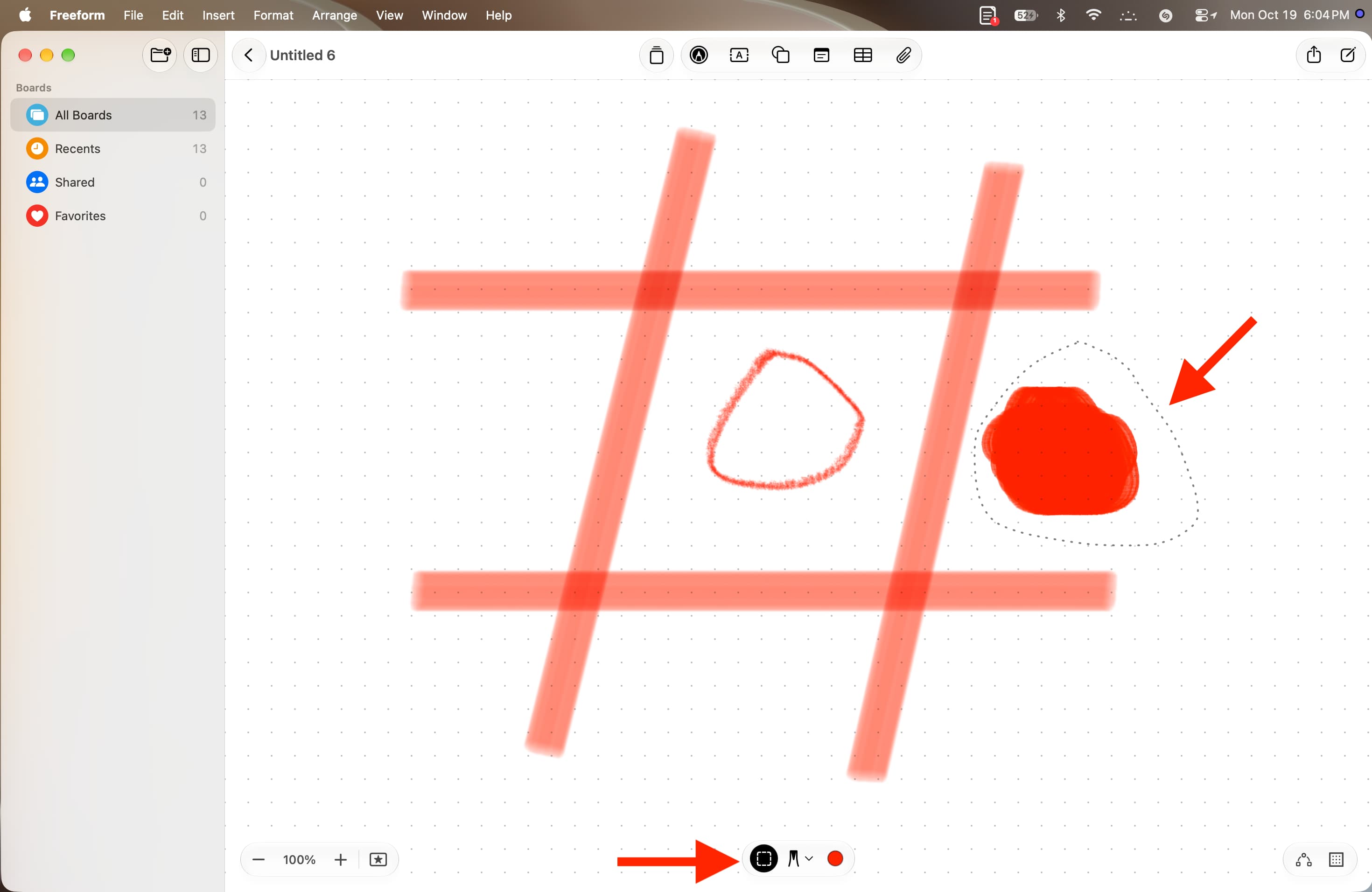
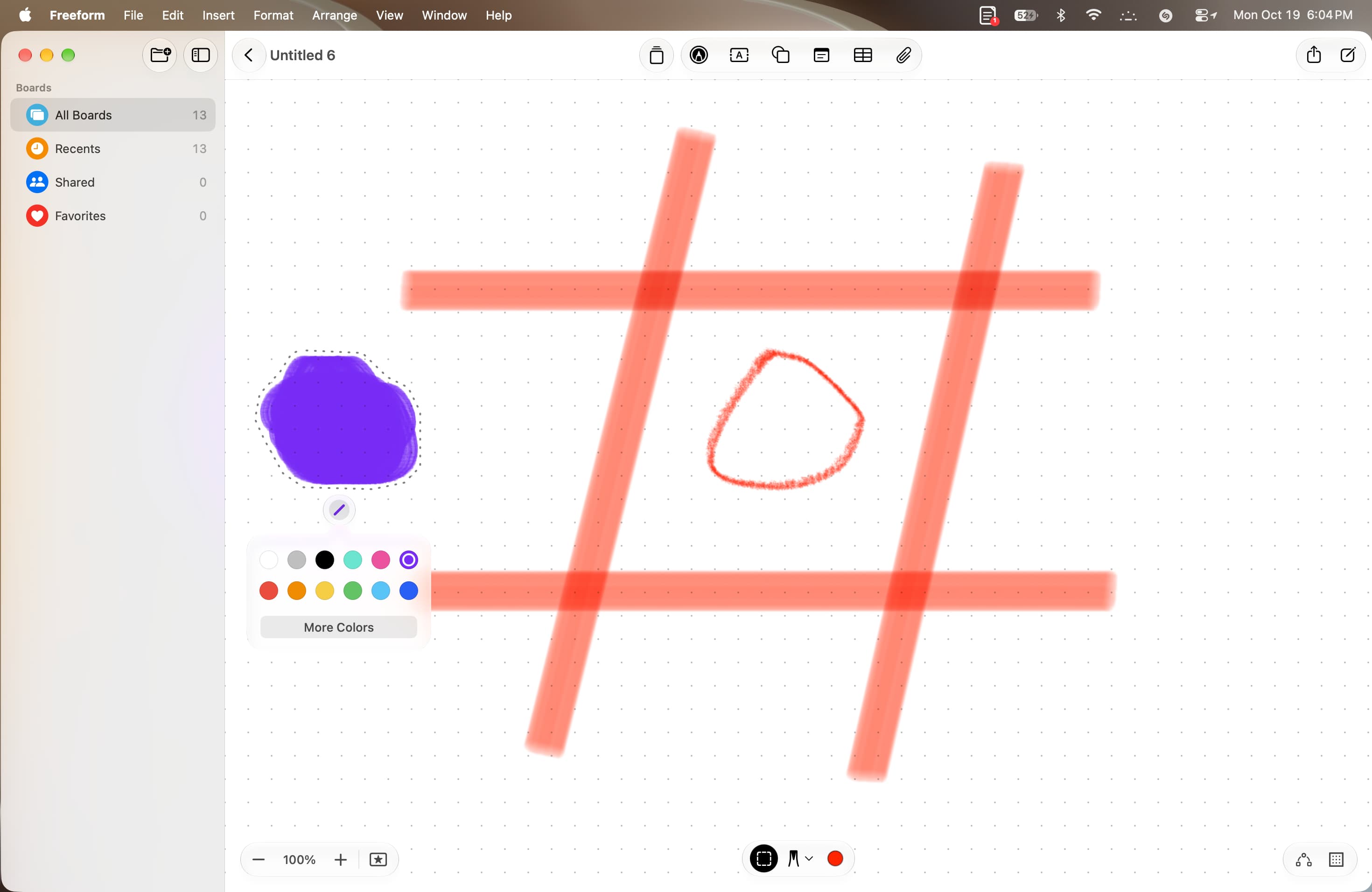
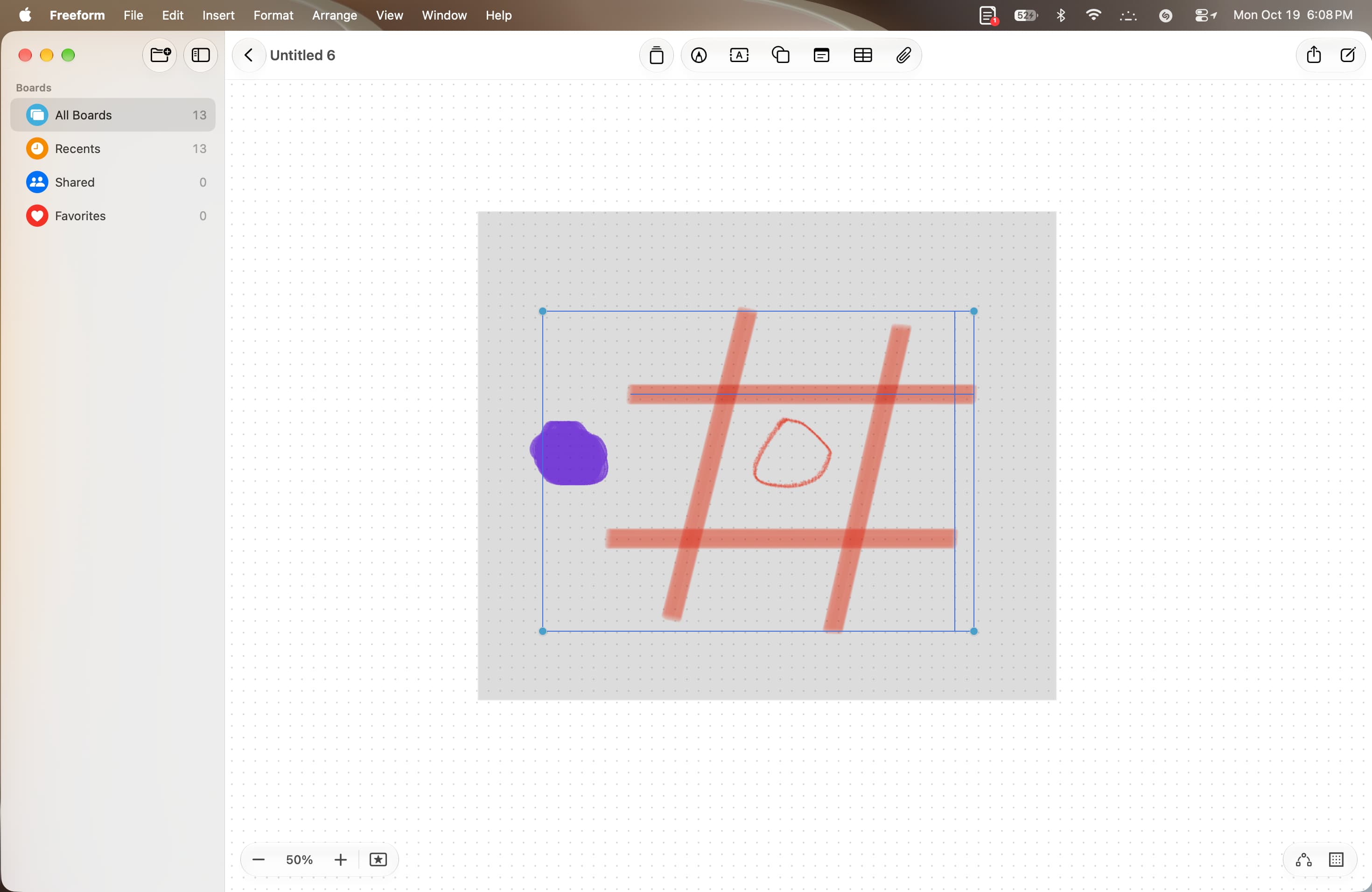
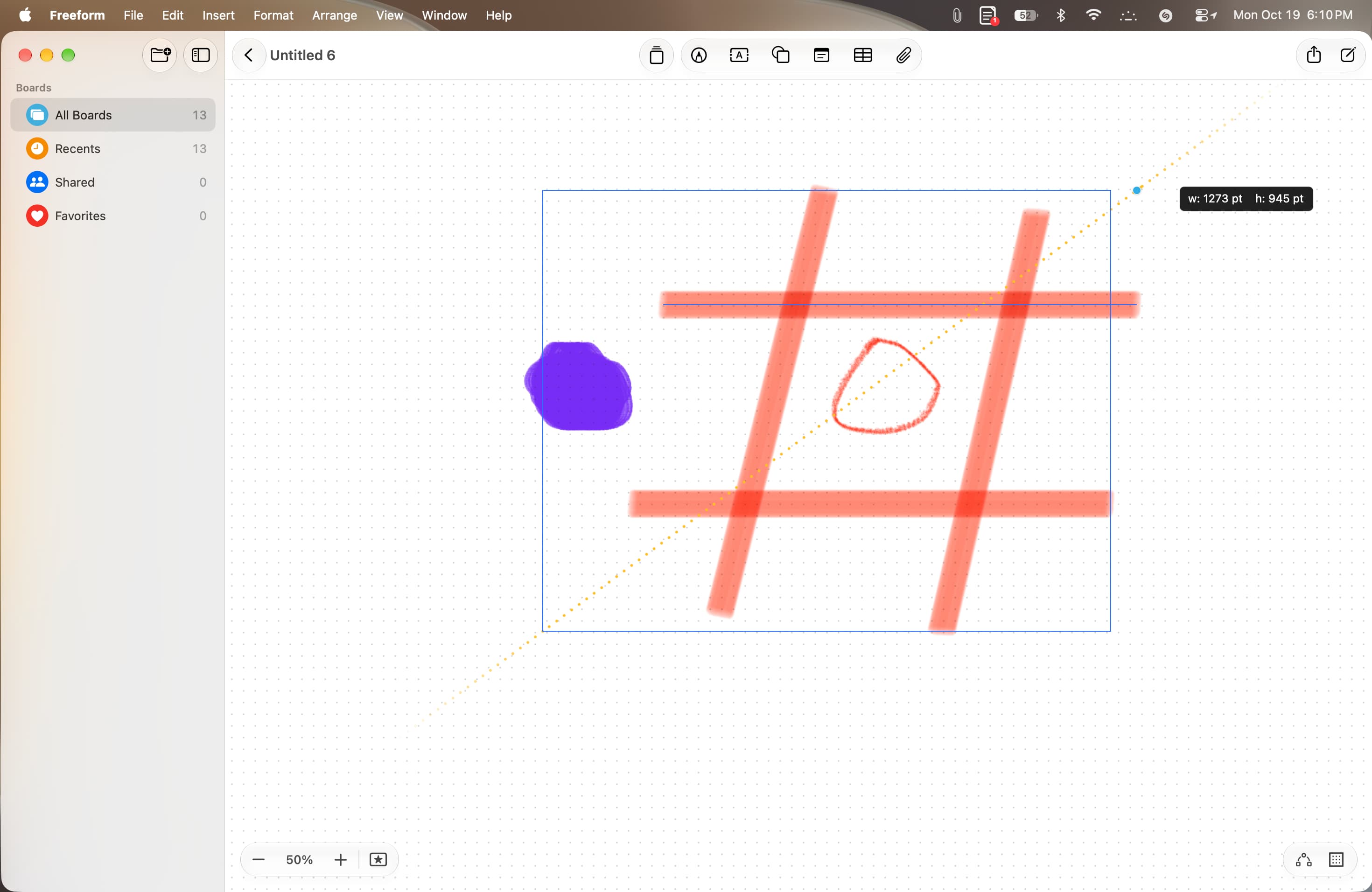
Learn how to use the new drawing and sketching tools in the Apple Freeform app on Mac running macOS 27 Golden Gate.
macOS 27 has added a new native drawing option to the Notes app and the Freeform app. Before this, if you wanted to sketch something quick on your Mac, you had to use the touchscreen on your iPhone or iPad as a companion drawing board. This setup was definitely cool and even useful at times, but it came with challenges, which we have discussed in our Notes app post .
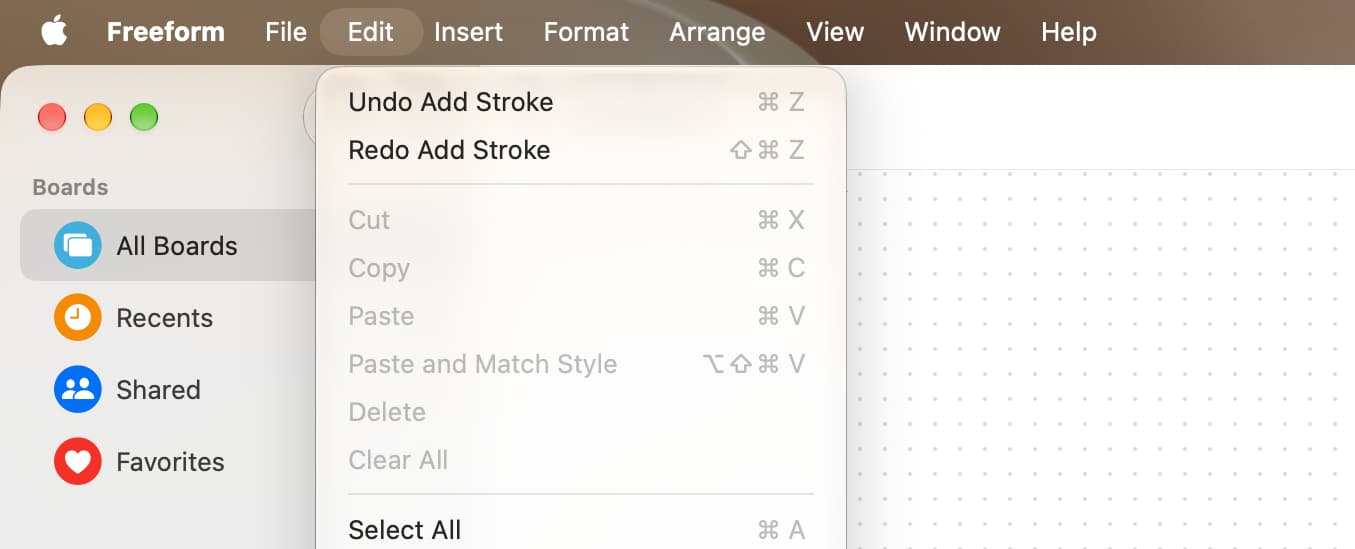
The new macOS Golden Gate update keeps that old Continuity feature while also adding built-in drawing tools that rely on your Mac’s trackpad and mouse. These sketching tools in Freeform now give you more options to create your digital whiteboard the way you like.
On top of that, if you have used Freeform, you know that your boards (projects) sync via iCloud and are available on all your iPhone, iPad, Mac, and Apple Vision Pro.…