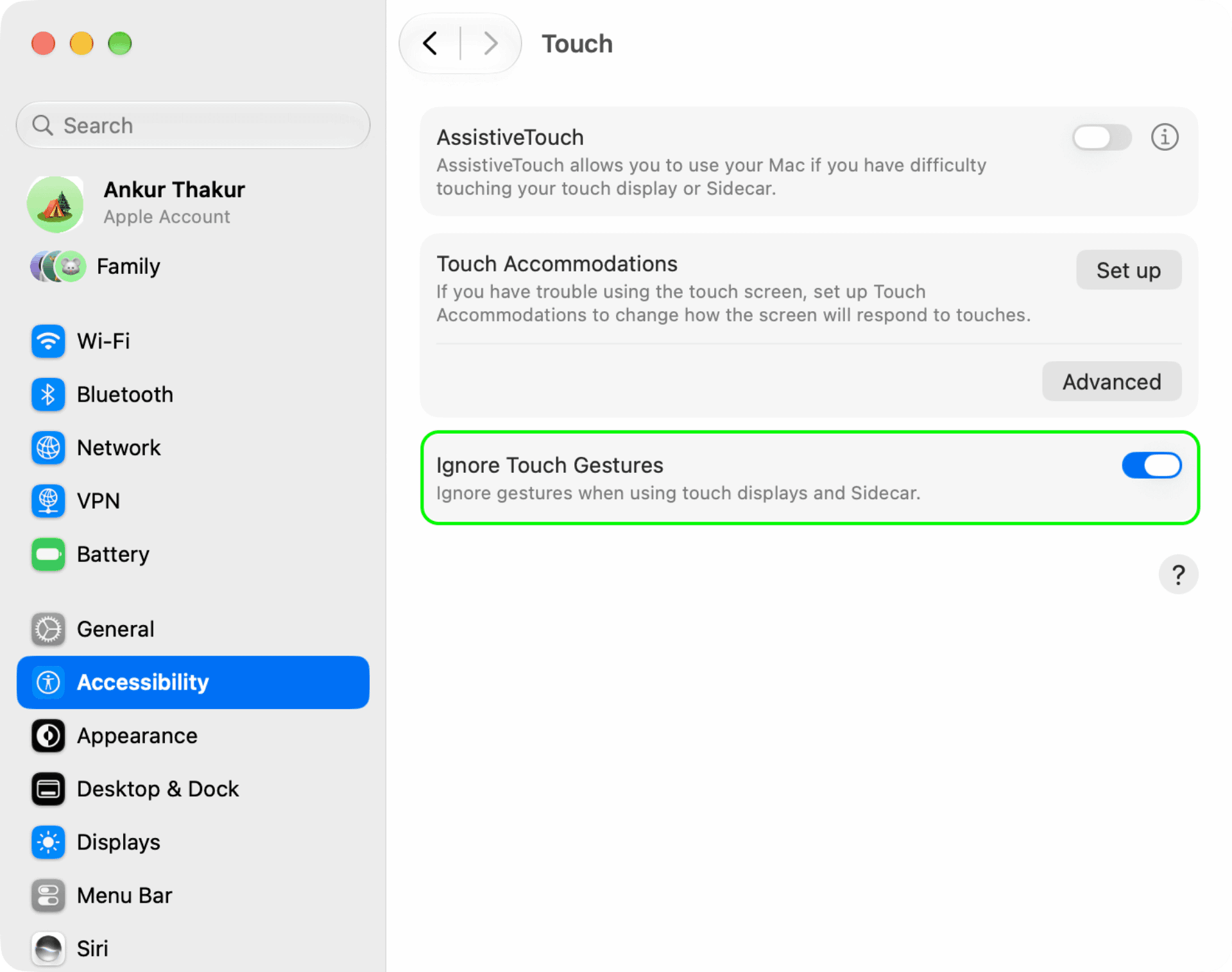
In this quick tutorial, we show you how to disable the touchscreen on the new 2026 MacBook Pro with a PROLED XDR display if you only use the trackpad or want to lock the screen while cleaning.
If you got the latest MacBook Pro for its lightweight design, powerful M5 Pro or M5 Max chip, or the incredible notchless PROLED XDR display but not so much for its touchscreen, then macOS offers an option to disable touch input completely.
Deactivating the touchscreen also makes sense because, unlike most touchscreen Windows laptops, the new MacBook’s screen does not go fully flat (180°). So if you poke your finger on the display, it leads to wobble.
Secondly, while macOS 27 Golden Gate is a bit friendlier for touchscreen on MacBook Pro, it’s not a fully touch-first operating system.…